Wastelander's Map
A retro terminal-style minimap and world map for Minecraft.
Core Map Features
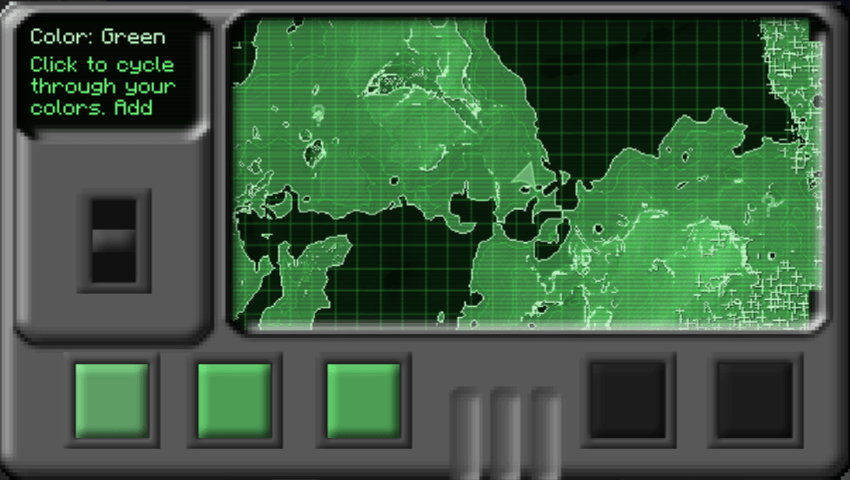
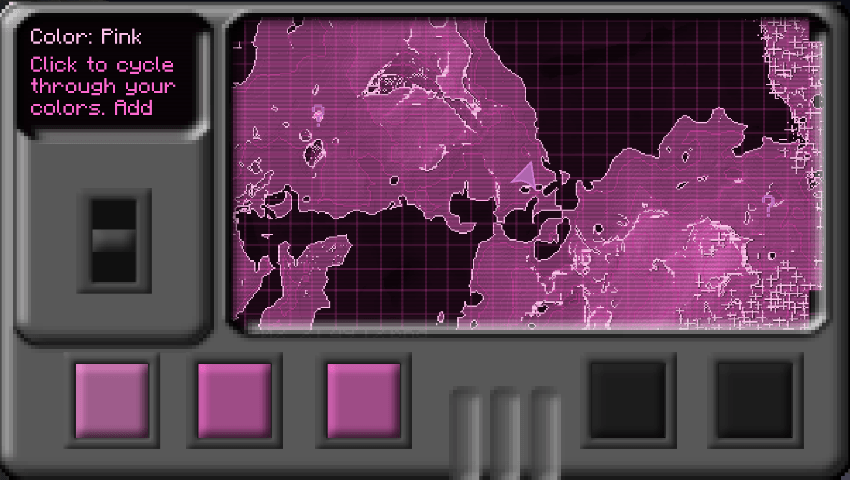
Height-Shaded Map Terrain is dynamically shaded by height, featuring detailed hillshading, contour lines, outlines on cliffs, building edges, coastlines, and dotted tree canopies.
Layer View When stepping under a roof (a building, a cave, or in the Nether), the map seamlessly switches to the specific floor you are standing on. Floors are shaded, walls are outlined, and the view follows you as you navigate between levels.
Controls & Usage
Minimap
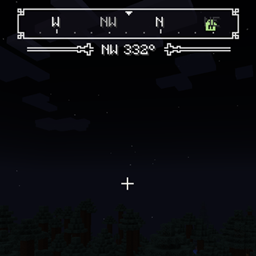
- Shapes: Square, Hexagon, or Circle with a dark grey terminal border.
- Customization: Move, resize, reshape, and zoom in-game directly from the Minimap control panel on the fullscreen map (or via the Edit Minimap key).
- Zoom Keys:
=/-
Fullscreen Map
- Open Map: Press
M - Navigation: Drag to pan, scroll to zoom,
Spaceto recenter. - Terminal Control Bar: Switch views (Surface / Auto / Floor), toggle color themes, markers, grid overlays, and CRT scanlines.
Visual Themes
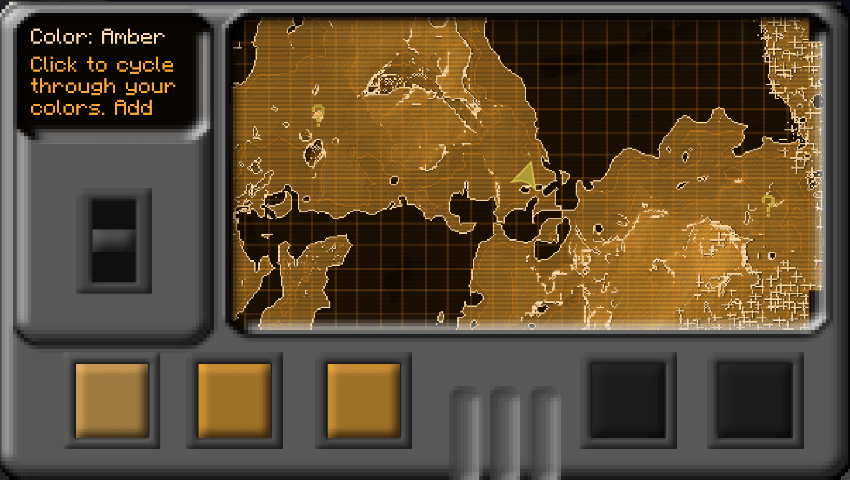
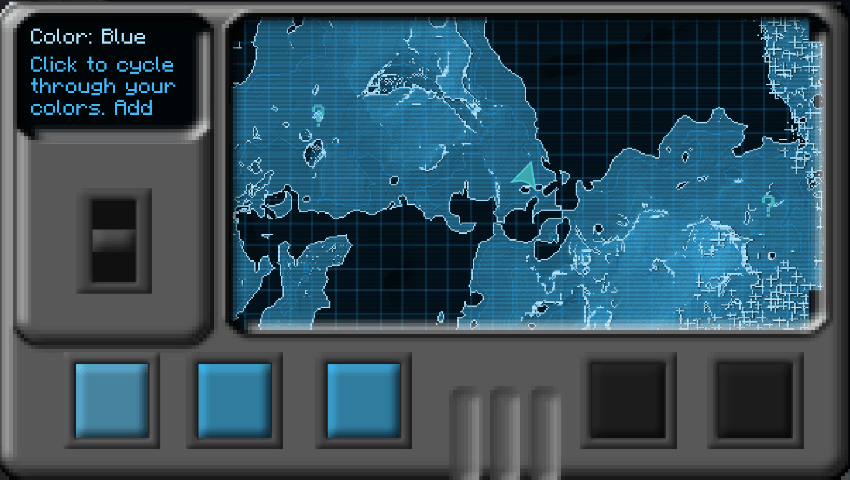
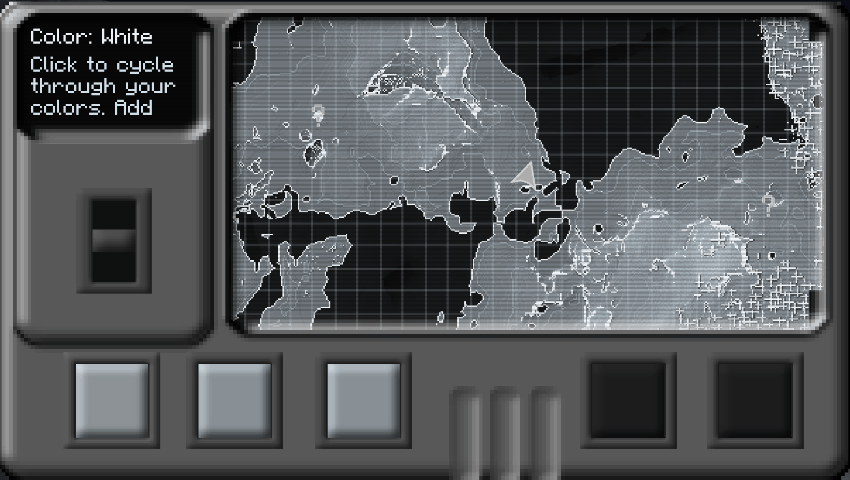
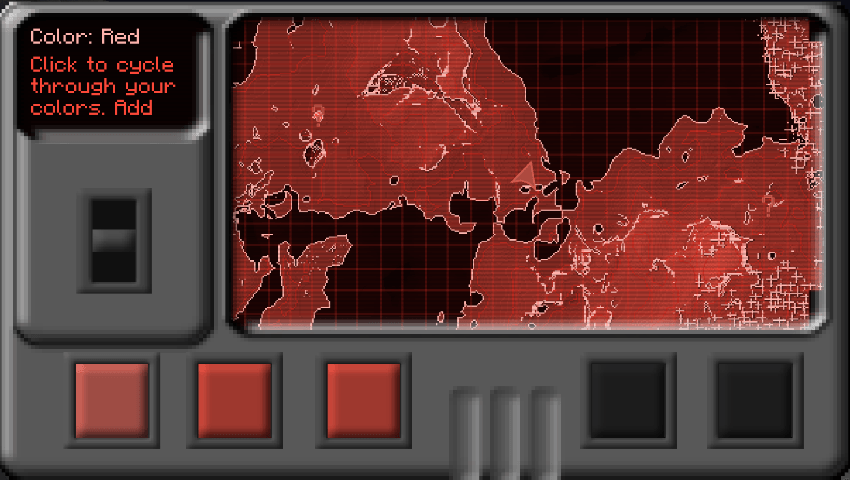
Choose from classic monochromatic themes or fully custom palettes: Green, Amber, Blue, White, Red, Pink, any single tint, or fully custom RGB colors.
Exploration & Integrations
Structure Markers Nearby structures appear as a mystery marker (
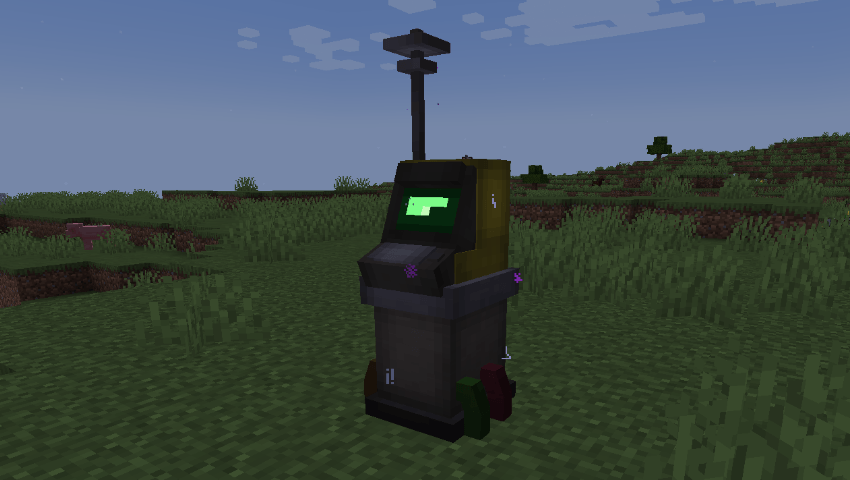
?) and reveal their exact name as you draw closer. (Height elevation counts, keeping underground and buried structures hidden while on the surface!)Waystones Integration Activated waystones automatically display on your map. Includes the bundled Terminal Waystones resource pack, turning stone waystones into retro terminals with matching hitboxes and a screen that lights up once activated.
The Wastelander's Map Team


Owner