Wall Peek
- By
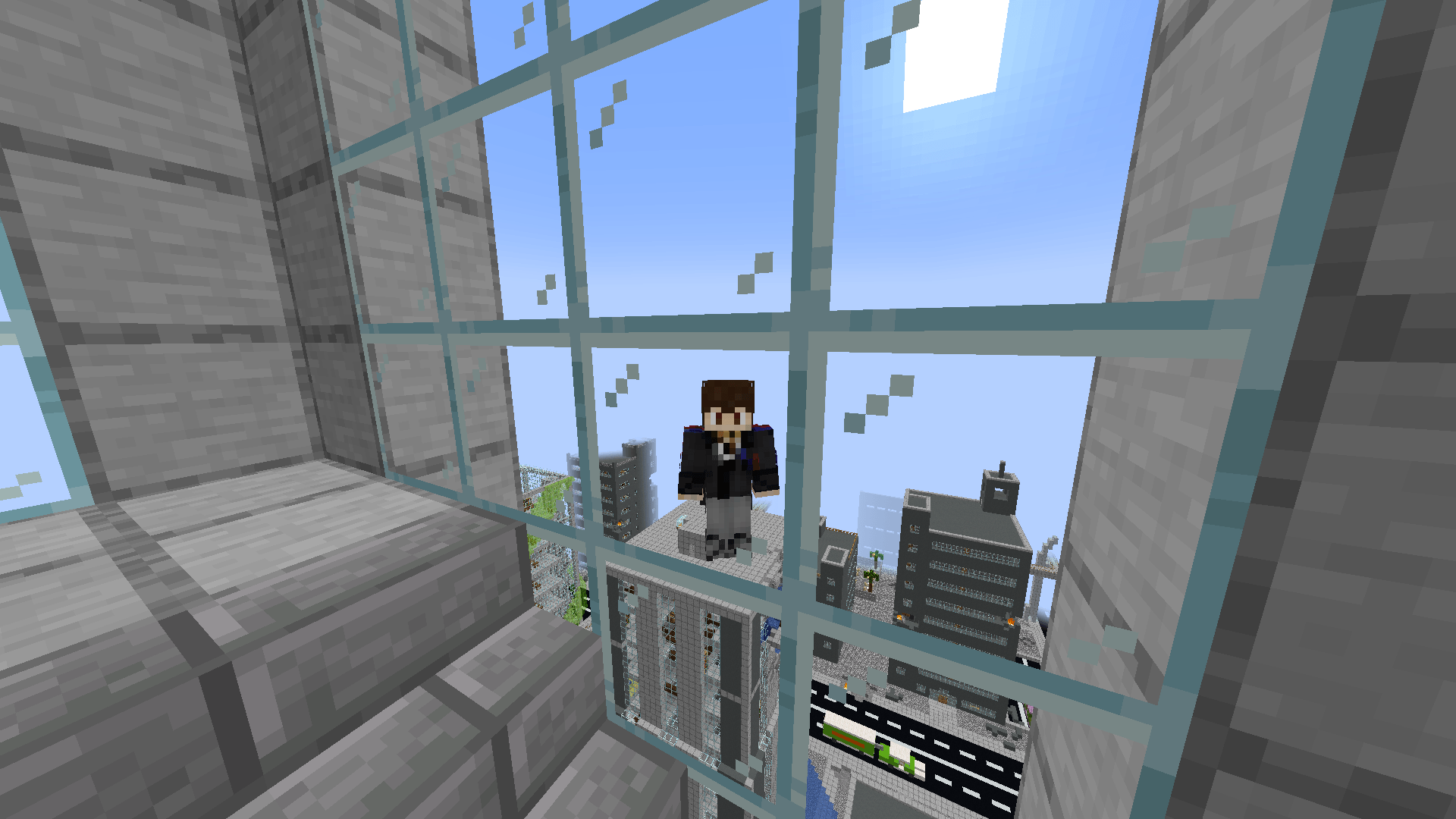
Allows the third-person camera to pass through obstacles (walls, ceilings, etc.) instead of colliding with them.
How It Works
Mod Menu
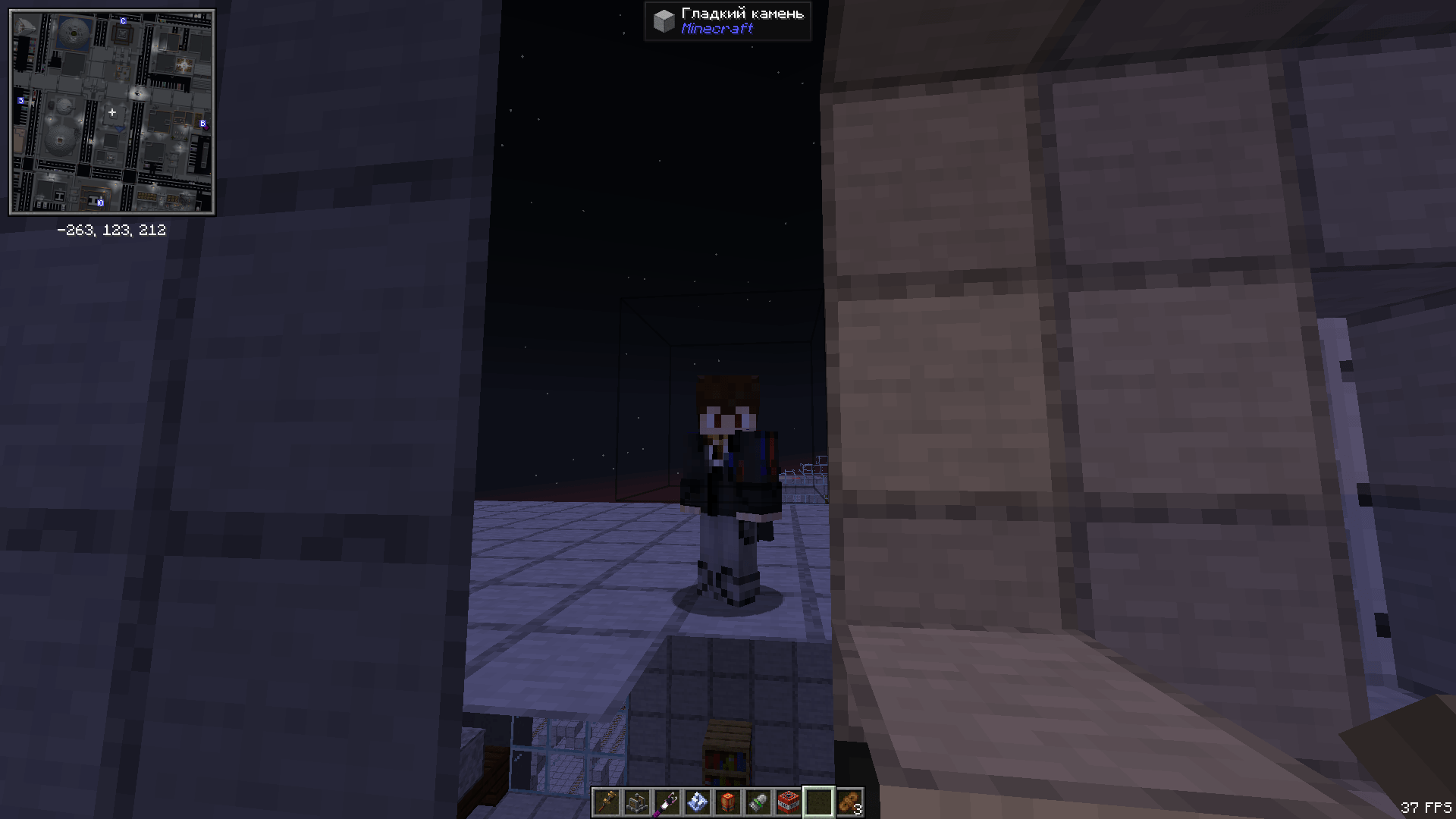
How It Works 2
Mr_Lan123 | Wall Peek
Create your game server with 

Description
Wall Peek — Third-Person Camera Through Walls
Not a cheat. Not ESP. Not X-Ray.
Wall Peek reveals nothing hidden — it simply lets the camera sit where it actually wants to be, instead of letting blocks push it into your face.
What the mod does
Vanilla Minecraft's third-person camera works like this: the engine picks a desired distance behind the player, then fires a raycast toward that point. If the ray hits a block, the camera gets pulled closer. That raycast is exactly why the camera constantly snaps to the back of your head whenever you stand near a wall, walk through a narrow corridor, or crouch under a low ceiling.
Wall Peek cancels that raycast while the feature is enabled. The camera stays where it should be. Blocks do not become transparent — you see them normally, the camera just physically sits behind them.
Features
- Camera clips through walls. Blocks no longer push the camera toward the player in third-person view.
- Both third-person views supported. Classic over-the-shoulder view and front-facing view (F5 twice) — both work, each can be toggled independently via config.
- Toggle key bind. Instantly enable or disable mid-game. Unbound by default — assign any key in Options > Controls > Key Binds > Wall Peek.
- Action bar feedback. "Wall Peek: ON" or "Wall Peek: OFF" appears above your hotbar whenever you toggle.
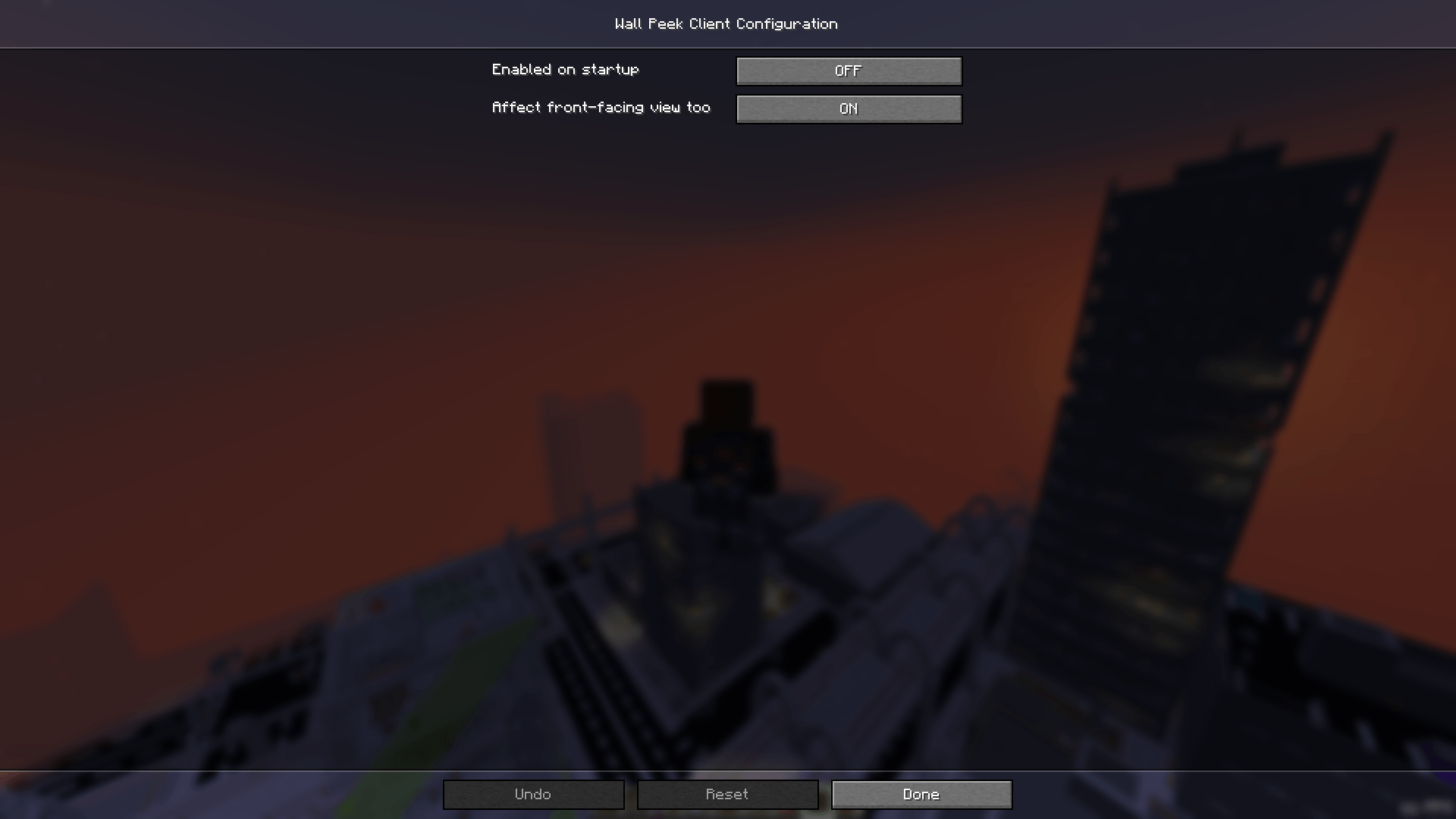
- In-game config screen. Open the Mods menu, select Wall Peek, and click Config. No file editing required.
- Client-side only. Install it for yourself — the server needs nothing.
- No extra dependencies. Just NeoForge, nothing else.
Settings
Enable on startup
Option enabledByDefault (default: false).
Set to true and the effect will be active as soon as you load a world, without pressing the toggle key first.
Affect front-facing view
Option affectFrontView (default: true).
The front-facing view is when you press F5 twice and see your character's face. Disable this and Wall Peek will only affect the classic over-the-shoulder view, reverting to vanilla when the camera is flipped.
Config file
All settings are stored in config/wallpeek-client.toml. You can edit it manually, but the in-game screen is easier.
Is this a cheat?
No — and here is why that distinction matters.
- You cannot see through walls. Blocks remain fully opaque. You cannot see ores, mobs, or other players behind them.
- You gain no hidden information. All the mod does is let the camera be behind a block — exactly like standing a bit further from a wall.
- The effect is purely visual. No changes to damage, movement speed, player collision, or any other game mechanic.
- Nothing is sent to the server. This is a client-side change only. The server doesn't know the mod is installed.
Think of it as "removing camera autofocus", not "making walls into glass."
On servers with rules against client-side mods, check with the administrators first. Wall Peek provides no gameplay advantage, but policies vary from server to server.
How it works
The mod uses a Mixin — NeoForge's standard mechanism for surgically modifying vanilla behavior without replacing it wholesale. It injects into the method Camera#getMaxZoom(float), which is responsible for the wall-collision raycast that limits camera distance. When Wall Peek is active, the method returns early with the original distance unchanged — the raycast never runs and the camera stays put. No other methods, classes, or systems are touched.
Requirements
- Minecraft: 1.21.1
- Mod loader: NeoForge 21.1.x
- Side: Client-only
- Java: 21 or newer
The Wall Peek Team