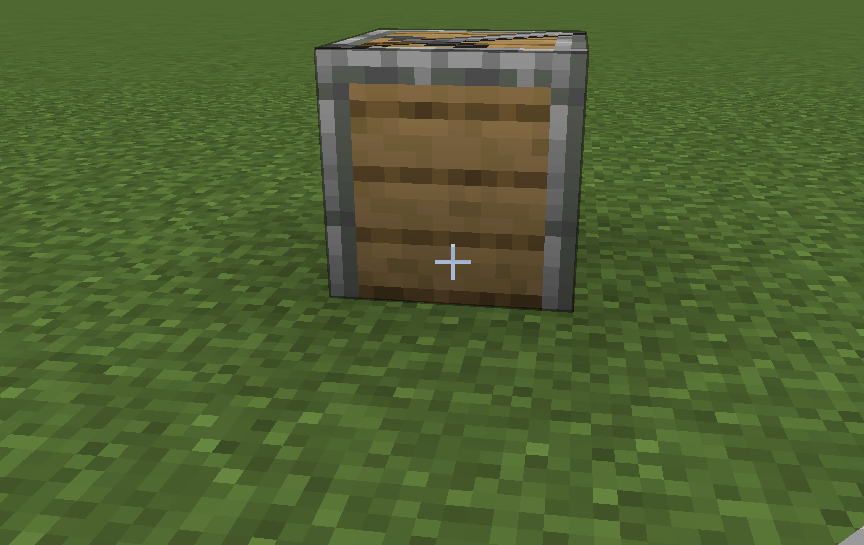
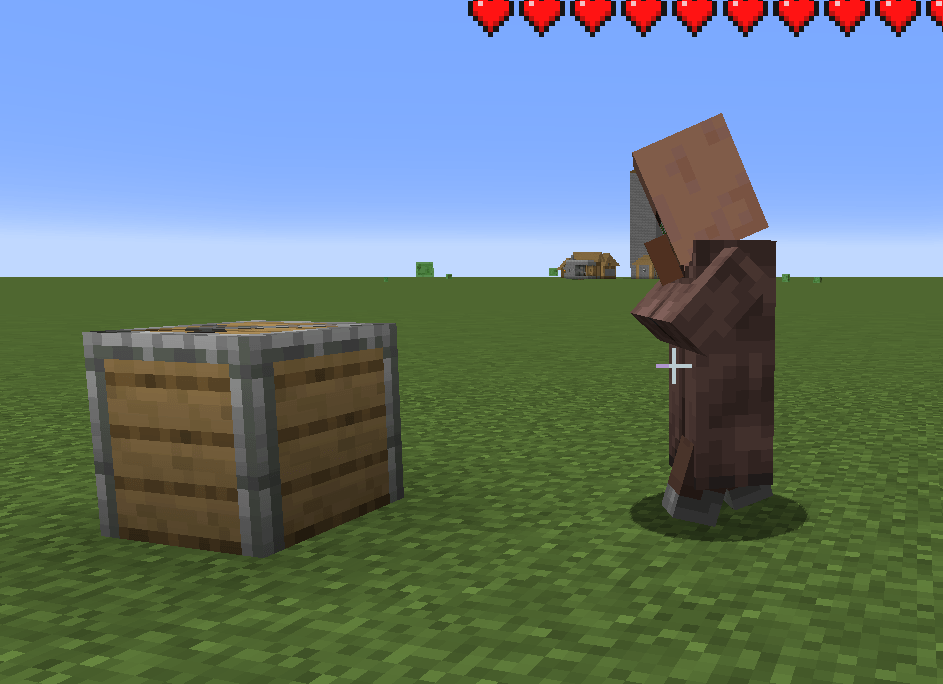
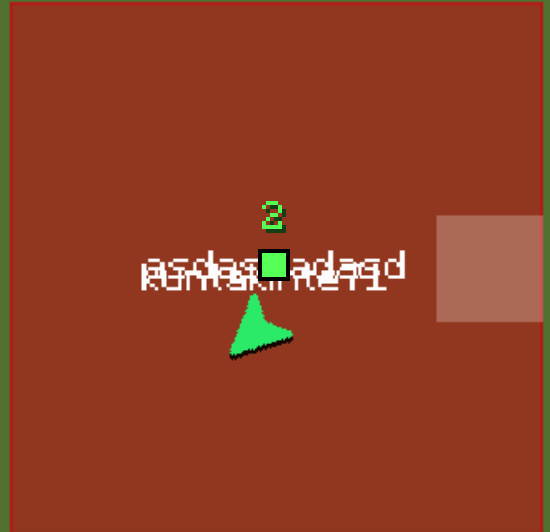
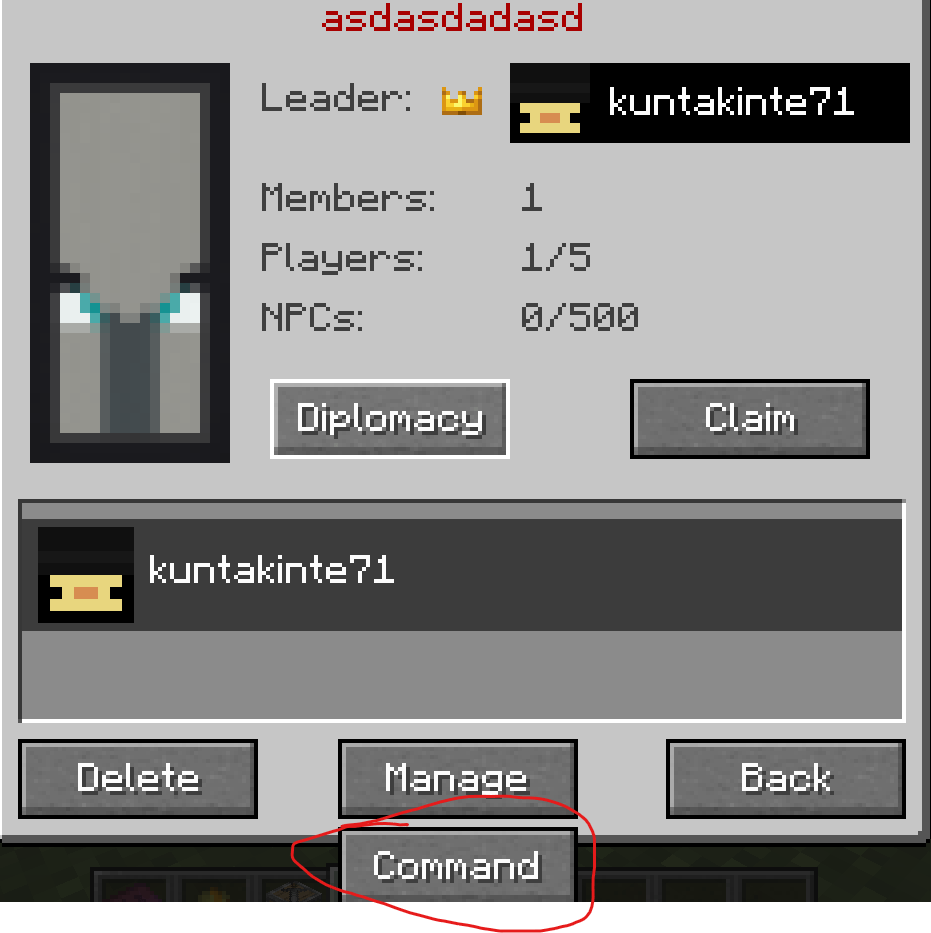
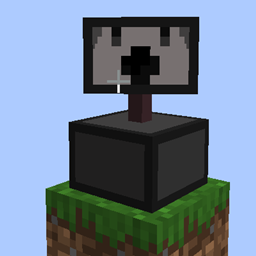
Addon for Recruits that introduces autonomous villages with their own center, faction, roles, and internal logic. Settlements organize themselves, manage recruits, and function as self‑sustaining communities without player intervention.
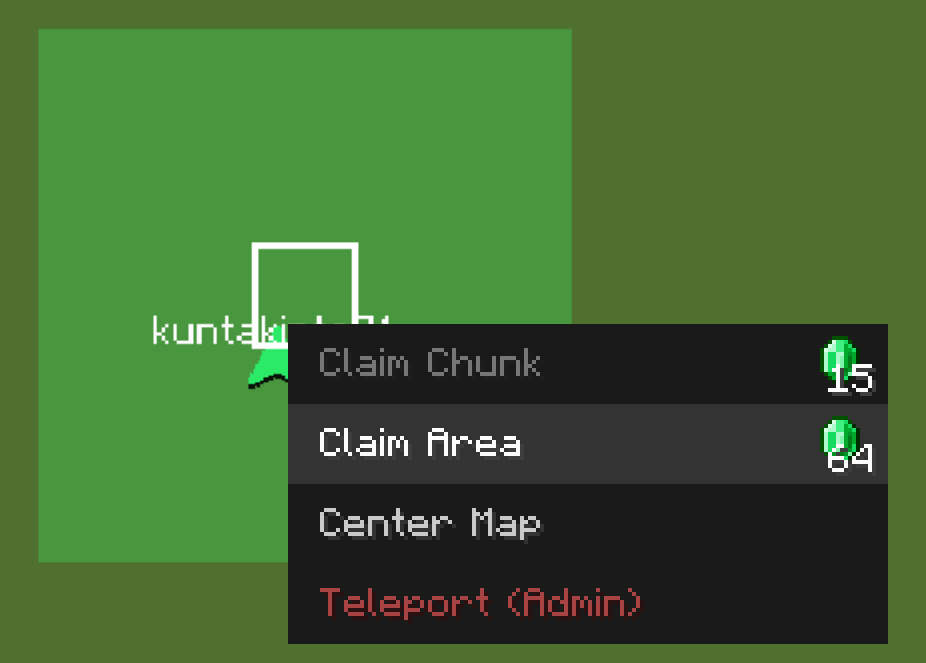
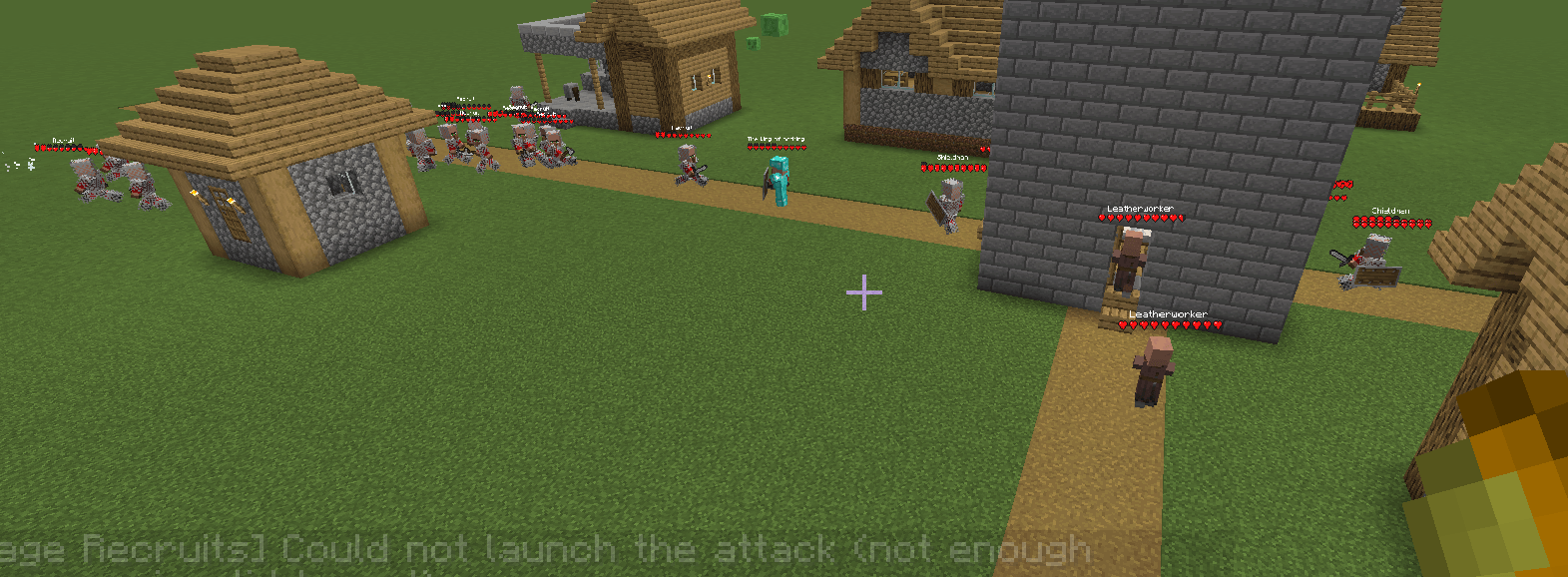
Recruits: Village Expansion is an addon for Recruits that introduces a fully autonomous village system. Each settlement has its own center, faction, and internal logic, allowing villages to function as living communities capable of organizing themselves, growing, and defending their territory without player involvement.
Villages created by this addon are not static structures: they are active entities that manage recruits, assign roles, maintain their identity, and react to world events. Each village can expand, build functional structures, establish territory, and maintain internal balance between civilians, soldiers, and resources.
The goal is to turn villages into autonomous factions, consistent and believable, interacting dynamically with the world and the player. The result is a more alive, emergent, and strategic experience that integrates seamlessly with Recruits.
Its recommended to play at a max simulation distance of 15 or 16 because villages also do all the important stuff outside of simulation distance and naturally generated villages will spawn in loaded chunks by render distance or pregenerated not by simulation distance anymore.
NEW UPDATE
To disable natural spawning factions do /datapack enable "village_recruits:no_natural_villages" or better if you enable it before making the world vanilla villages will stay!
ADD NEW BUILDINGS INSTRUCTIONS (outdated use /vrstructure to add buildings)
# How to Make Custom Structures for the Village Recruits Addon
This guide explains how to build and save your own structures so they show up in
villages. There are **two kinds** of structure you can make:
1. **Tower replacements** – the big central building of a village (the "town hall").
2. **Normal buildings** – the ordinary houses and workplaces scattered around it.
Each kind has its own rules. Read the rule box for the kind you are making. If you
get the rules wrong, your village will spawn broken (no soldiers, no villagers, or
duplicate town halls), so please follow them carefully.
> **You do not need to know how to code.** Everything here is done in‑game with the
> vanilla **Structure Block**. The only "special" parts are two blocks and one
> command, all explained below.
---
## The two special blocks you need to know
| Block | Where it comes from | What it does | Item/ID |
|---|---|---|---|
| **Recruit block** | The base **Recruits** mod | Turns into a soldier (recruit) for the village | `recruits:recruit_block` |
| **Villager spawn block** | This addon | Pops out **16 villagers** to populate the village, then disappears | `village_recruits:basic_villager_spawner` |
You place these blocks inside your build like normal blocks. When the village is
generated in a real game, they automatically turn into the recruit / villagers.
> ⚠️ **The villager spawn block self‑destructs!**
> The moment it ticks in the world, the villager spawn block spawns its villagers
> and **removes itself**. If you try to save a structure with it still in place, it
> will already be gone — your structure ends up with no villagers. The fix is one
> command, explained in **Step 0** below. Do this *first*, every time.
---
## Step 0 — Freeze the villager spawn block (DO THIS FIRST)
Before you place a villager spawn block in your build, run this command once:
```
/vr disable_spawner
```
This stops every villager spawn block from activating, so it will **sit still** in
the world and let you save it into your structure. You will see a message:
*"Spawner disabilitato."* (= spawner disabled).
When you are completely finished saving all your structures, you can turn it back on
with:
```
/vr enable_spawner
```
(You only need it enabled when actually playing — for building/saving, keep it
**disabled**.)
---
## Building a TOWER REPLACEMENT
> ### ✅ Tower rules (must follow)
> 1. **Exactly one Recruit block** (`recruits:recruit_block`) placed in the **middle**
> of the structure (center X/Z). The tower is generated centered on that spot, so
> the middle is where the village's first soldier appears.
> 2. **At least one Villager spawn block** (`village_recruits:basic_villager_spawner`)
> placed **anywhere** inside the structure (a hidden corner or basement is fine).
> 3. **Recommended size: max 11 × 11 blocks** (length × width). Height is up to you,
> but keep the footprint at 11×11 or smaller so it fits the village layout.
### Steps
1. Run `/vr disable_spawner` (see Step 0).
2. Build your tower. Try to keep the floor footprint **11×11 or smaller**.
3. Place **one Recruit block** at the **exact center** of the floor. (For an 11×11
floor, that's 5 blocks in from each edge.)
4. Place **one Villager spawn block** anywhere inside — it can be hidden.
5. Place a vanilla **Structure Block** and switch it to **Save** mode.
6. Give it a name (this is your structure's ID, e.g. `mypack:cool_tower`).
7. Set the size/position so the whole tower (including the two special blocks) is
inside the highlighted box, then click **SAVE**.
8. Your `.nbt` file is now saved. Done!
### Quick checklist before you save a tower
- [ ] `/vr disable_spawner` was run
- [ ] One **Recruit block** is in the **center**
- [ ] One **Villager spawn block** is somewhere inside
- [ ] Footprint is **11×11 or smaller**
- [ ] The Structure Block box covers everything
---
## Building a NORMAL BUILDING (house / workplace)
> ### ✅ Normal building rules (must follow)
> 1. **NO Recruit block.** A normal building must **never** contain a
> `recruits:recruit_block`. (Recruit blocks belong only in tower replacements.)
> 2. A villager spawn block is **not required** here, but if you add one it still
> needs `/vr disable_spawner` first (see Step 0).
> 3. Keep it a sensible village size. There is no hard limit like the tower, but
> small/medium houses look best and fit the road layout.
### Steps
1. (Only if you put a villager spawn block in it) run `/vr disable_spawner`.
2. Build your house or workplace. **Do not place any Recruit block.**
3. Place a vanilla **Structure Block** in **Save** mode.
4. Name it (your structure ID, e.g. `mypack:cozy_house`).
5. Fit the box around the whole build and click **SAVE**.
### Quick checklist before you save a normal building
- [ ] There is **NO Recruit block** anywhere in it
- [ ] The Structure Block box covers everything
---
## Common mistakes (and what goes wrong)
| Mistake | What you'll see in‑game |
|---|---|
| Forgot `/vr disable_spawner` before saving | Your villager spawn block vanished — village spawns with no villagers |
| Put a Recruit block in a **normal** building | Soldiers spawn in random houses; village logic breaks |
| Tower has **no** Recruit block | The village never gets its starting soldier |
| Tower has **no** villager spawn block | The village spawns empty (no villagers) |
| Recruit block not in the **center** of the tower | The soldier spawns off to the side / outside the building |
| Tower bigger than 11×11 | It overlaps roads/other buildings and looks broken |
---
## Registering your structures (turning .nbt files into an addon)
Saving the `.nbt` is only half the job — the addon won't use your structure until you
**register** it. The good news: **you do NOT need to write a mod or any Java.** You
just make a normal **datapack** (a folder or `.zip`) with two things in it:
1. your saved `.nbt` files, and
2. one tiny `.json` file per structure telling the addon how to use it.
The addon reads these automatically when the world loads and every time you run
`/reload`. There is a ready-made example in the **`example_datapack/`** folder next to
this guide — copy it and change the names.
### Folder layout
A datapack looks like this:
```
my_structures_pack/
├── pack.mcmeta
└── data/
└── mypack/ ← your namespace (any lowercase name you like)
├── structures/ ← your saved .nbt files go here
│ ├── desert_tower.nbt
│ ├── cozy_house.nbt
│ └── blacksmith.nbt
└── vr_structures/ ← one .json per structure goes here
├── desert_tower.json
├── cozy_house.json
└── blacksmith.json
```
- **`pack.mcmeta`** marks the folder as a datapack (copy it from the example).
- **`structures/`** is the vanilla folder the Structure Block saves into. A file at
`data/mypack/structures/desert_tower.nbt` has the **ID** `mypack:desert_tower`.
- **`vr_structures/`** is where you put the small `.json` descriptors that register
each structure with the addon.
### The .json descriptor
Each `.json` has a `type` and points at a structure ID. Fields:
| Field | Used by | Meaning |
|---|---|---|
| `type` | all | `"tower"`, `"house"`, or `"work"` (**required**) |
| `structure` | all | the structure ID, e.g. `"mypack:desert_tower"` (optional — defaults to the json file's own name) |
| `weight` | tower only | how often it's chosen; higher = more common (default `1`) |
| `biomes` | tower only | list of **real biome IDs**, e.g. `["minecraft:desert"]`. Leave it out to allow **every** biome |
| `categories` | house / work only | list of village categories: `plains`, `taiga`, `desert`, `savanna`, `snowy`. Leave it out for **all** of them |
> **Towers use real biome IDs, houses/work use the 5 categories — they're different!**
> Tower `biomes` are exact biomes like `minecraft:desert`. House/work `categories`
> are one of only five: `plains / taiga / desert / savanna / snowy`. The addon maps
> every real biome to one of those (e.g. forest/meadow/jungle → `plains`,
> spruce/pine → `taiga`, anything snowy/frozen → `snowy`). Using a real biome name
- **Normal building:** **never** a Recruit block → save (use `/vr disable_spawner`
first only if it contains a villager spawn block).
### THE IN-GAME WIKI UPDATE IS NOW LIVE
Information will be reminded every so often about the wiki system, to access it, either use: The book given to you on right click, /vrwiki command, or by press the I key, which is configurable.
Compatible mods
1. ewewukek's Musket Mod gives muskets to crossbowman that will spawn more frequently than normal when added guns are more rare after the economy nerf mod link: here
2. Craftable turrets to help you protect your villages mod link: here
Mob Targeting Enhancer adds dynamic targeting to hostile mobs. They periodically switch to the nearest enemy, attack animals too, but never other hostile mobs. Creepers avoid animals to prevent unwanted explosions. Lightweight and Forge 1.20.1 compatible.
The mi alliance mod with mods to make the experience better and a much faster mi spawnrate and colony development for the mi alliance in exchnge for weaker mis
Mob Targeting Enhancer adds dynamic targeting to hostile mobs. They periodically switch to the nearest enemy, attack animals too, but never other hostile mobs. Creepers avoid animals to prevent unwanted explosions. Lightweight and Forge 1.20.1 compatible.
The mi alliance mod with mods to make the experience better and a much faster mi spawnrate and colony development for the mi alliance in exchnge for weaker mis