Velocis
- By
Skips rendering you can't see and holds a higher FPS target by trimming detail you won't notice.
05-promo-farm.png
06-promo-particles.png
07-promo-open.png
Description
Velocis skips the rendering work you can't see, then holds a higher FPS target by trimming the detail you're least likely to notice — and gives it back when there's headroom.
Client-side only. No gameplay changes.
Features
- Occlusion culling for mobs, chests, signs and banners fully hidden behind walls
- Screen-size LOD — shadows, armor and held items skipped on mobs too small to see
- Sign text LOD for far-away signs
- Particle budget under heavy load (damage, crits and explosions are never touched)
- FPS-target governor — the Balanced preset aims for +35% over your own PC's frame rate, cheapest-to-notice detail first
- Render scale + sharpening with the HUD kept sharp (1.20.x – 1.21.1)
- Laptop GPU check — warns when Minecraft runs on integrated graphics by mistake
- Background FPS limit when the window isn't focused
- Presets, settings screen,
/velociscommands and a built-in benchmark
Measured
RTX 5050 laptop · i7-14650HX · 1080p · Minecraft 1.21.1 · median FPS, same world and camera path
| Scene | Off | Velocis | Gain |
|---|---|---|---|
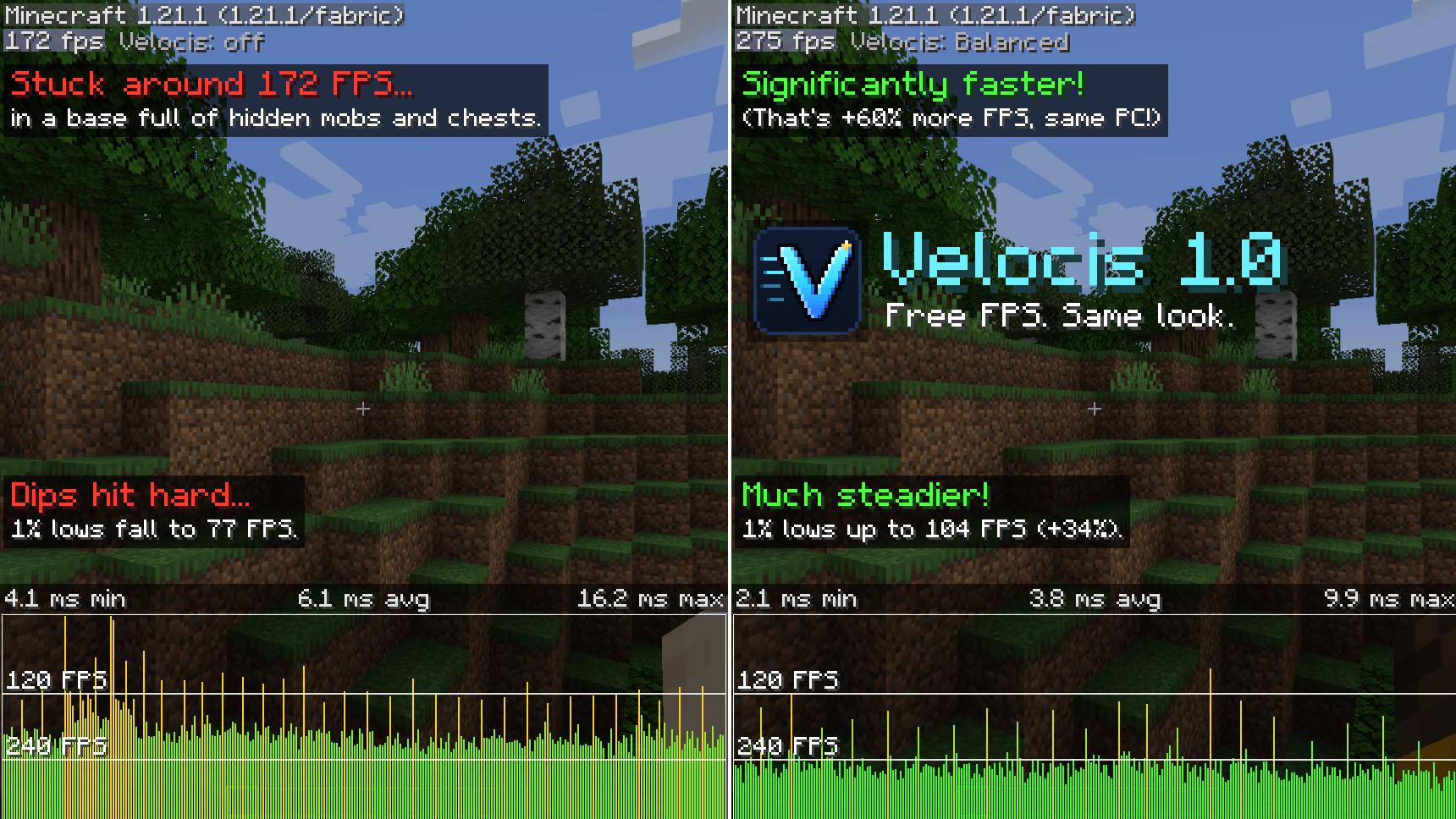
| Mob farm + storage room | 172 | 275 | +60% |
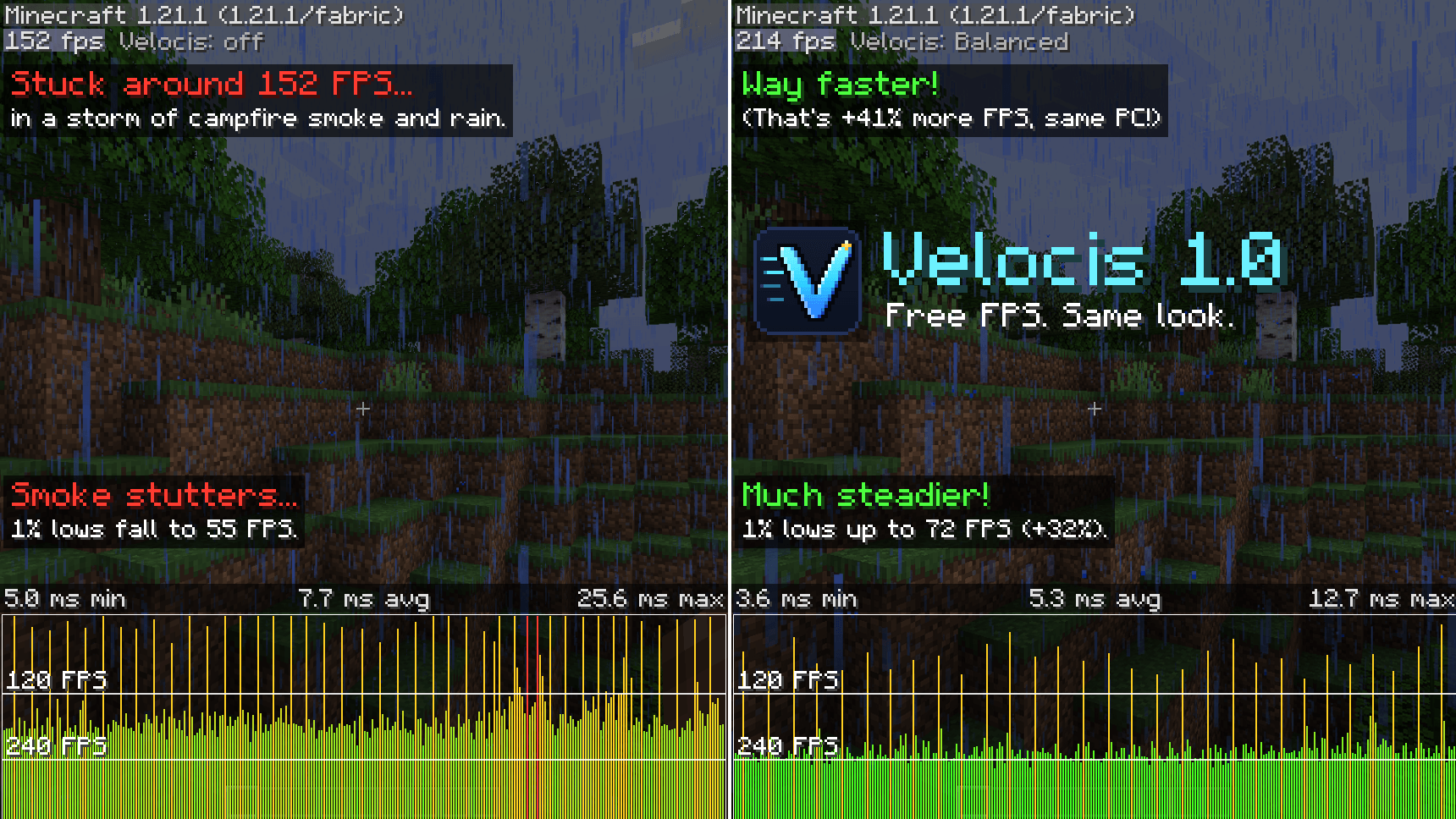
| Particle storm | 152 | 214 | +41% |
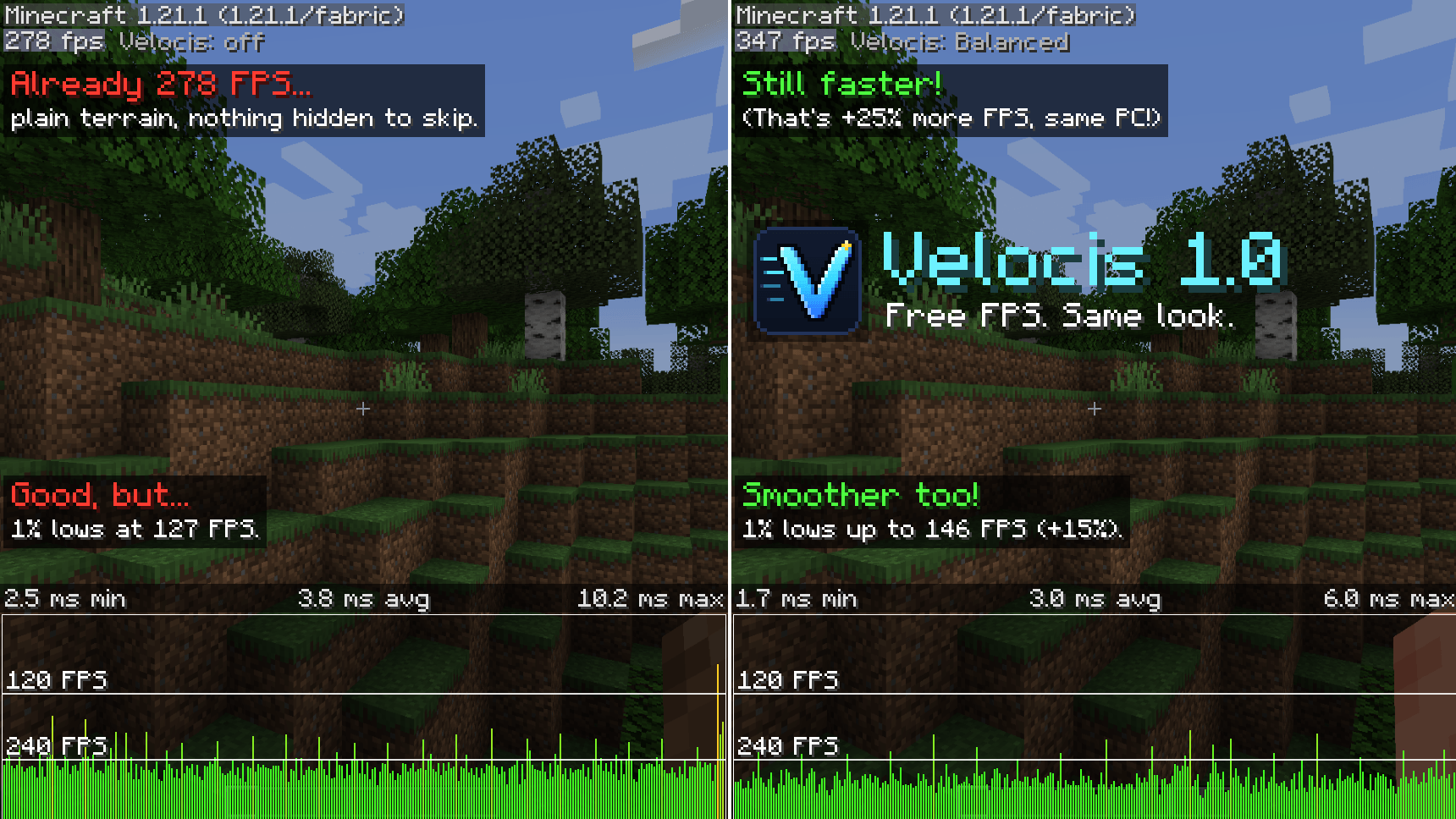
| Open terrain | 278 | 348 | +25% |
Busy bases, farms and particle-heavy scenes gain the most; plain terrain gains less.
Compatibility
- Requires Fabric API
- Steps aside for Iris shader packs and EntityCulling
- Not yet tested together with Sodium
- Render scale and shadow/armor LOD are currently on 1.20.x – 1.21.1; the other features run on every listed version
Velocis Team