• Browse
    Browse all (130)
    • iconMinecraft
    • iconThe Sims 4
    • iconWorld of Warcraft
    • iconMinecraft Bedrock
    • iconArk Survival Ascended
    • iconinZOI
    • iconHytale
    • iconStarCraft II
    • iconKerbal Space Program
    • iconStardew Valley
    • iconAmerican Truck Simulator
    • iconHogwarts Legacy
    • iconTerraria
    • iconWildStar
    • iconPalworld
    • iconWorld of Tanks
    • iconPUBG: BATTLEGROUNDS
    • iconRunes of Magic
  • Create
    MOD AUTHORS
    • Become an Author
    • Start a Project
    • Project Submission Guide
    • Become an ARK Premium Author
    MODDING TOOL DEVELOPERS
    • Apply for an API Key
    • Documentation
    • Terms & Conditions
    SOCIAL
    • Join Our Discord!
    • Authors Discord
    Become An Author
  • Studios
    GAME DEVELOPERS
    • Unlock Modding for Your Game
    • Documentation
    Unlock Modding for Your Game
  • Help Center
  • Our Blog
  • Follow Us
    • Discord
    • Instagram
    • Reddit
    • TikTok
    • Twitter / X
    • YouTube
  • Surprise Me
  • Legacy
  • Go Premium
  • Get CurseForge App
Expecto Patronum!
DiscoverBrowse All
  • Minecraft
  • Mods
Twinbar logo

Twinbar

  • By
    Zaelis7Zaelis7
A second hotbar in the bottom row of your inventory. Tap Left Alt to swap. Client-side only.
Total Downloads
71
Last Update
Nov 21, 2026

Twinbar

Details

Downloads
71
Created
3 days ago
Updated
4 days ago
Project ID
1821159
License
MIT License
Environment
Client

Game Versions

    26.326.226.1.226.1.126.1+ 12 Versions

Mod Loaders

  • Fabric

informative placeholder

Class & Categories

  • Mods
  • Utility & QoL

Main File

1.21.1

Twinbar 0.4.0 for 1.21-1.21.1
Latest release
  • R
  • 1.21.1
  • Fabric
  • Nov 21, 2026

Recent FilesView all

26.3

Twinbar 0.4.0 for 26.3
Latest release
  • R
  • 26.3
  • Fabric
  • Nov 21, 2026

26.2

Twinbar 0.4.0 for 26.2
Latest release
  • R
  • 26.2
  • Fabric
  • Nov 21, 2026

Minecraft 26.1

Twinbar 0.4.0 for 26.1
Latest release
  • R
  • 26.1.2
  • Fabric
  • Nov 21, 2026

  • Description
  • Comments
  • Files
  • Gallery (6)
  • Relations
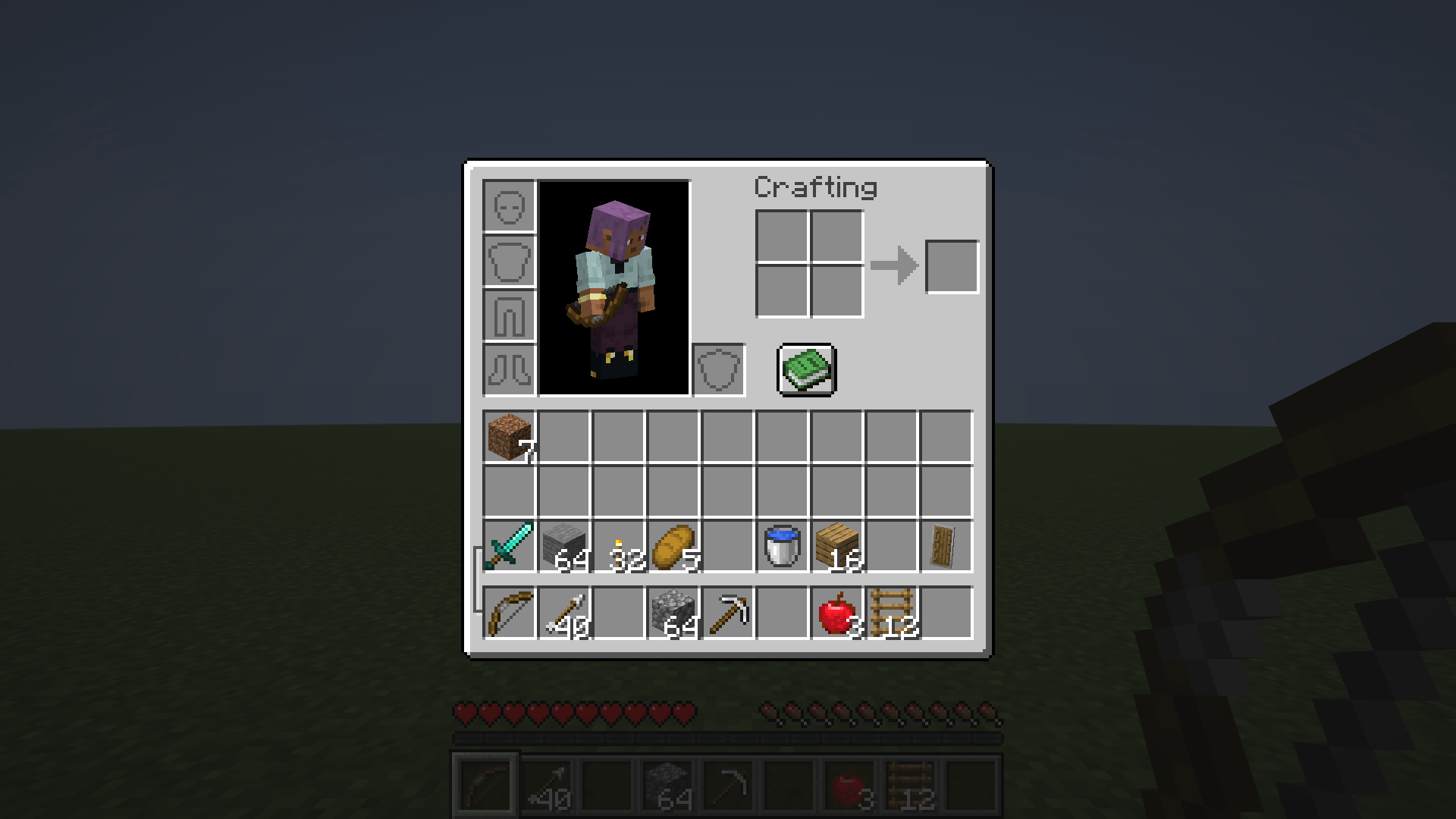
  • Thumbnail The bottom row of your inventory is your second hotbar. The small bracket on the left edge links it to your hotbar.
    The bottom row of your inventory is your second hotbar. The small bracket on the left edge links it to your hotbar.

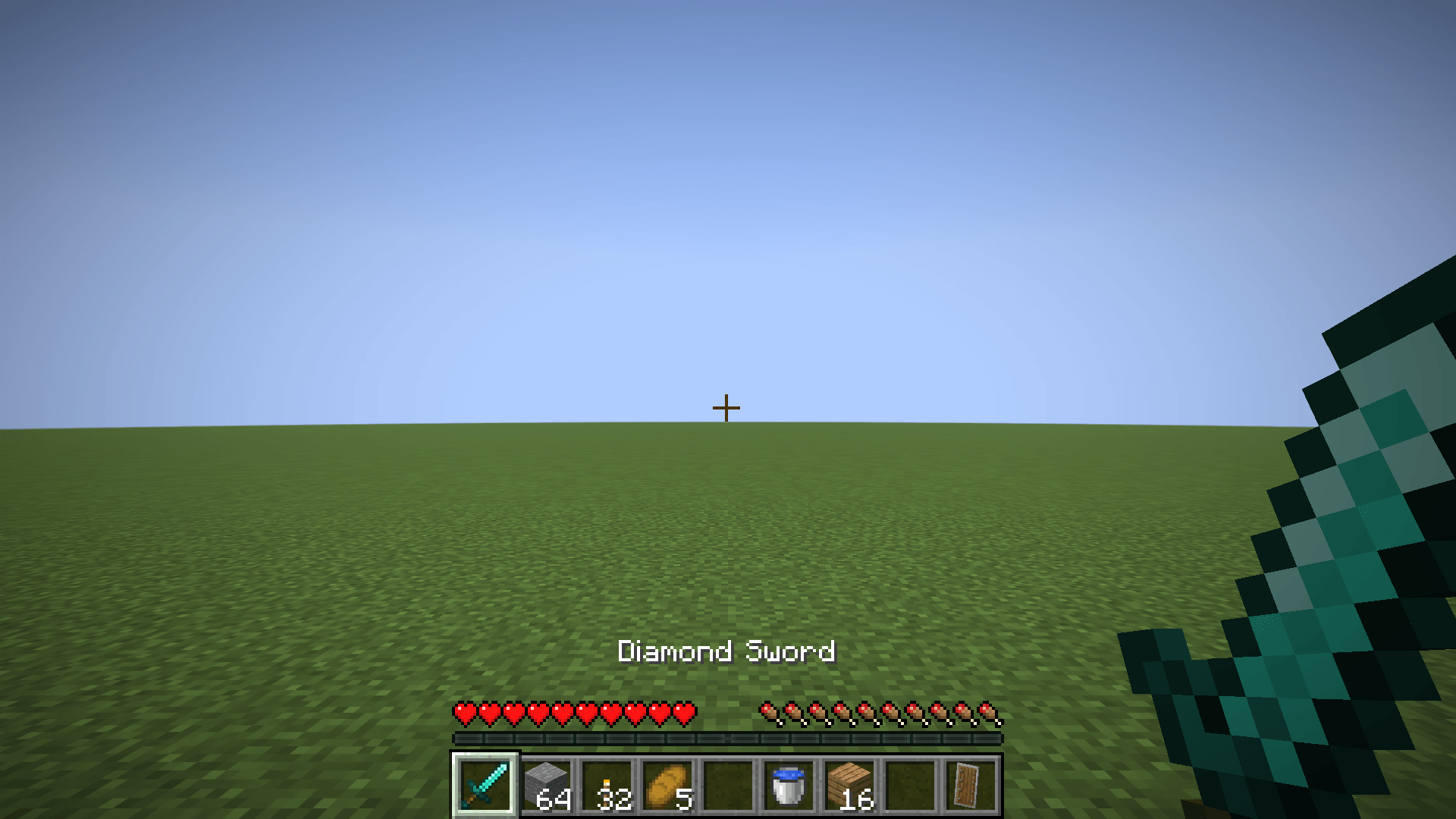
  • Thumbnail Sword, blocks, torches and food ready to go.
    Sword, blocks, torches and food ready to go.

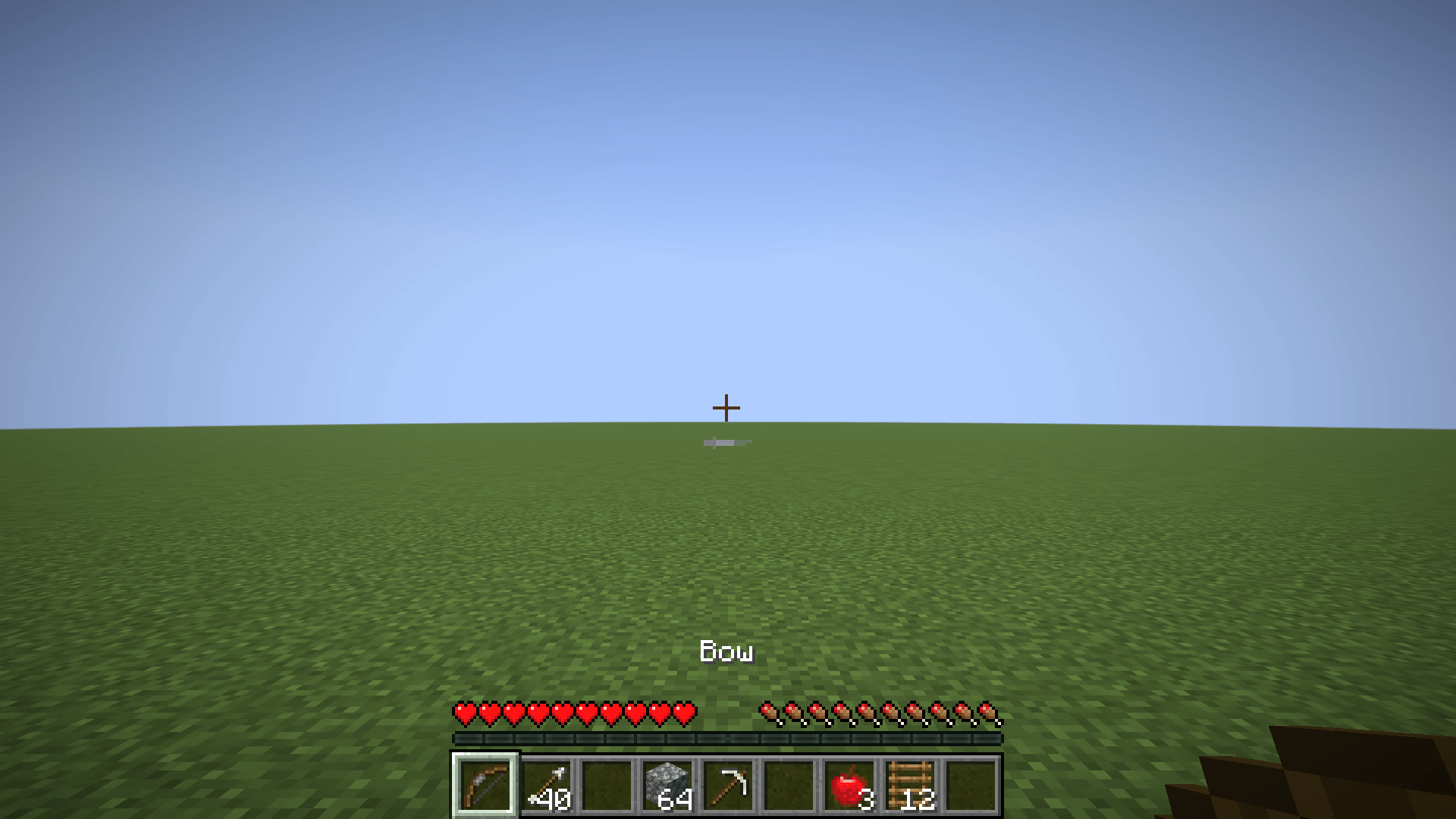
  • Thumbnail The second hotbar swaps in: bow, arrows, pickaxe and more.
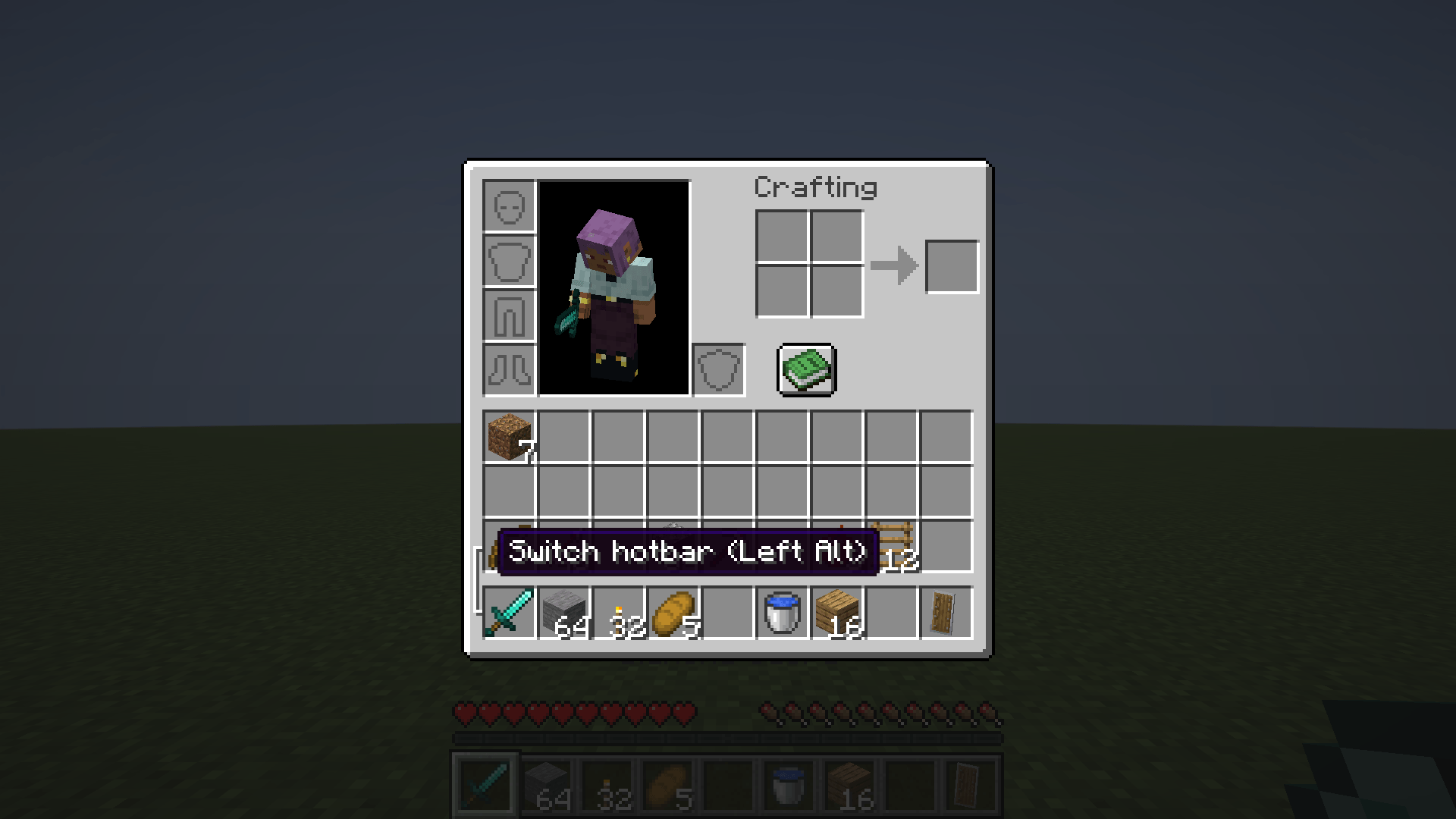
    The second hotbar swaps in: bow, arrows, pickaxe and more.

  • Thumbnail Clicking the bracket swaps too. Hover over it to see the key.
    Clicking the bracket swaps too. Hover over it to see the key.

  • Thumbnail The bracket and the key work in chests and most other menus that show your inventory.
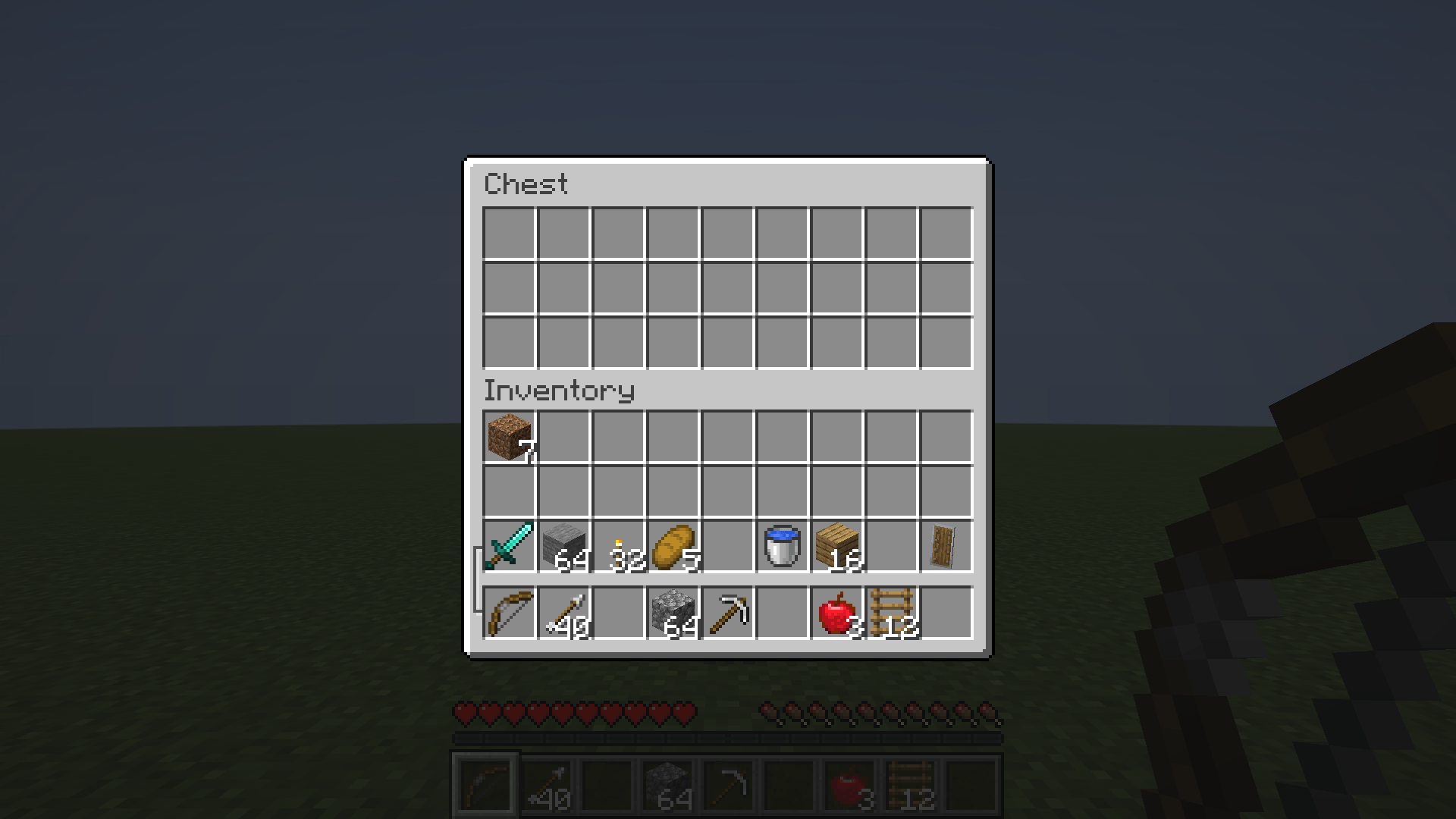
    The bracket and the key work in chests and most other menus that show your inventory.

  • Thumbnail Left Alt swaps in every tab of the Creative inventory, the bracket shows in the Inventory tab.

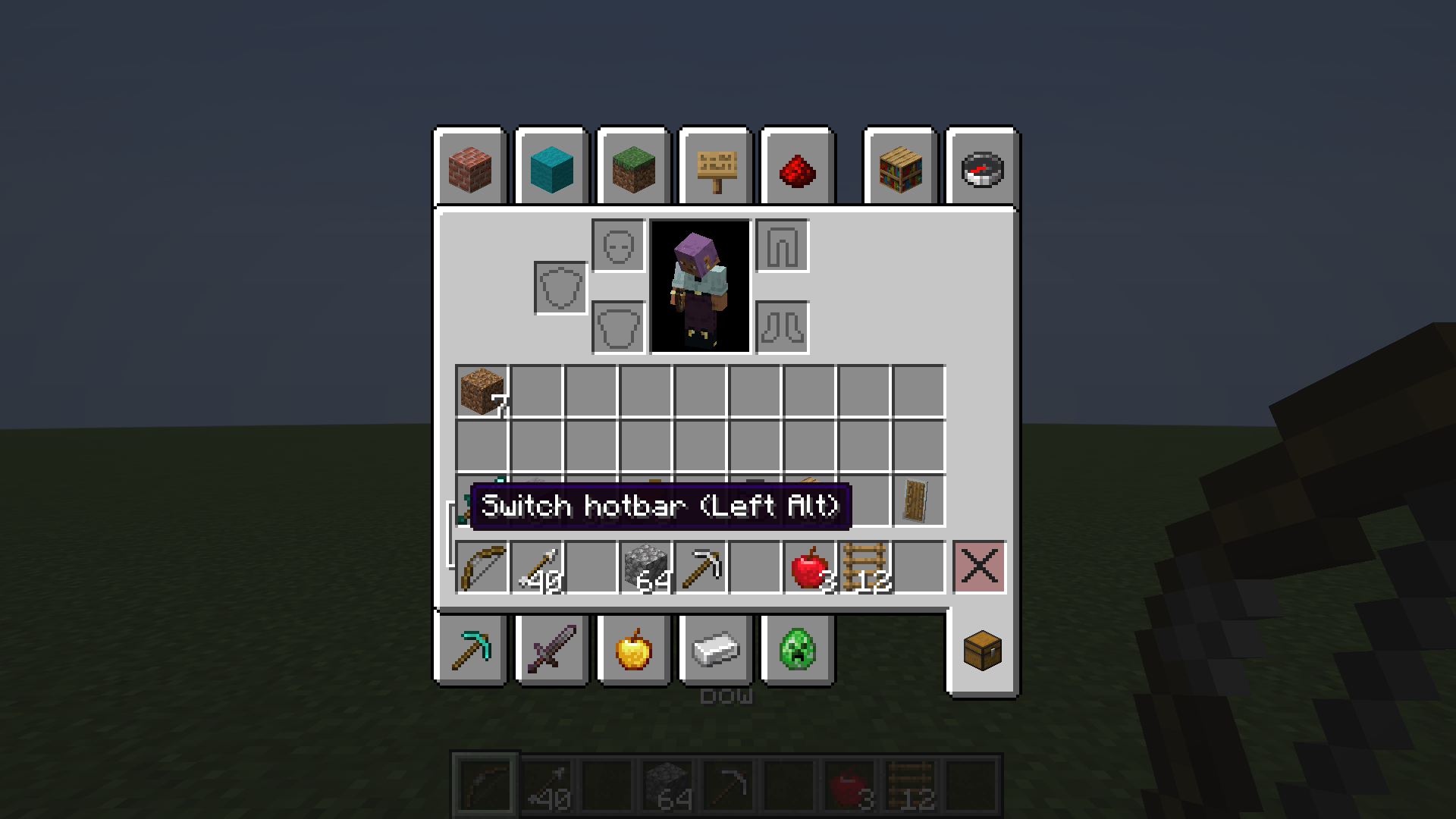
    Left Alt swaps in every tab of the Creative inventory, the bracket shows in the Inventory tab.

MinecraftDiscoverBrowse
CurseForge - a world of endless gaming possibilities for modders and gamers alike.
Download the best mods and addons!
  • Games
    • All games
    • Minecraft
    • World of Warcraft
    • The Sims 4
    • Starcraft II
    • Kerbal Space Program
    • Minecraft Dungeons
    • World of Tanks
  • Create
    • Start a project
    • Project submission guide
    • Author Rewards Program
    • Apply for an API Key
    • 3rd Party API T&C
  • Community
    • Join Our Discord!
    • Ideas Portal
    • CF blog
    • Newsletter
    • Roadmap
    • Bukkit forums
    • CurseForge Servers
  • Support
    • Knowledge base
    • Troubleshooting
    • Contact us
  • Companions
    • Overwolf
    • CurseForge for Studios
    • Tebex
    • Nitro
  • Terms of Service
  • Privacy Policy
  • Licenses
  • Mod Author Terms
© 2026 Overwolf. All rights reserved.