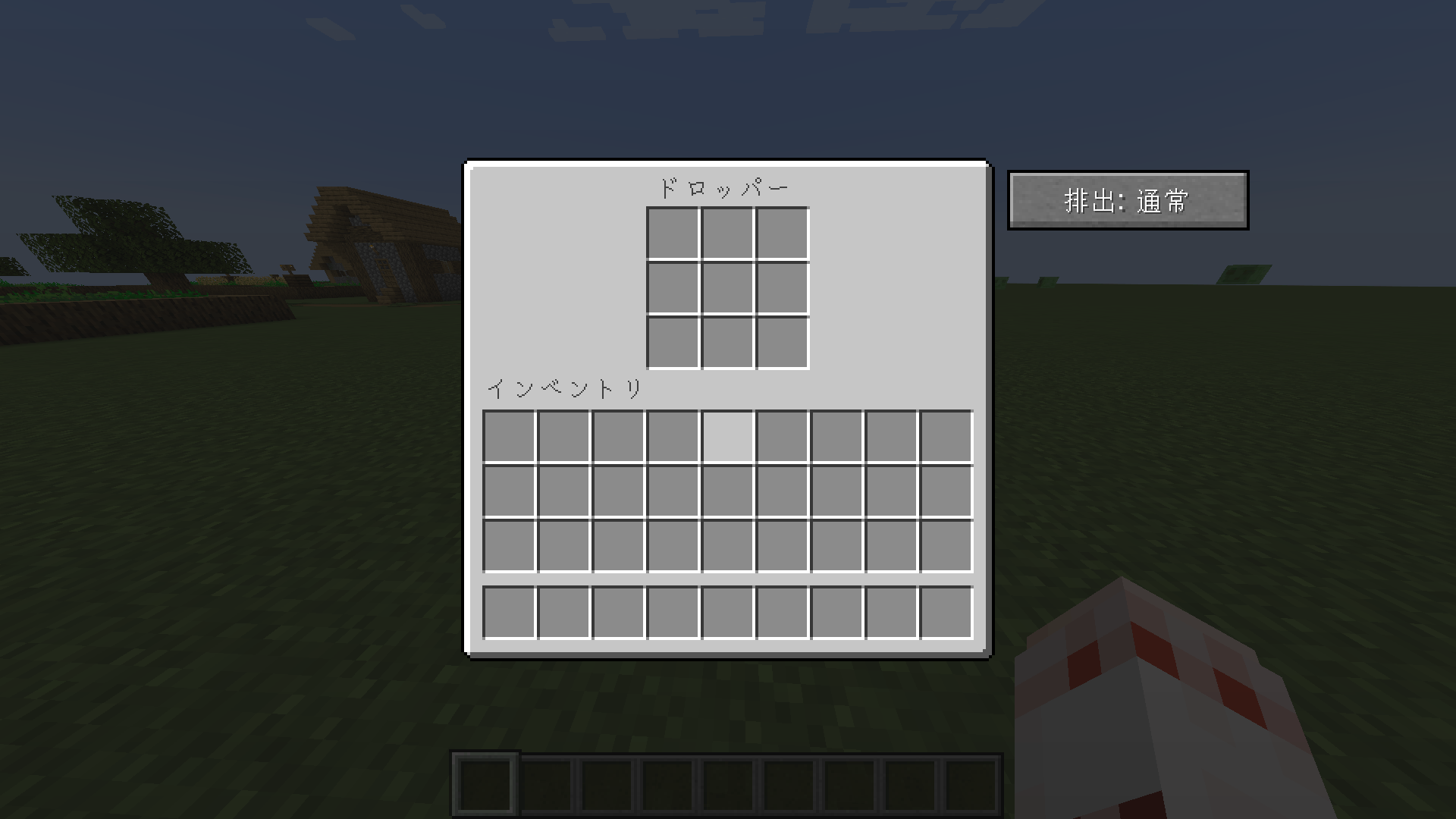
2026-11-06_23.02.01.png
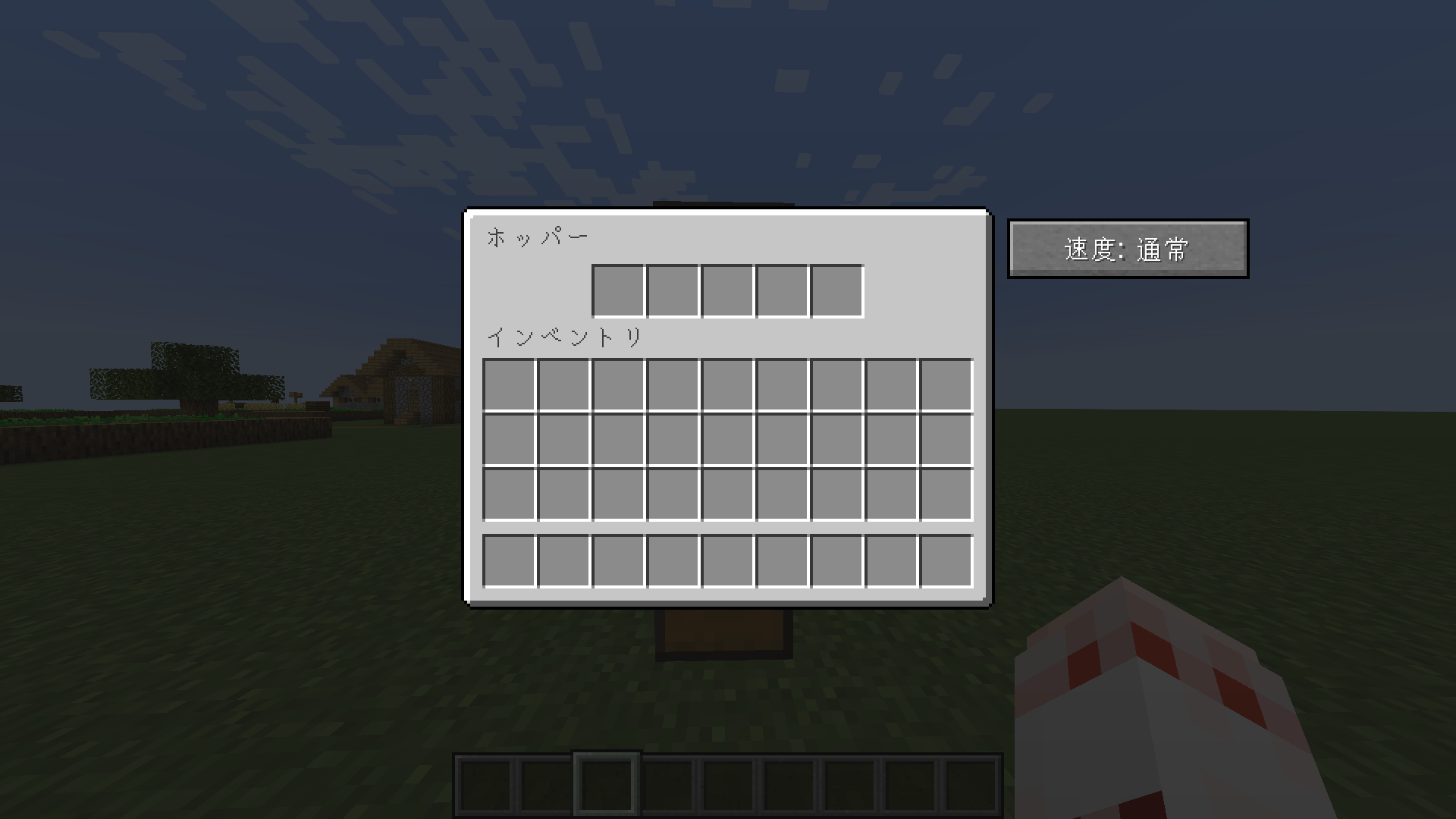
2026-11-06_22.54.50.png
Description
Turbo Hopper makes hoppers and droppers faster, with a toggle button right in their GUI.
Minecraft 1.20.1 / Forge 47+ — required on both the client and the server.
== Features ==
Hopper
- Switch between Normal and Fast transfer speed from the hopper GUI.
- Fast mode cuts the transfer cooldown from 8 ticks down to 1 tick.
Dropper
- Switch between Normal (redstone-triggered, vanilla behavior) and Instant mode from the dropper GUI.
- In Instant mode, a dropper ejects items as long as it has any, with no redstone signal needed.
- Instant mode ejects up to 8 items per tick, so a whole stack placed in by hand is emptied quickly.
- If the target container is full, the dropper keeps retrying (every 0.5 seconds) and resumes by itself once there is free space.
== How to use ==
1. Right-click a hopper or dropper to open its GUI.
2. Press the button on the right side of the GUI to switch the mode.
3. The mode is stored in the block, so it is kept when the world is saved and reloaded.
Dispensers are not affected.
== Compatibility notes ==
- This mod adds one block state property to the vanilla hopper and dropper using Mixin.
- Mods that replace or heavily modify hoppers and droppers may not show the toggle button.
- Please report problems on GitHub Issues with your Minecraft / Forge versions, a list of other mods, and latest.log.
== 日本語 ==
ホッパーとドロッパーを高速化し、GUIのボタンで切り替えられるようにするForge用MODです。
- ホッパー: 通常 / 高速を切り替え(転送の待ち時間が8tickから1tickになります)
- ドロッパー: 通常(レッドストーン式)/ 即排出を切り替え。即排出モードでは、中にアイテムがある間は排出し続け、排出先に空きができれば自動で再開します
- Minecraft 1.20.1 / Forge 47以降。クライアントとサーバーの両方に導入が必要です
Source code: https://github.com/Lkey000/TurboHopper
Turbo Hopper Team