TuneLink
- By
Listen to Spotify together on your server: same song, same moment, controlled from an in-game dashboard.
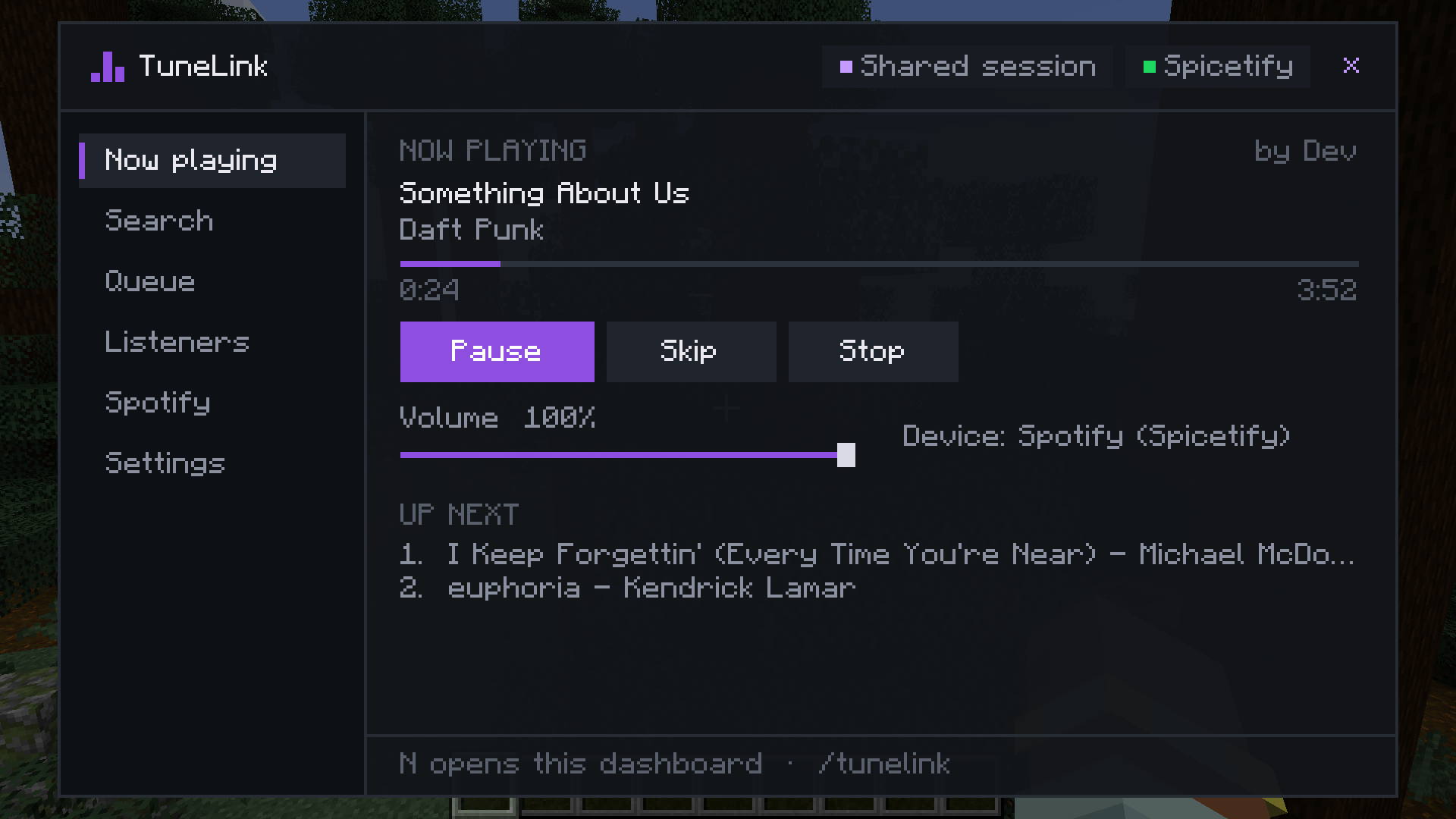
now-playing.png
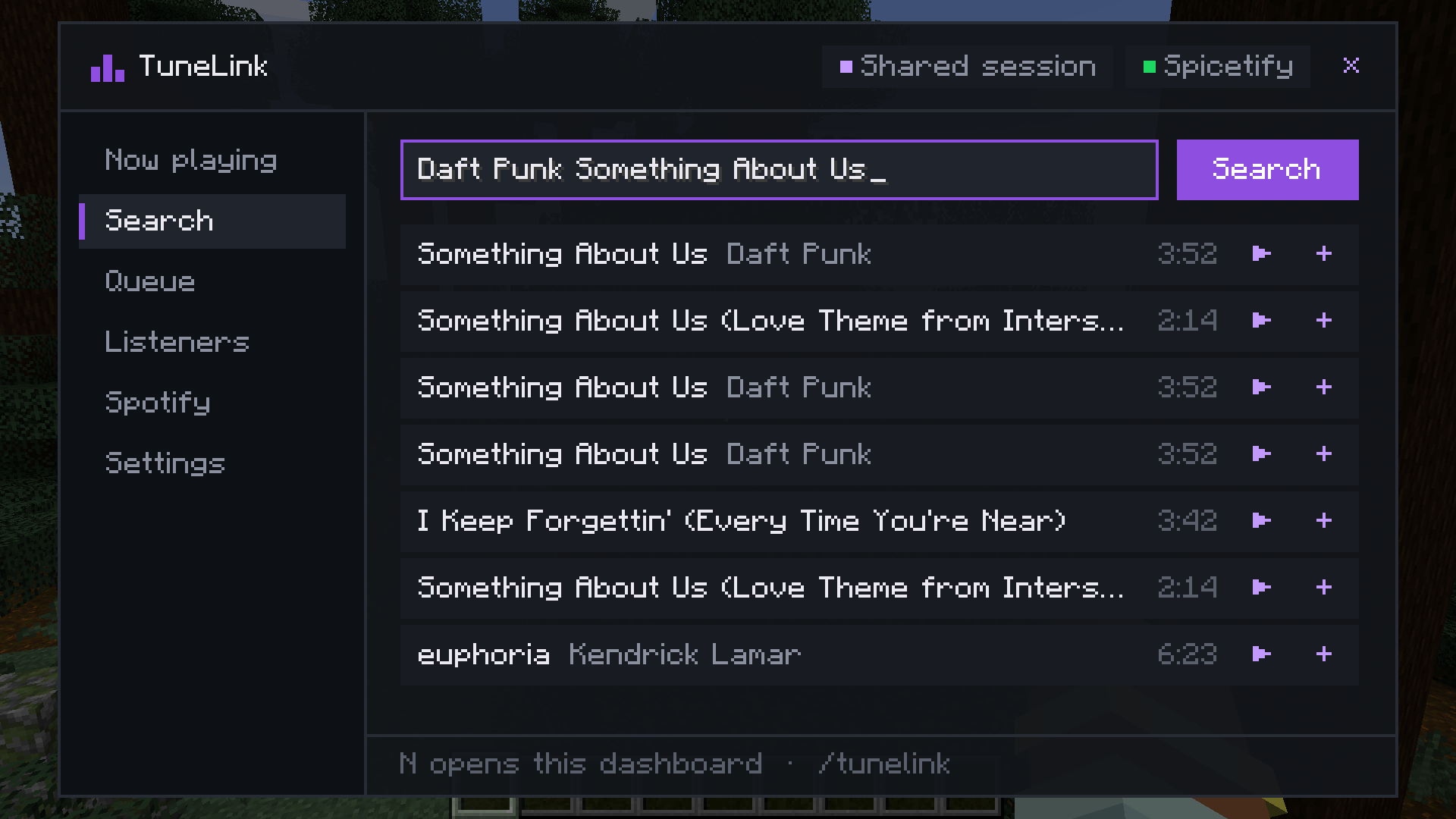
search.png
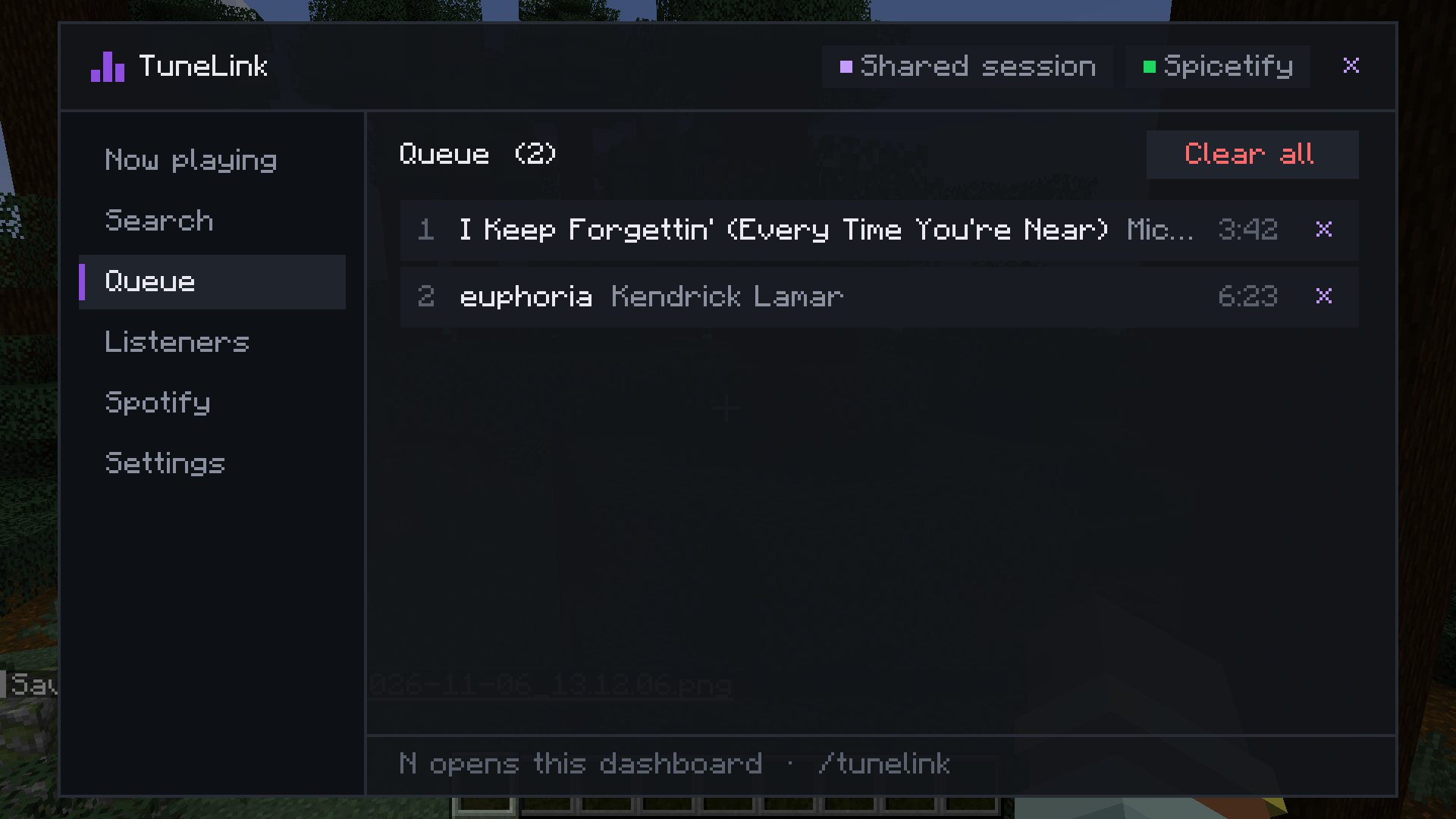
queue.png
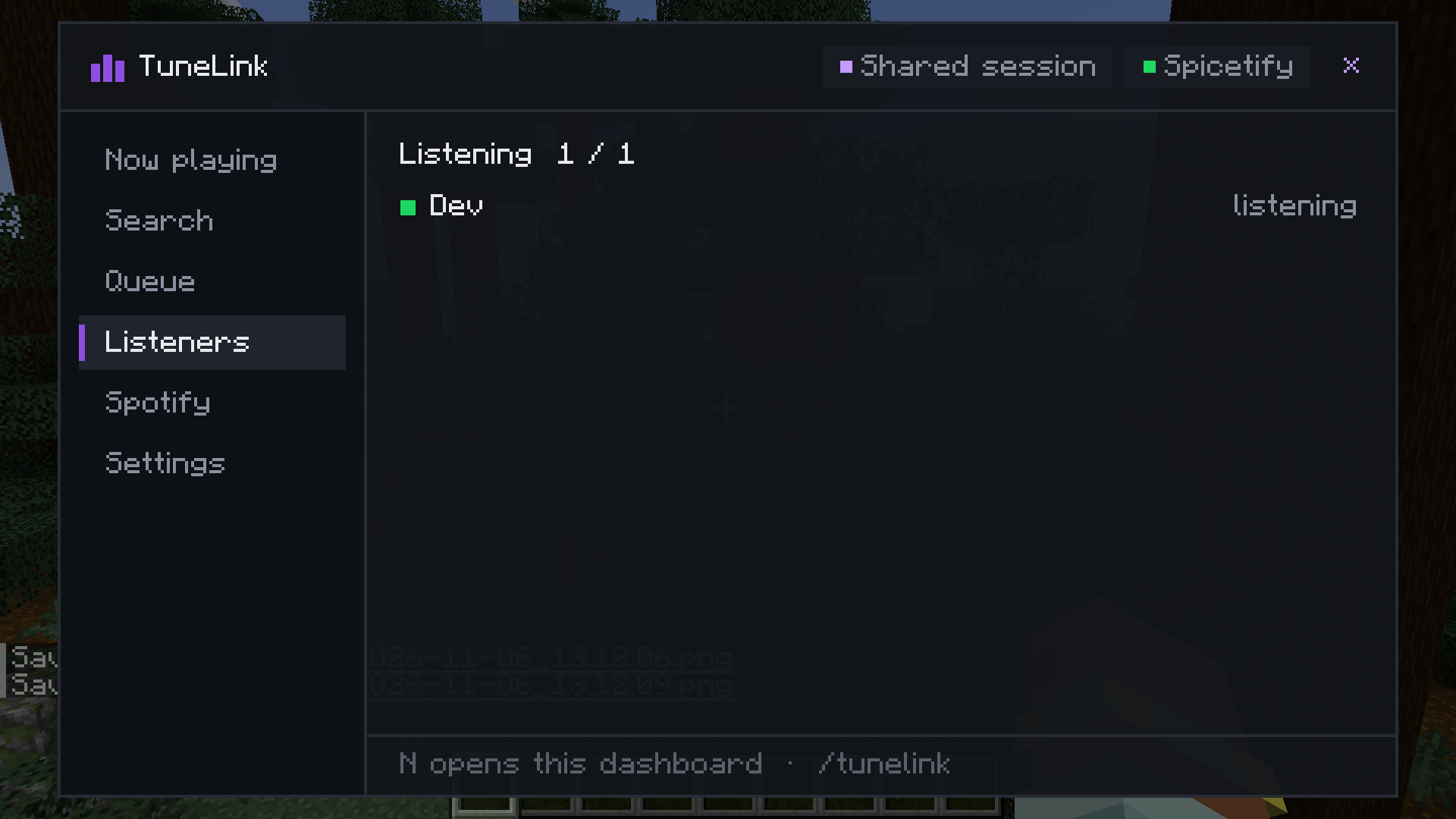
listeners.png
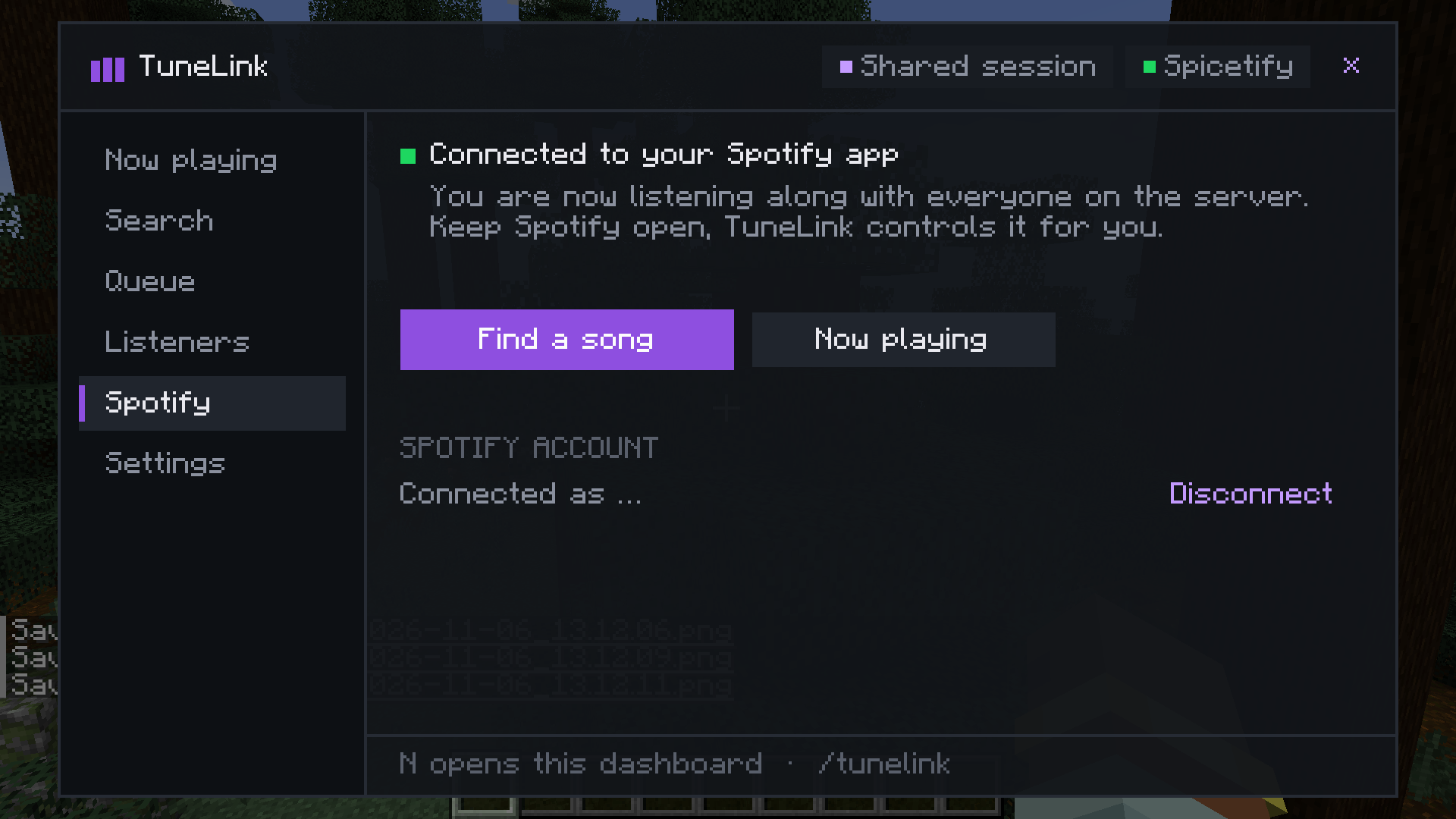
spotify.png
Description
TuneLink
Listen to Spotify together on your Minecraft server. Everyone hears the same song at the same moment, and anyone can pick the next one from inside the game.
TuneLink does not stream audio. Every player uses their own Spotify, and TuneLink keeps all of them on the same track and position. That keeps it within what Spotify allows and means no audio goes through your server.
What you get
- Dashboard on N (or
/tunelink,/tl): now playing, search, queue, listeners, Spotify setup and settings in one screen. - Shared session: the server holds the current song, position, pause state and queue. Players who join later start at the right spot.
- Search in game: search Spotify or paste a Spotify link, then play it now or add it to the queue.
- Small song overlay in the corner, which you can turn off.
- Listeners tab: shows who is listening along, who has not connected Spotify yet and who doesn't have the mod.
- Solo mode: on a server without TuneLink the dashboard simply controls your own Spotify.
- English and German.
Spotify Free or Premium
Spotify only lets apps control playback through its official API for Premium accounts. TuneLink offers two ways:
- Spotify desktop app on this PC (recommended, works with Free). Click Set up now in the Spotify tab. TuneLink installs Spicetify and a small extension as a normal user, without admin rights, in about a minute. A checklist shows every step, and you can close the dashboard and keep playing while it runs.
- Premium via browser login. Sign in once in the browser. This controls Spotify on any device, phone included. Spotify only allows a few test users per developer app, so for a bigger group the server admin should enter their own Spotify app in
spotifyClientId.
Please note: Spicetify modifies the Spotify desktop client. Spotify's terms of use don't cover that, so use it at your own risk. On Free, ads still play; TuneLink resyncs after them.
Server setup
Install the mod on the server and on every client. Optional settings in tunelink-server.toml:
controlPermissionLevel: 0 = everyone may control the music, 2 = operators onlyannounceTracks: announce new songs in chatmaxQueueLength: maximum queue lengthspotifyClientId: your own Spotify app for the browser login (optional)
Commands
/tunelink play <song or link>, queue, search, pause, resume, skip, stop, clearqueue, resync, sync on|off, status, link, unlink
Requirements
- Minecraft 1.21.1, NeoForge
- Spotify desktop app (Free or Premium) on Windows, or Spotify Premium on any device
- Java 21
Deutsch
TuneLink lässt alle auf einem Server gemeinsam Spotify hören: gleicher Song, gleiche Stelle. Gesteuert wird über das Dashboard (Taste N). Es wird kein Ton übertragen, jeder nutzt sein eigenes Spotify. Mit Spotify Free klappt es über die Desktop-App und eine kleine Spicetify-Erweiterung, die TuneLink mit einem Klick einrichtet. Mit Premium reicht auch die Anmeldung im Browser.
MIT license. TuneLink is not affiliated with Spotify AB or Mojang Studios. Spotify is a trademark of Spotify AB.
TuneLink Team