Tower Waystone
- By
Generates stone towers with waystones across your world — pair with the Waystones mod for fast travel.
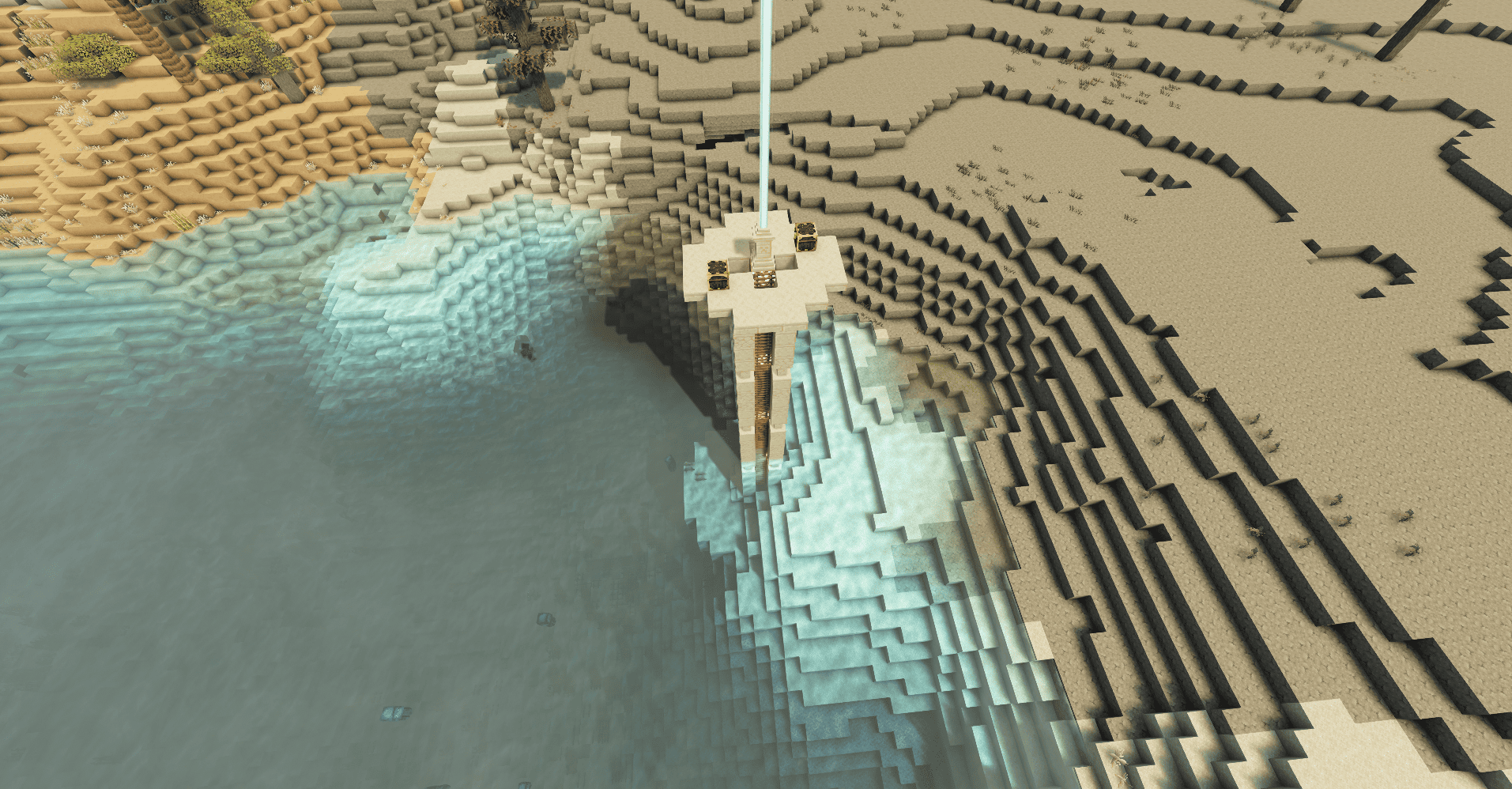
A sandstone tower rising from the desert
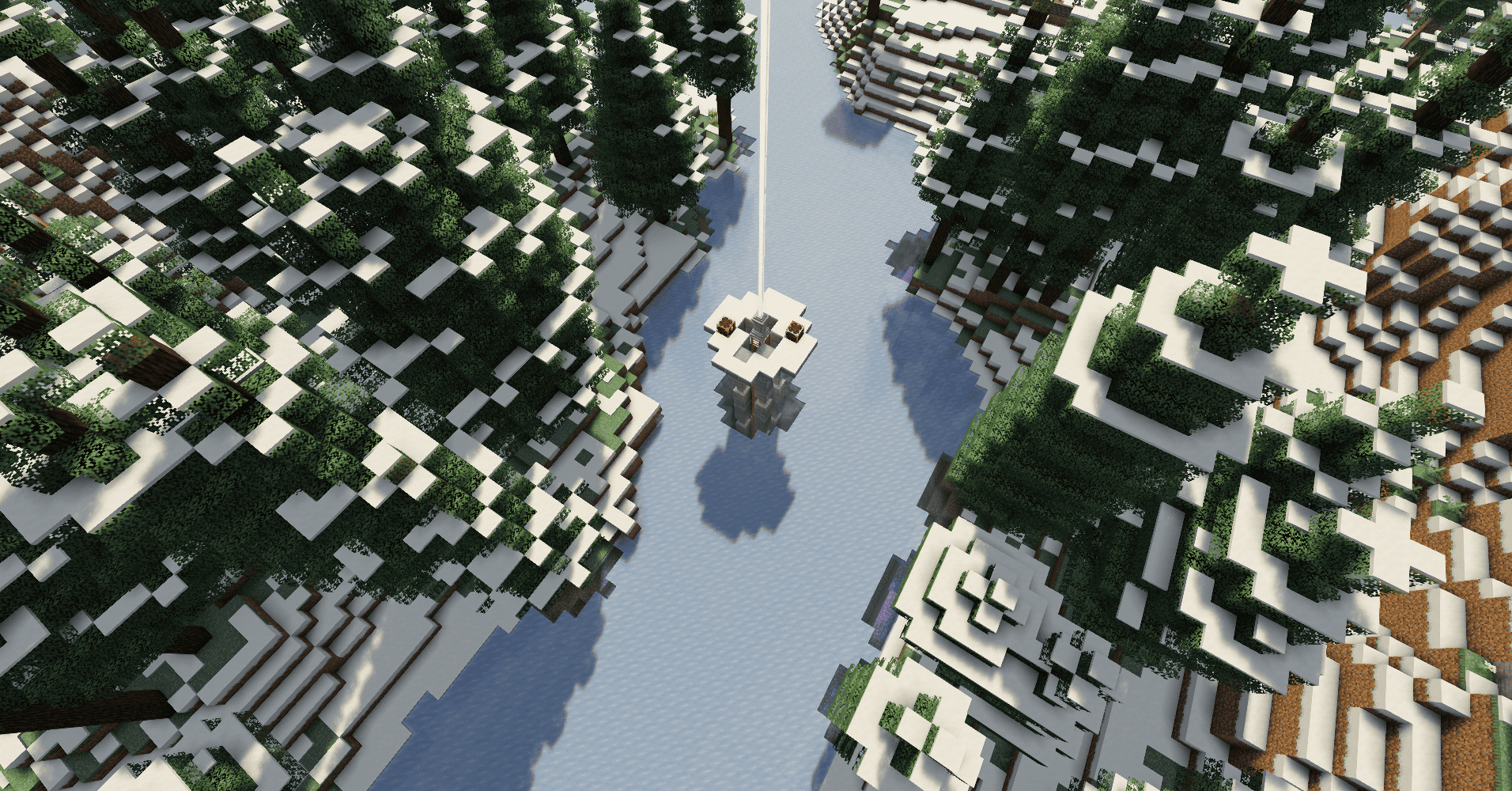
A frosty tower standing tall in frozen biomes
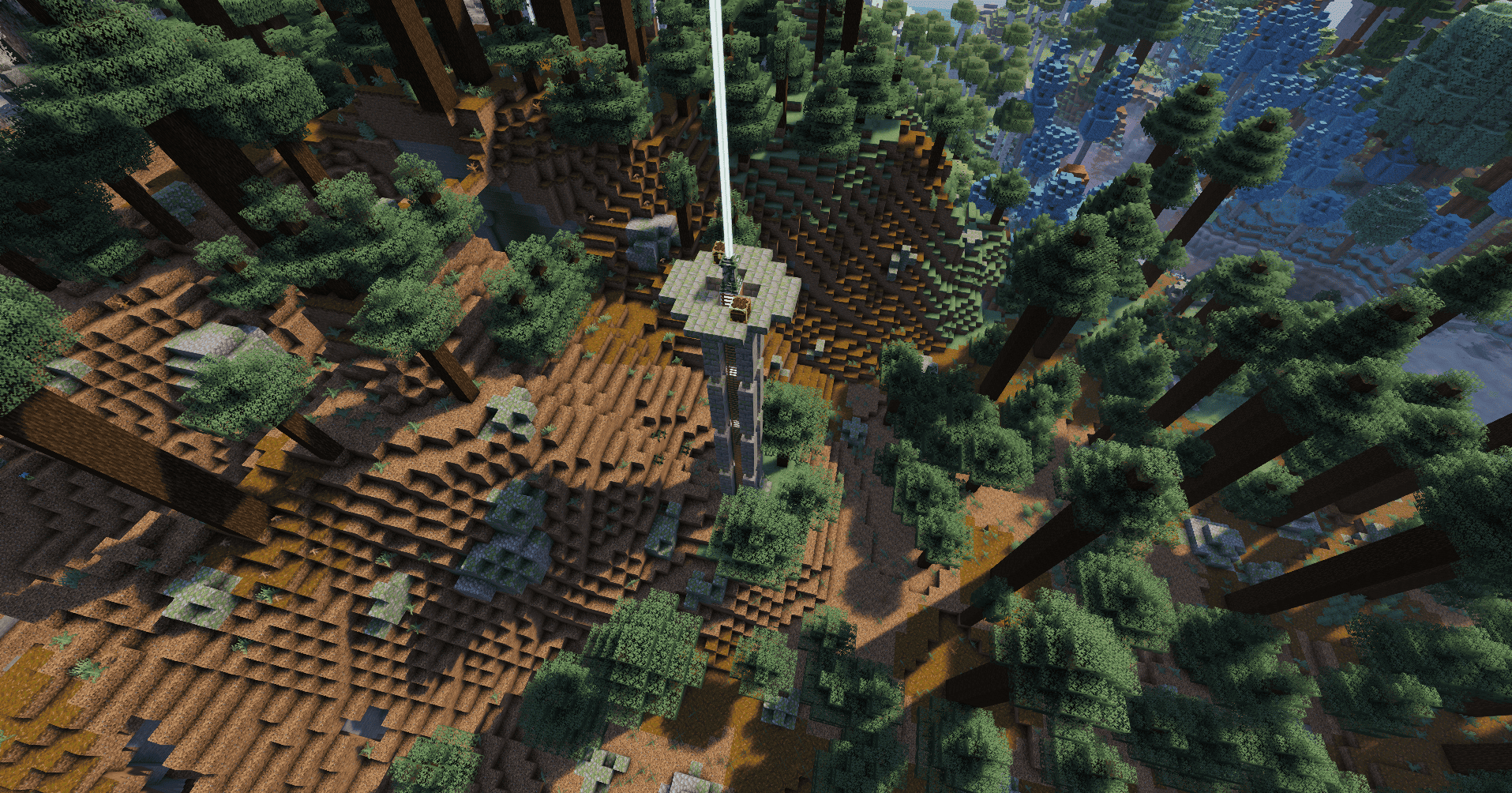
A moss-covered tower hidden in jungles and swamps
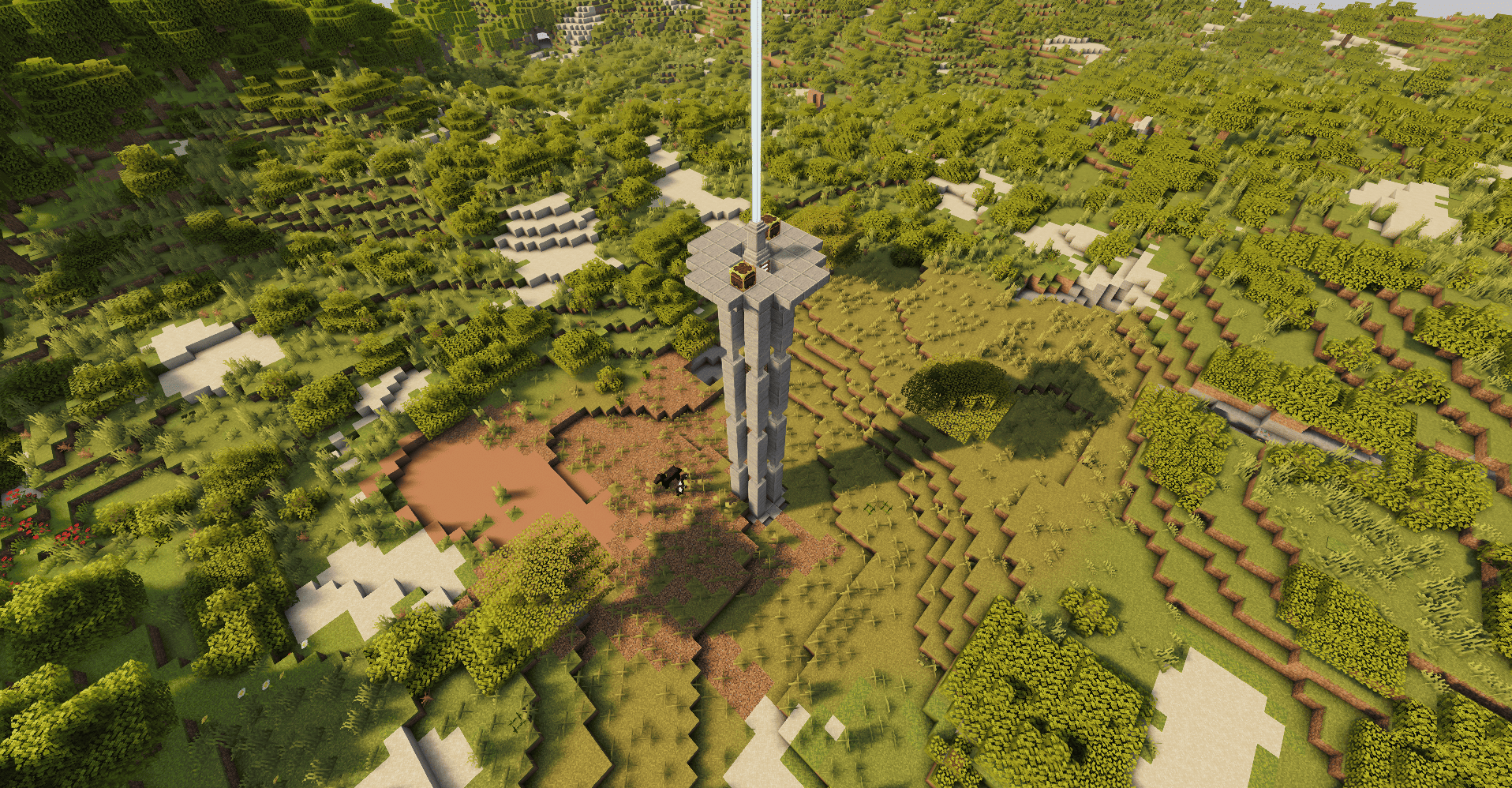
A stone tower blending into temperate forests and plains
Description
🏰 Tower Waystone
Stone towers with waystones scattered across your world — activate, explore, teleport.
✨ Overview
Generates ancient stone towers across your Minecraft world, each containing a naturally-spawning waystone ready to be activated. Pair it with the Waystones mod to teleport between towers as you explore.
🏗️ 4 Biome-Themed Variants
Each tower variant only spawns in biomes that match its visual theme — no more sandy towers in green fields.
| Variant | Biomes |
|---|---|
| Normal | Plains, forests, meadows, savannas, windswept hills, cherry groves |
| Sandy | Deserts, badlands |
| Mossy | Jungles, swamps, mangroves, taigas |
| Snowy | Frozen peaks, snowy plains, ice spikes, groves |
🎯 Features
🗺️ Worldgen Integration
Towers generate naturally as part of your world using vanilla JigsawStructure, compatible with /locate structure tower_waystone:<variant>.
🏷️ Unique Fantasy Names
Each tower’s waystone is automatically assigned a random fantasy name like Whispering Peak, Stormwatch or Iron Sentinel using the official Waystones API.
🔀 4 Independent Structure Sets
Each variant has its own structure set with ~64 chunk spacing, ensuring even distribution across compatible biomes without overcrowding.
📦 Lightweight
No dependencies beyond NeoForge and the Waystones mod. Just drop it in your mods folder and go.
📋 Requirements
| Minecraft | 26.2 |
| NeoForge | 26.2+ |
| Waystones | 26.1+ |
🎮 How to Use
- Install the mod along with the Waystones mod and start a new world (or explore new chunks).
- Use
/locate structure tower_waystone:<variant>to find a tower near you, or just explore — towers generate naturally. - Activate the waystone inside the tower by right-clicking it.
- Use a Warp Scroll or Warp Stone to teleport back to activated towers.
🙏 Credits
Original concept by Ner07CA. Ported to NeoForge by Stalking Dragons.

https://codex.skdragons.com/
Codex Stalking Dragons — Minecraft Modding
The Tower Waystone Team