Tiganu's Backpacks
- By
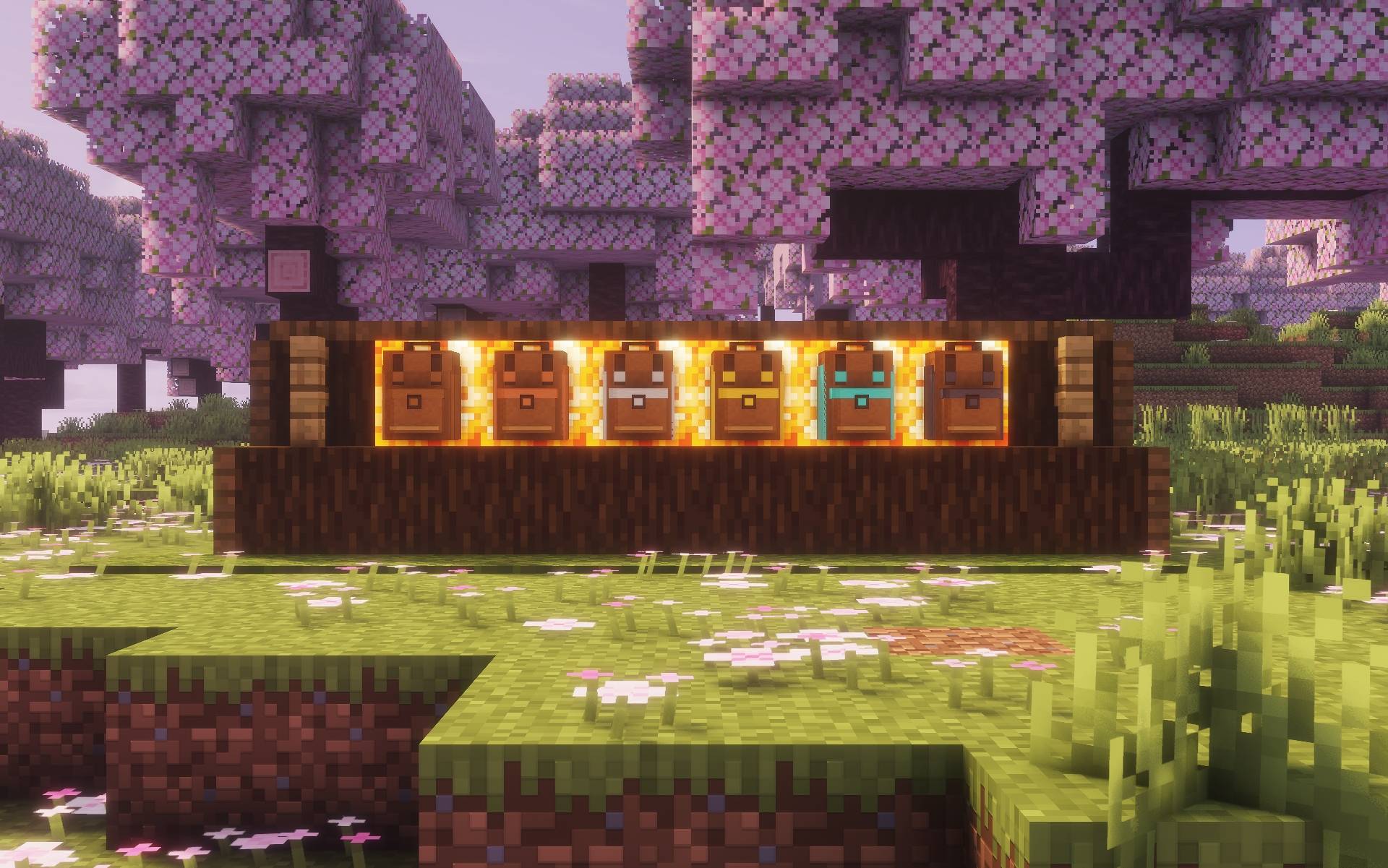
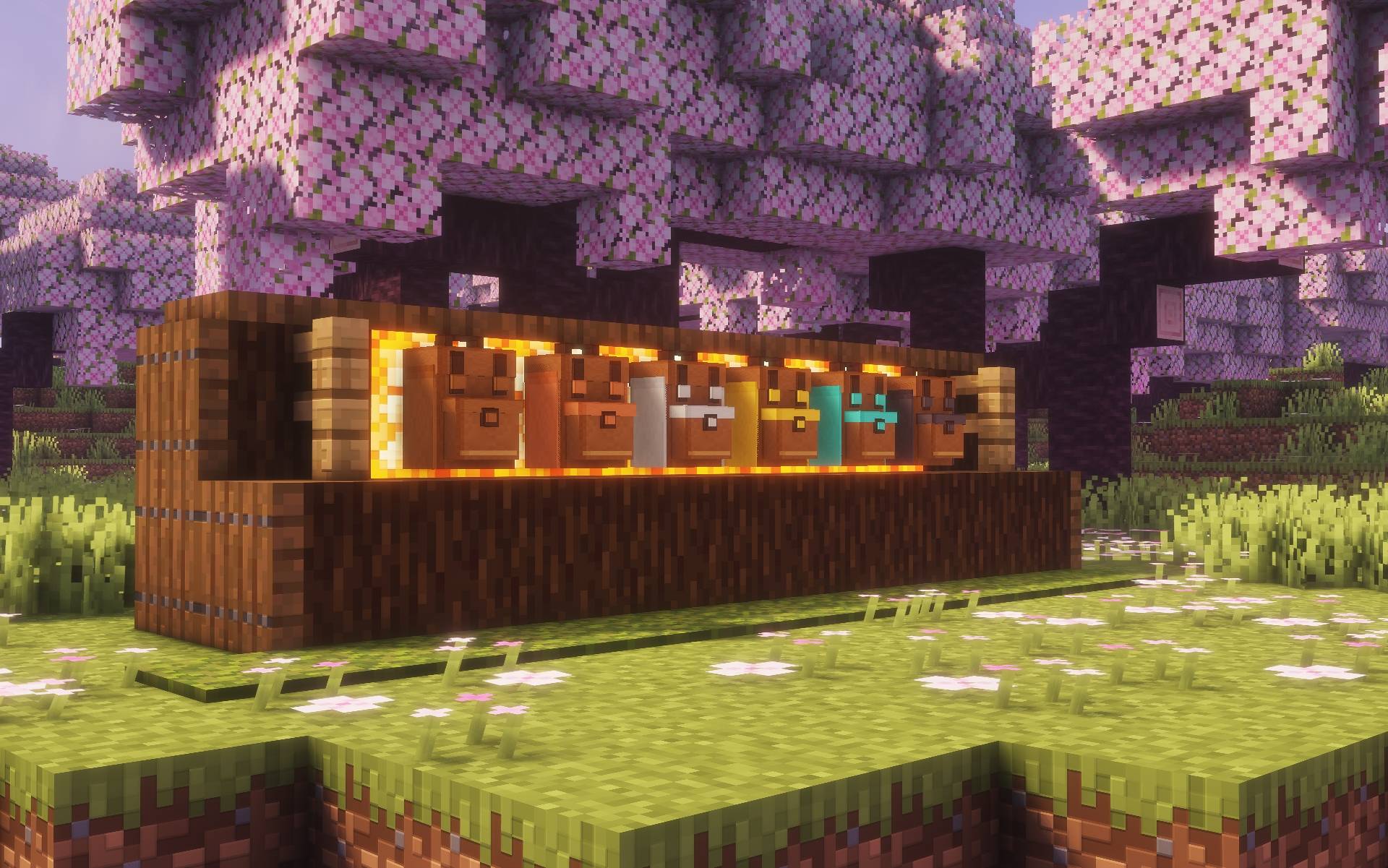
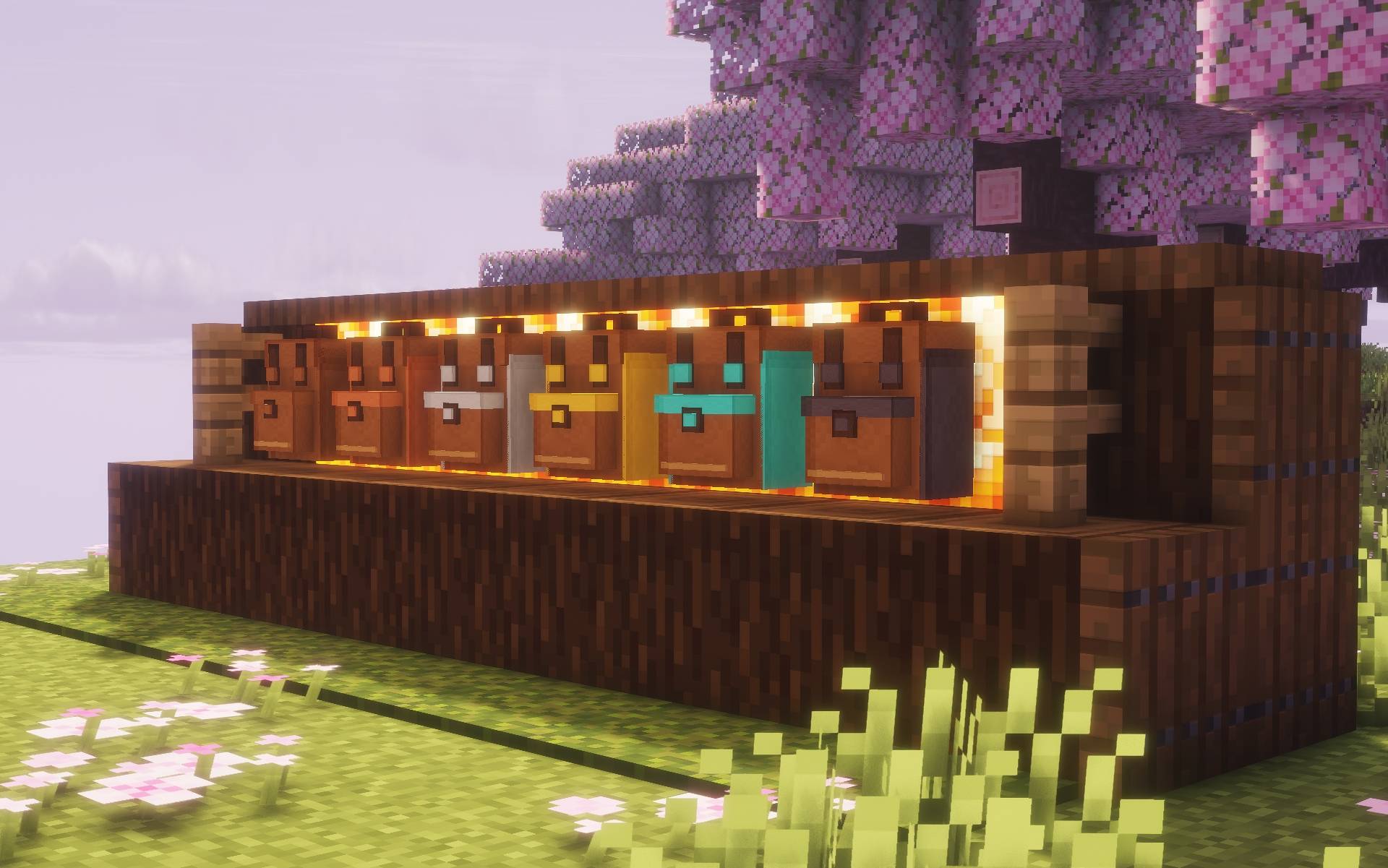
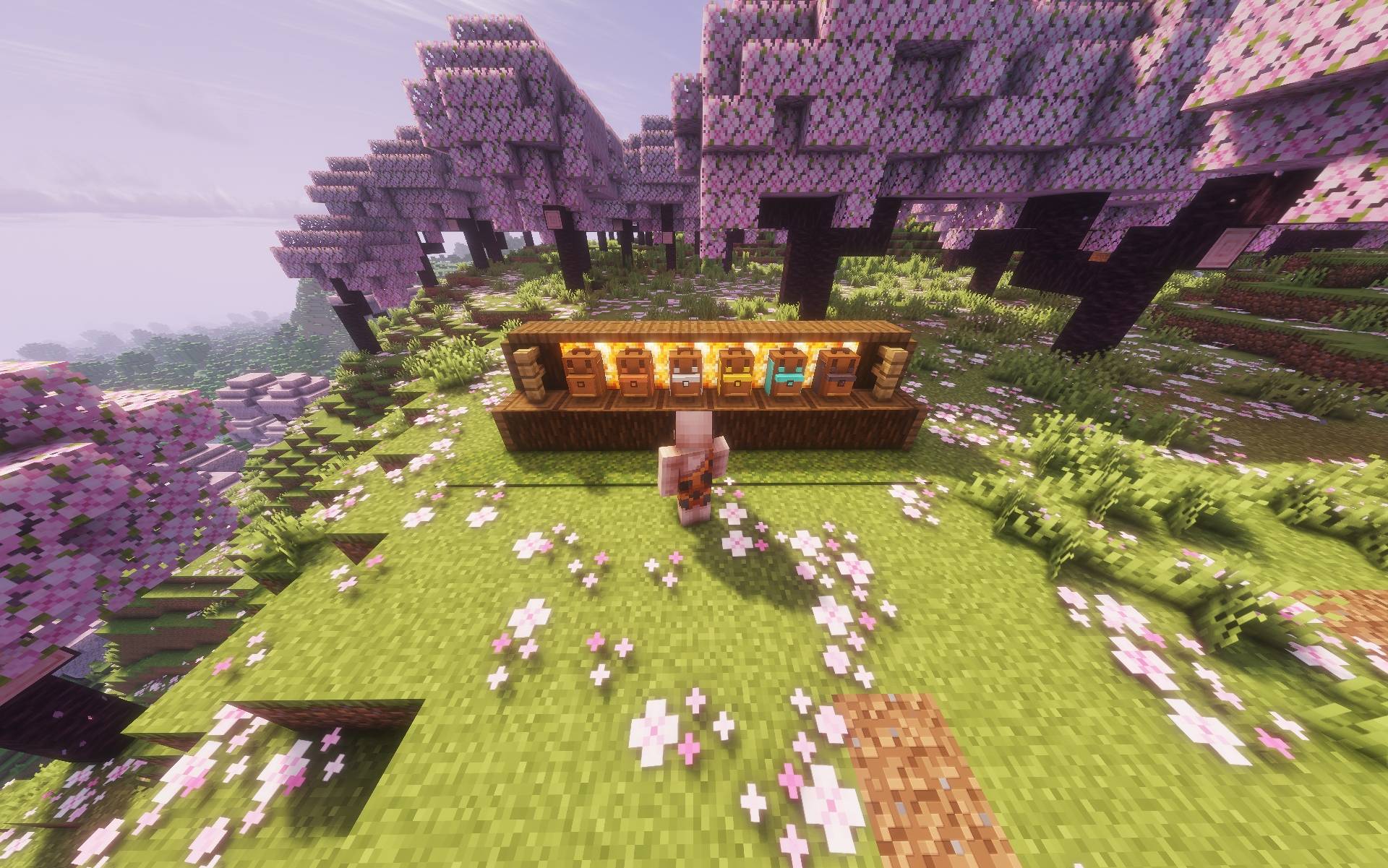
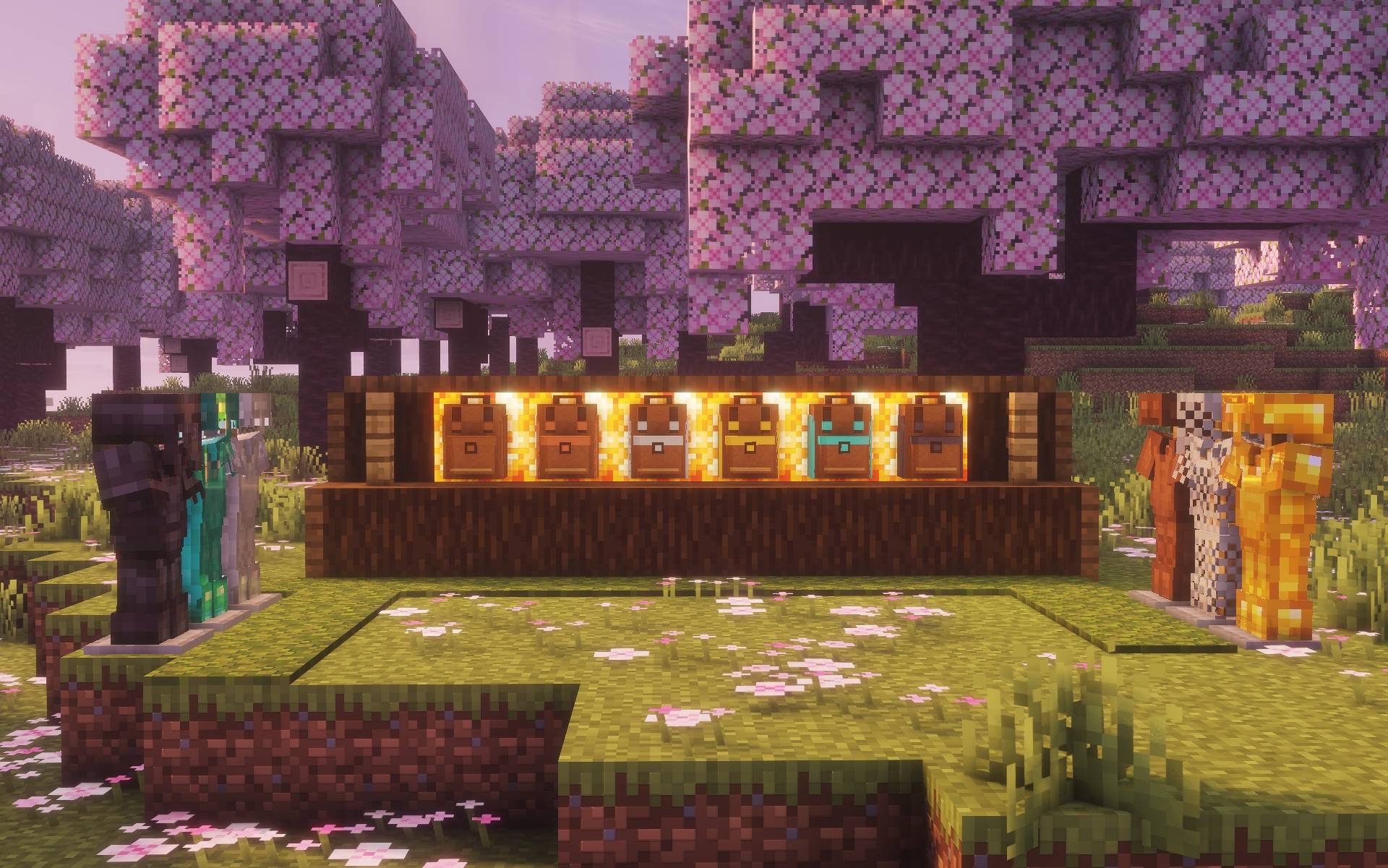
Craft and wear six tiers of backpacks, from Leather to Netherite, with up to 54 storage slots.
2026-11-04_17.59.15.jpg
2026-11-04_17.59.23.jpg
2026-11-04_17.59.46.jpg
2026-11-04_17.59.58.jpg
2026-11-04_18.03.17.jpg
Description
I originally made these backpacks for Morrowless. The recipes already used materials you can find in vanilla survival, so I pulled the feature out into a standalone mod you can add to a regular survival world. Morrowless on CurseForge
Crafting and upgrades
Start with three leather and three string. Put the string across the top row of a crafting table, then place the leather in the middle-left, middle-right, and bottom-center slots.
For each upgrade, use the same pattern with three of the next tier’s material in place of the leather and the empty backpack from the previous tier in the center.
| Tier | Storage slots |
|---|---|
| Leather | 9 |
| Copper | 18 |
| Iron | 27 |
| Gold | 36 |
| Diamond | 45 |
| Netherite | 54 |
Using your backpack
Click the arrow beside your chestplate to slide open the backpack slot. You can wear both at the same time, and the backpack is visible on your character.
Right-click a backpack in your hand to equip and open it. Once equipped, press B or right-click it in the backpack slot to open it again. Empty it before upgrading or unequipping it. Shift + B returns an empty backpack to your inventory if there’s room.
If you die while wearing a backpack, it stays where you died with its contents inside. Right-click it to open it, or sneak-right-click to equip it again.
Installation and compatibility
- Minecraft Java Edition 1.21.1
- NeoForge 21.1.242 or a newer NeoForge build for Minecraft 1.21.1
- Mod version 0.1.2
Place the .jar in your NeoForge profile’s mods folder. For multiplayer, install the same version on the server and on each player’s client.
Tiganu's Inventory Sorter is an optional companion mod. With both installed, Sort, Category, and Transfer All appear in the backpack screen too.
About the development
This mod was originally part of Morrowless and has been extracted into a standalone mod. It was developed with the help of ChatGPT for coding, as I have no programming background. The ideas, feature design, balancing, and in-game testing come from me.
Tiganu's Backpacks Team