Thumbstick
A Controller Support Mod for Minecraft Forge 1.7.10.



Features
- Analog movement and camera with a radial dead zone and an ease in look curve
- Works in every menu, modded ones too. A controller cursor acts as the mouse and buttons become clicks
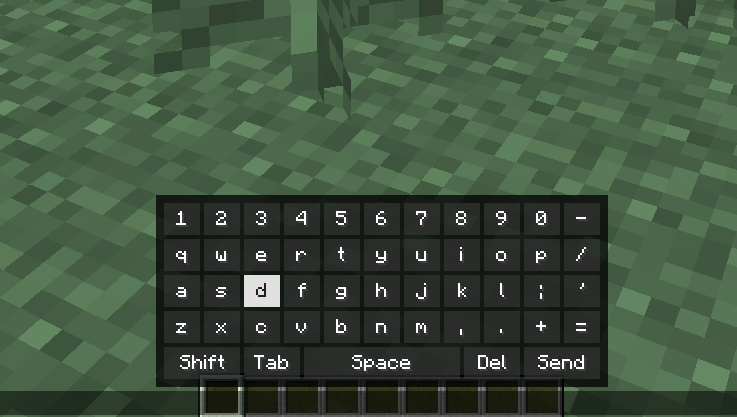
- Chat keyboard: dpad right opens chat with an on screen keyboard
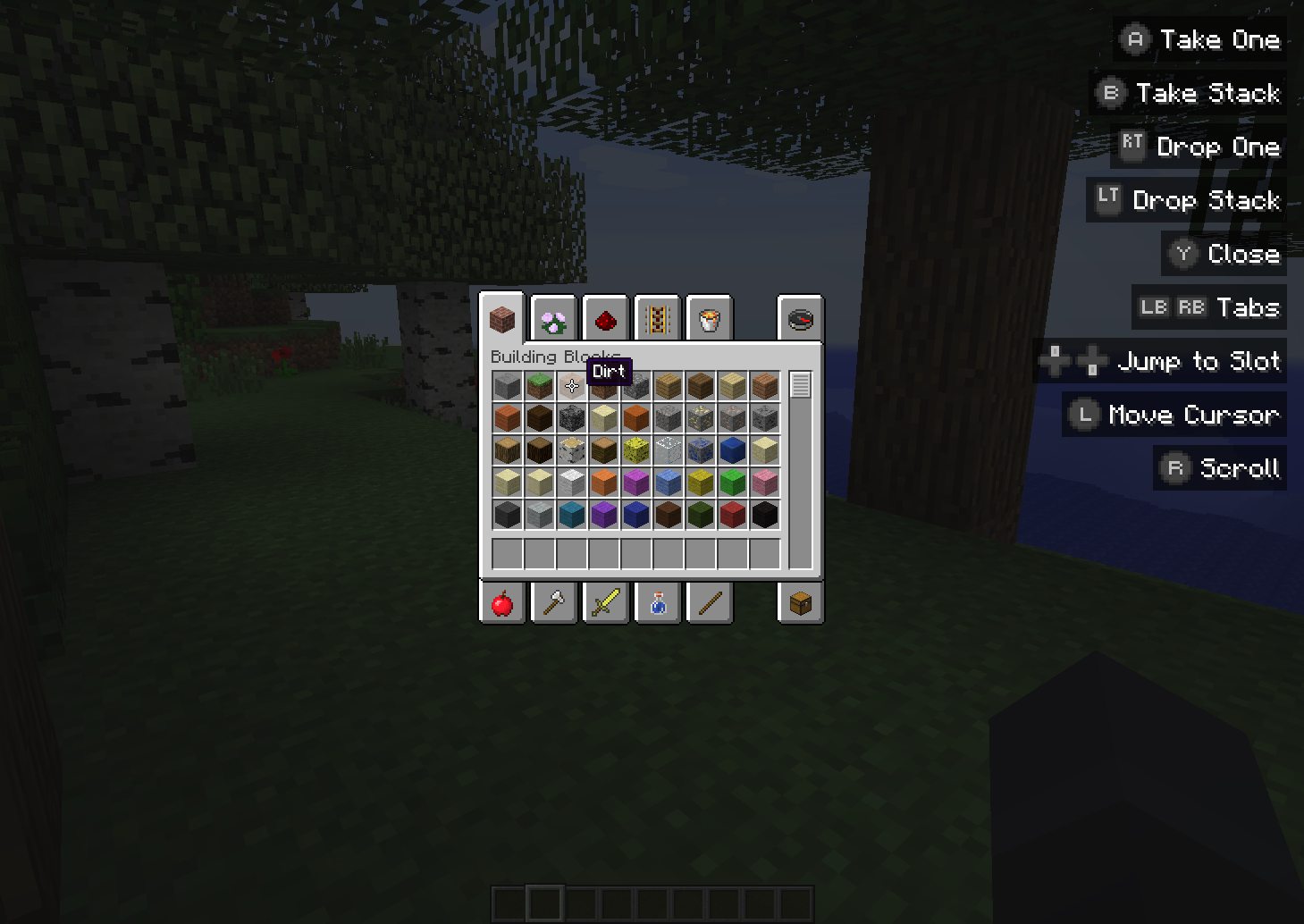
- Inventory controls: take, split and quick move, slot snapping, dpad slot navigation, creative tabs and scrolling
- Rebindable buttons, and any key binding (vanilla or modded) can get a controller button
- Button hints for every control, shown only while the controller is in use. Size, corner, detail and layout are configurable
- Built in layouts for Xbox, DualShock 4, DualSense and Switch Pro controllers, plus a Controller Mapping screen to remap any gamepad
- Hot plugging with connect and disconnect notifications
On-Screen Keyboard!
NOTE: Thumbstick is client side only. It does nothing on servers.
Settings
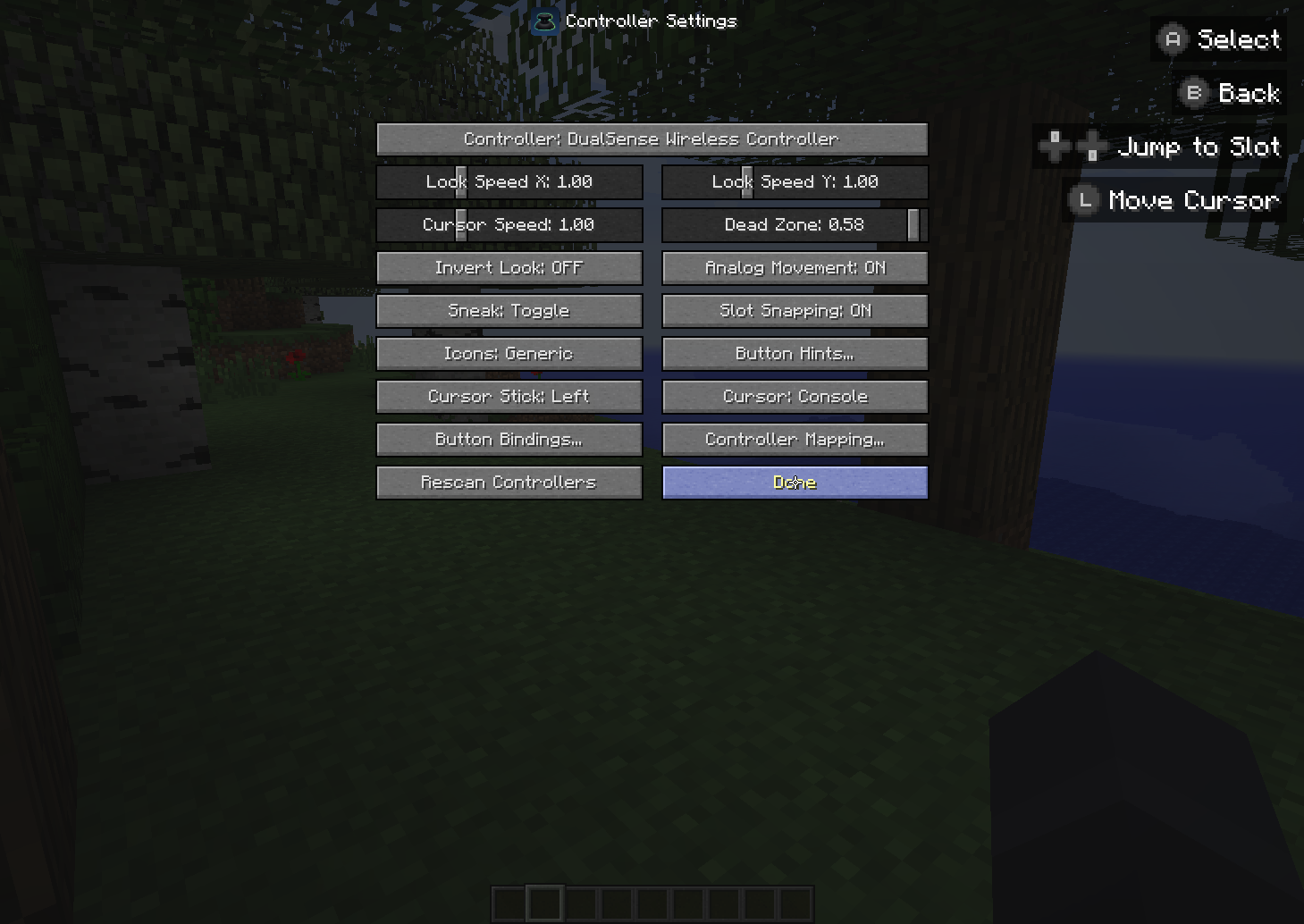
Open Options → Controls → Controller Settings… (or Mods → Thumbstick → Config). From there you can pick the controller, tune sensitivity, edit Button Bindings and run Controller Mapping.
TIP: If buttons are wrong or a toast says Unknown layout, run Controller Mapping. Click any input in the list and press it on the controller. It works with any gamepad.
Settings are saved in config/thumbstick/:
| File | Contents |
|---|---|
thumbstick.cfg |
Options and button bindings |
mappings.properties |
Layouts made in Controller Mapping |
Credits
Inspired by Controllable by MrCrayfish. Button icons and cursors come from it (MIT License, see assets/thumbstick/textures/gui/LICENSE_Controllable.txt).
Thumbstick Team