Tensura: Voice Chat
- By
Private party voice and directional proximity chat for Tensura Teams, with separate microphone modes, device selection, noise suppression and party volume controls.

Description
◆
PARTY & DIRECTIONAL PROXIMITY VOICE
Tensura: Voice Chat
Stay together, wherever you travel.
Private party voice across any distance and dimension, plus a separate directional proximity channel for the players around you.
Channels
Choose who hears you.
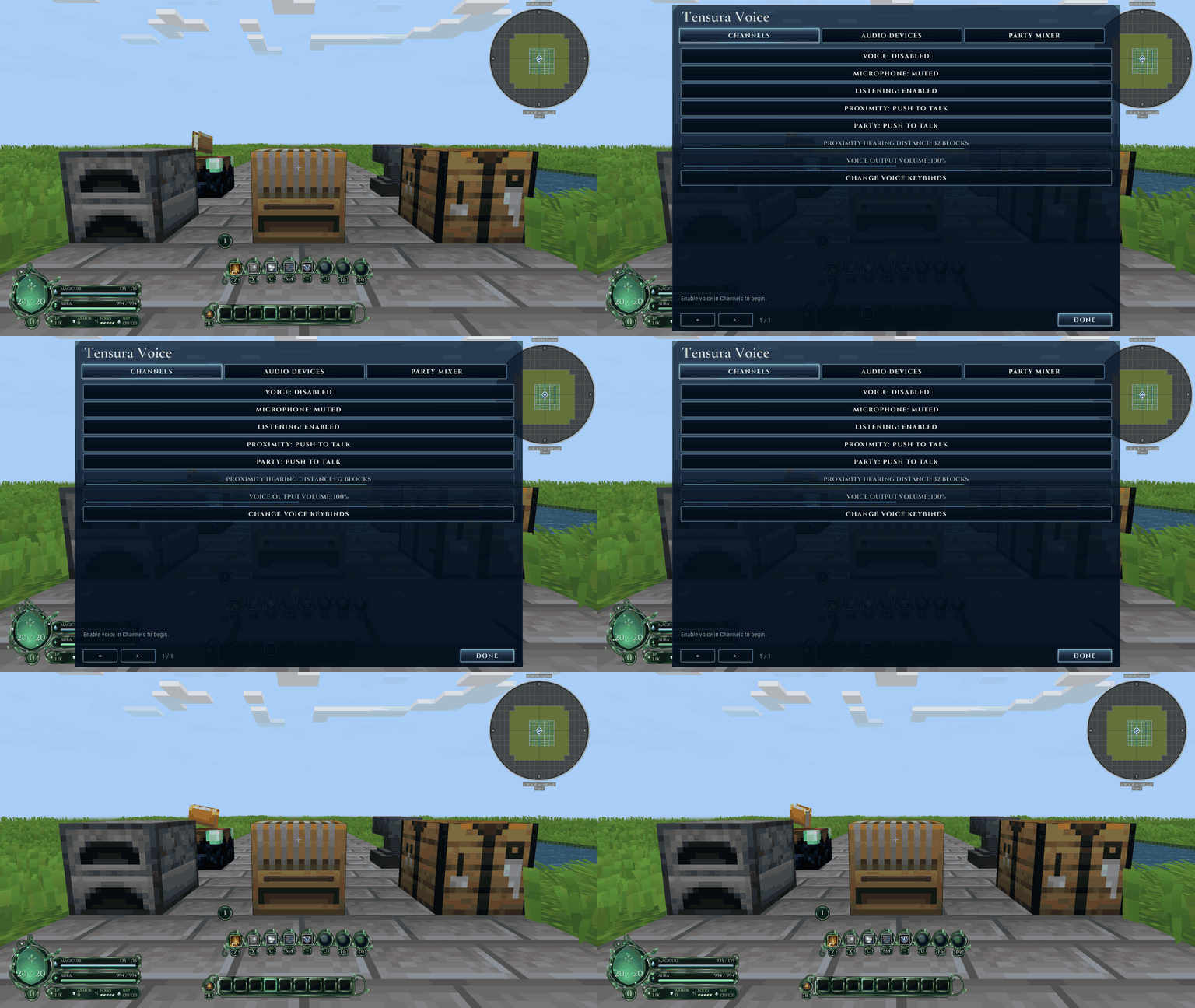
Party voice reaches current temporary-party members without distance fading. Proximity voice uses stereo direction and fades over distance in the same dimension. Persistent teams do not receive their own voice channel.
Each channel has independent Off, Push to talk and Open mic modes. Voice starts disabled until you enable it, and outgoing audio pauses when Minecraft loses focus.
Audio controls
Make the sound yours.
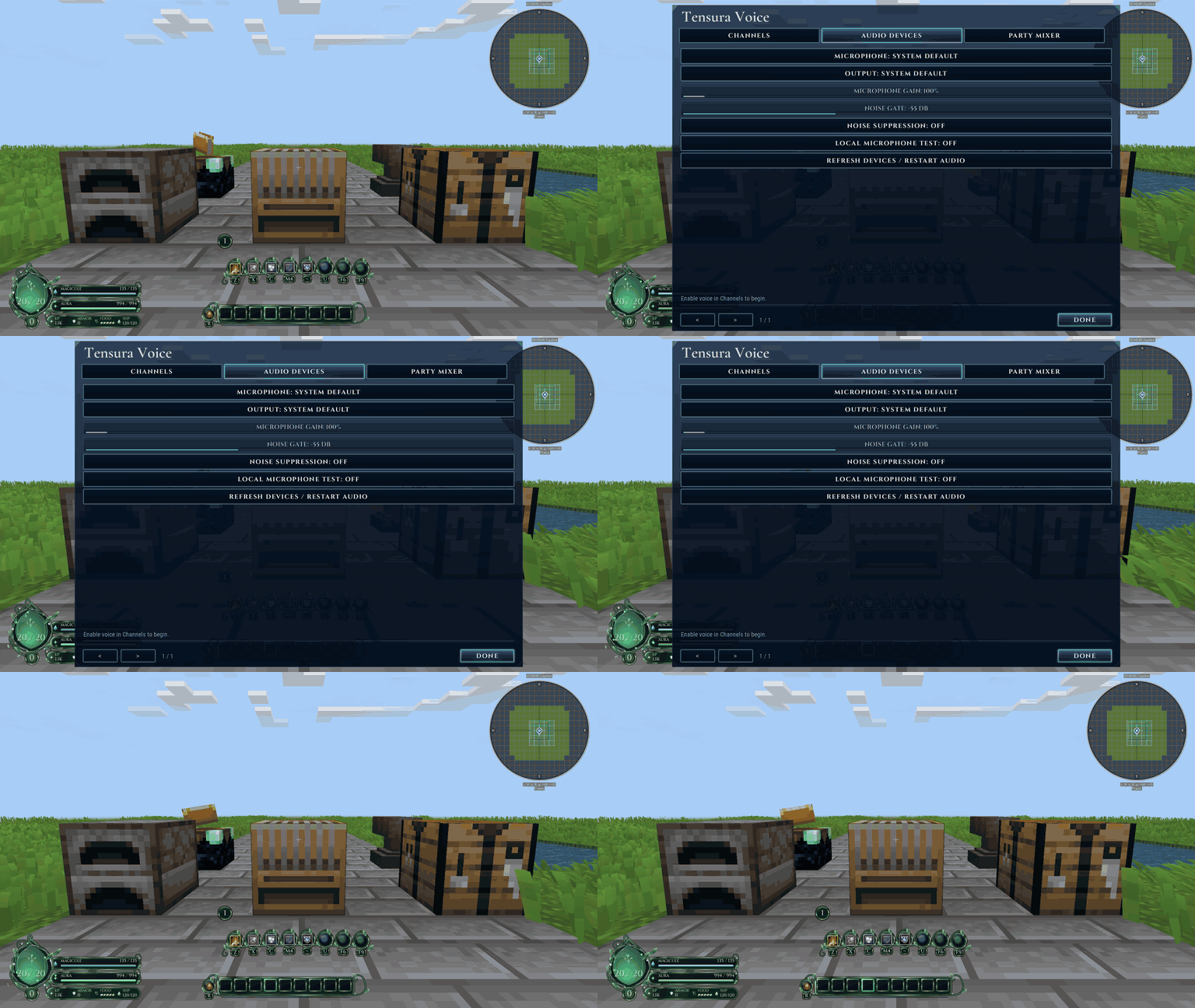
Choose input and output devices, adjust microphone gain, set a noise gate and enable suppression for steady background noise. A local microphone test lets you check your setup without transmitting.
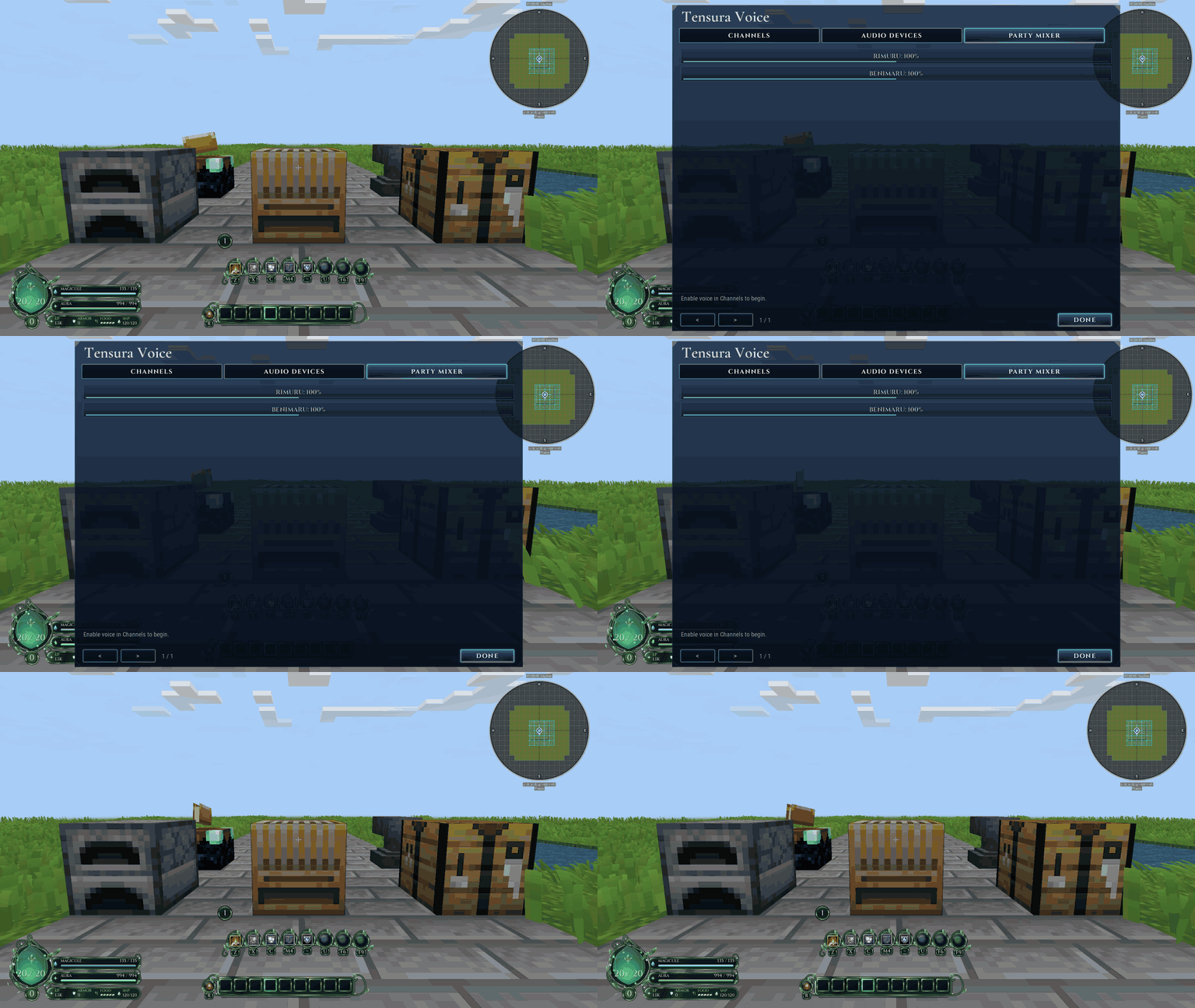
The party mixer remembers per-player 0-200% volume; zero mutes that member's party audio. Microphone mute stops outgoing channels, while deafen stops both listening and sending.
Getting started
One connection. Separate audiences.
Press F7 for settings, enable voice, select your devices and use V for proximity or B for party push to talk. Remap these defaults in Controls if your pack uses the same keys.
Audio travels over the existing Minecraft connection, so the host needs no separate UDP voice port. Server congestion can delay audio. This uses its own voice protocol; Simple Voice Chat clients are not interchangeable.
Installation
Bring it to your world.
Minecraft 1.21.1 / NeoForge 21.1.250+ / Java 21.
Required: Tensura: Teams 1.1.18+; Tensura: GUI 0.4.36+ (clients). Install each dependency's own required libraries too.
Install matching Voice versions on the server and every client. Clients require Tensura: GUI for settings; dedicated servers do not. Install Teams and all of its dependencies too.
Tensura: Voice Chat Team