Tensura: Status Menus
- By
Use crafting tables, furnaces and other workstations through floating in-world panels. Move freely, arrange saved layouts and keep multiple station menus synchronized.
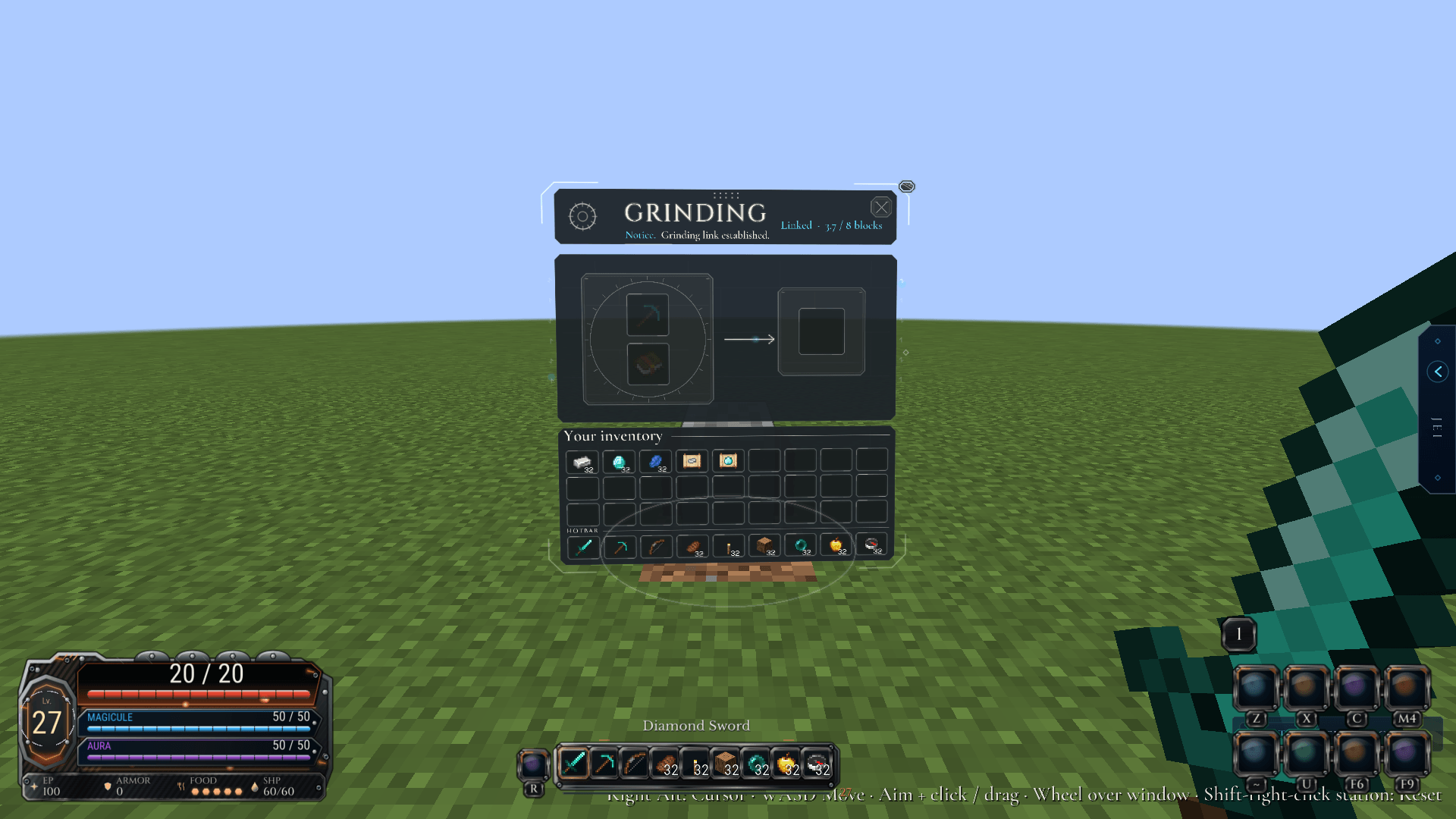
station-grindstone.png
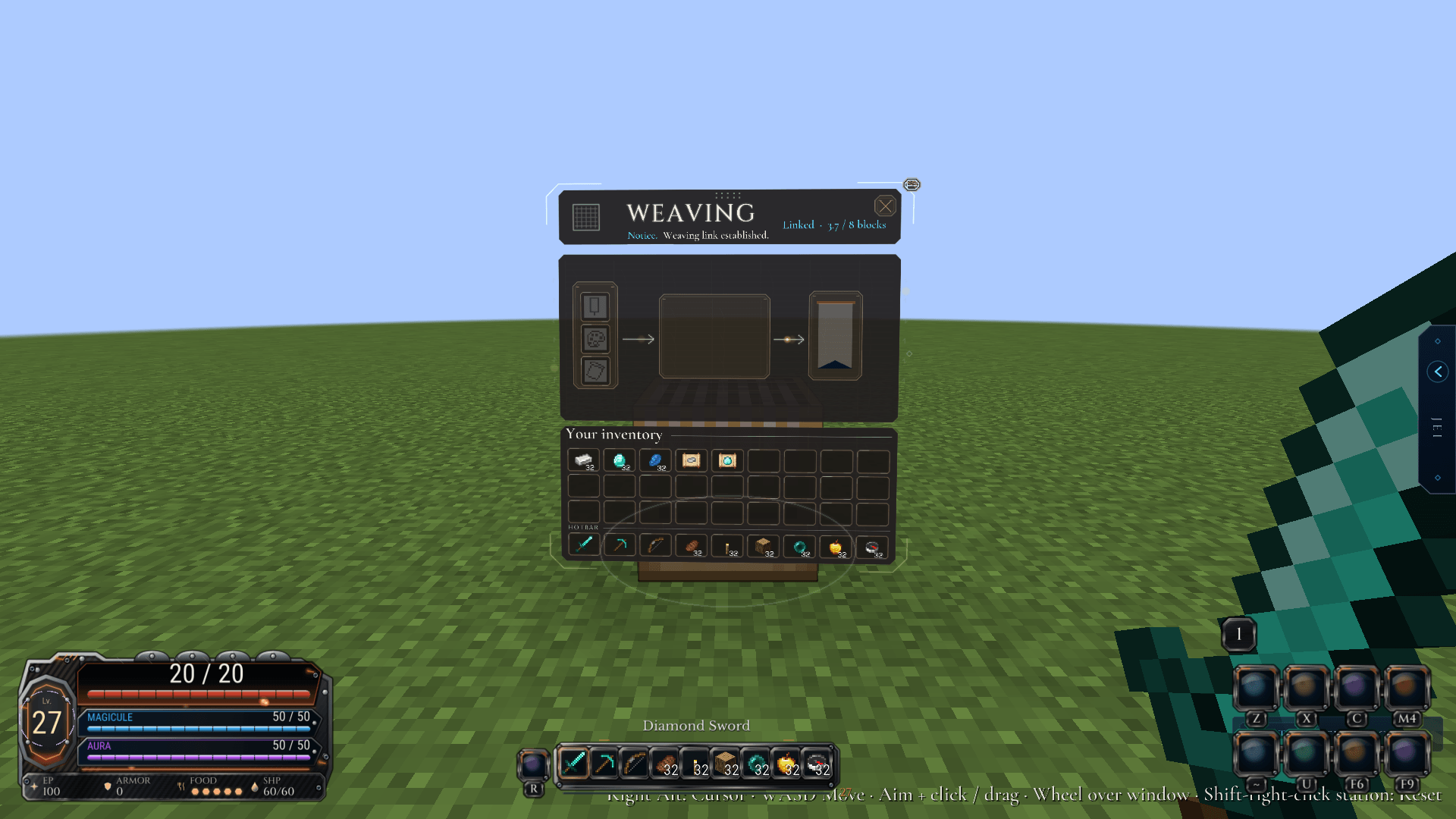
station-loom.png
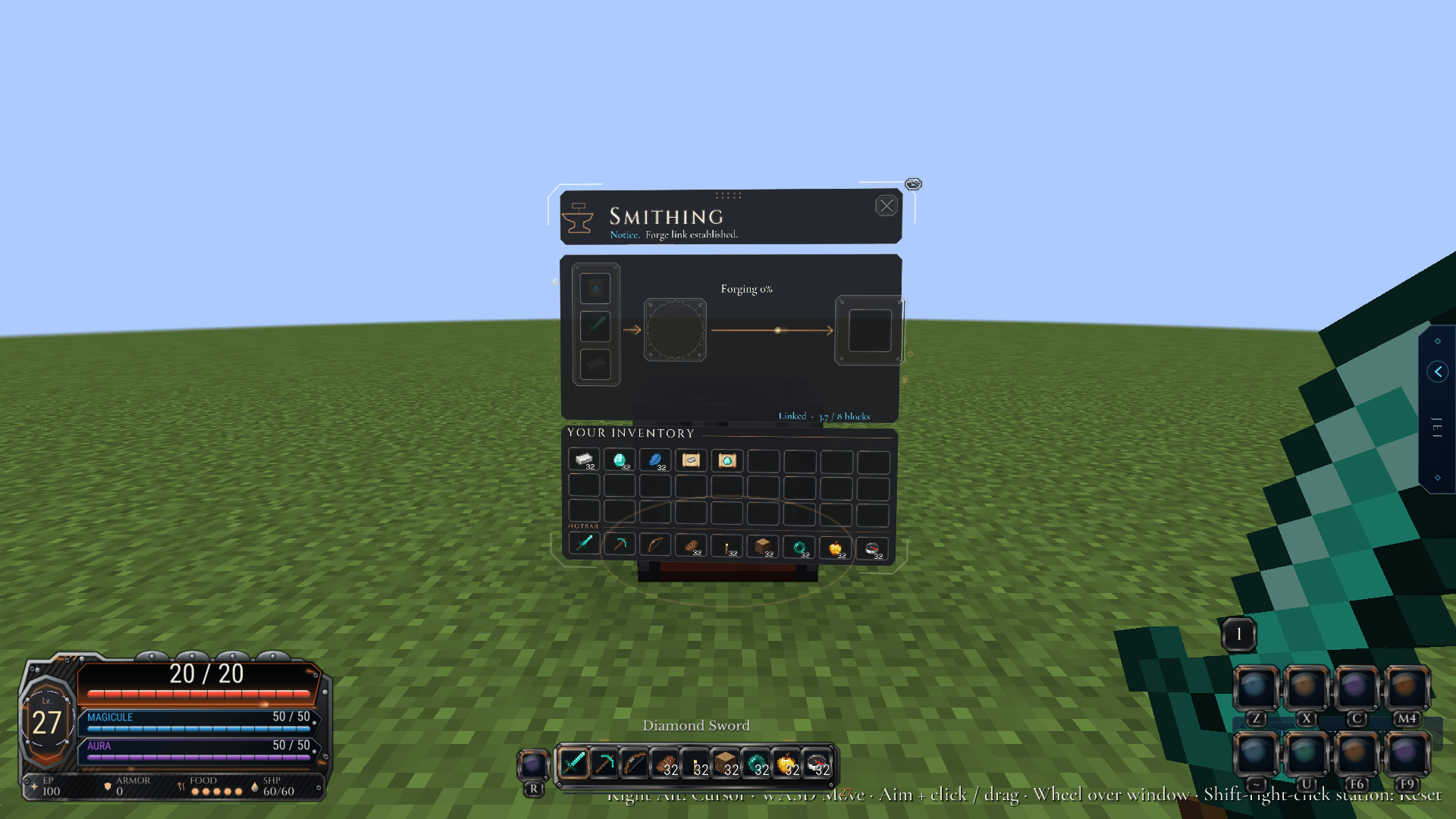
station-smithing_table.png
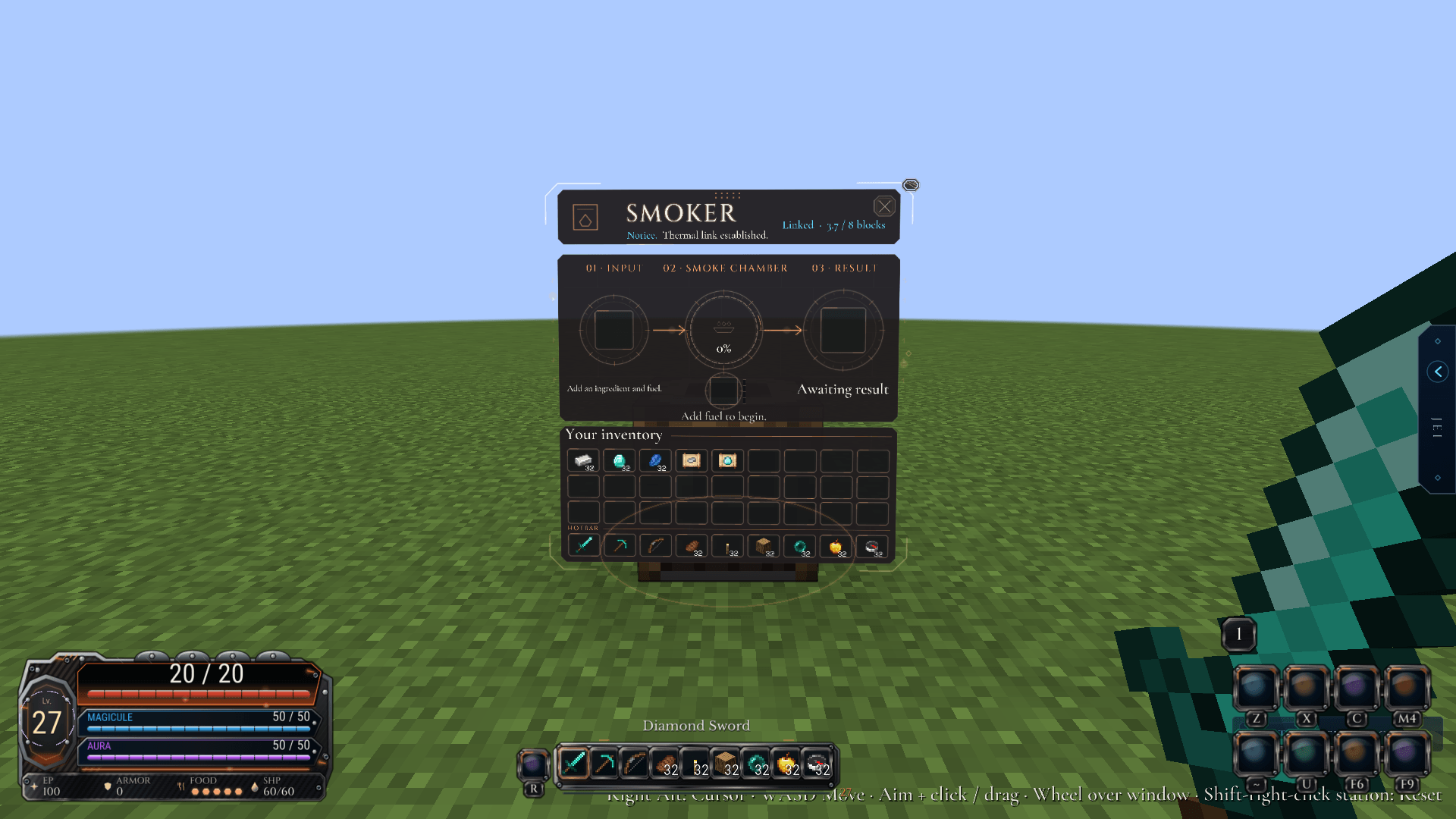
station-smoker.png
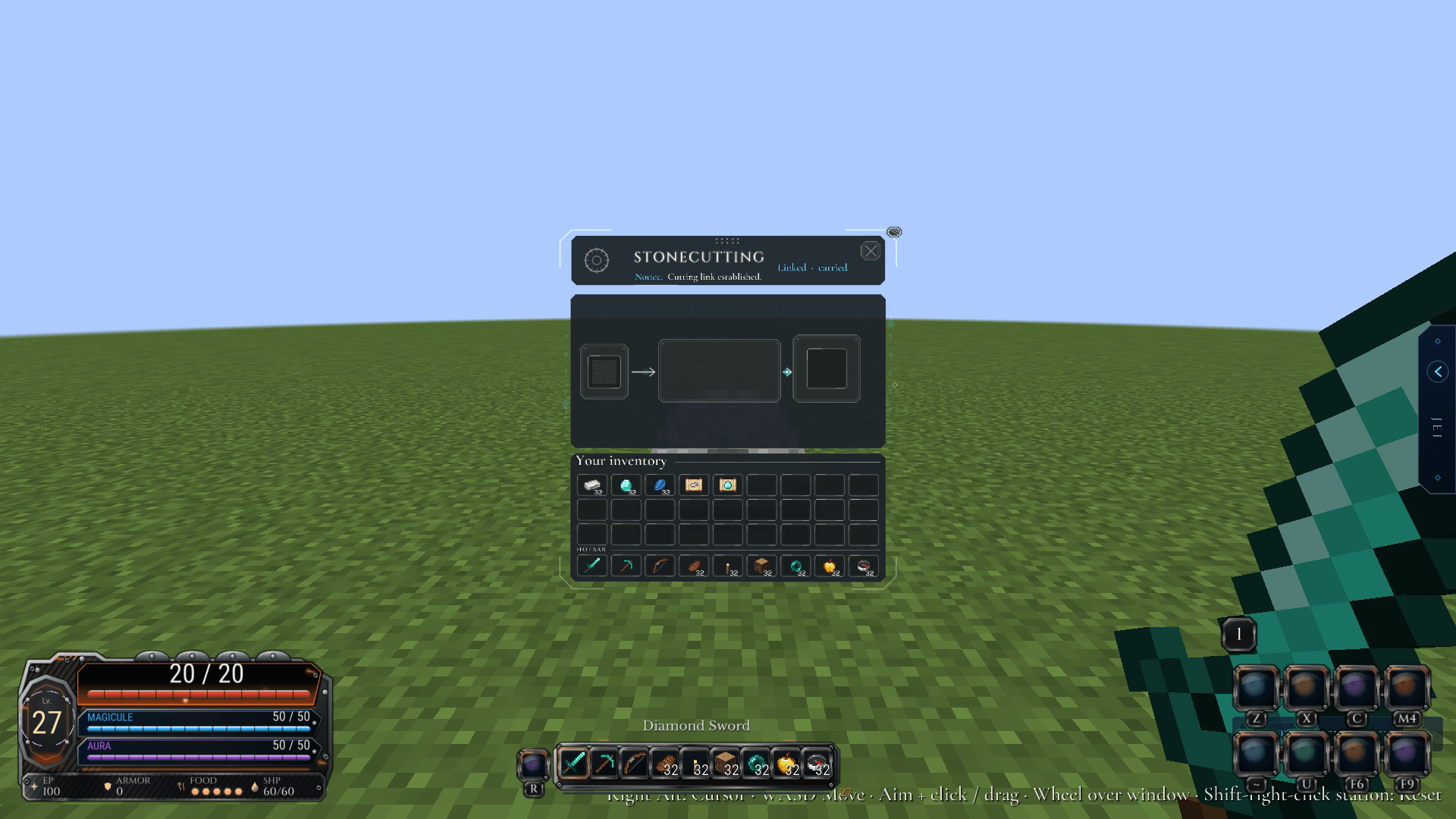
station-stonecutter.png
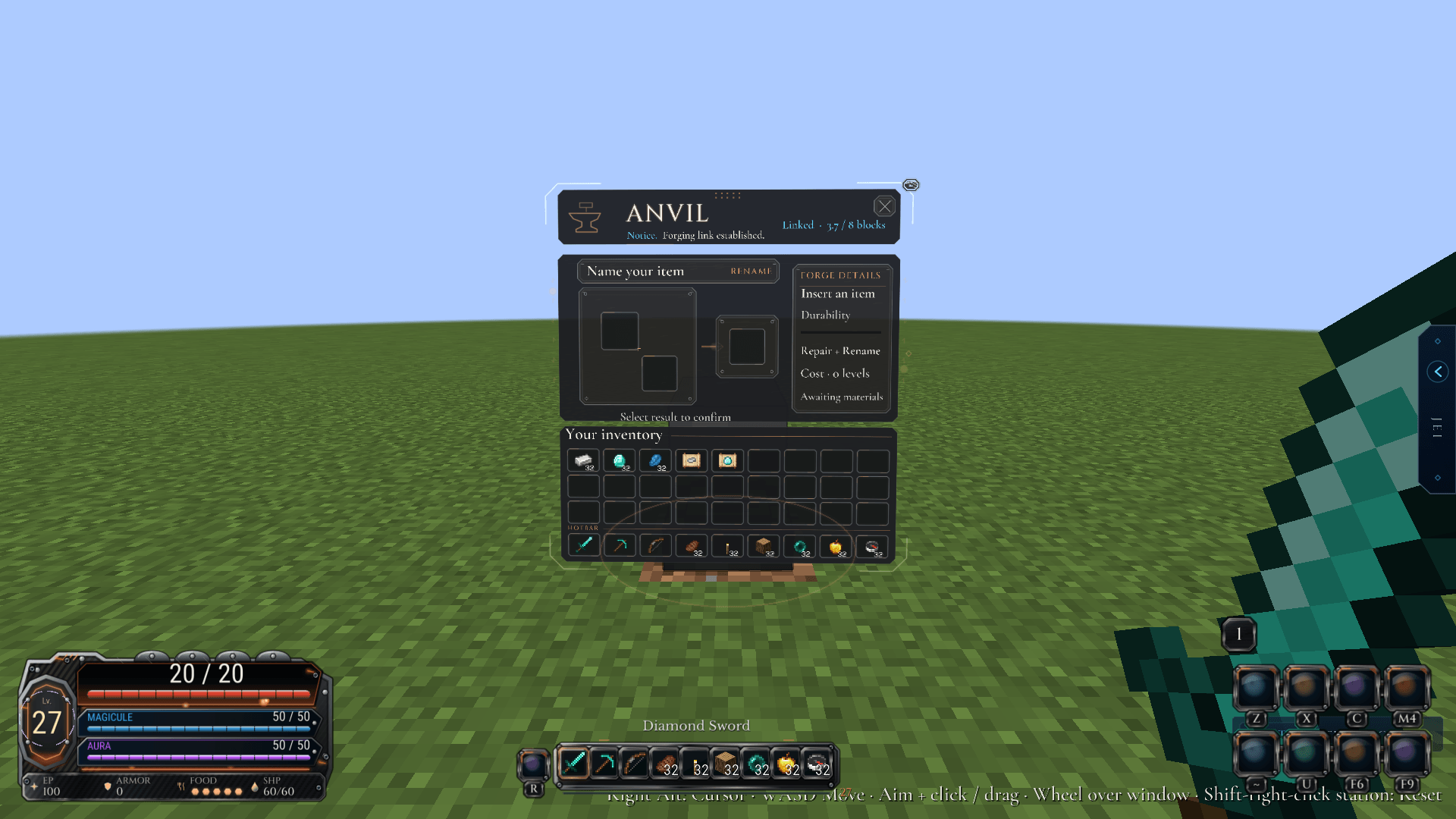
station-anvil.png
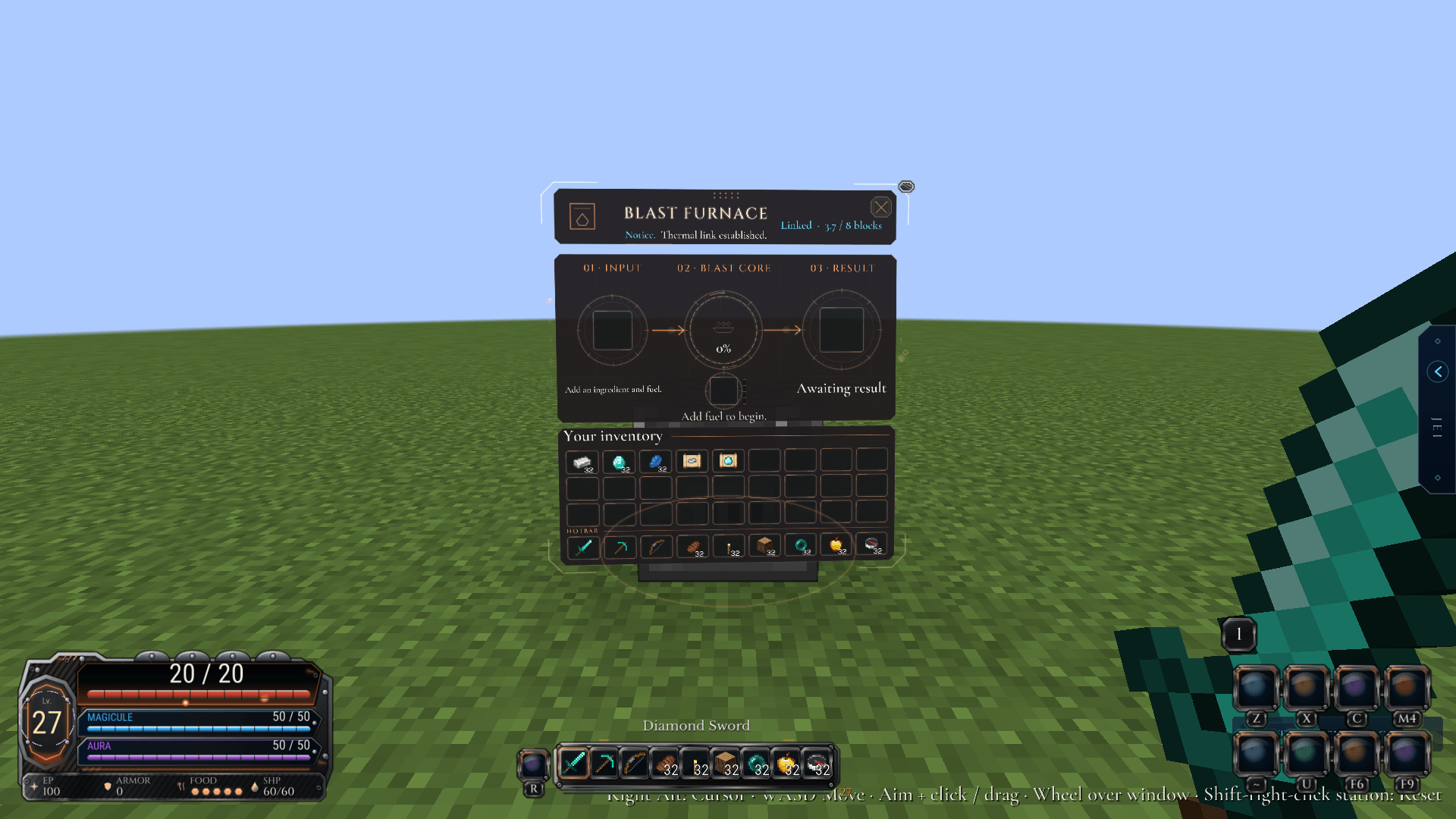
station-blast_furnace.png
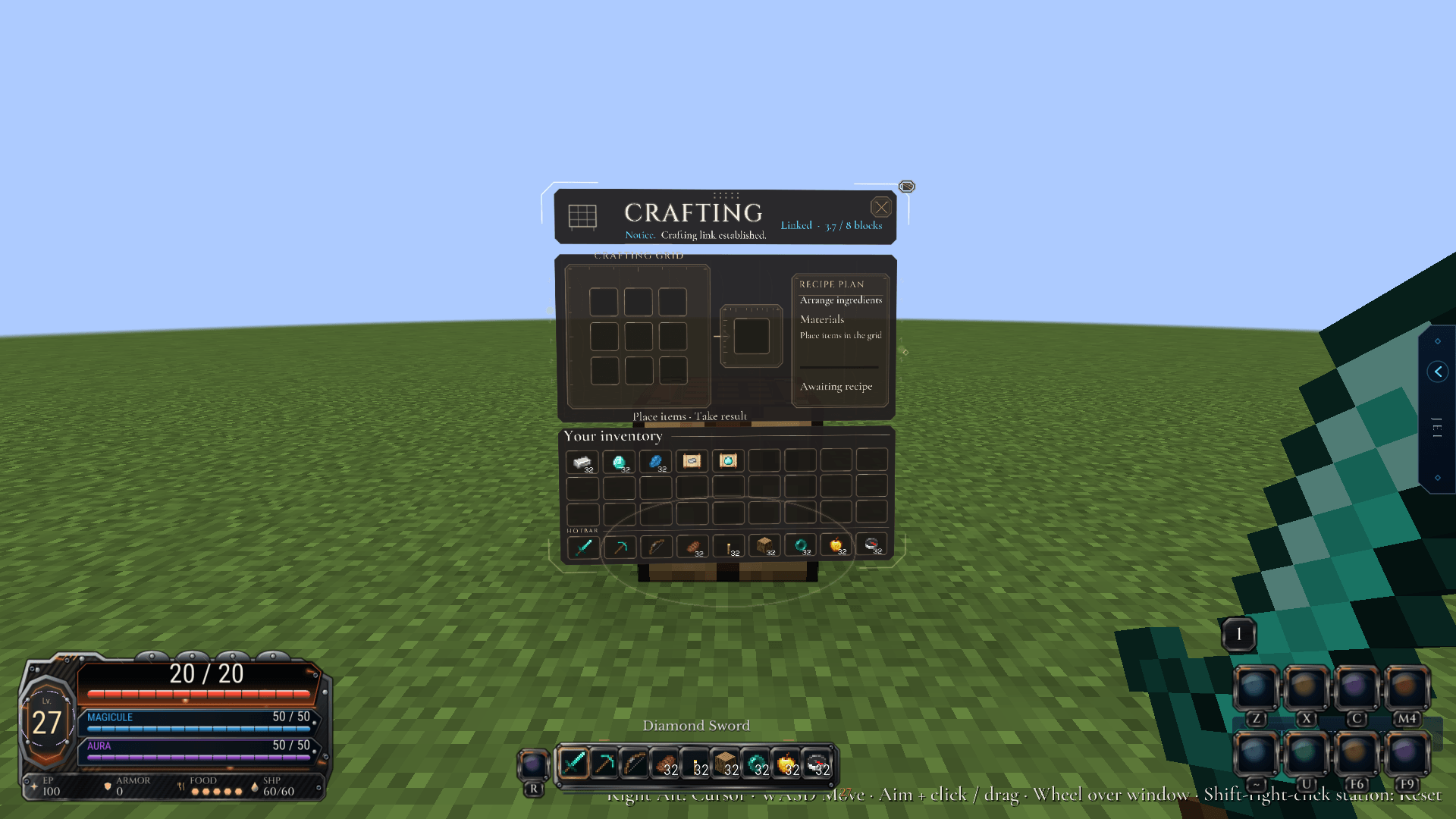
station-crafting_table.png
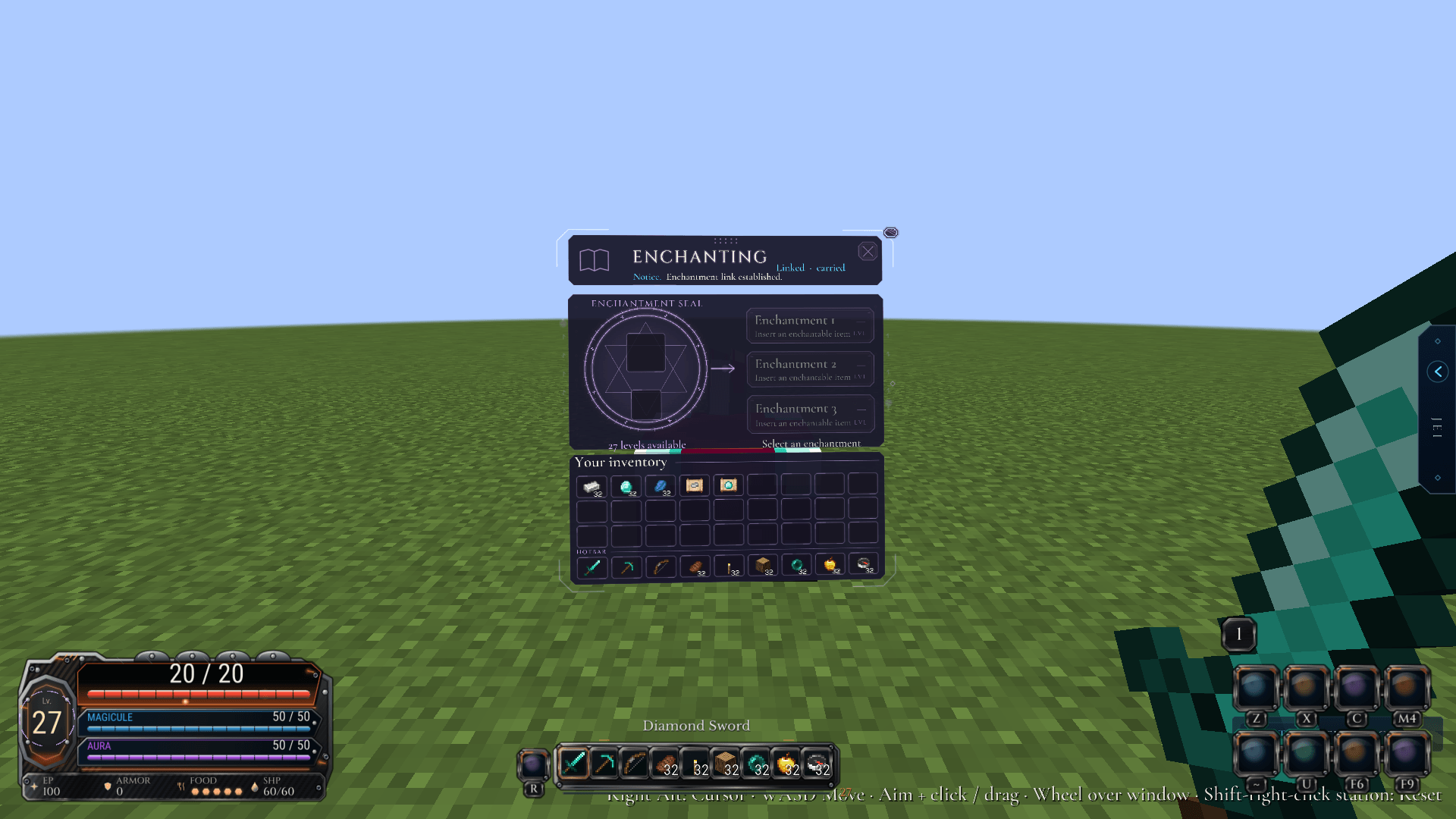
station-enchanting_table.png

Description
IN-WORLD WORKSTATION MENUS
Tensura: Status Menus
Keep your workshop in the world.
Real workstations. Floating windows.
Stay in your world while you craft.
Stay in your world while you craft.
Floating workstations
Your craft, out in the open.
Right-click a supported workstation to open a floating, interactive panel. Walk, look around and work with your items while the world stays in view.
Craft, smelt, repair and enchant through real slots, recipes, costs and results. Item transfers and workstation rules follow the game and server.
Supports crafting tables, furnaces, blast furnaces, smokers, smithing tables, anvils, enchanting tables, grindstones, stonecutters and looms.
Multiple windows
Room for the whole workshop.
Up to eight stations. One workspace.
With Status Menus installed on the server, keep up to eight synchronized windows open together. Open another station while the others continue receiving inventory and progress updates. Revisit an existing window to bring it into focus.
Stay close. Stay connected.
Station links remain active within eight blocks of their workstation. Leave that range and the link closes. A system notice lets you know when a connection is lost or the eight-window limit is reached.
Layout & presentation
Make room for your craft.
Move and resize panels, adjust their distance and keep your saved placements. Gentle camera following pauses while you drag, type or handle items, so the panel stays steady during those interactions.
Choose your typeface, with high contrast, reduced motion and optional Great Sage notices. Change these independently through Mods → Tensura: Status Menus → Config.
Optional integrations
Bring your familiar tools.
Sophisticated Backpacks adds floating panels for supported backpacks, using Sophisticated Core. Compatible Apothic Enchanting screens can show Eterna, Quanta, Arcana and enchantment clues.
With Tensura: HUD 0.4.2+, panels respect its custom hotbar layout. The optional Tensura: GUI companion supplies themed inventories and the Tempest Chronicle, including character records and evolution paths.
Installation
Open your workshop.
Minecraft 1.21.1 · NeoForge 21.1+ · Java 21
Runs on Minecraft and NeoForge. Tensura Reincarnated, ManasCore, Architectury, Tensura: GUI and Tensura: HUD are optional.
Install on the server or host and every client for multiple synchronized windows. On a server without Status Menus, the client falls back to a single native station link. Optional addons retain their own installation requirements.
Tensura: Status Menus Team