Noticeboard
- By
Shared display boards for notes, to-do lists and item lists, synced across your world.
Medal_n50T4o1j9U.png
Medal_n50T4o1j9U.png
Medal_0WqfqurCyF.png
Description
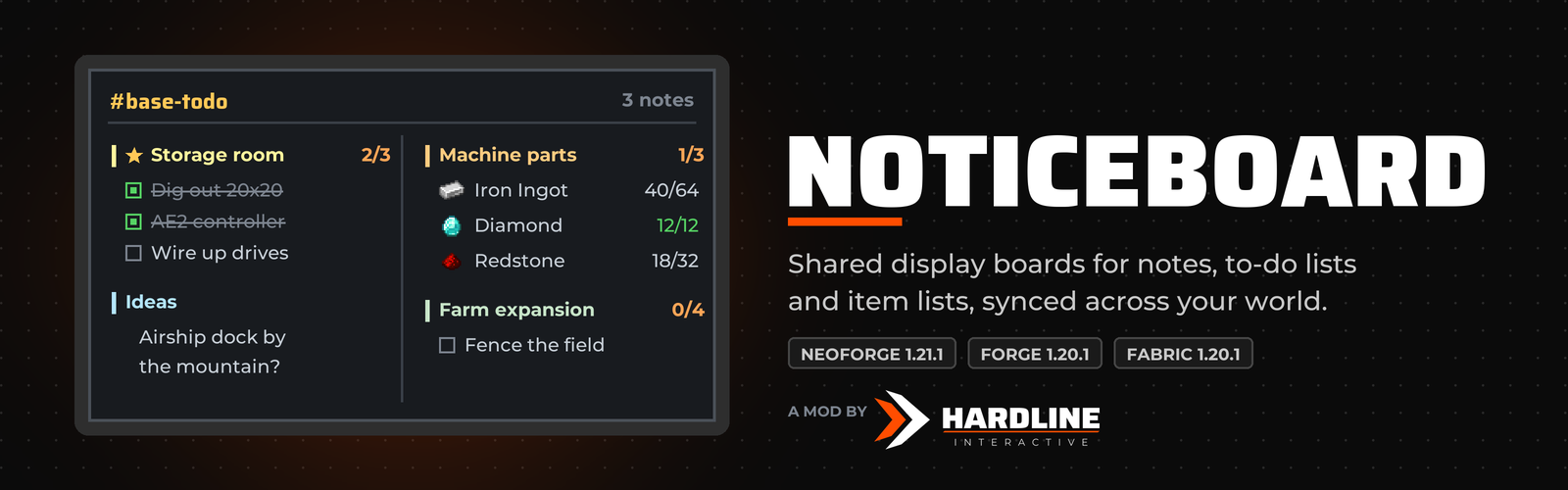
Put your group's plans on the wall. Noticeboard adds glowing display boards you can hang anywhere to share notes, to-do lists, shopping lists of items and announcements with everyone in your world. They're easy to read from across the room, even at night.
📖 Full guide: hardlineinteractive.com/mods/noticeboard
✨ Features
Four kinds of notes
- 📝 Text notes: ideas, rules, announcements.
- ✅ To-do lists: anyone can tick lines off, and the board shows who ticked each one.
- 📦 Item lists: track what you need to gather, like "40/64 Steel Ingot". Search every item in the game, or type
@modnameto filter by mod. - ⭐ Pinned notes: keep the important stuff at the top, and give each note's title its own colour.
Track lists on your screen (new in 1.1.0)
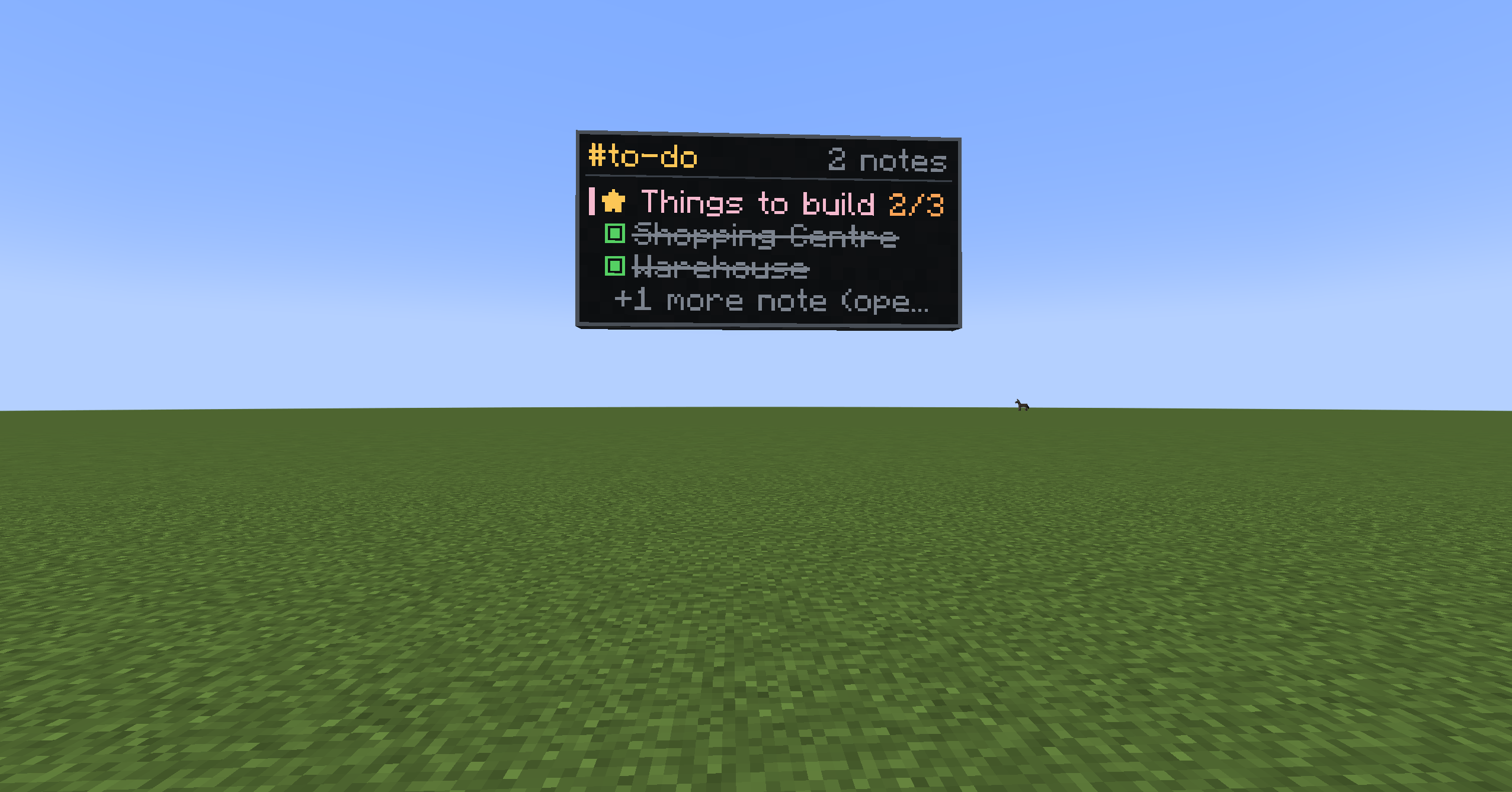
Press Track on a to-do or item list to keep it in the corner of your screen while you play, up to three at once. It updates live as anyone ticks things off or gathers items.
Hand items straight in (new in 1.1.0)
Item lists show what you're carrying. Hand items in with one click and they count towards the list. The list keeps them safe: anyone who can edit the note can take them back out, and deleting the note gives them back.
Channels
Give a board a channel name like base-todo. Every board on that channel shows the same notes, so a board at spawn and one at your base stay in sync on their own.
Channel alerts (new in 1.1.0)
Press Watch on a board to get a pop-up whenever someone adds a note or finishes a list on that channel.
Build big screens
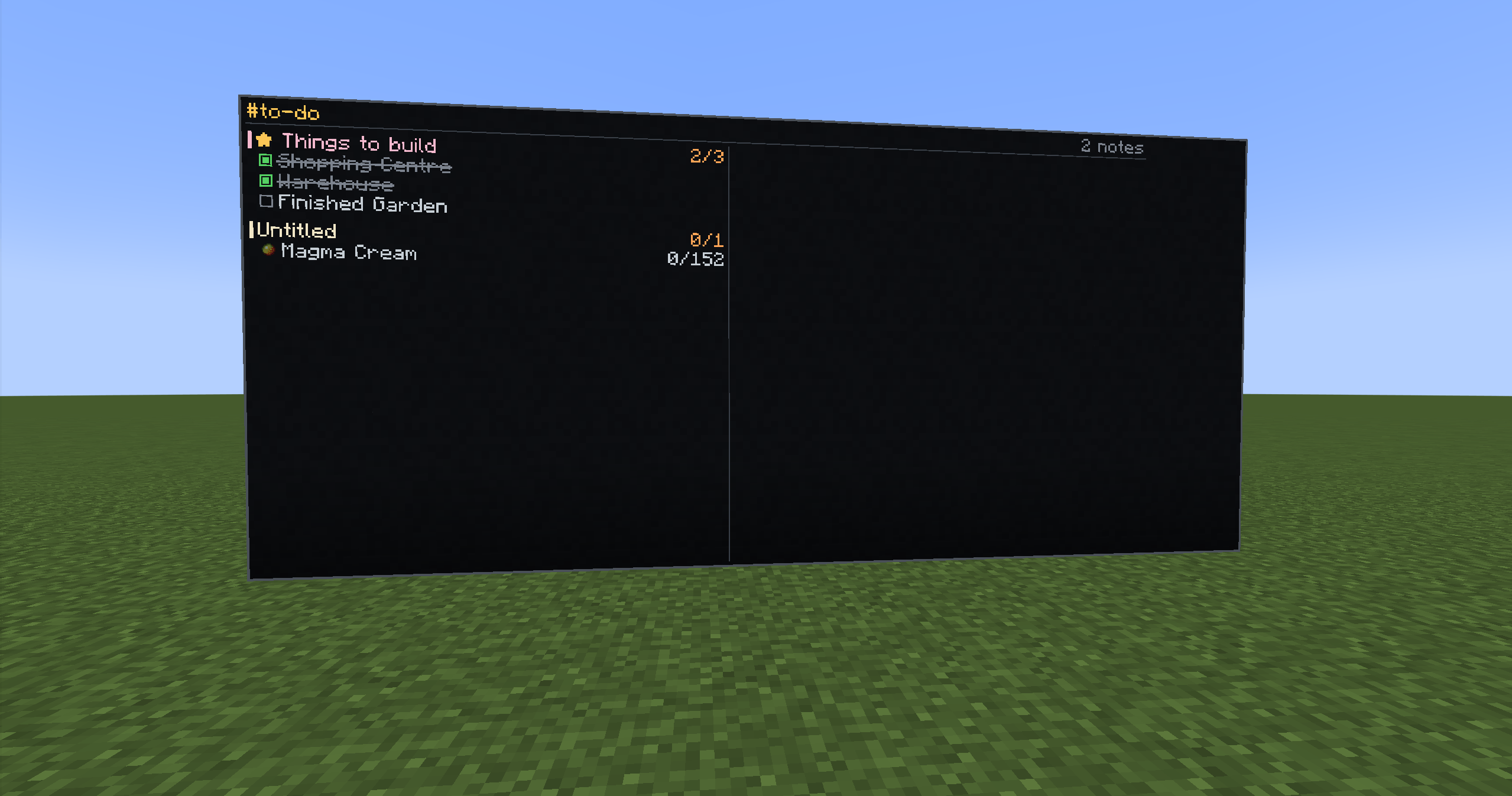
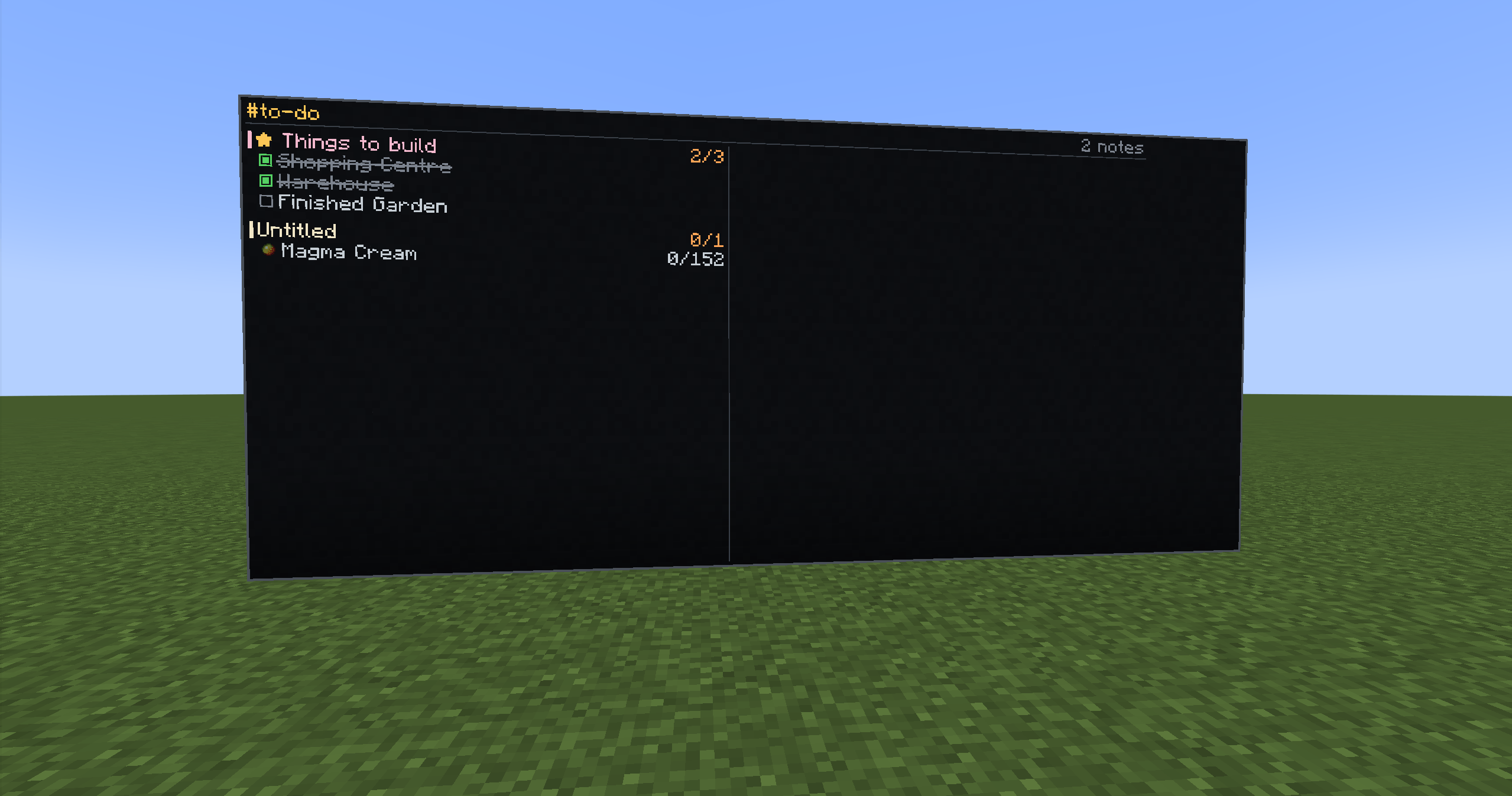
- Boards placed side by side merge into one large screen, up to 8×8 blocks per section, showing every note in full: tick boxes, item icons with counts, and note text.
- Create-style placement: hold a board, aim near the edge of one that's already up, and an outline shows exactly where the next one goes.
- Display options (new in 1.1.0): choose the text size, hide finished lines so the wall only shows what's left, or show pinned notes only.
Permissions
- The player who creates a channel owns it, and chooses whether anyone can post or members only.
- Authors can edit their own notes, and server operators can always step in.
- Every change is checked by the server, so a modified client can't get around the rules.
🛠️ Crafting
Glass panes around black dye on the top two rows, with stick, planks, stick on the bottom row. Makes 2 boards.
📖 How to use
- Place a board on a wall and right-click it.
- Type a new channel name to create one, or pick an existing channel.
- Add notes with + Note, + To-do or + Item list.
- Click any note to view, tick off, hand in, track, edit, pin or delete it.
🔌 Compatibility
- NeoForge 1.21.1
- Forge 1.20.1 and Fabric 1.20.1 (Fabric needs Fabric API)
- Needed on both the server and the client
- Jade (optional): look at a board to see its channel and note count.
- Updating from 1.0.0 keeps all your boards and notes.
🤖 Credits and AI disclosure

Made by Hardline Interactive (Taylor Gibbs).
To be upfront: this mod was vibe coded. The code was written by Claude Code, Anthropic's AI coding assistant, based on Taylor's ideas, testing and feedback. If you find a bug, please let us know in the comments.
Noticeboard Team