TaylorGibbs.dev Noticeboard
- By
Shared display boards for notes, to-do lists and item lists, synced across your world.
Medal_n50T4o1j9U.png
Medal_n50T4o1j9U.png
Medal_0WqfqurCyF.png
Description
Put your group's plans on the wall. Noticeboard adds display boards you can hang anywhere to share notes, to-do lists and shopping lists with everyone in your world. Boards glow like a Create display board, so they're easy to read from across the room or at night.
✨ Features
Four kinds of notes
- 📝 Text notes: ideas, rules, announcements.
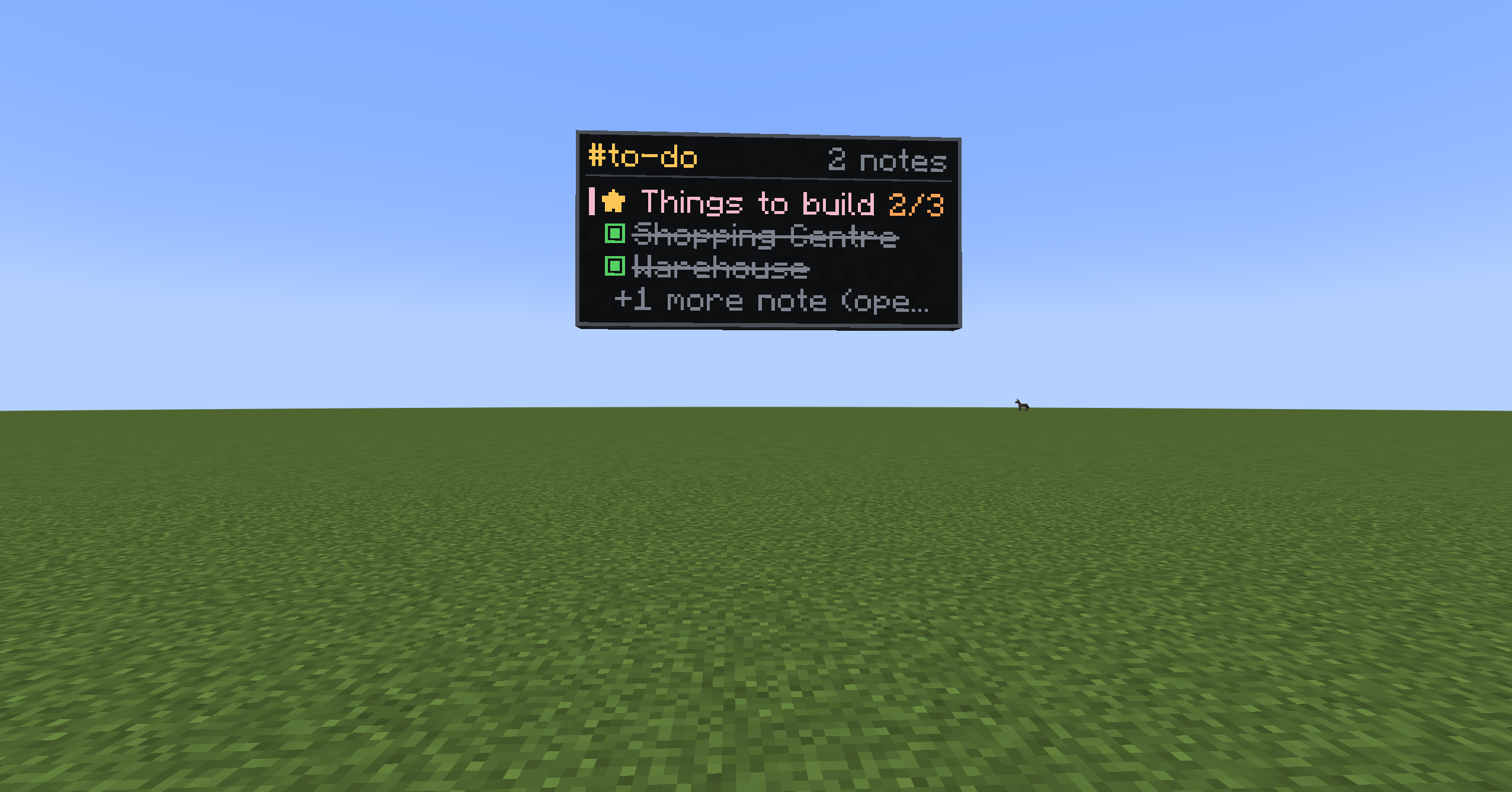
- ✅ To-do lists: anyone can tick items off, and the board shows who ticked each one.
- 📦 Item lists: track what you need to gather, e.g. "40/64 Steel Ingots". Search every item in the game (type
@modnameto filter by mod) or pick from your inventory. - ⭐ Pinned notes: keep the important stuff at the top.
Channels
Give a board a channel name like base-todo or ideas. Every board on that channel shows the same notes, so a board at spawn and a board at your base stay in sync automatically.
Build big screens
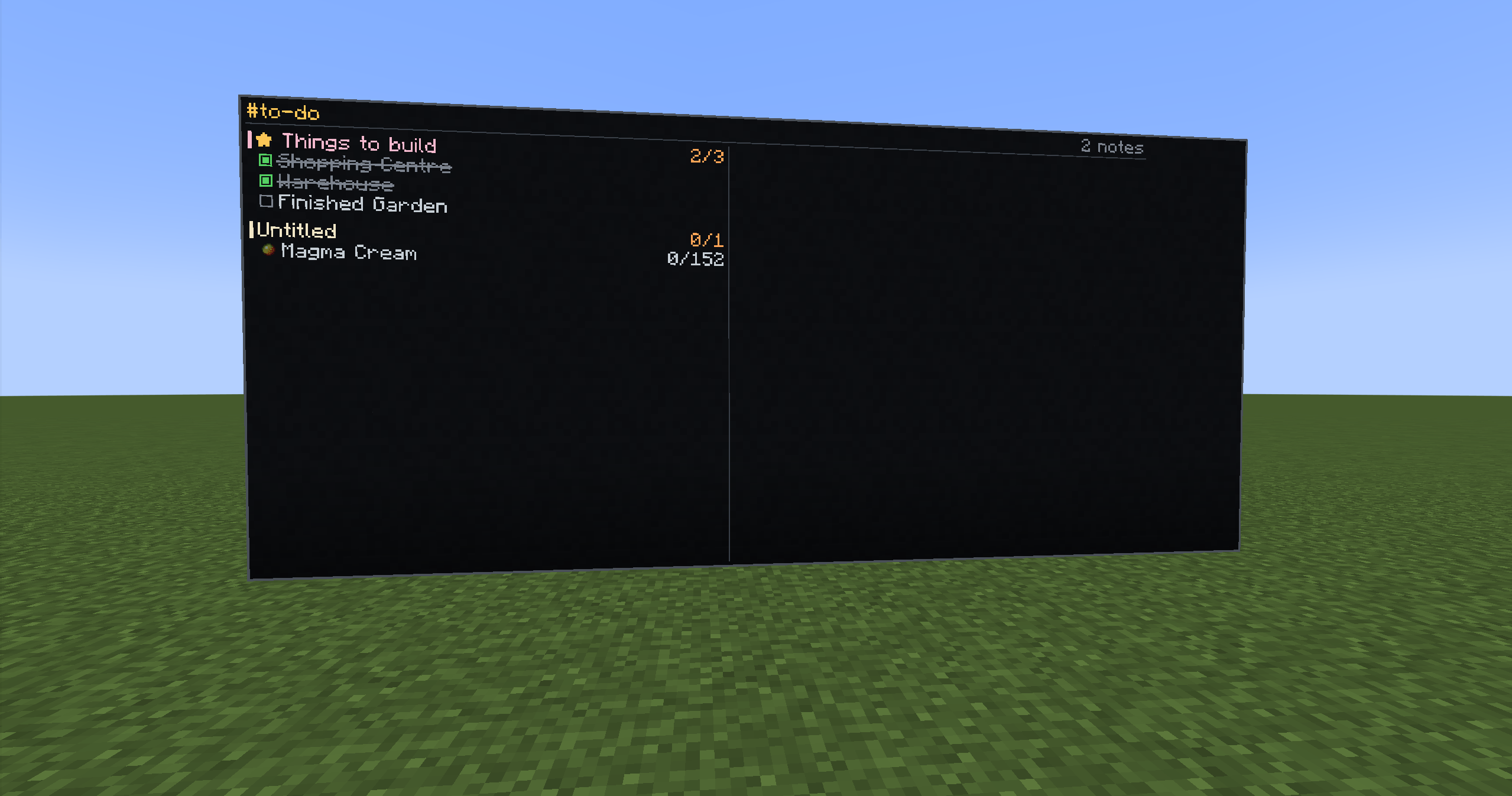
Place boards side by side and they merge into one large screen, up to 8×8 blocks per section. The whole content of every note is shown right on the wall: tick boxes, item icons and counts, and note text. Wide walls split into columns.
Create-style placement
Hold a board and aim near the edge of an existing one. An outline shows exactly where the next board will go. Sneak to place normally.
Permissions
- The player who creates a channel owns it.
- Owners choose whether anyone can post or members only, manage the member list, and can hand the channel to someone else.
- Authors can edit their own notes, and server operators can always step in.
- Every change is checked on the server, so a modified client can't get around the rules.
Colour-coded notes
Pick a colour for each note's title on the board.
🛠️ Crafting
Glass panes around black dye on the top two rows, with stick, planks, stick on the bottom row. Makes 2 boards.
📖 How to use
- Place a board on a wall and right-click it.
- Type a new channel name to create one, or pick an existing channel.
- Add notes with + Note, + To-do or + Item list.
- Click any note to view, tick off, edit, pin or delete it.
🔌 Compatibility
- NeoForge 1.21.1 (Java 21)
- Required on both the server and the client
- Jade (optional): look at a board to see its channel and note count.
🤖 Credits & AI disclosure
Created by Taylor Gibbs (taylorgibbs.dev).
To be upfront: this mod was vibe coded. The code was written by Claude Code, Anthropic's AI coding assistant, based on my ideas, in-game testing and feedback. Every feature was tested in-game before release. If you find a bug, please let me know in the comments.
TaylorGibbs.dev Noticeboard Team