Swiftweave
- By
Rejoin your last server without reloading an unchanged resource pack. Keep more chat, search in two languages, and save worlds in the background on Fabric.
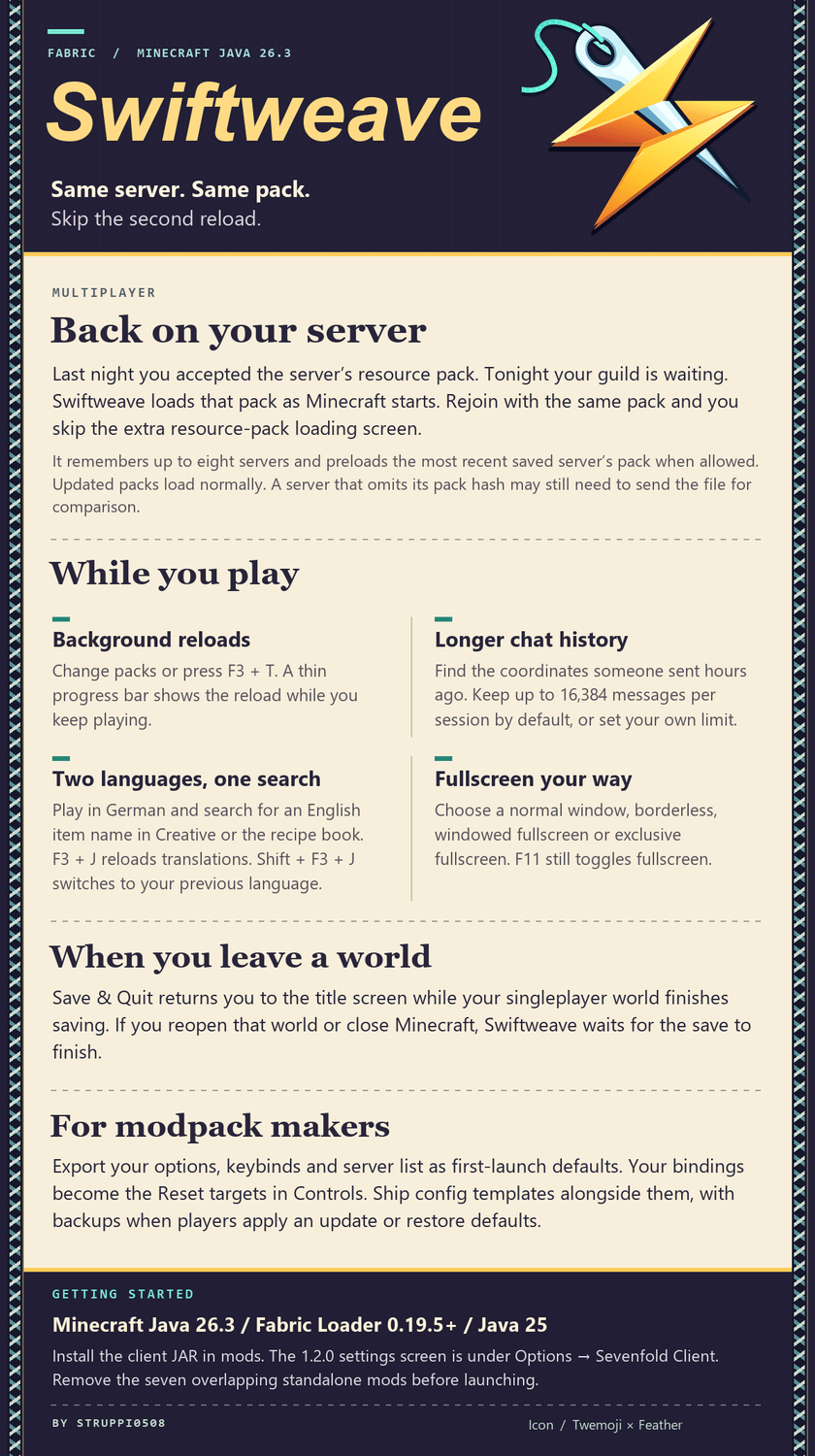
Switching from the standalone mods
- Open the right profile. In the CurseForge app, open your Minecraft 26.3 Fabric profile and choose Open Folder. Put the Swiftweave JAR in the
modsfolder inside. - Disable any overlapping mods in that profile. Check for RRLS, More Chat History, Language Reload, FastQuit, Cubes Without Borders, ConfigManager and Default Options. You can disable them in CurseForge before launching.
- Try a repeat join. Save the server in Multiplayer, set its Server Resource Packs option to Enabled, join once, and let its pack finish loading. Close Minecraft, launch the same profile, and rejoin that server. If its pack is unchanged, the extra pack reload is skipped.
By Struppi0508. Icon adapted from Twemoji’s Sewing Needle by Twitter and contributors (CC BY 4.0) and Feather’s Zap by Cole Bemis (MIT).
Swiftweave Team

Owner