SVC Passsword Hide
- By
Keeps Simple Voice Chat group passwords hidden by default, with an eye button to reveal them. Client-side and streamer-friendly.
Description
🔒 Keep your group password off-stream
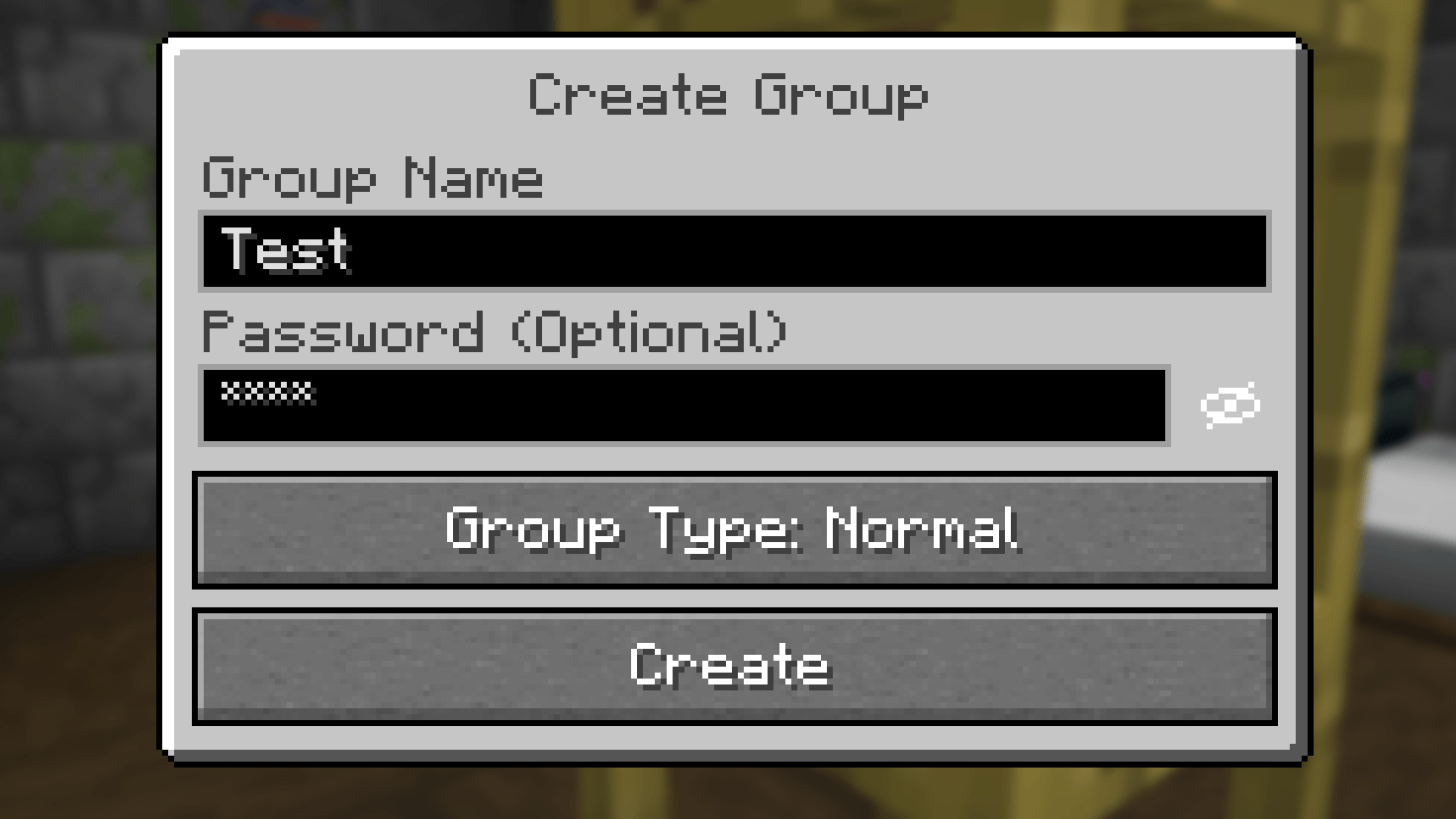
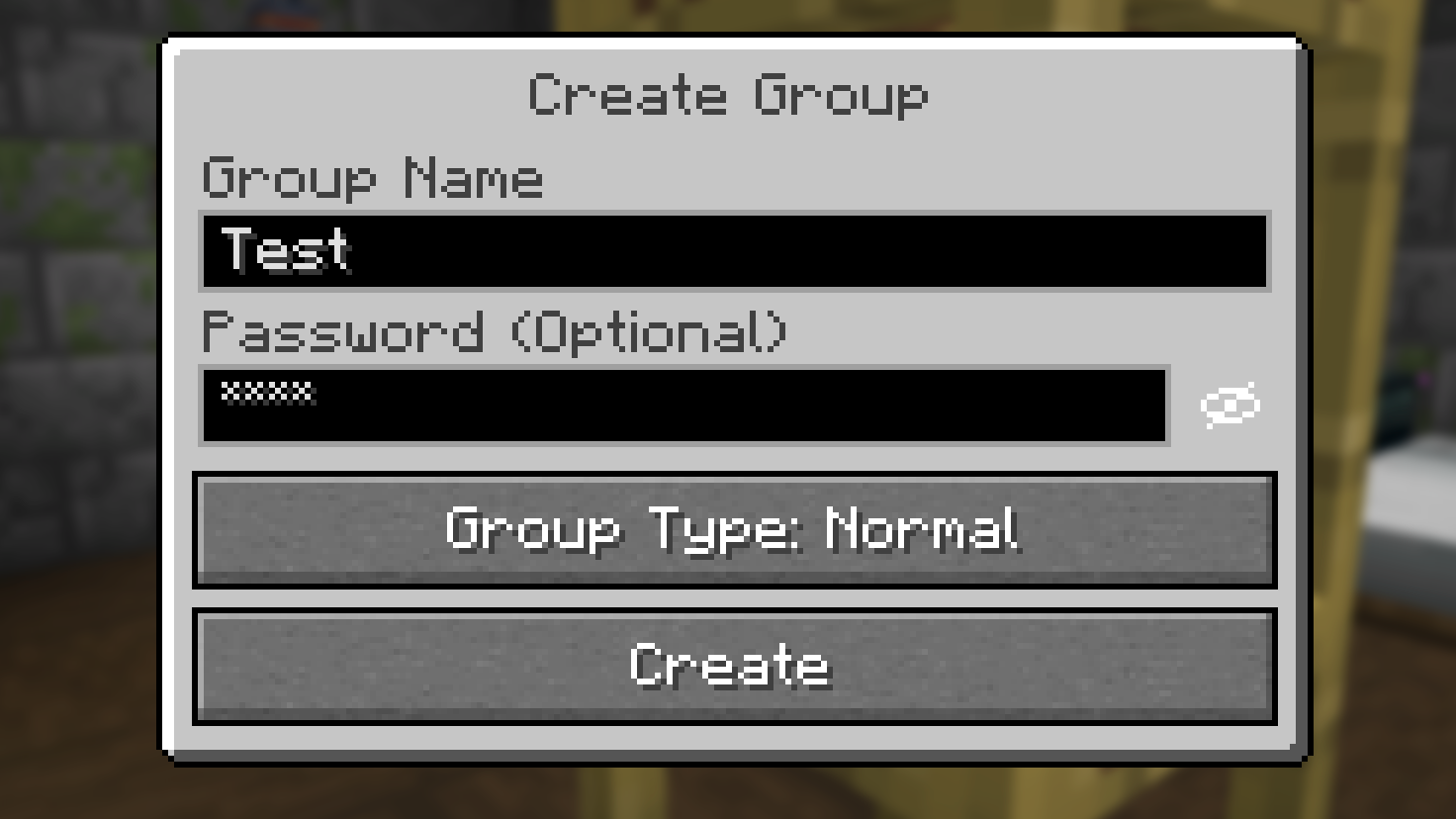
SVC Password Hide is a client-side add-on for Simple Voice Chat that hides group passwords behind stars by default.
Create or join a password-protected group without showing your password on stream. An eye button beside the password field lets you reveal it when needed and hide it again with another click.
✨ Features
| Feature | What it does |
|---|---|
| Hidden by default | Masks passwords when creating or joining a group. |
| Click to reveal | Adds a clearly visible eye button beside the password field. |
| Automatic reset | Hides the password again when reopening the dialog or resizing the window. |
| Keyboard accessible | Lets you reach and activate the eye button using the keyboard. |
| Narrator support | Prevents Minecraft's narrator from reading hidden passwords aloud. |
| English & German | Includes translated button labels and tooltips. |
📦 Installation
- Install Simple Voice Chat and its required dependencies.
- Download SVC Password Hide for your Minecraft version and mod loader.
- Place the JAR in your client's
modsfolder. - Launch Minecraft and open a group password dialog.
Only you need this add-on. Your server and other players do not need to install it.
🧩 Requirements
- Minecraft 26.1, 26.1.1, 26.1.2, 26.2, or 26.3
- Fabric, Quilt, Forge, or NeoForge
- Simple Voice Chat 2.6.x
- Java 25
Choose the download matching your Minecraft version and loader. No configuration or OBS integration is required.
👁️ You're in control
Typing, pasting, editing, and joining groups work as usual. The add-on changes how the password is displayed.
Clicking the eye reveals the password on your screen—and therefore in any active recording or stream.
Created by playmonkeei.
An independent, unofficial add-on for Simple Voice Chat by henkelmax.
SVC Passsword Hide Team