Enhanced Timer
- By
A Minecraft-style stopwatch and countdown with a draggable HUD, Hardcore-friendly controls and optional shared server timers.
Your timer. Your adventure.
A Minecraft-style stopwatch and countdown for survival worlds, building projects, runs and challenges with friends. Count up. Count down. Find your perfect spot on screen.
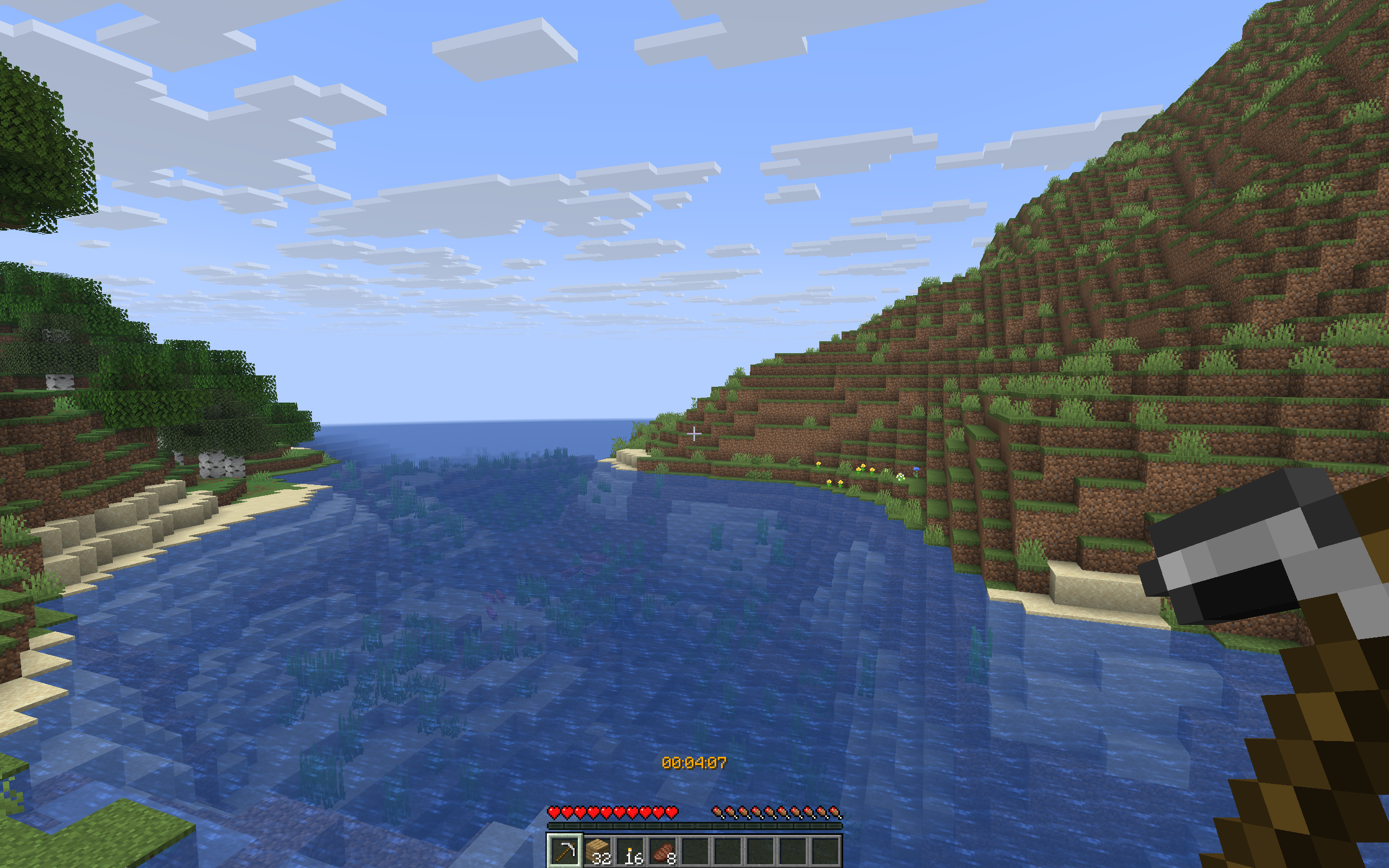
Make every second yours
- Stopwatch and countdown: start, pause, resume, stop, reset, undo and splits. Optional warnings and a large on-screen expiration message.
- Hardcore friendly: press B for the native menu. No cheats needed for your local timer. Optional Mod Menu integration and local
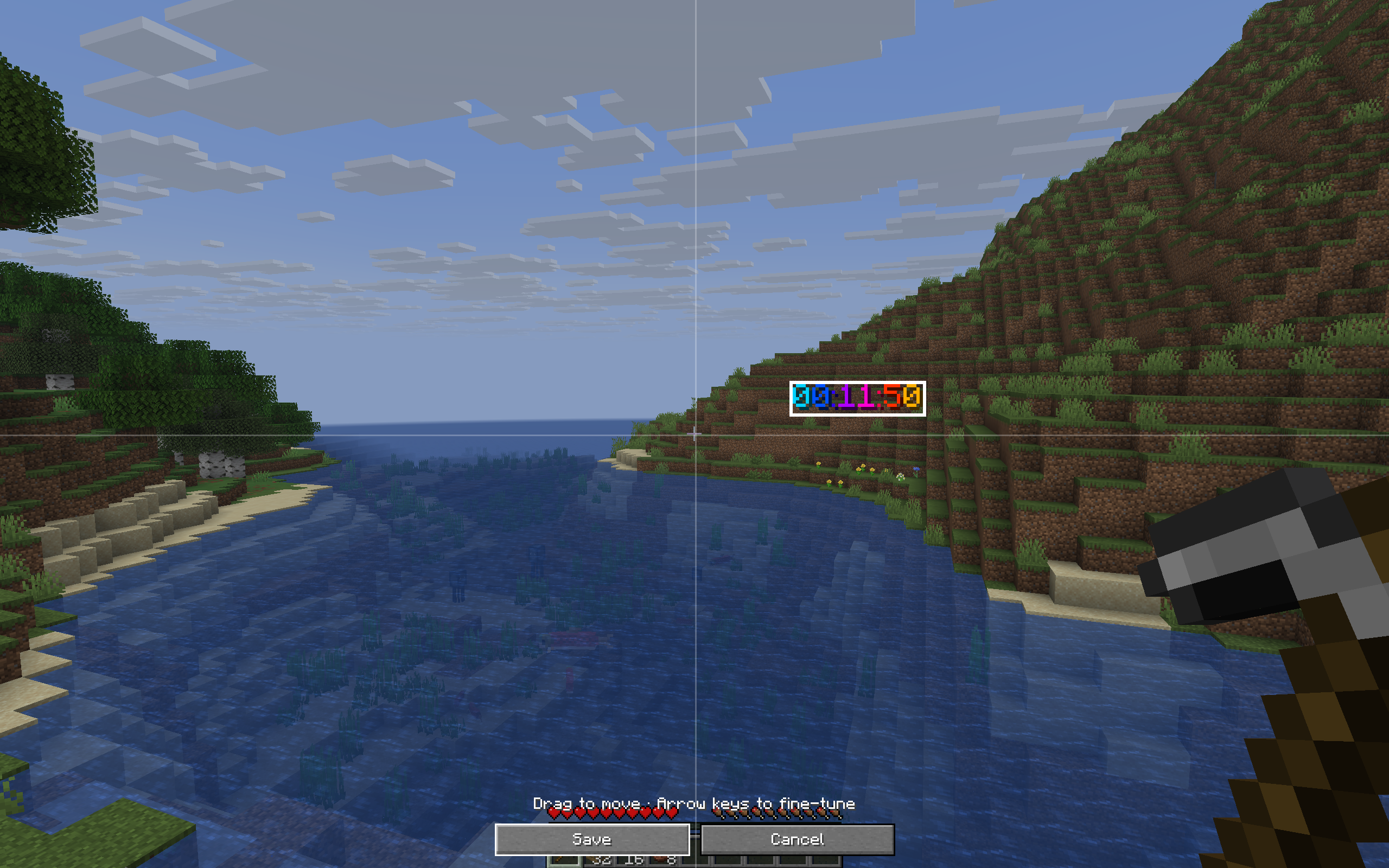
/etcommands. - Your HUD, your style: drag-and-drop editor, nine anchors, scaling, backgrounds, 16 Minecraft colors, rainbow, custom hex colors and time formats.
- Saved progress: settings and timers per world/server. A running timer returns paused after restarting Minecraft.
- Four languages: English, German, French and Spanish; game-language selection, English fallback and a manual override.
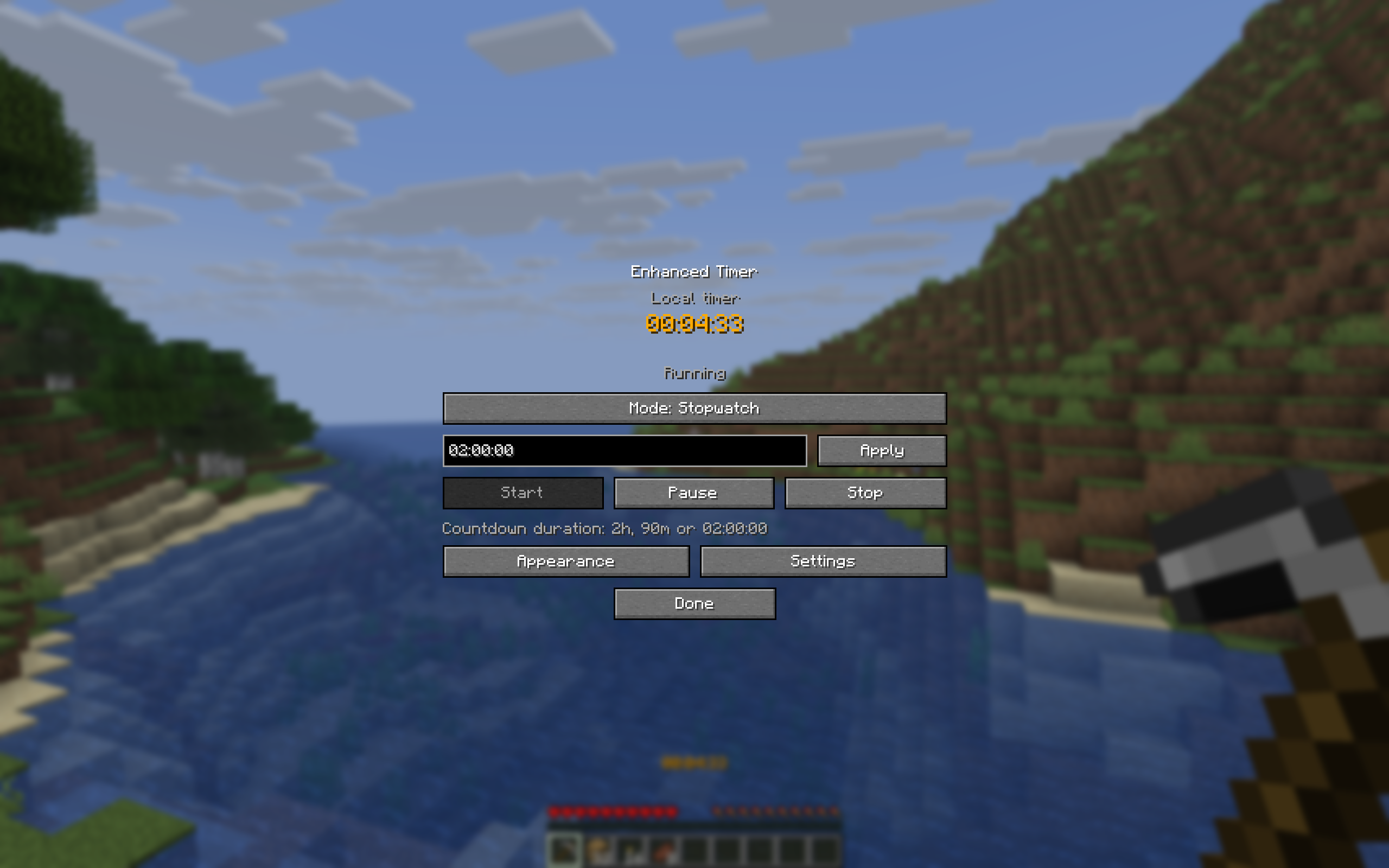
Install in a minute
Minecraft Java Edition 26.1, 26.1.1, 26.1.2, 26.2 and 26.3, Java 25. Each Minecraft-family JAR works with Fabric, Quilt, Forge and NeoForge, on clients and matching dedicated mod servers.
- Download the matching mod JAR and put it in
mods/. Use the 26.1 file for 26.1 / 26.1.1 / 26.1.2; otherwise match 26.2 or 26.3. - Join a world or server and press B.
- Choose Stopwatch or Countdown and press Start. Try
2hfor a two-hour challenge.
Enhanced Timer does not require Fabric API or QSL. Mod Menu is optional; install its own dependencies if used. Install only the matching JAR, not every variant.
Better together
Your local timer works on ordinary servers without a server installation. Add Enhanced Timer to a matching modded server for synchronized personal, global and team timers with permissions. Modded players get the HUD; players without the mod can follow shared time through a bossbar or optional actionbar.
For Spigot, Paper, Purpur and Folia, a separate server plugin is available separately. Put enhancedtimer-server-1.0.0.jar in plugins/, and install only one Enhanced Timer implementation per server.
Runs, builds and challenges
Optional helpers: start on movement, pause on death, Nether/End/dragon splits and stop on the dragon advancement. You choose your challenge rules. For competitive runs, check your category’s requirements; this is not an RTA/IGT comparison or leaderboard integration.
Full player guide · Deutsche Anleitung · Report an issue · Technical guide and test coverage
Made by playmonkeei · MIT licensed. Minecraft Java 26.1–26.3; no Bedrock, proxy installation or future-version compatibility claim. Not an official Minecraft product. Not approved by or associated with Mojang or Microsoft.
Development and credits
Created with substantial AI assistance (OpenAI Codex) for implementation, tests, translations, documentation and SVG branding. The gallery and in-game examples show actual Minecraft gameplay. Enhanced Timer does not use generative AI at runtime.
Rich text formatting uses Kyori Adventure / MiniMessage (MIT) and Google Gson (Apache 2.0).
Enhanced Timer Team