Structure Sleuth
- By
Identify vanilla and modded Minecraft structures, detect overlapping structures, and copy registry IDs with a simple command. Supports Forge, Fabric, and NeoForge.
2026-10-07_21.53.30.png
2026-10-07_22.23.07.png
2026-10-11_11.43.47.png
2026-10-11_10.48.28.png
GrotesqueGrub | Structure Sleuth
Create your game server with 

Description
Structure Sleuth
Find it. Identify it. Control it.
Ever wondered which mod added that enormous dungeon? Why your world is overflowing with structures? Or how to make villages more common without digging through dozens of configuration files?
Structure Sleuth puts structure discovery, investigation, and world-generation management in one place.
Originally developed as a diagnostic tool for modpack development, Structure Sleuth has evolved into a powerful utility for players, modpack creators, and world-generation enthusiasts.
🔎 STRUCTURE DETECTION & INSPECTION
Know exactly what you're looking at.
- Identify vanilla and modded structures.
- Detect overlapping structures.
- Inspect structure identities and registry information.
- Investigate unexpected or overcrowded structure generation.
- Diagnose structure placement issues in heavily modded worlds.
No more guessing which of your 200 mods put that enormous fortress in your backyard.
⚙️ WORLD GENERATION CONTROLS
Take control of where structures appear.
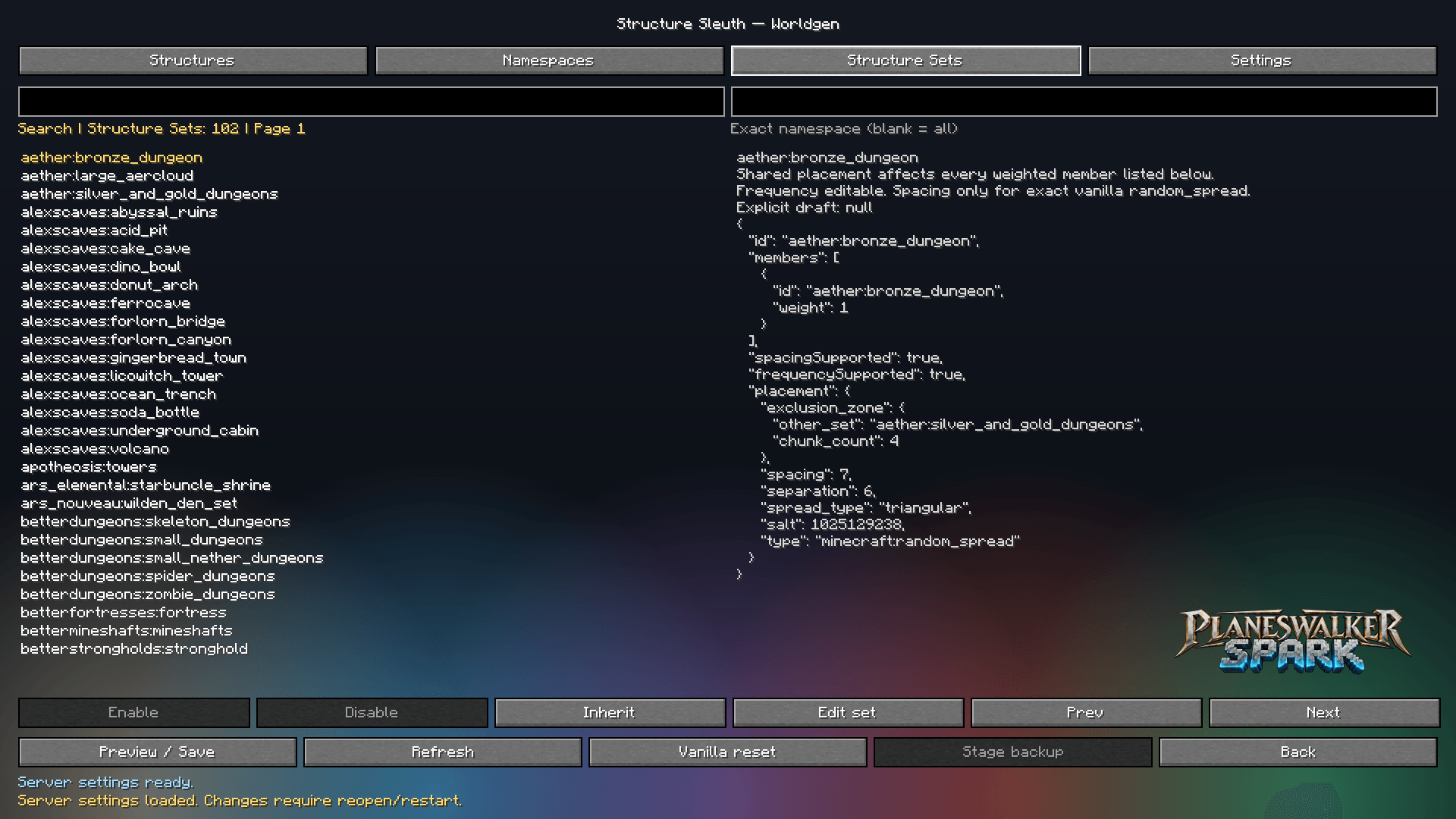
Structure Sleuth provides an intuitive in-game editor for supported structure sets.
Available controls include:
- Spacing — Adjust the distance between structure placement attempts.
- Separation — Control the minimum separation between attempts.
- Frequency — Adjust supported generation-frequency settings.
- Precise Numeric Input — Enter exact values for finer control.
- Inherit Set — Restore inherited settings where supported.
Interactive sliders make configuration straightforward, while numeric fields provide the precision experienced modpack developers need.
Note: Some structures share placement settings, and not all generation methods support every control.
🛠️ PRESETS & CONFIGURATION MANAGEMENT
Experiment without losing track of your changes.
- Manage world-generation configuration presets.
- Review draft, saved, and running settings.
- Adjust supported structure sets individually.
- Revisit settings through the integrated editor.
- Use contextual guidance to understand each control.
Whether you're creating a sparse wilderness or a world packed with adventure, Structure Sleuth helps you fine-tune the experience.
📖 HOW TO USE
Structure Identification
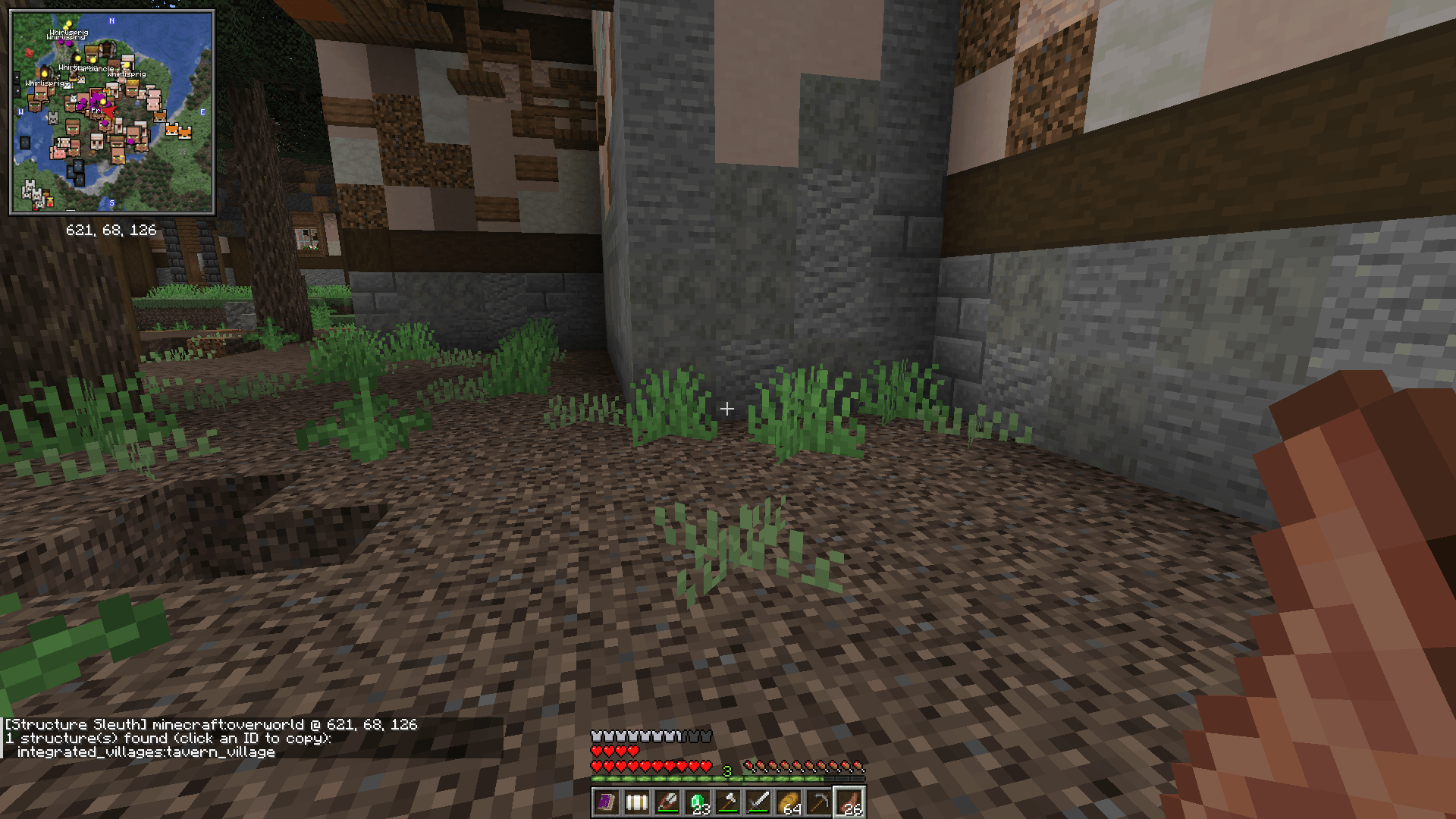
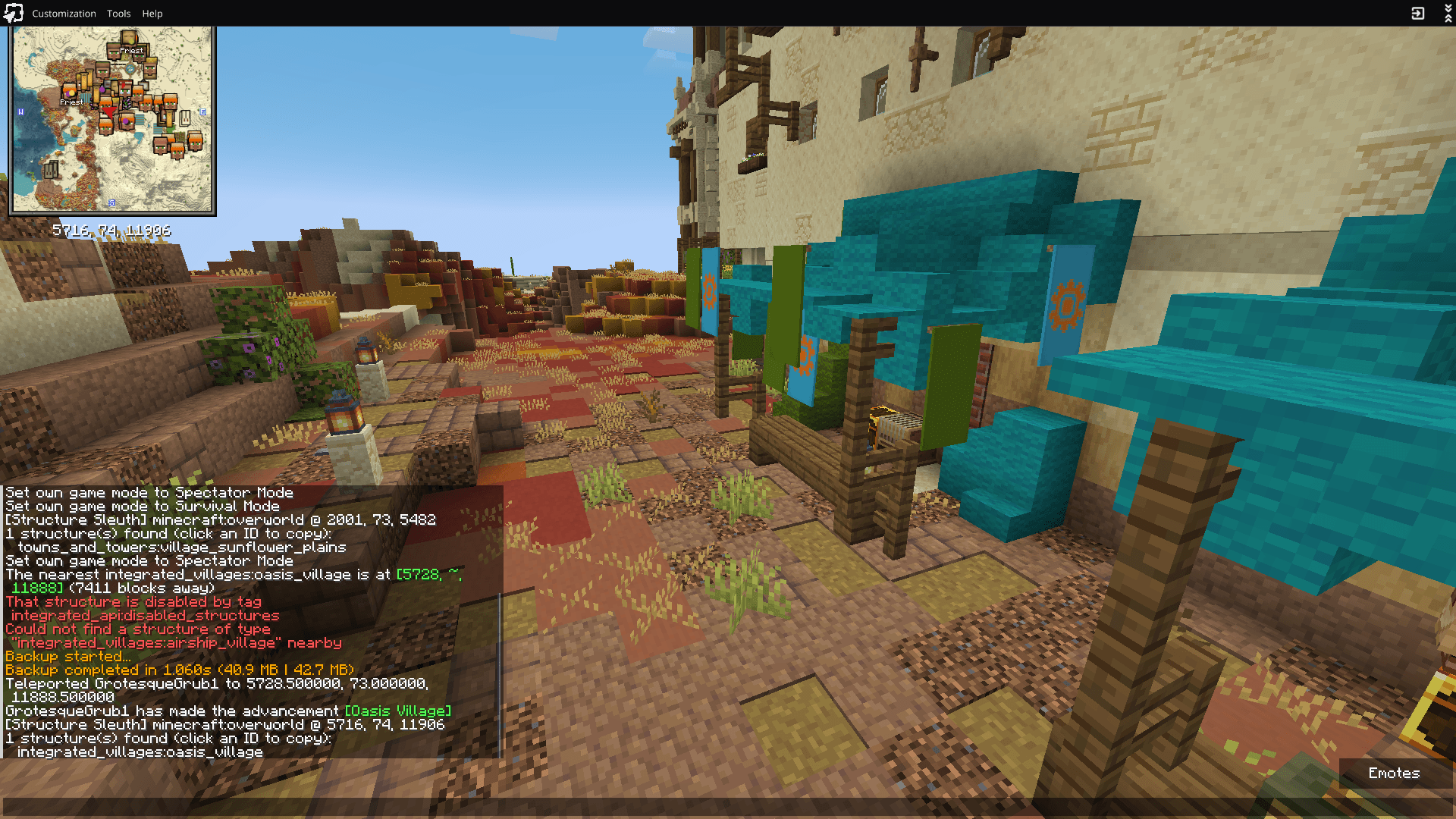
Use the /structuresleuth command to inspect structures at your current location.
World Generation Editing
-
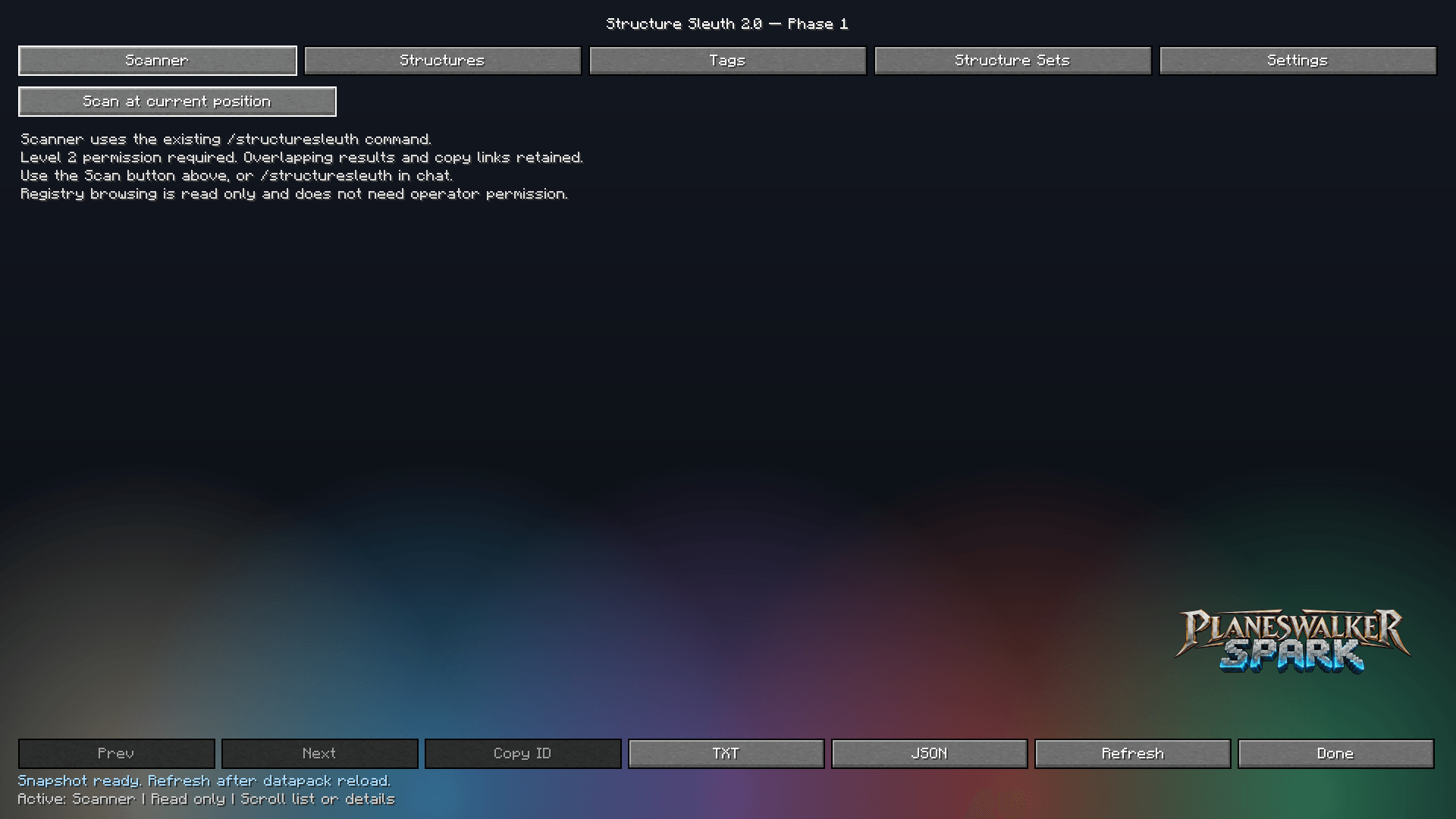
Open the Structure Sleuth interface.
-
Select Worldgen.
-
Navigate to Structure Sets.
-
Select the structure set you want to modify.
-
Click Edit set to access the sliders.
-
Adjust the settings or enter exact numeric values.
-
Save your changes.
Important: Changes to world generation generally affect newly generated chunks. Existing structures and already-generated terrain are not retroactively changed.
🎮 WHO IS STRUCTURE SLEUTH FOR?
Modpack Developers
Balance exploration, investigate overcrowded worlds, and fine-tune structure generation.
Players
Identify unfamiliar structures and customize supported world-generation settings.
Server Administrators
Investigate structure placement and prepare configuration changes for unexplored terrain.
Content Creators & Testers
Quickly inspect structures, experiment with generation settings, and diagnose worldgen problems.
🔧 COMPATIBILITY
- Minecraft: Java Edition 1.21.1
- Java: 21
- Mod Loader: Use the build corresponding to your supported loader.
- Structures: Vanilla and modded structures, subject to their generation methods.
🌍 BUILT FOR MODDED MINECRAFT
Structure Sleuth began with a simple question:
“What the hell generated THAT?”
What started as a way to identify mysterious structures has grown into a tool for understanding and managing how structures populate your Minecraft worlds.
Less guessing. More exploring. Better worlds.
Structure Sleuth Team