Status Menus
- By
Use crafting tables, furnaces and other workstations through floating in world panels. Move freely, arrange saved layouts and keep multiple station menus synchronized.
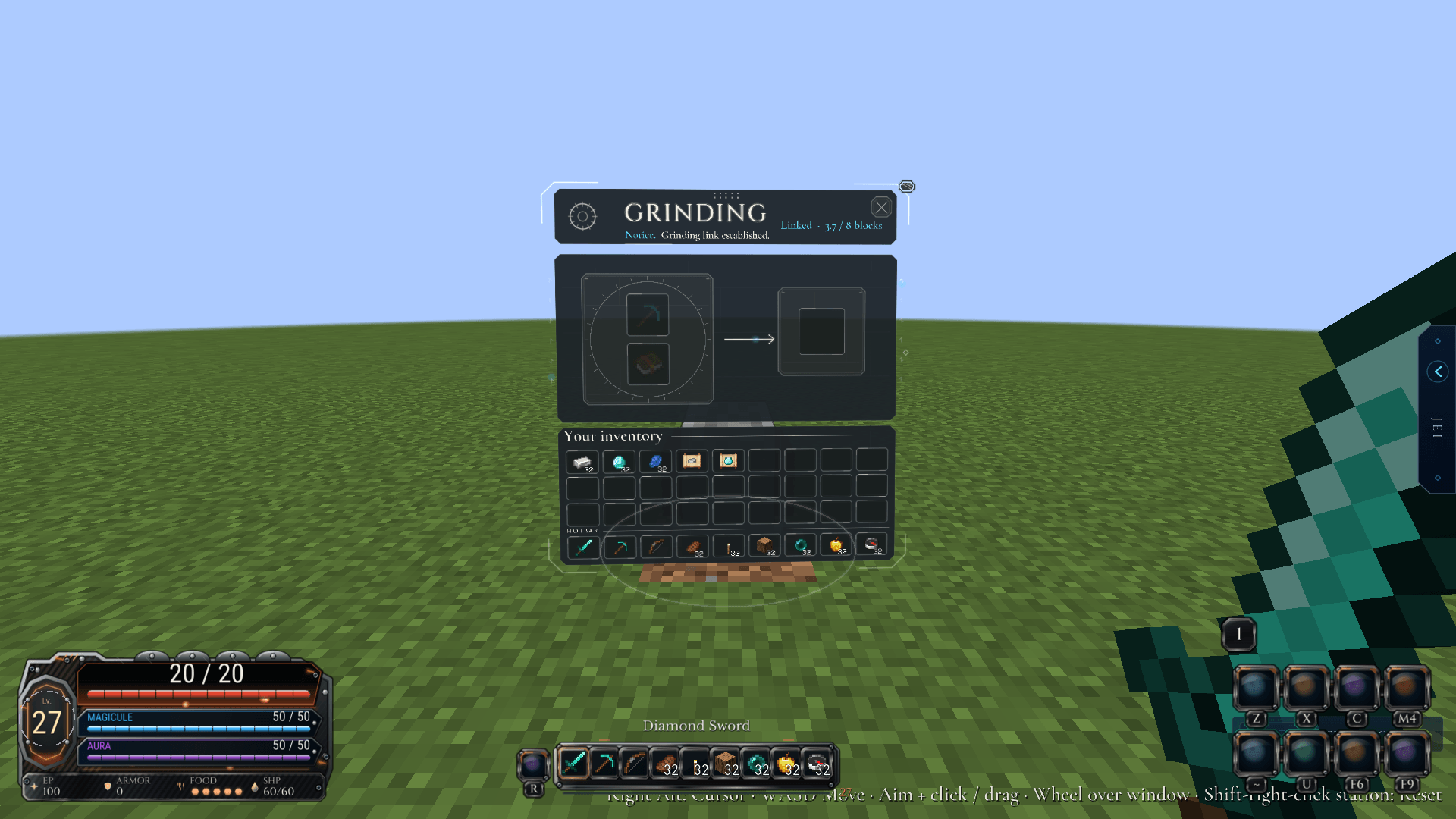
station-grindstone.png
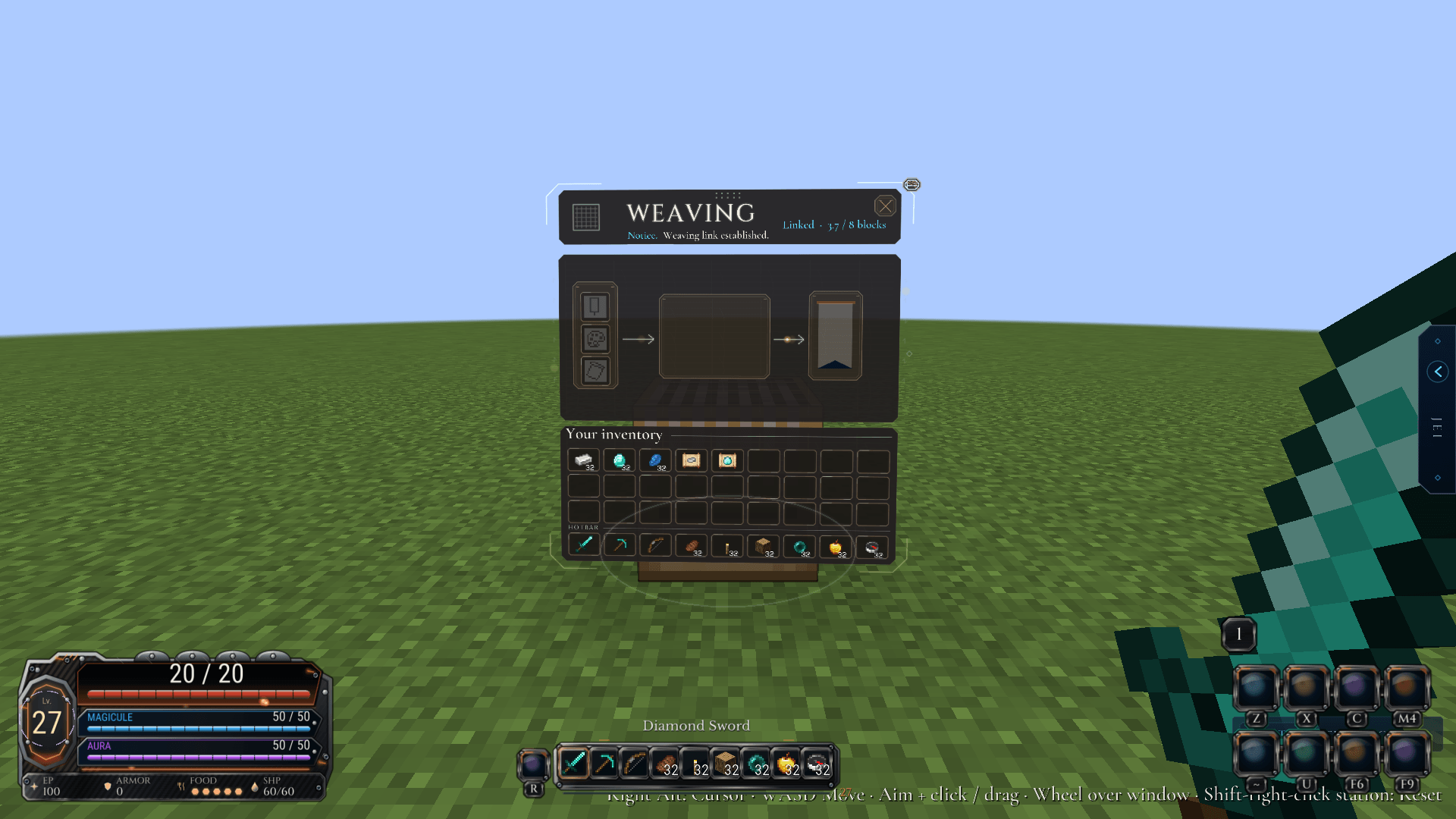
station-loom.png
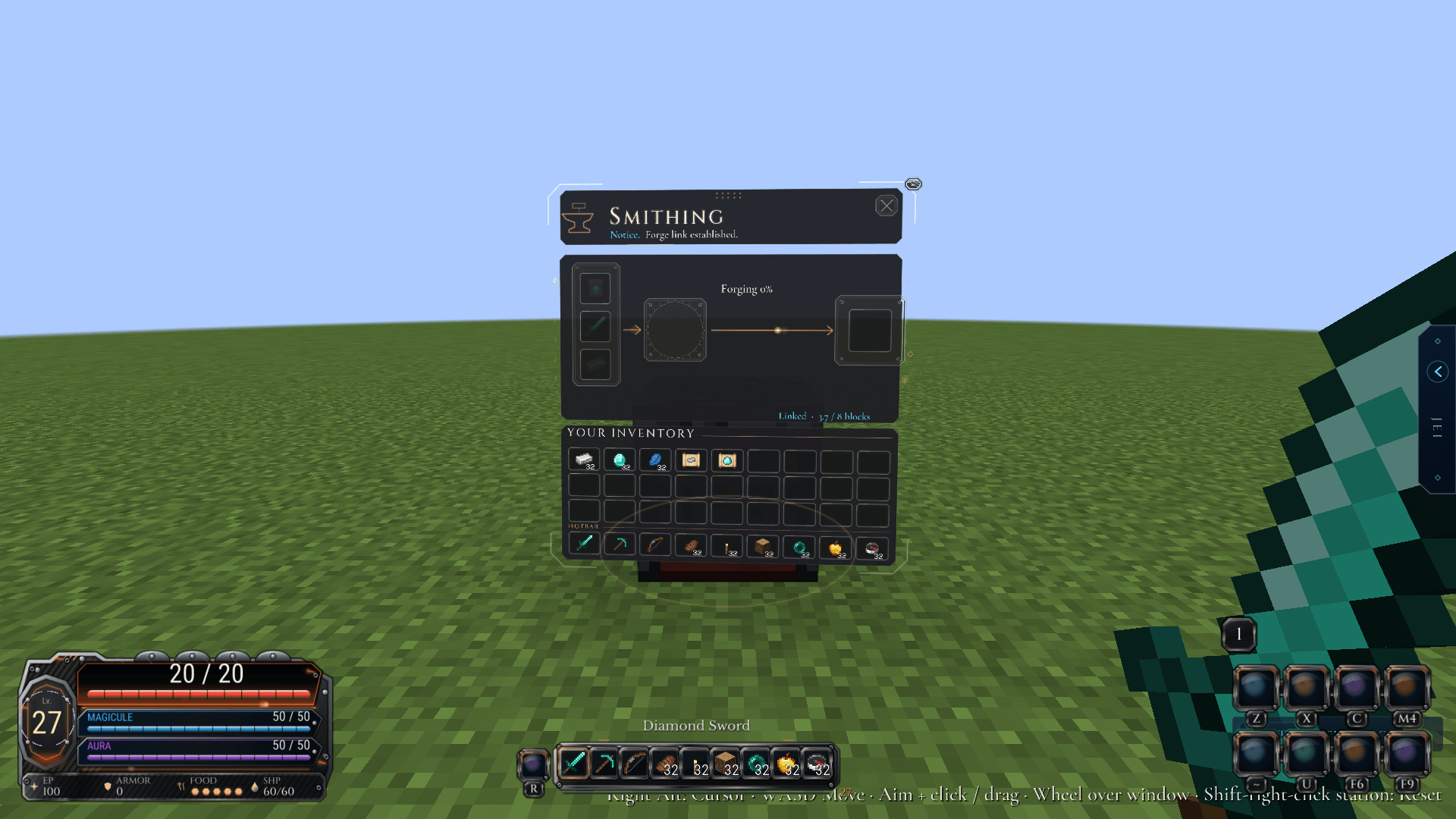
station-smithing_table.png
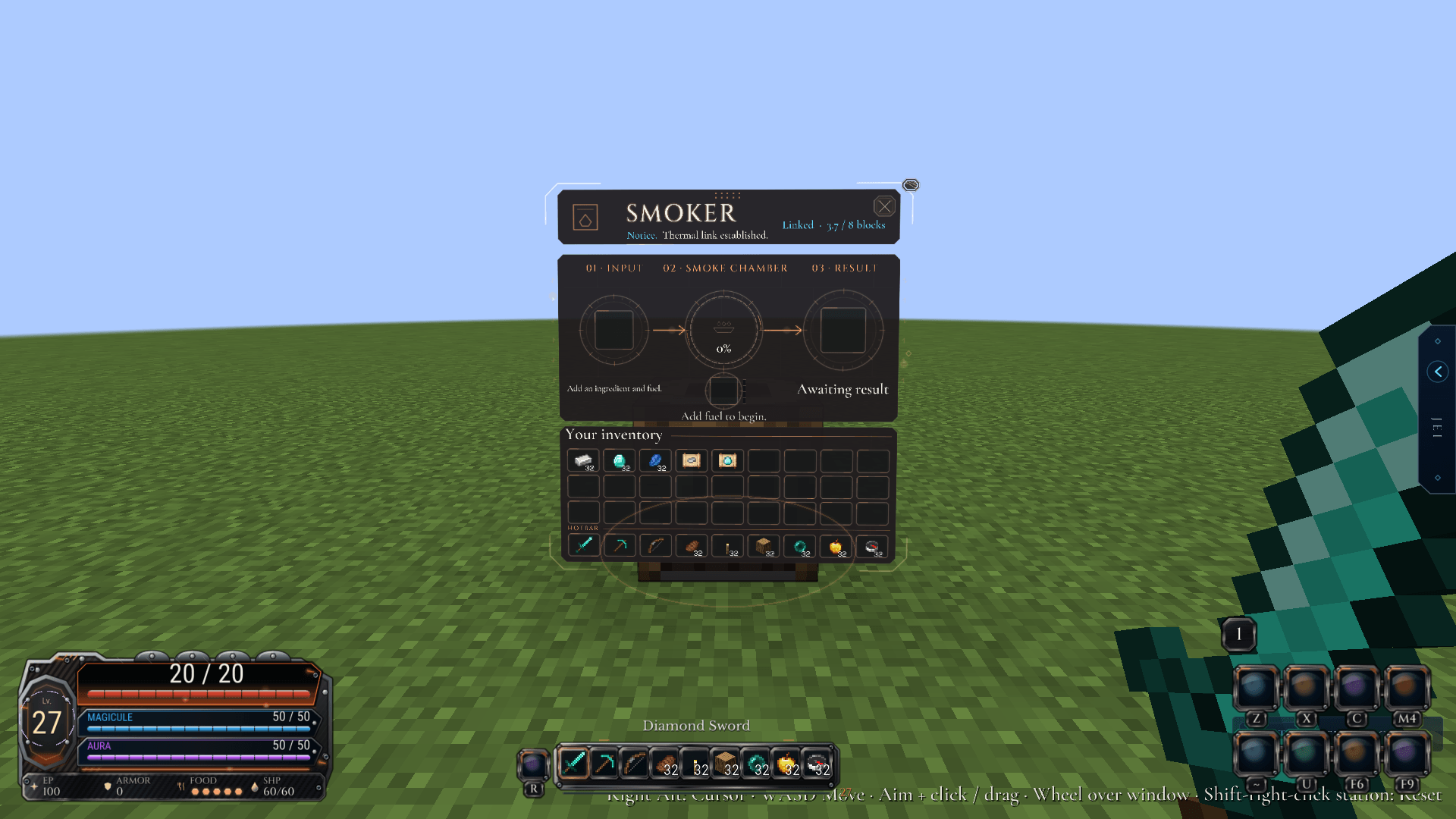
station-smoker.png
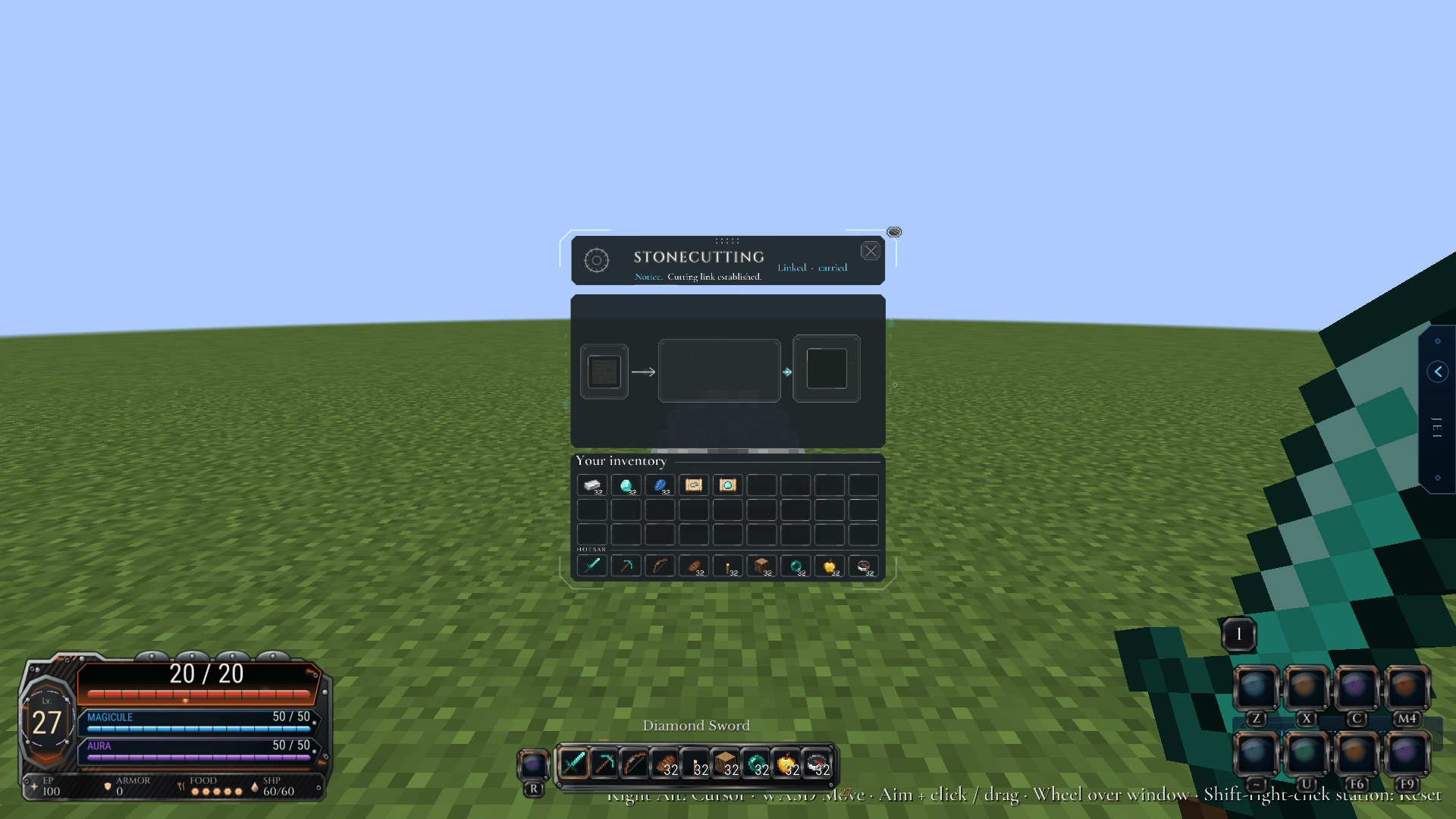
station-stonecutter.png
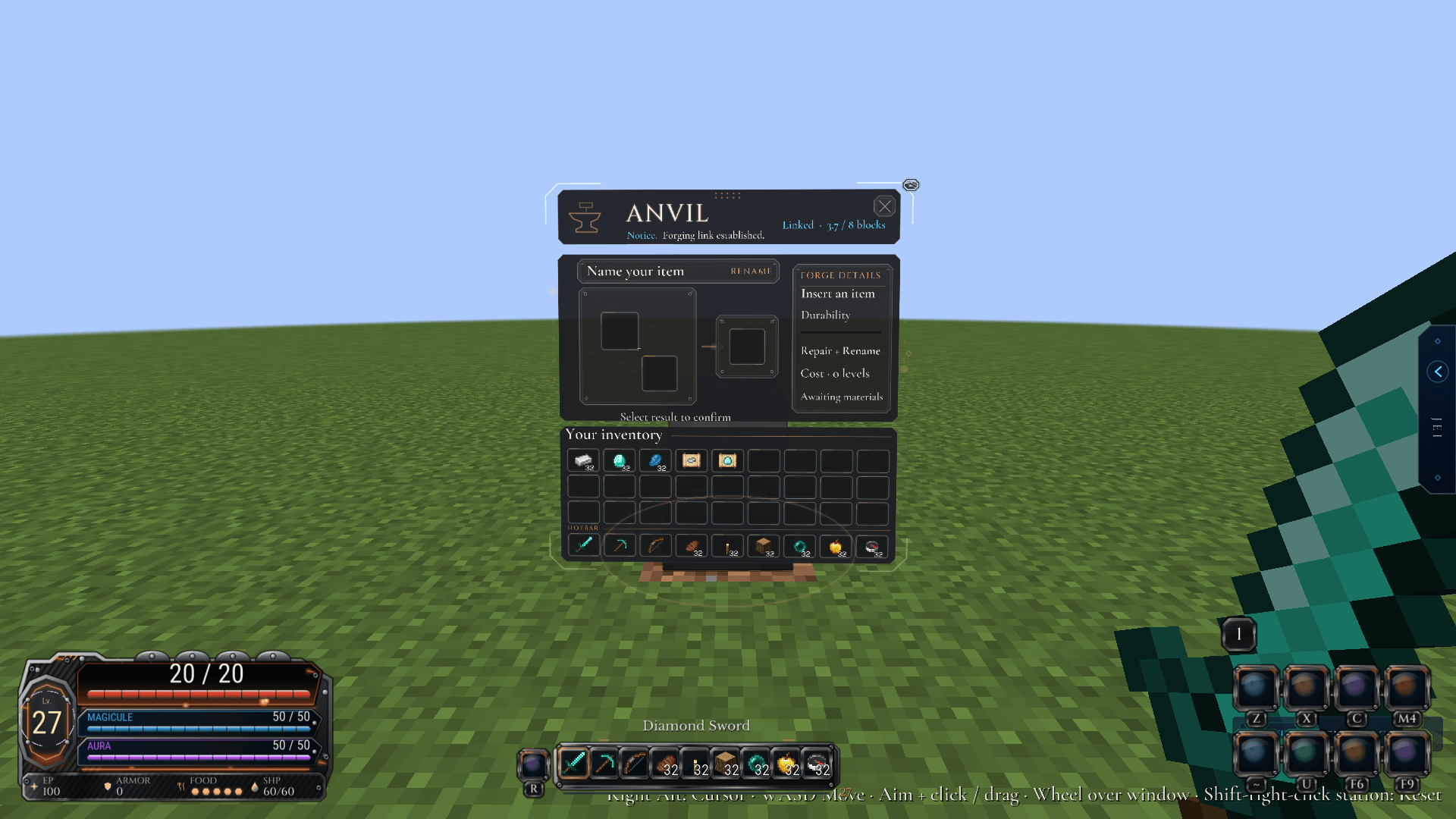
station-anvil.png
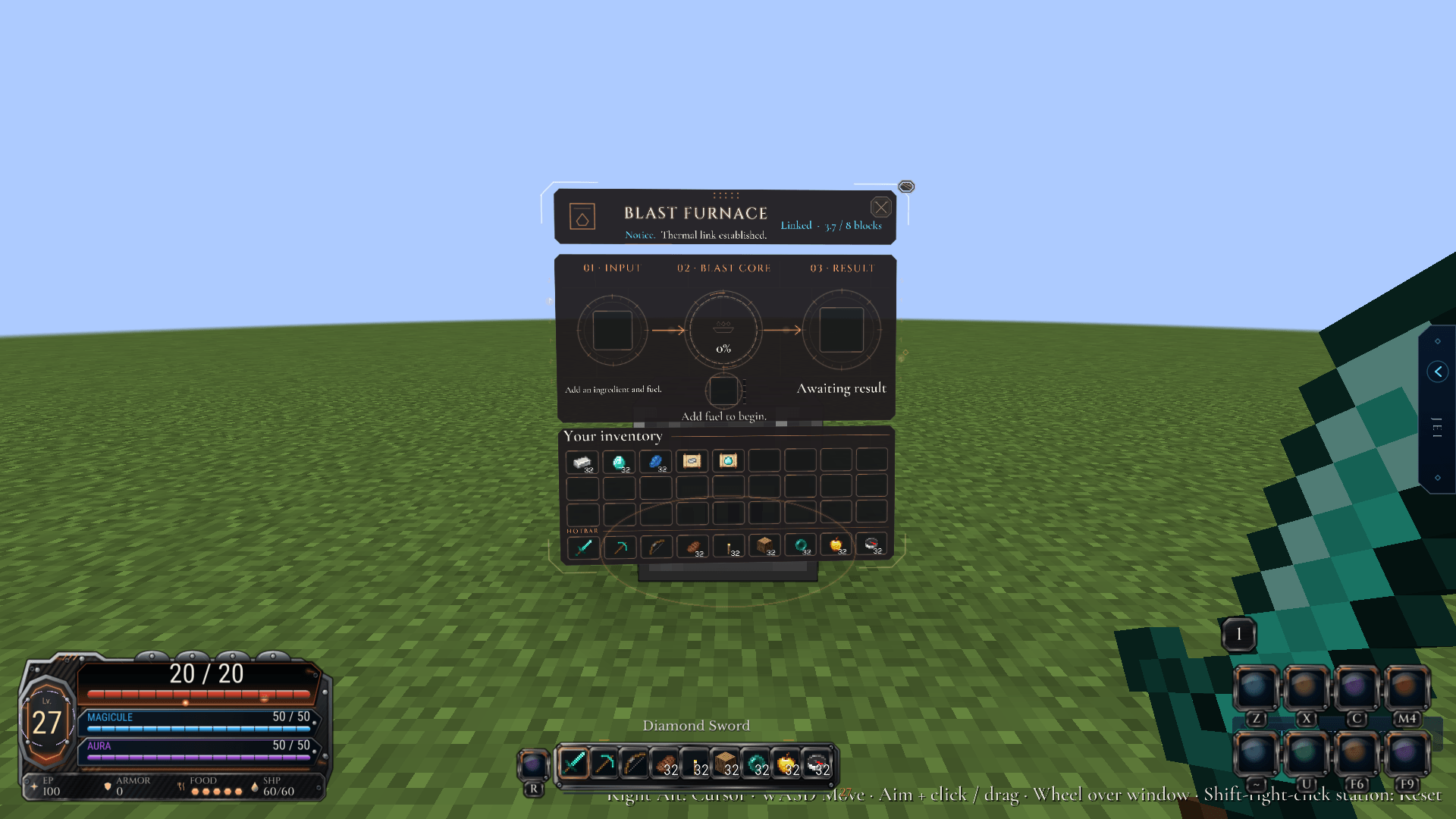
station-blast_furnace.png
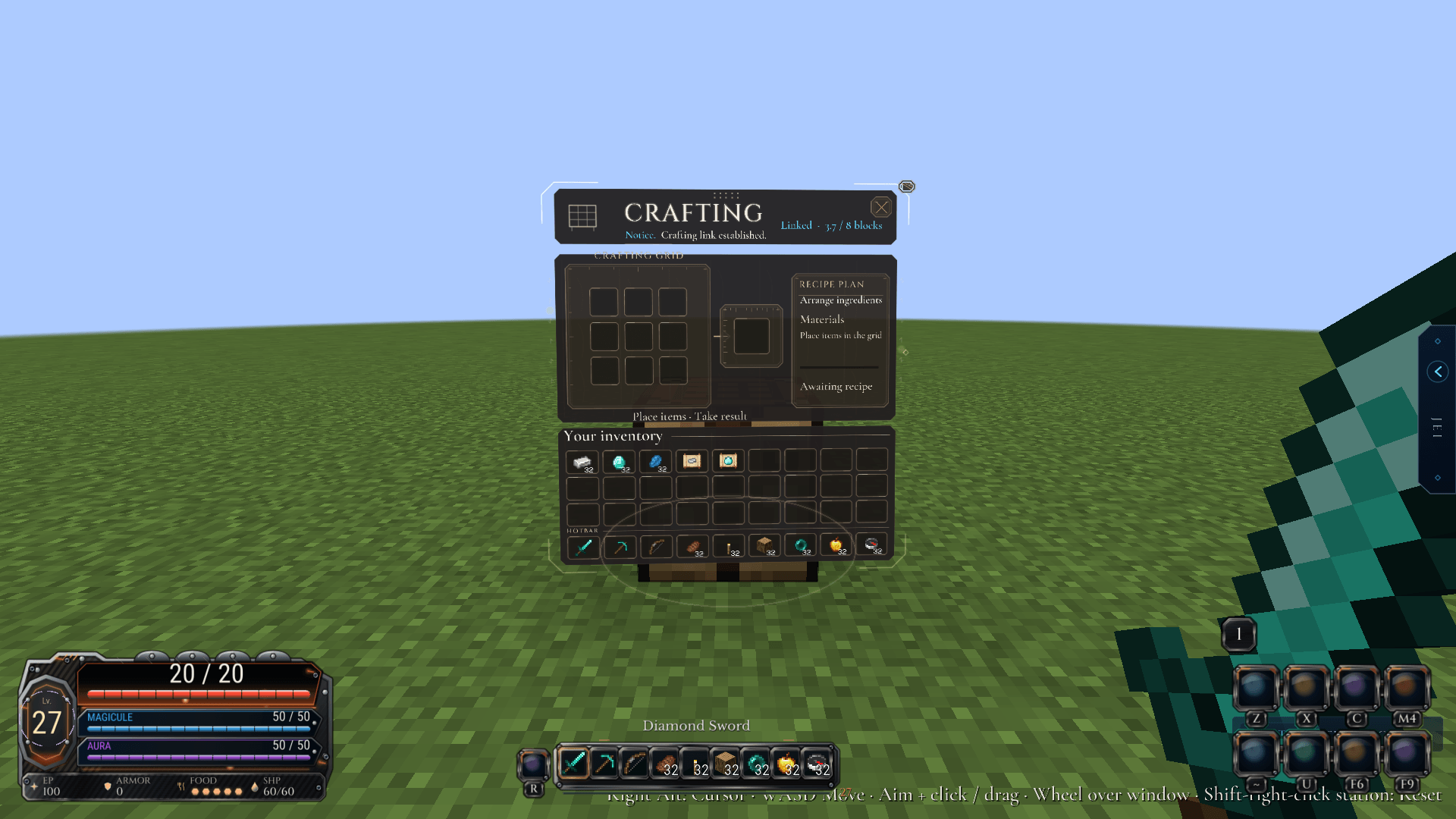
station-crafting_table.png
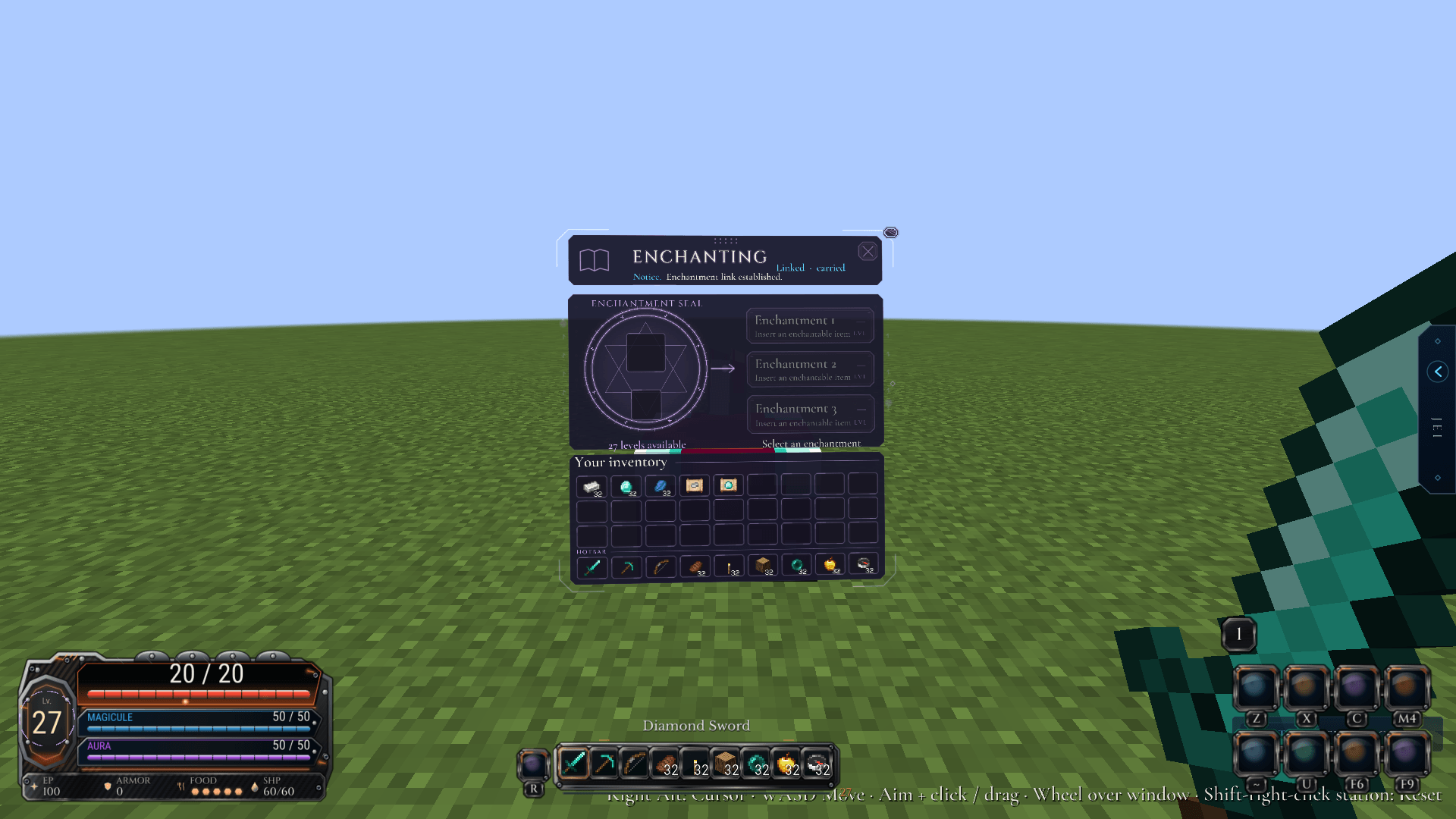
station-enchanting_table.png

Description
Installation side
Both; the server install enables the full feature set. Clients draw the floating menus. Install matching Status Menus and Pixel Library builds on the server for synchronized retained station windows and switching between them. Without server support, those multi window features are unavailable.
Description
Bring your chests and workstations into the world as floating, interactive windows. Move, resize and arrange supported menus, keep several windows in view, and save a layout that suits the way you play.
Crafting slots, furnace progress, item stacks and permissions still come from the real server container. Per-menu preferences let you choose where to use floating windows, with search and supported storage-mod controls available in their integrations.
Open Options → Custom Interface → Status Menus to set it up. Shared fonts and appearance come from Pixel Library.
Dependencies
- Requires Pixel Library 0.1.0-alpha.1+.
- Optional integrations include JEI, Curios, Sophisticated Backpacks/Storage and FTB Essentials; use supported builds for the same Minecraft version.
- Lootr handling is explicitly opt-in. Optional inventory inspection uses an already-authorized FTB Essentials inventory.
- Tensura HUD and Quark have optional legacy hooks, not requirements or a promise of 26.3 compatibility.
- Install matching Status Menus and Pixel Library builds on clients and the server for its station synchronization.
Status Menus Team