
Description
Installation side
Both. Install on the server and clients that use voice chat.
Description
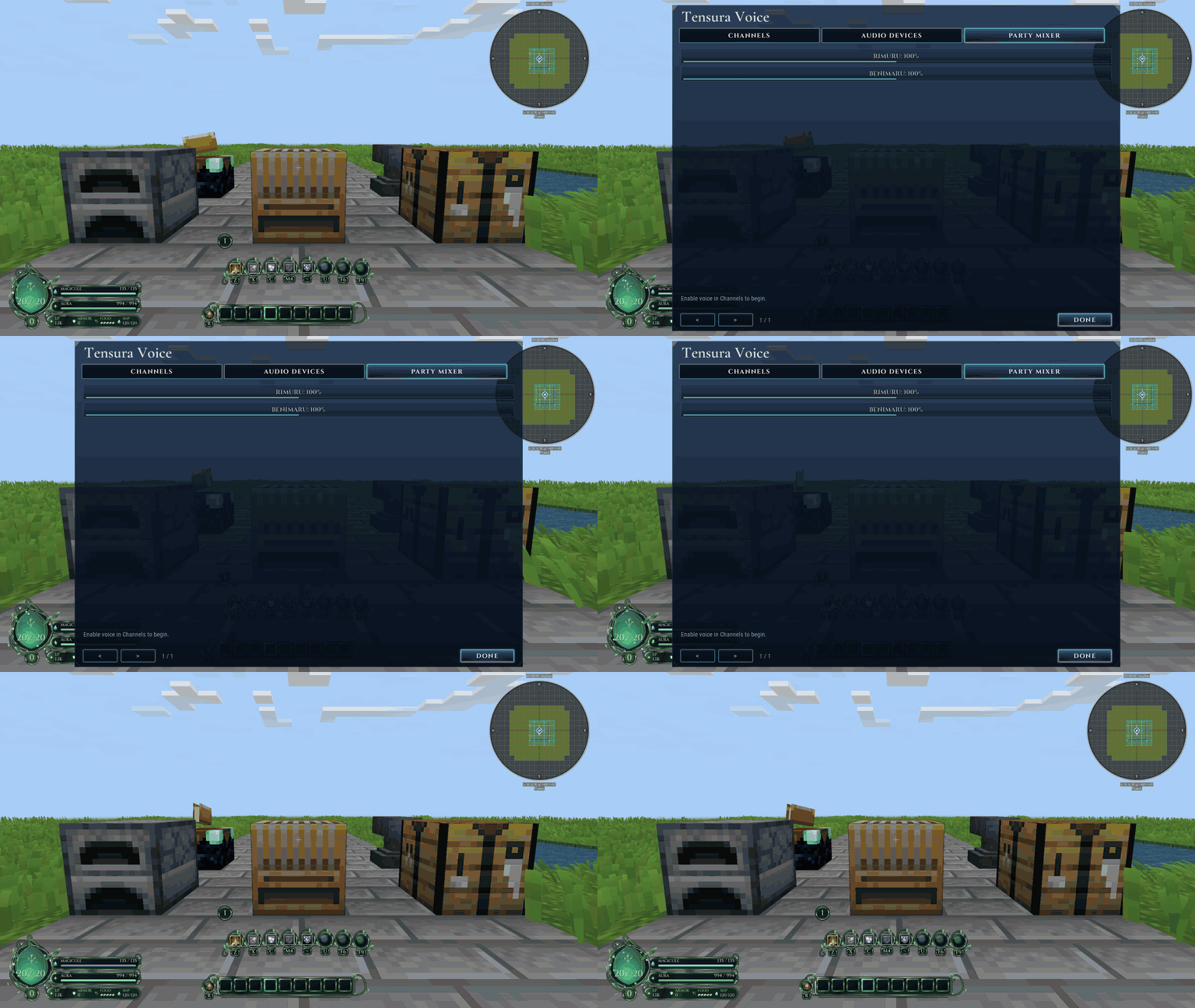
Keep party conversations private across distances and dimensions, or talk to nearby players with directional proximity voice. No extra server port is needed.
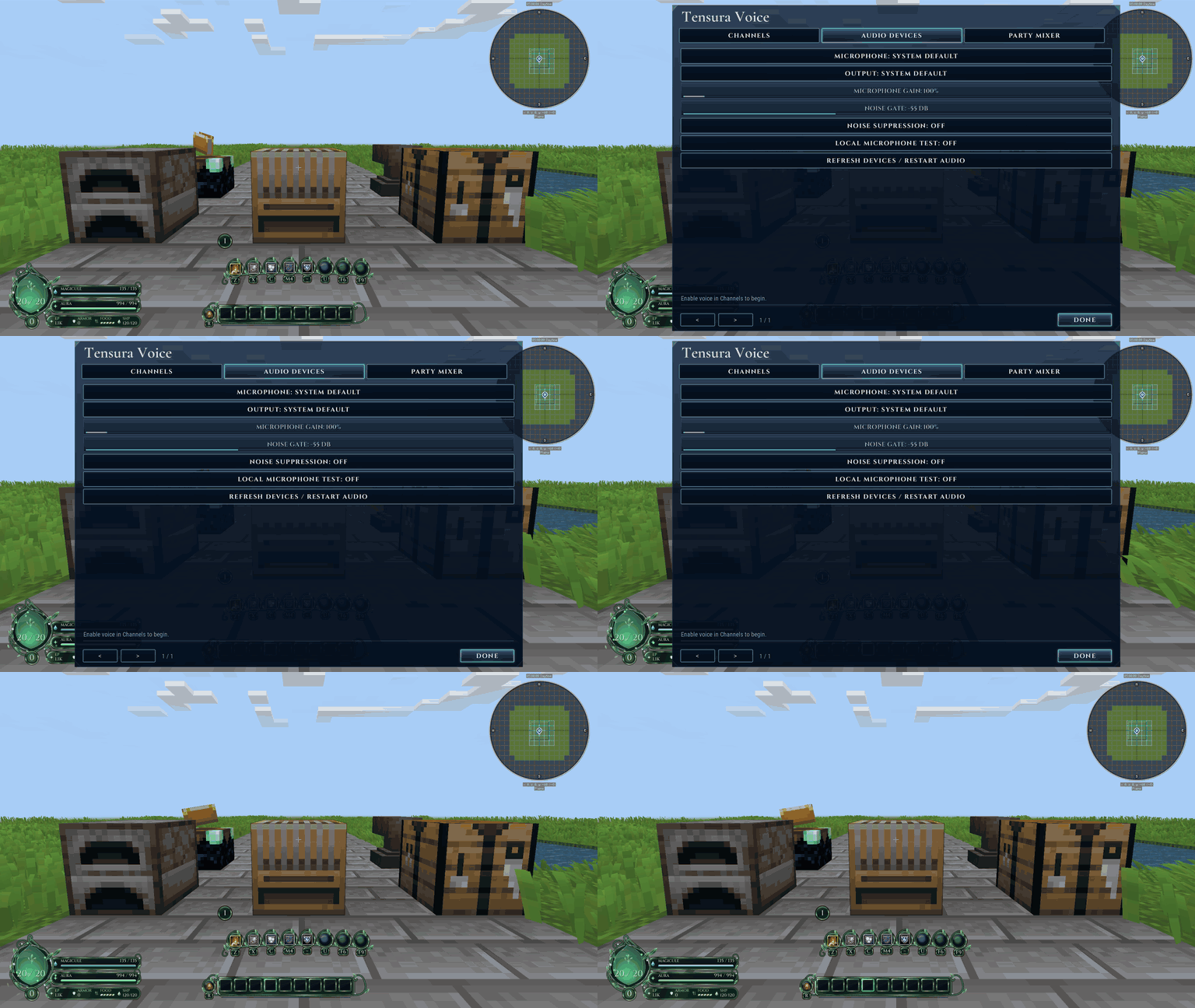
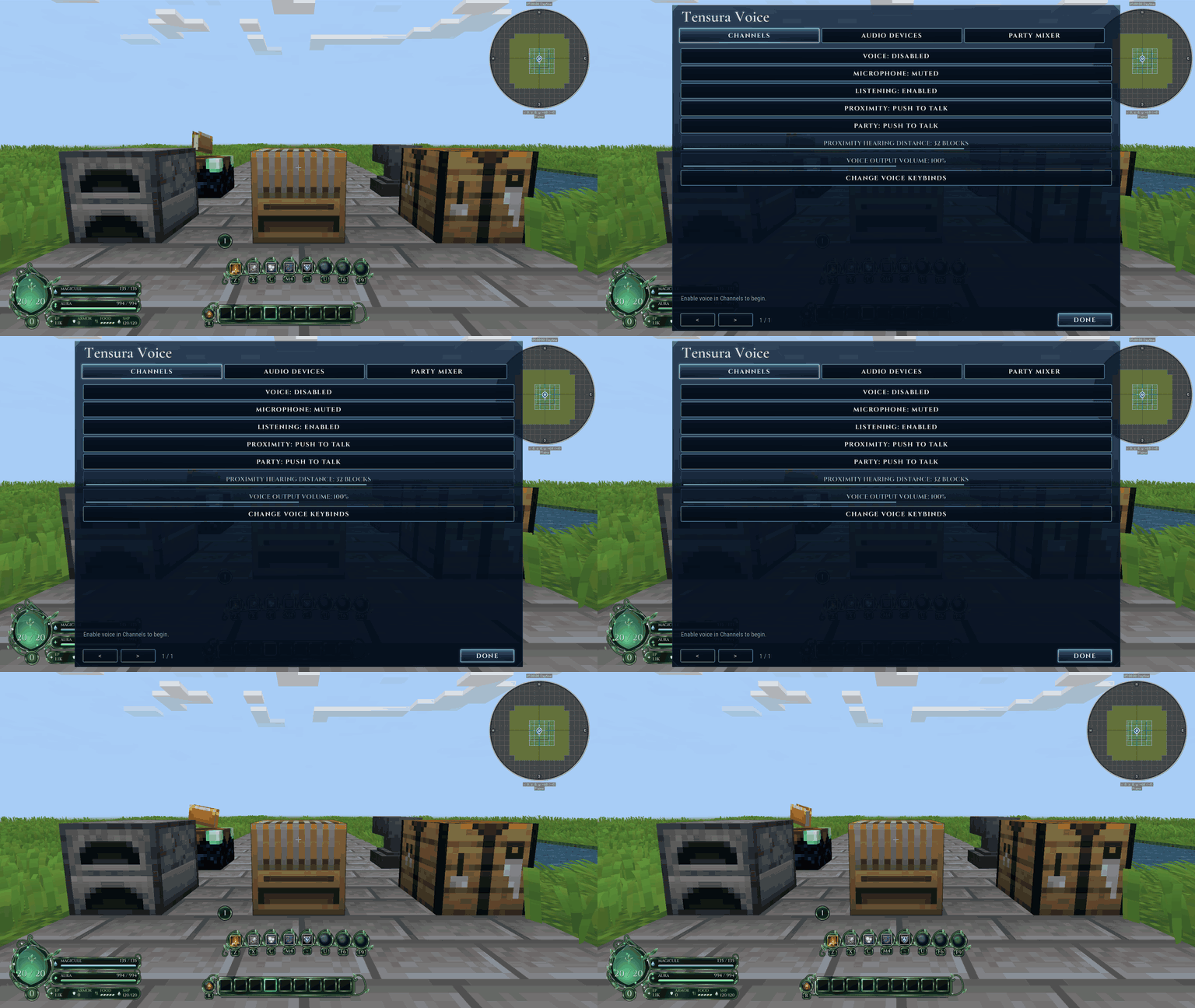
Choose push to talk or open microphone, adjust your devices and volume, mute or deafen, test your microphone locally and move the voice indicator. Voice starts disabled until you enable it.
Press F7 or open Options → Custom Interface → Pixel Voice. Default push to talk keys are V for nearby players and B for your party. Tensura is not required.
Dependencies
- Matching builds of Pixel Library and Pixel Teams and Parties are required.
- Minecraft 1.21.1: NeoForge 21.1.250+, Java 21, Pixel Teams 0.2.2+.
- Minecraft 26.3: NeoForge 26.3.0.101+, Java 25, Pixel Teams 0.3.0-alpha.1+.
- Requires Pixel Library 0.1.0-alpha.2+. Replace Tensura Voice when installing.
Pixel Voice Team