spawnspecifier
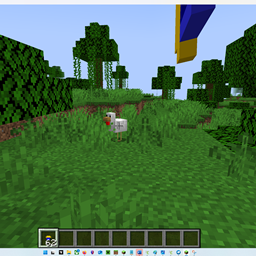
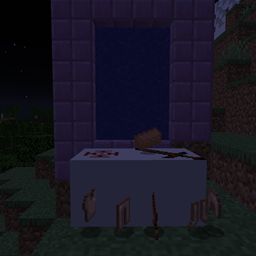
A creative tool that allows you to edit what kinds of mobs can spawn where
In tools/utilities, you have a new tool at the bottom which allows you to edit what mobs can spawn in certain areas. To use it, you can left-click a block to set position 1 and left-click another block to set position 2. Once you have both points, run the command "/setregion <file> <name>" (file is config/spawnTables/<file>.json). Upon loading the first world, an example file will appear, showing you how to use it. If at any time you want to delete a spawn area, just use "/removeregion <name>" (the name you gave the area you want to delete).
spawnspecifier Team