Sorting Golem
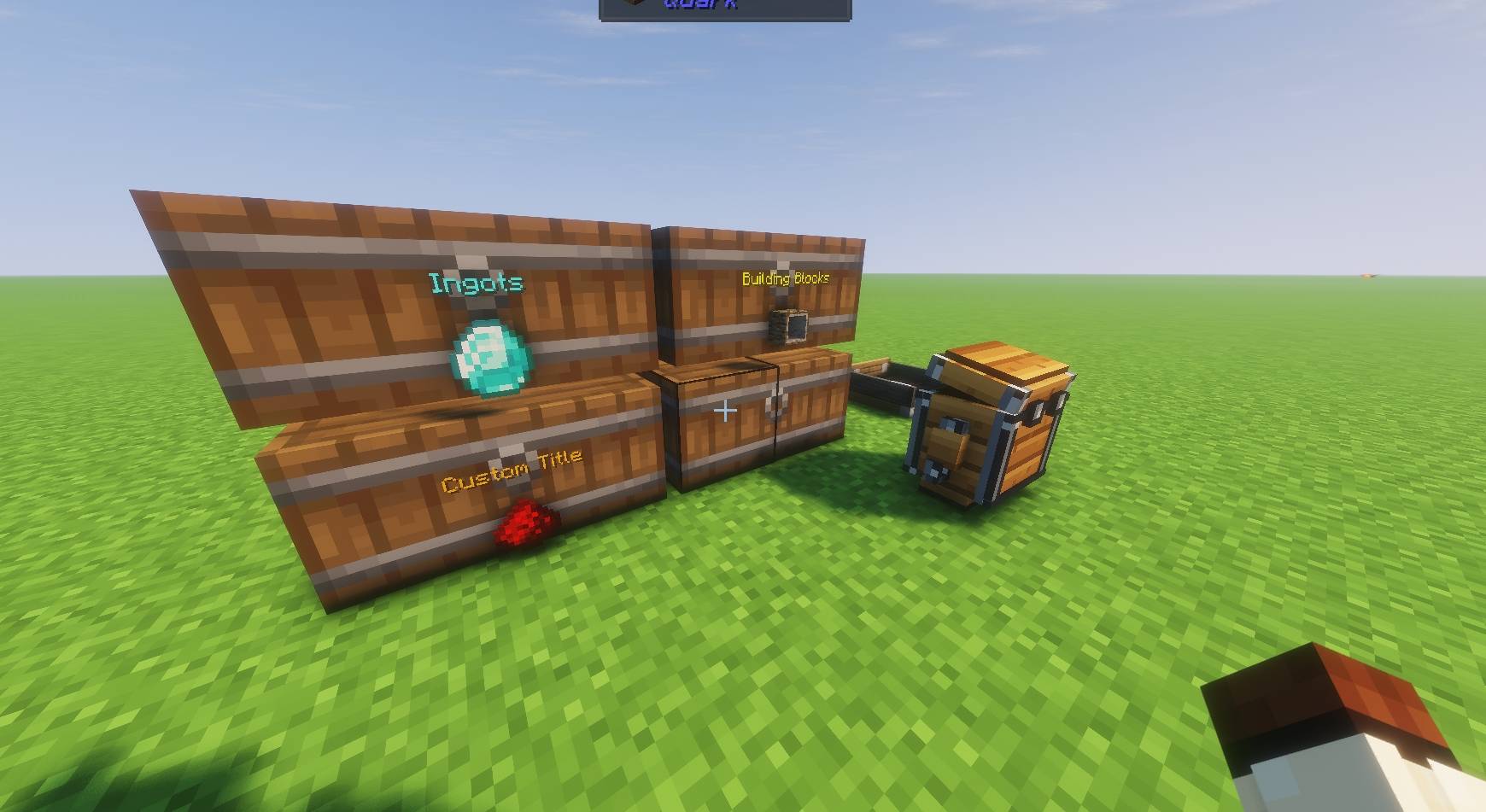
Basically assigns a dump chest for you and your friends, you can then assign chests for the items to go to.
Screenshot_2.jpg
Screenshot_3.jpg
Screenshot_4.jpg
Screenshot_5.jpg
Description

You know that chest. The one everyone promises they'll sort out later. Three mining trips, half a farm and someone's entire inventory later... it's still your problem.
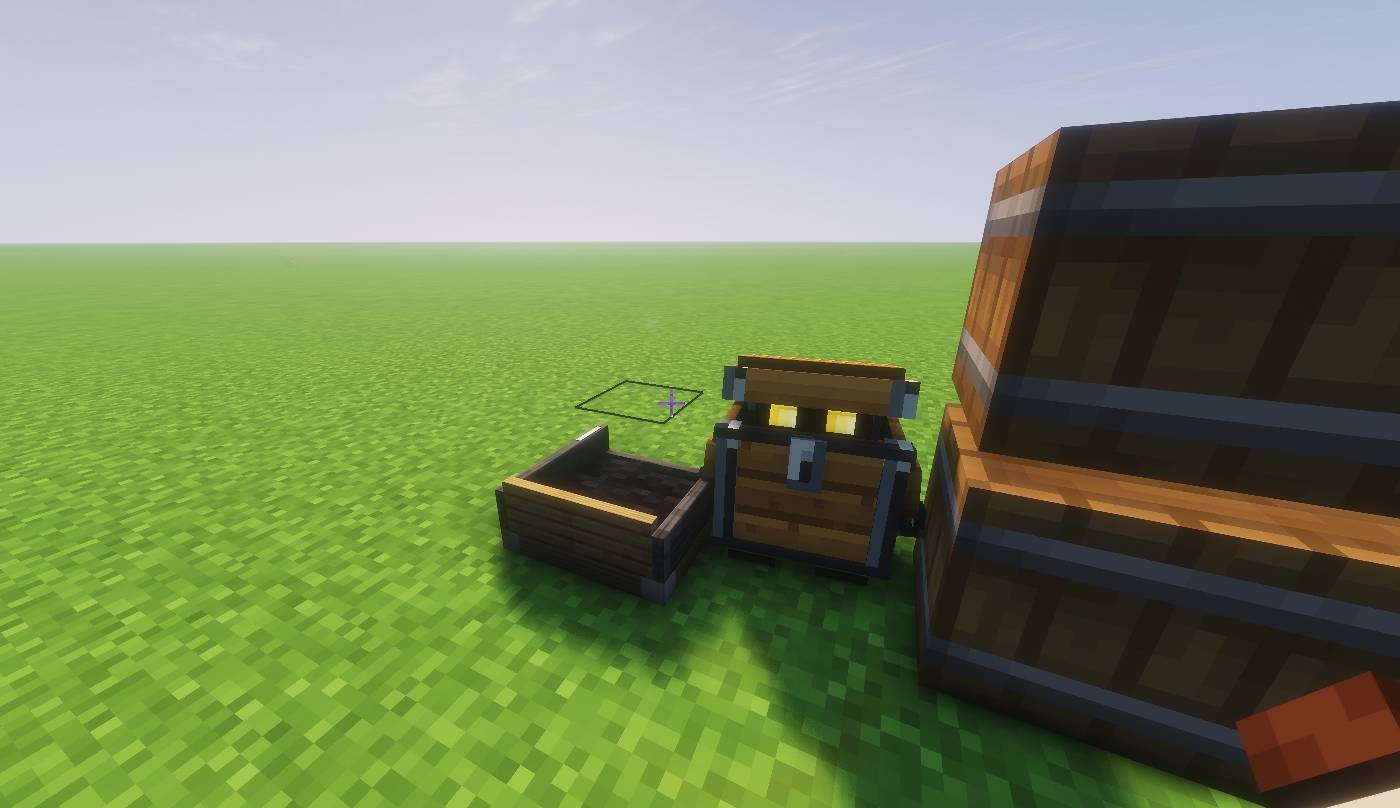
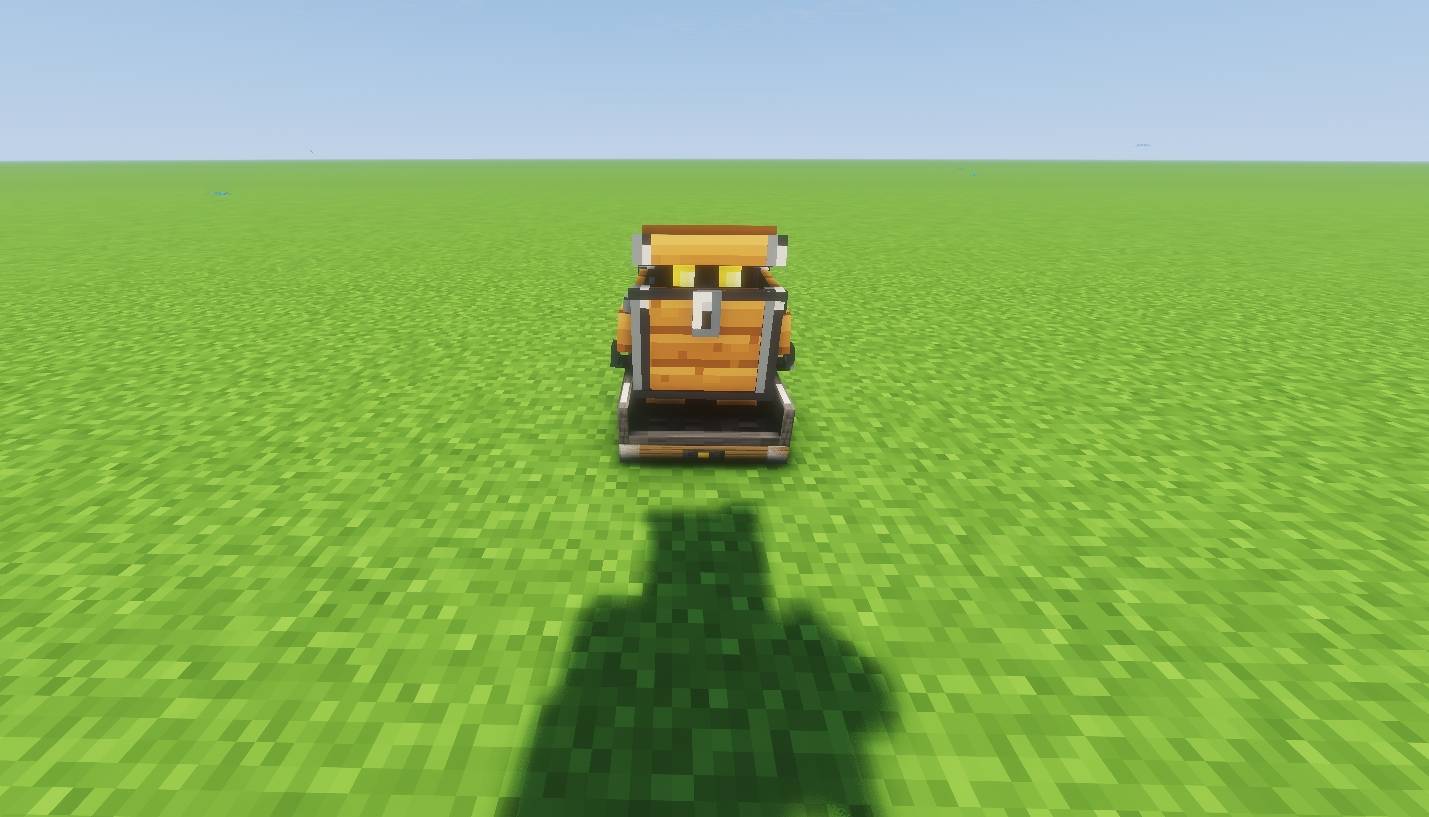
Sorting Golem gives that job to a little wooden friend. Hand him your clutter, tell him where things belong, and watch him get to work. He carries items to your linked chests, greets you with a little chirp, and curls up in his dock at night. Your storage room gets organised. You get attached to a chest with legs.
A home for every item
Build a storage system that makes sense to you:
- Categories: keep ores, ingots and gems together, or give food, tools, armour and mob drops their own homes.
- Items: set aside a chest for a particular item, or add several favourites to the same chest.
- Mods: keep a mod's items together. Especially handy when your modpack adds more things than you can remember.
You can combine multiple filters of different types on the same chest. Want one mining chest for ores, ingots and dusts? Go for it. When several destinations match, the priority is Mod → Item → Category, with an overflow destination for the leftovers.
Little legs. Clever deliveries.
He walks items to chests he can reach within 64 blocks of his dock. Have storage tucked underground or sealed behind a wall? He returns to his dock and transfers those items from home. You can keep your base looking the way you want it.
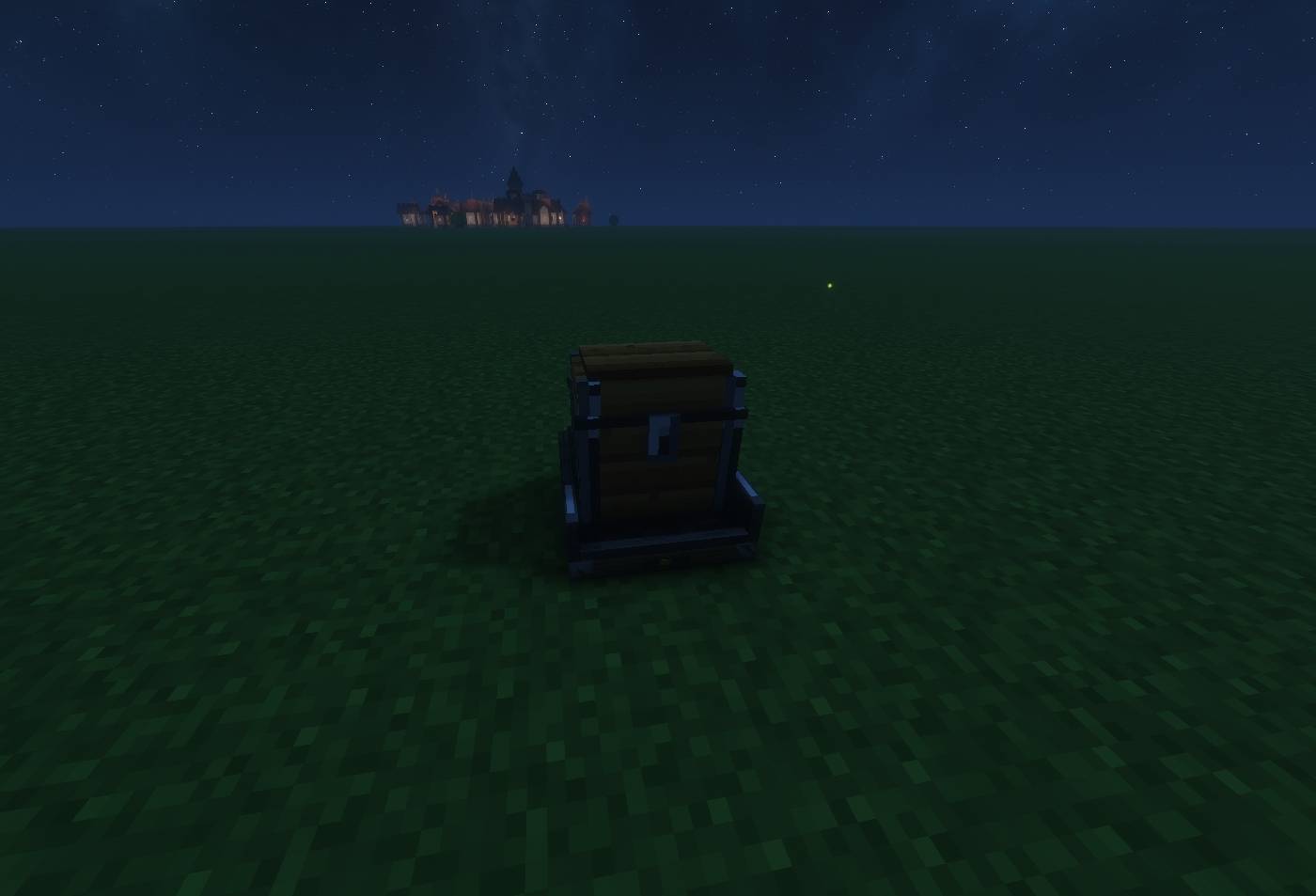
Between jobs, he'll wander nearby with little wooden footsteps and the occasional creak. Open his inventory and his lid opens too. At night, he tucks his arms and legs away to sleep in his dock, while sorting can continue from home.
Make your storage feel like yours
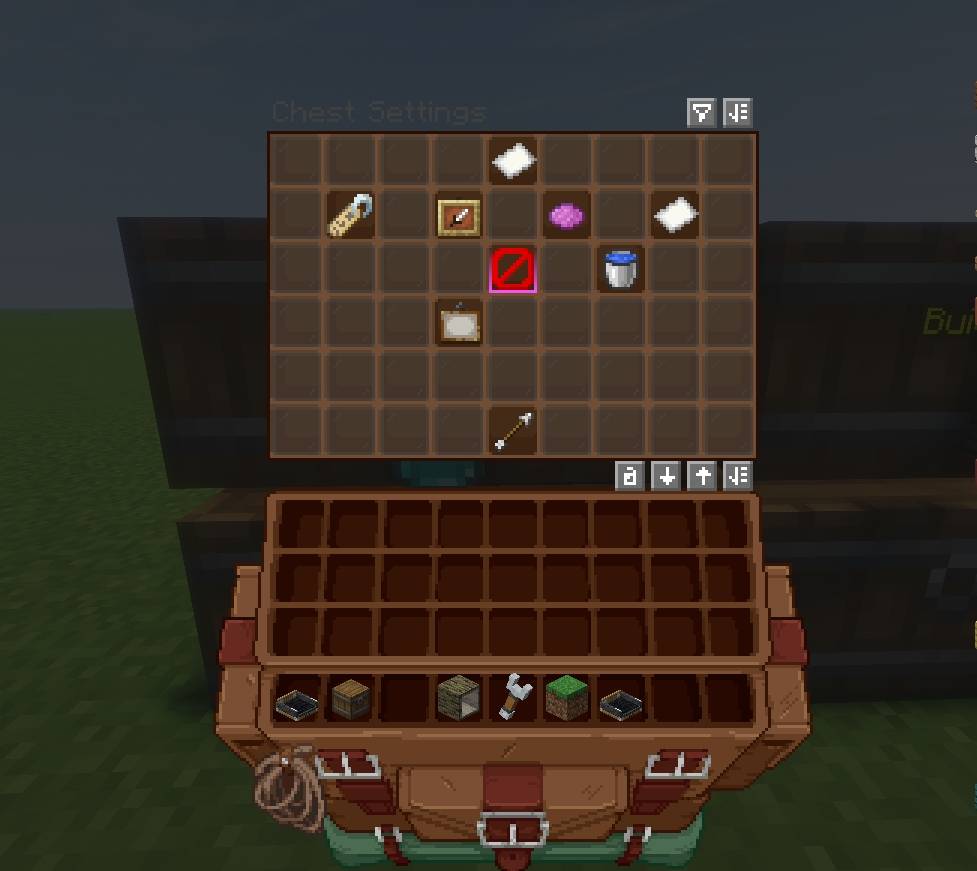
Linked chests show their filters right on the front, with item icons beneath the text. Choose colours for item, category and mod labels, adjust the text size, and give chests their own names and icons.
Keep inventories tidy as their contents change, with sorting by item name, stack count (largest first), or tags.
Meet your new helper
- Craft and place a Golem Dock. This is his home, and where your new helper joins you.
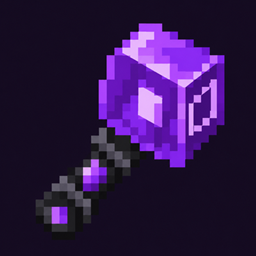
- Link your storage with the wrench. Sneak-right-click the golem or dock to select his network. Sneak-right-click the air to cycle filter modes, then hold a sample in your offhand and use the wrench on a destination chest. Repeat to add more filters.
- Hand over the mess. Open the golem's inventory and drop your items in. He'll take it from there.
Made for cosy solo bases, busy modpacks, and those friends who dump everything into one chest and disappear. You know who you are.
Plays nicely with modded storage
Sophisticated Storage compatibility is included on Forge and NeoForge. Vanilla chests, barrels and compatible modded inventories can be linked as destinations.
Minecraft 1.21.1: Fabric & NeoForge
Minecraft 1.20.1: Fabric & Forge
Install on both the server and clients. Fabric versions require Fabric API.
Sorting Golem Team