MegaZe Schematics
Basically makes building schematics easily.
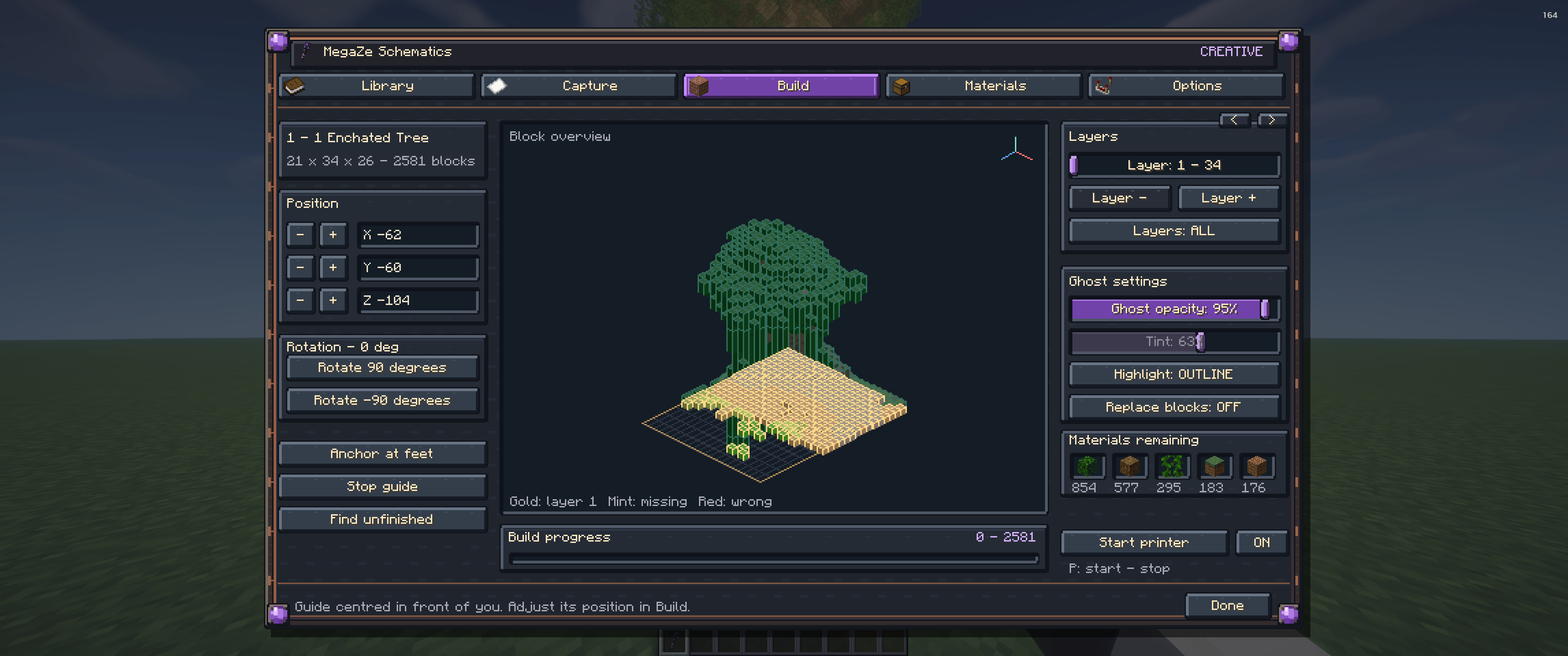
Screenshot_4.png
Description
Works with shaders
To instant place the blocks use the creative wand, available in the creative menu: MegaZe Creative wand (Sneak and right click)
Easy Place:
Right-click a ghost block to place the matching block with the intended orientation. Materials switch into your hand from your inventory, while creative mode supplies the block automatically.
Integrated printer:
Place nearby blocks automatically as you move around your build. Survival uses your resources; creative removes the material requirement while keeping placement within reach.
MegaZe Wands:
Move, rotate, anchor, and adjust schematic layers without constantly opening menus. Includes a craftable survival wand and a creative variant. See exactly what you’re building
- Detailed ghost previews with adjustable opacity.
- Switch between coloured outlines and tinted blocks.
- Layer controls for building a structure step by step.
- Progress tracking, material lists, and tools for finding unfinished blocks.
- Completed ghost blocks disappear as you build.
- Schematic placements persist when you leave and return to your world.
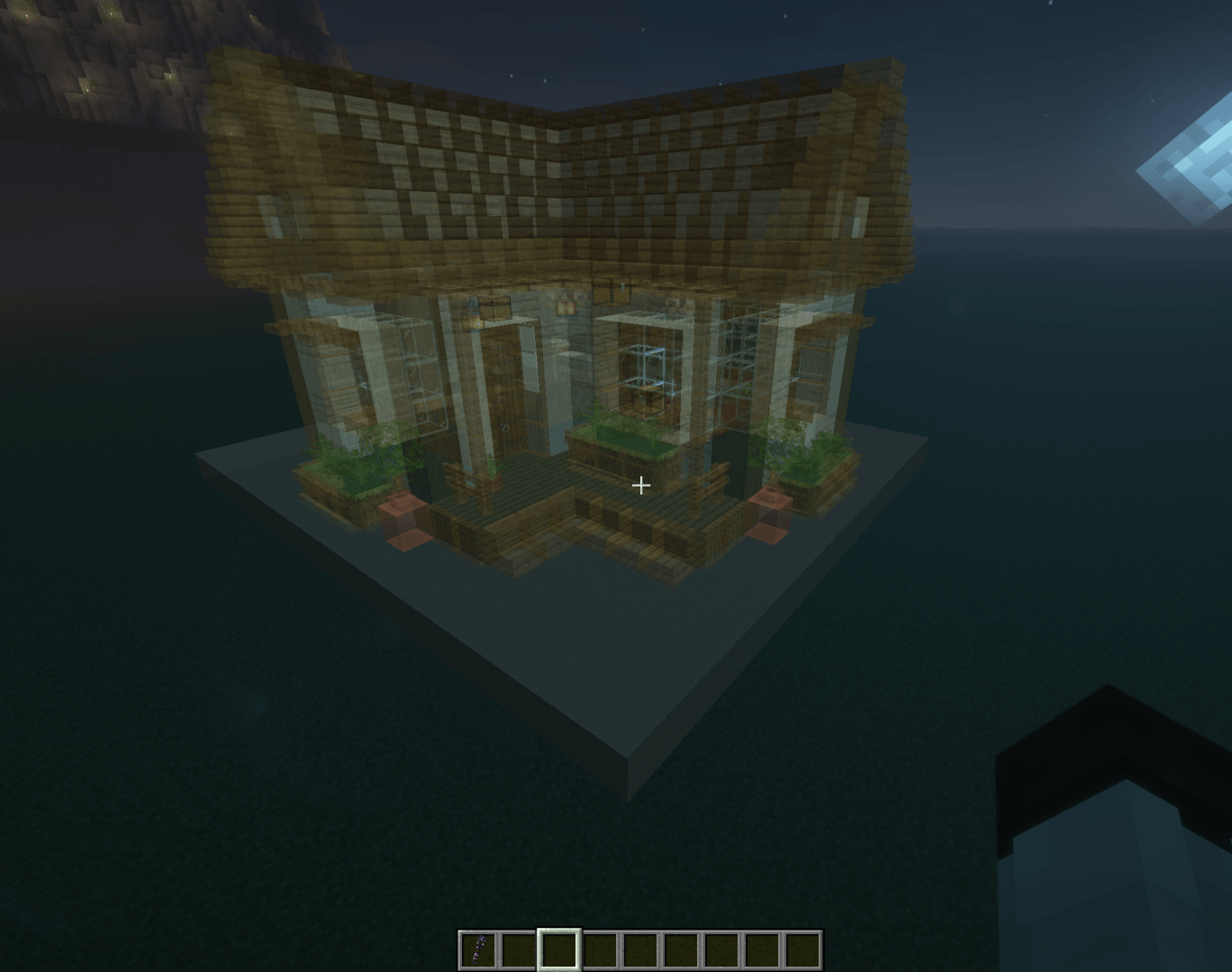
Browse a schematic library with thumbnails, favourites, and search. Deploy multiple schematics and switch between them to manage each build independently.
Supports .litematic and .schem files, including importing schematics from ZIP archives.
MegaZe Schematics Team