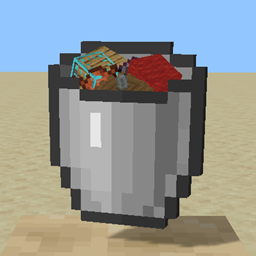
Some Stacks
- By
Why keep that gold hidden away in a chest? Put it all out where you can see it.


Some Stacks
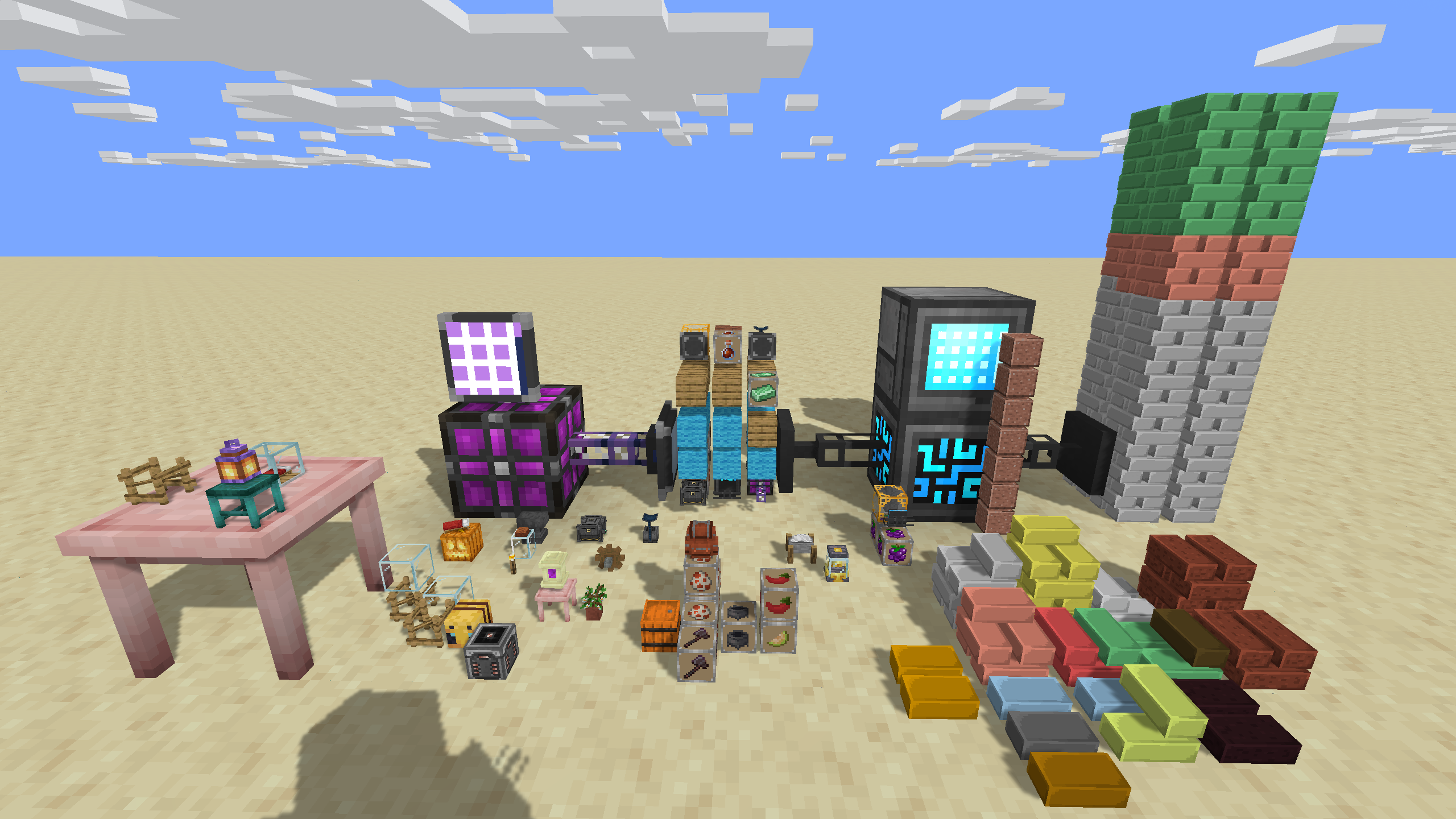
Storage you can see. Why keep that gold hidden away in a chest? Can't remember which shulker box has all your granite? Put it all out where you can see it using Bar Stacks or Storage Stacks. Like the look of that Mekanism Digital Miner but can't fit it in your study? Place a small copy and rotate it as you like with a Singles Stack. Need just a little light? Add torches, for a light level of 3 each.
An extension and complete rewrite of Stackable by KidsDontPlay from the good old days of 1.12.2.
The three stacks
| Storage Stack | 27 item stacks in a 3×3×3 grid | The bulk option. A vertical run of them is one shared inventory that fills from the bottom, sorts itself, packs down, and shrinks when you empty it. |
| Singles Stack | 64 items, one per cell, in a 4×4×4 grid | The display case. Every item needs something under it, and pulling one out drops the rest of its column down a layer. Rotate individual items to line them up. |
| Bar Stack | 64 ingots as stacked bars | The vault. Eight alternating layers of eight bars, each resting on the ones below. Pull a bar out from underneath and everything it was holding up comes down. |
No items and no recipes. A stack exists because you put something in it, and it goes away when you take everything back out, unless you set it permanent for connection to inventory management systems.
Getting started
- Hold V and right-click the air to cycle the placement mode: Storage, Singles, Bar, Toggle Permanent.
- Hold V and right-click a block with something in your hand to create a stack.
- Keep holding V and clicking to add more. The stack grows upward on its own when it fills, to a server-config-determined maximum height. Singles and Bar stacks require you to choose the placement location.
- Right-click without V to take an item back out.
Details
Every gesture
| Gesture | Result |
|---|---|
Hold V, right-click air |
Cycle placement mode. Stack types the server has disabled are skipped. |
Hold V + item, right-click a stack |
Deposit into it. |
Hold V + item, right-click any other block |
Deposit into an adjacent Singles or Bar Stack, or place the selected type in the empty space and make the first deposit. |
Right-click a stack, no V, no Shift |
Take from the nearest item you are looking at. Storage gives you as much as your hand will hold; Singles and Bar give one. |
Select Toggle Permanent, hold V, right-click a Storage Stack empty-handed |
Stop that pile from removing itself when emptied. |
| Shift + right-click a Storage or Singles Stack with a redstone torch | Rotate the whole block 90°. |
| Shift + right-click an item in a Singles Stack with a soul torch | Rotate just that item 90°. |
Automation and redstone
Every stack block exposes loader-native item storage on every side (IItemHandler on Neoforge/Forge and Transfer API storage on Fabric), and a block in a vertical run exposes the entire run so a hopper under the bottom and a pipe halfway up address the same inventory.
- Slots are positions, not a bag. A Singles or Bar slot names one cell and holds one item.
- A run advertises one block of headroom above what it holds, so inserting into the top grows the column by itself (up to the configured height, and only where it would be allowed to build).
- Automated extraction never leaves a mess: Singles shifts the column down, Bar backfills the hole from the top. Nothing gets dropped on the floor.
- Comparators read the fill of the whole run from any block in it.
Server-friendly
Everything an admin would want to bound is bounded. Piles have a maximum height, stack types can be switched off, whole mods or single items can be barred from storage. Blocks that grow and remove themselves answer to build limits, obstruction, spawn protection, and the world border. Neoforge/Forge additionally fires its place/break events so claim mods using those hooks can allow, deny, or record the edit; Fabric fires the matching break event for automated removal; growth has no equivalent placement event to fire, so there it also checks FTB Chunks and Open Parties and Claims directly when either is installed.
See Server administration for the config file and the /ss command.
Documentation
- Player guide — every gesture, how each stack behaves, gravity and support rules
- Automation — item handlers, slot layout, comparators, growth
- Server administration — config settings and the full
/sscommand reference - Pack authors — data packs, resource packs, bar textures, and item render overrides
Compatibility
Some Stacks stores any item from any mod, and it does not need to know anything about that mod to do it. Items whose models don't sit well inside a cell are measured automatically and can be corrected by hand, by a resource pack, or by the server. See Pack authors.
Issues and suggestions
Please report bugs and ideas on the issue tracker.
License
GNU General Public License v3.0. You are free to use this mod in modpacks, public or private, and to redistribute and modify it — provided derivative works carry the same license and make their source available.
The Some Stacks Team