


Skin Creator
- By

Build and edit your Minecraft skin from inside the game: layers, a live player preview, and one button to put it on your account.
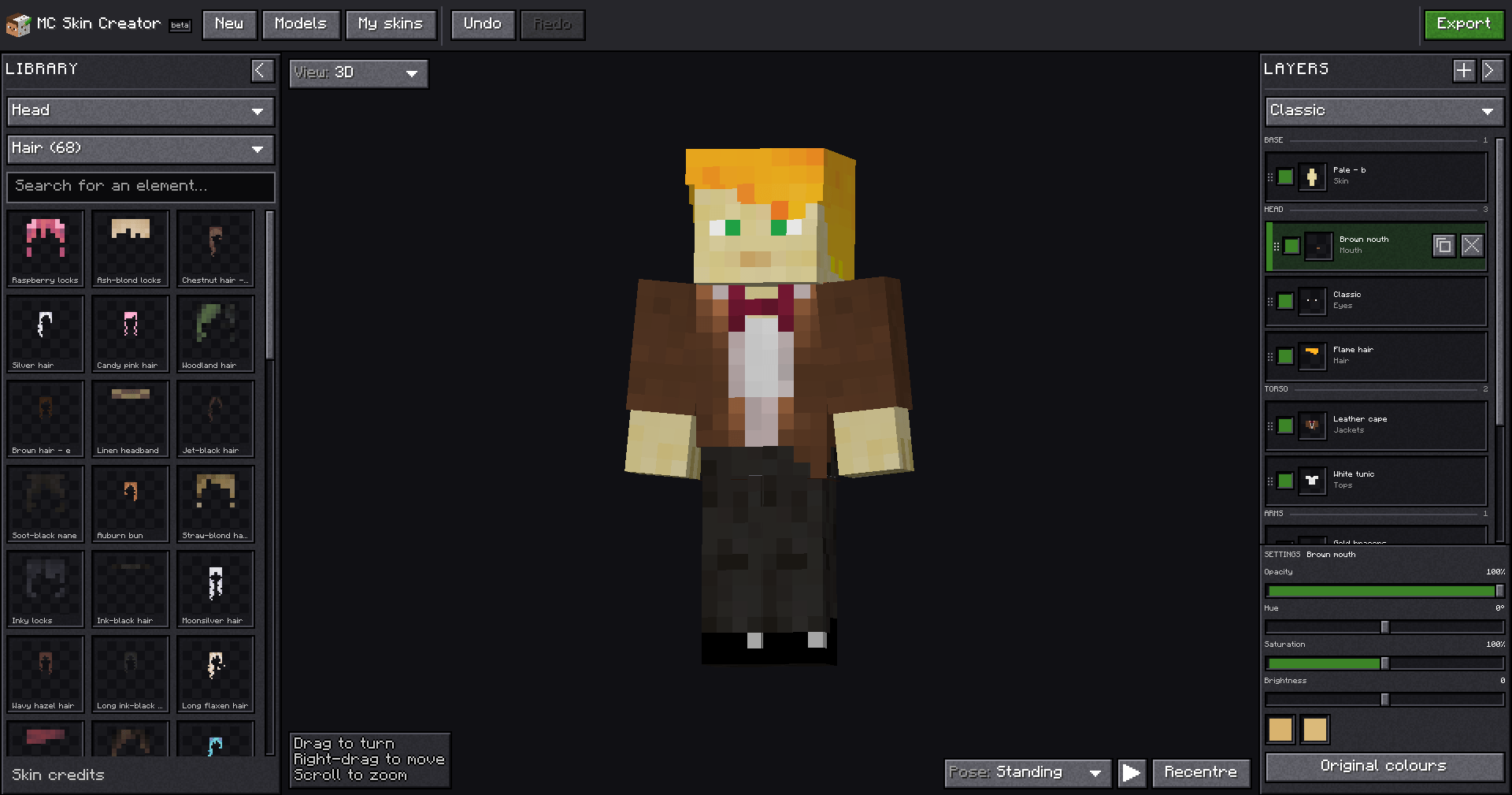
The editor inside the game: the piece library on the left, your character in the middle, and the layers on the right.
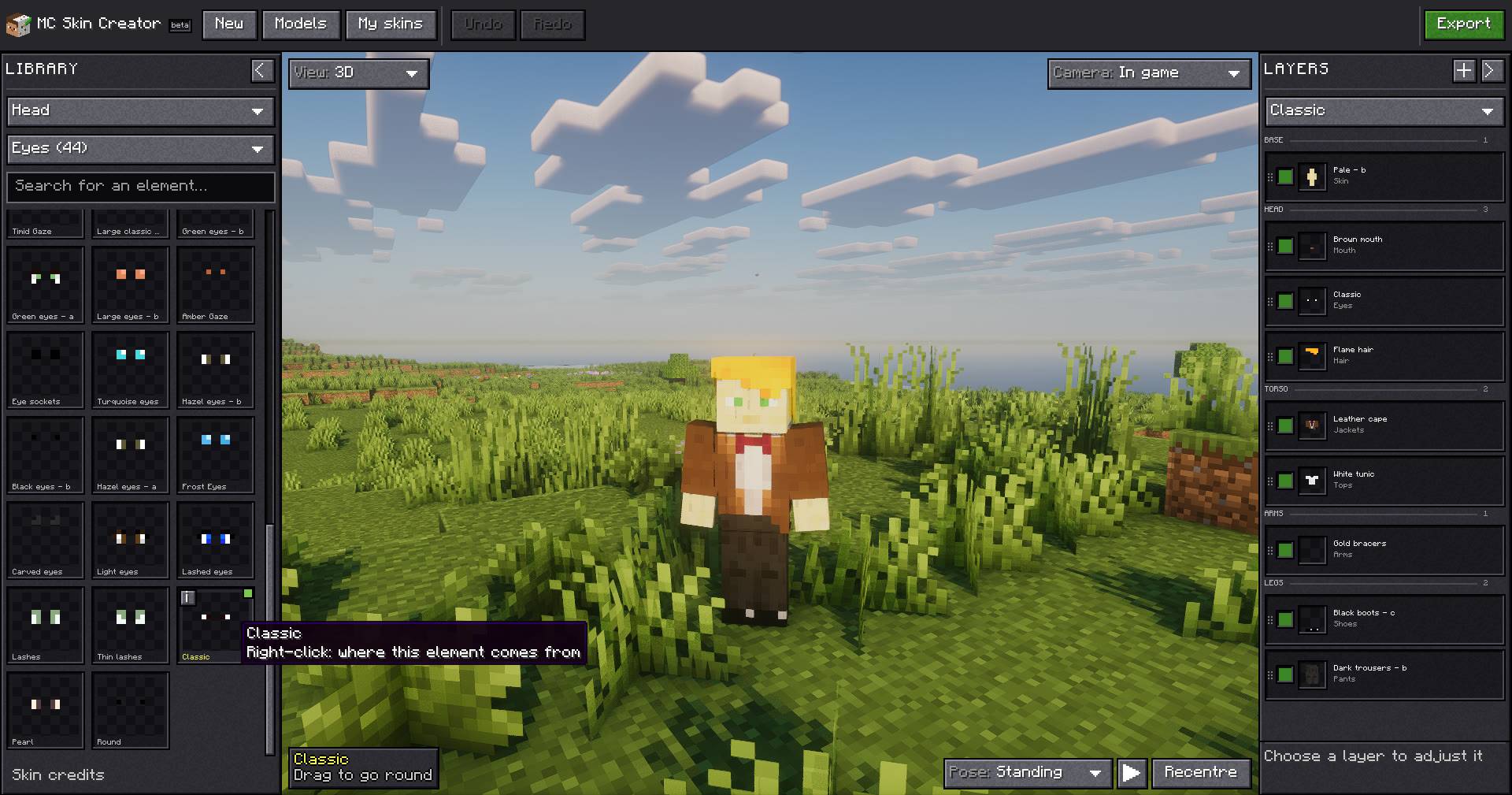
The in-game view puts your character in the world while you edit. Here the library is on the Eyes category, and a tooltip shows where an element comes from.
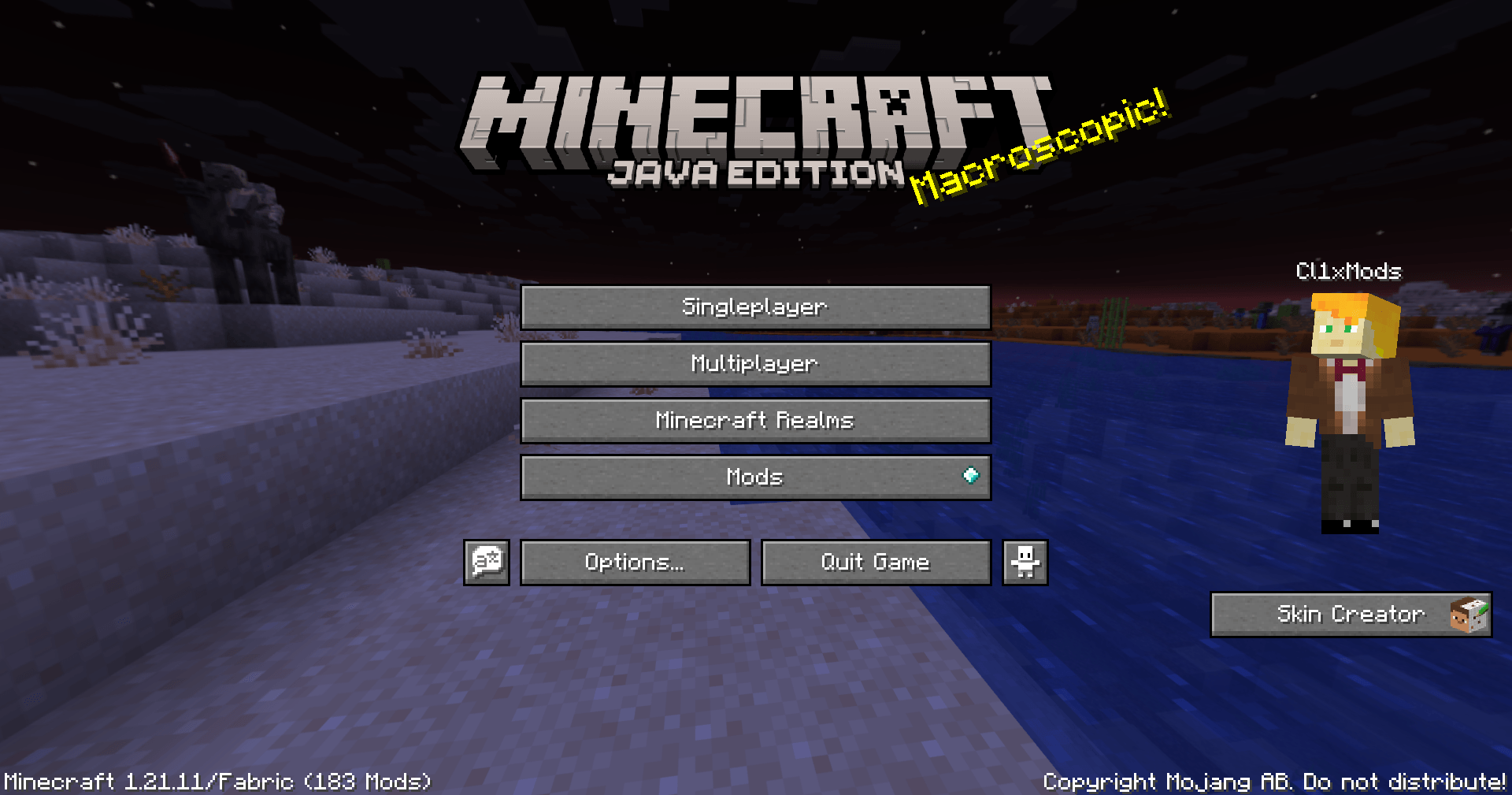
The Skin Creator panel on the right of the title screen, next to your character. The same panel is on the pause menu.
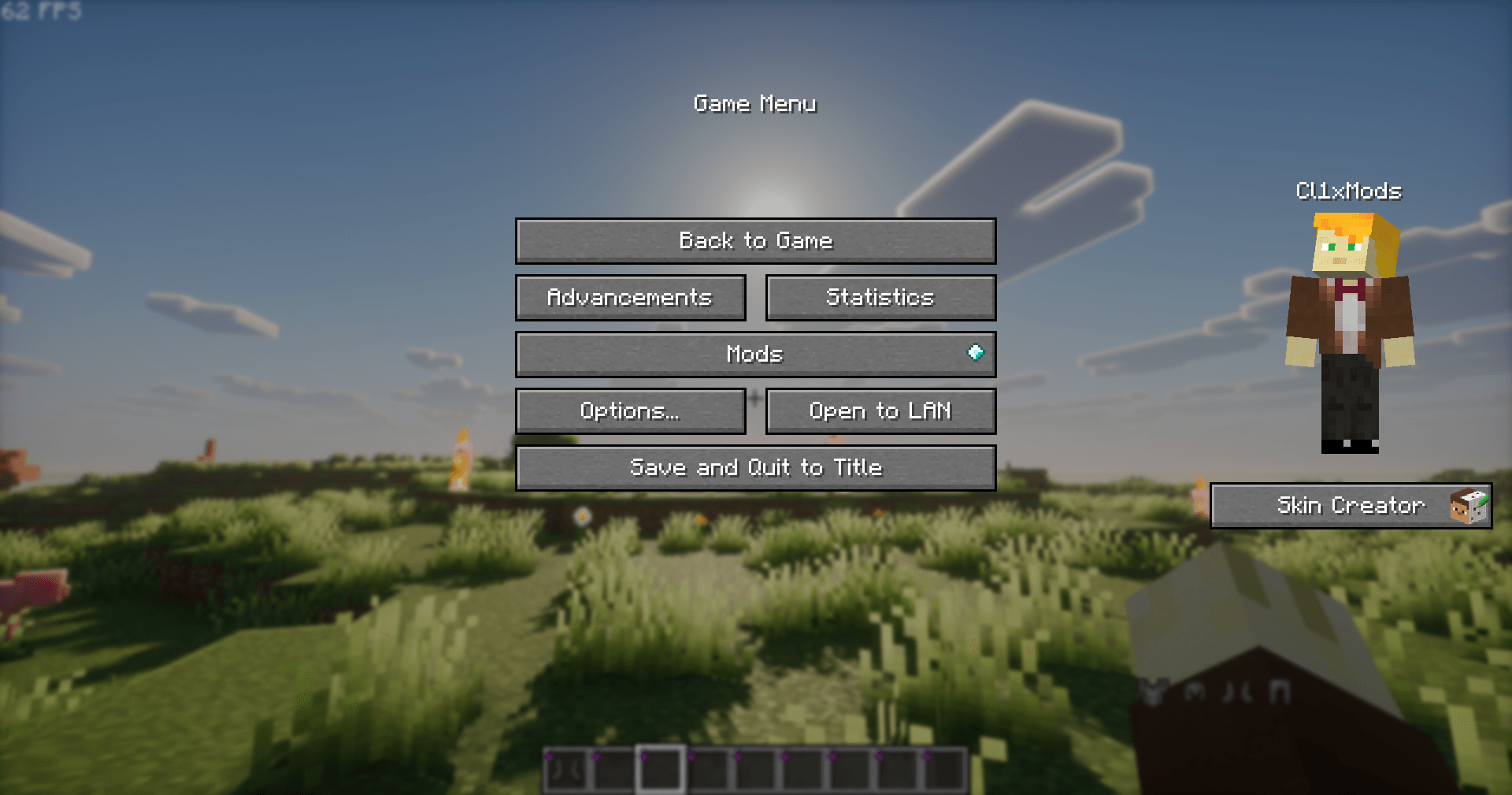
The same panel is one click away while you play: open the pause menu, then Skin Creator.
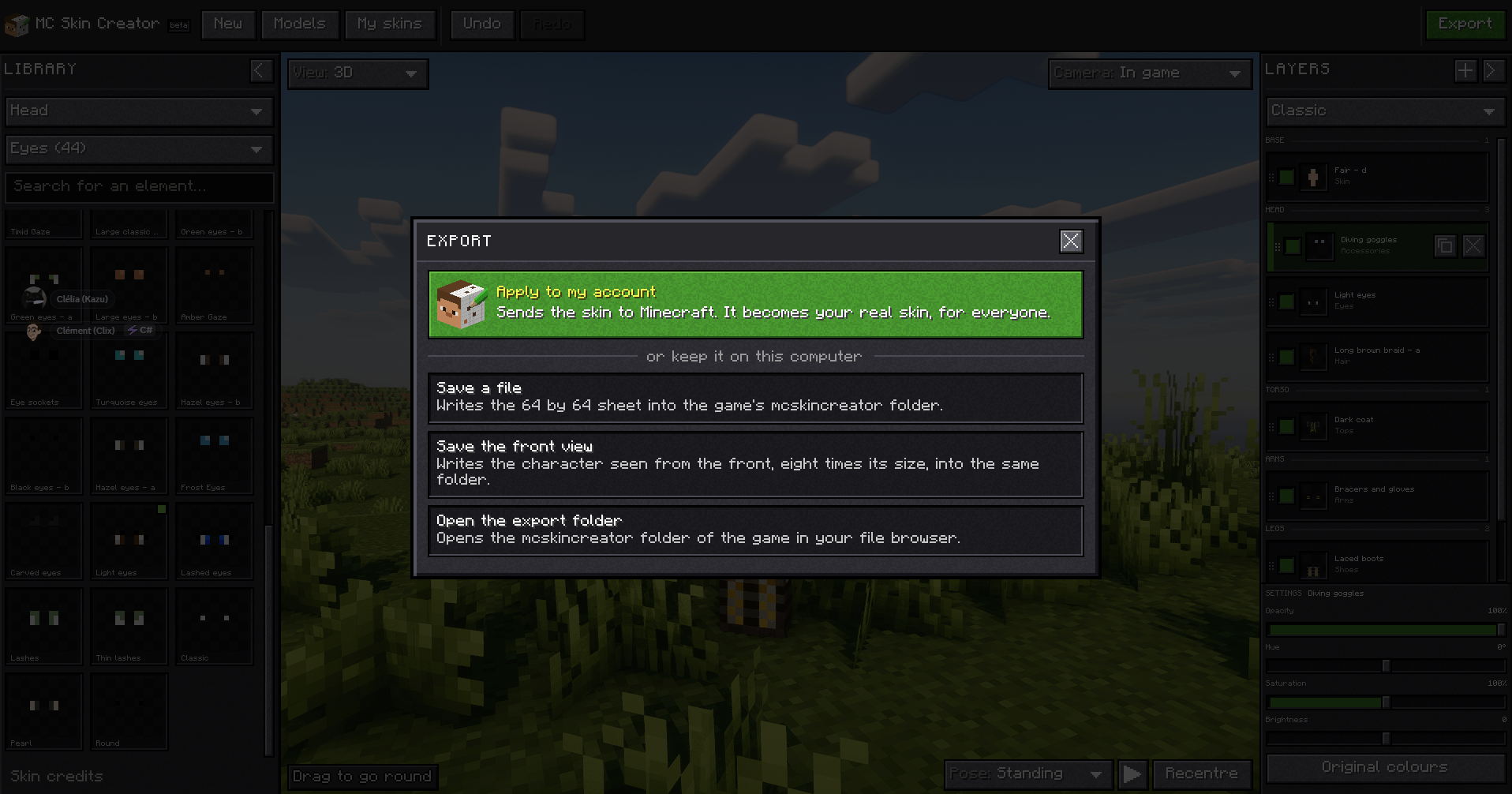
The Export window: apply the skin to your Minecraft account, or keep it on your computer as a 64x64 skin file or an image of the character from the front.