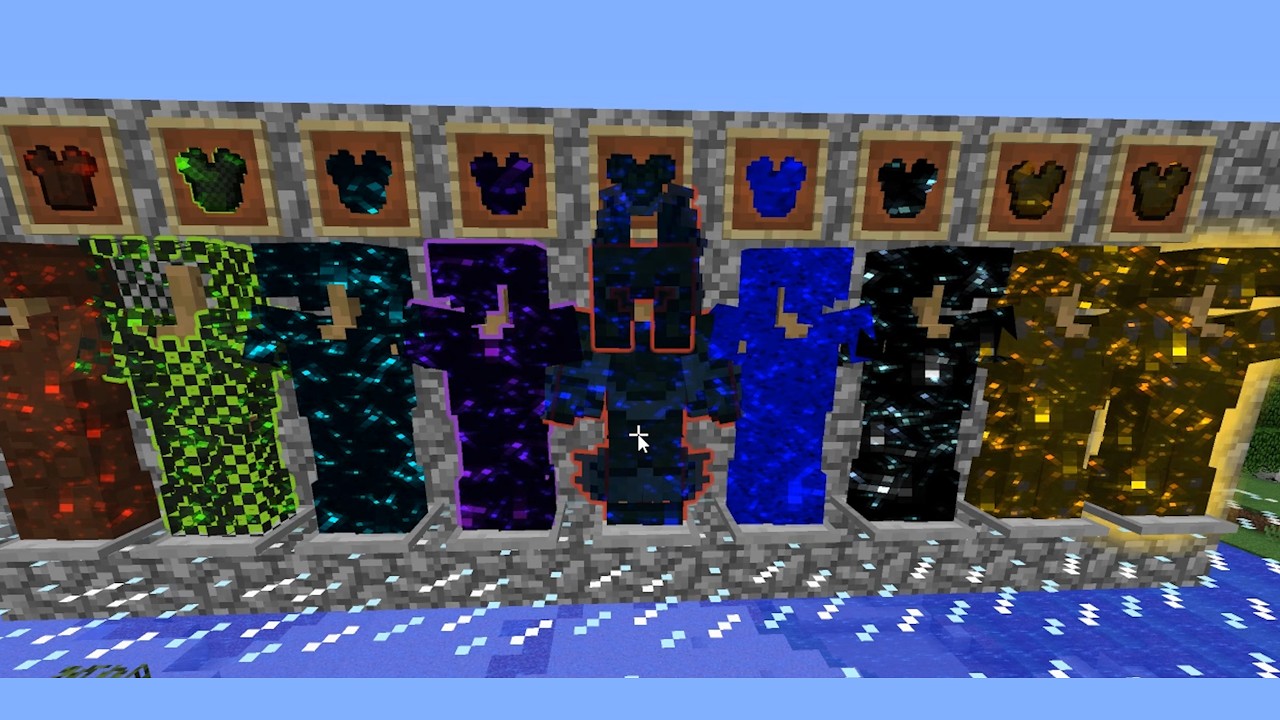
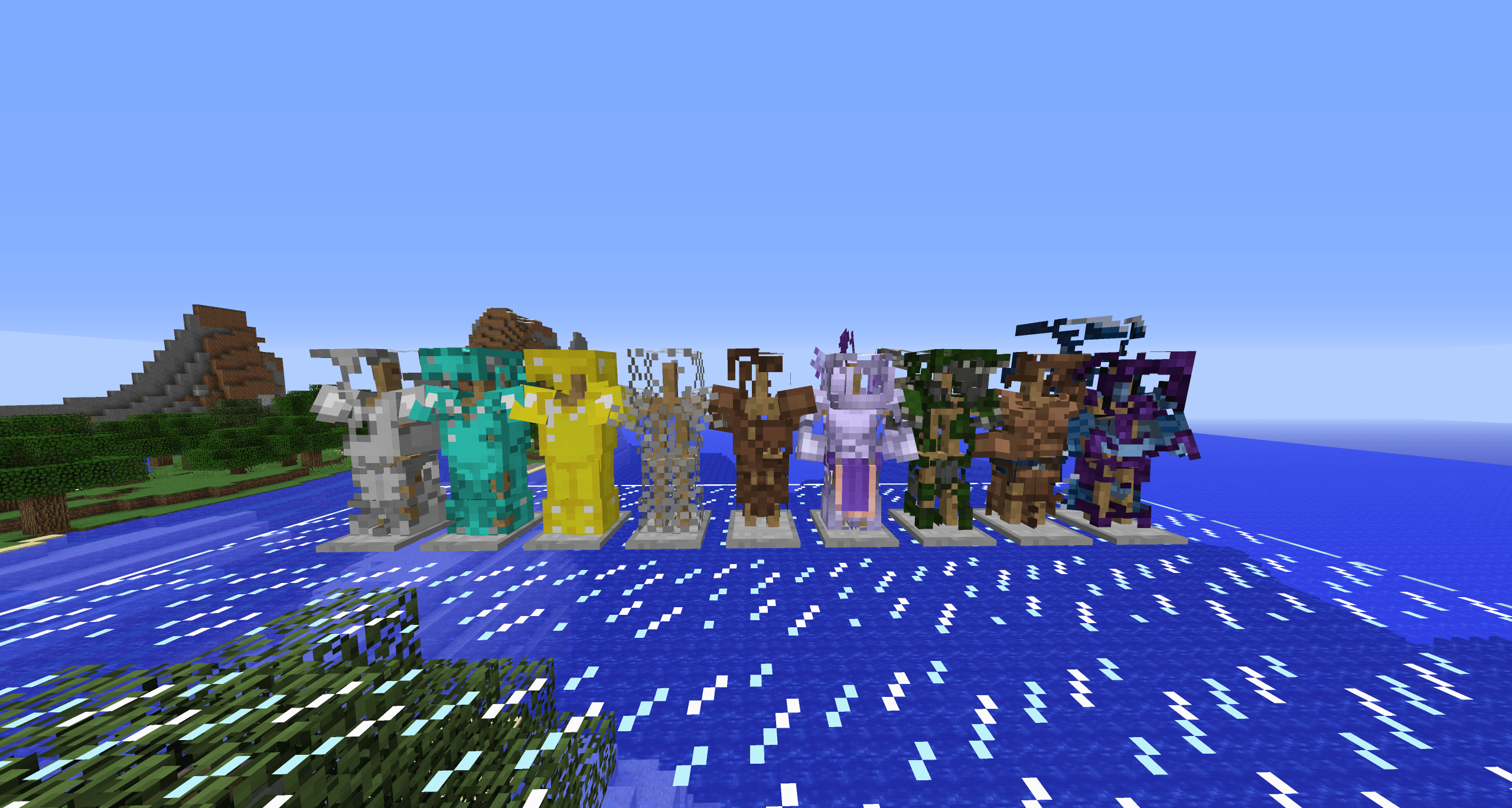
2026-10-10_06.17.16.png
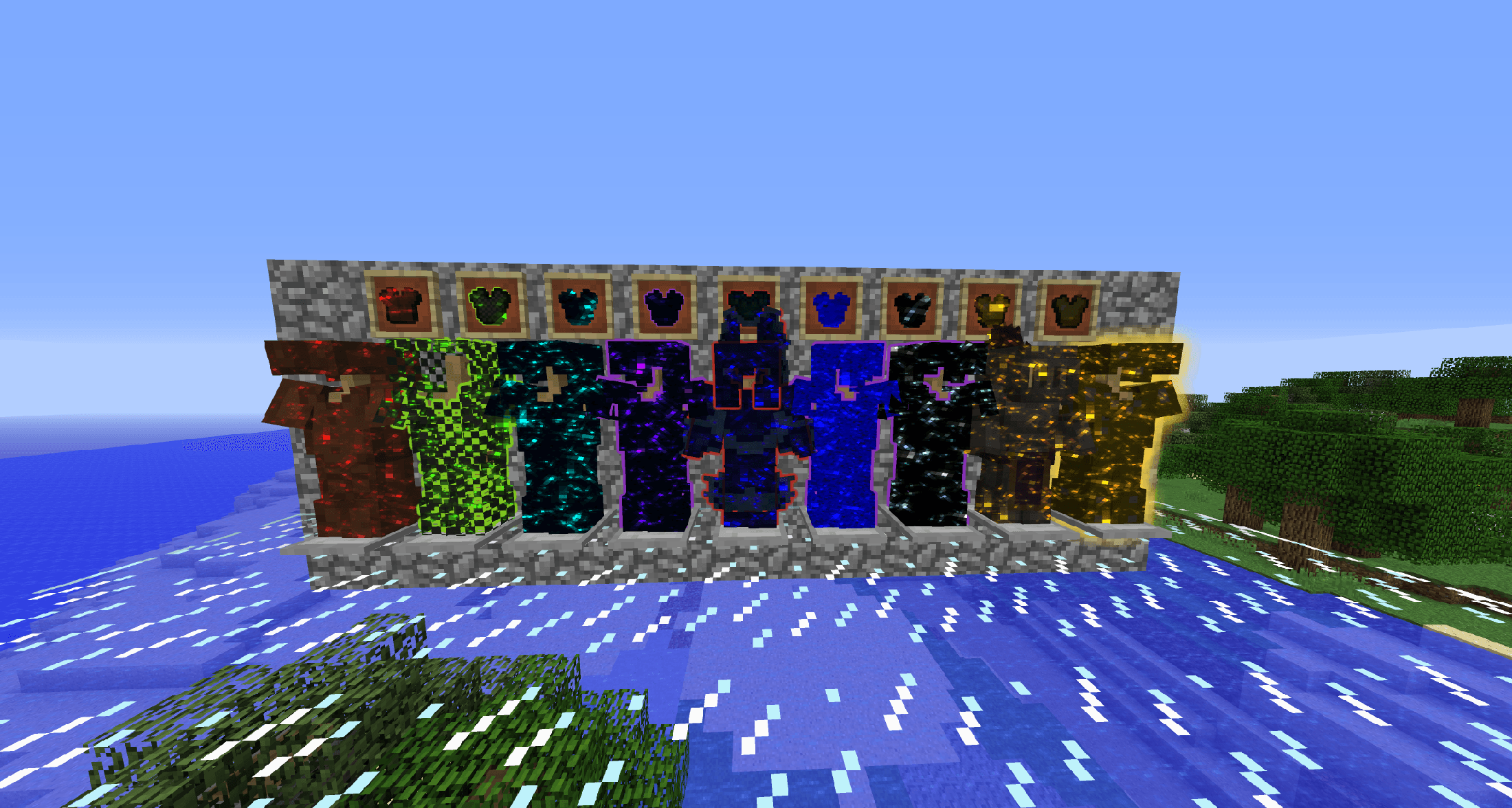
2026-10-10_06.18.59.png
Description
# Silly Armor Render
A cosmetic mod for Forge 1.12.2 that adds an End-portal "cosmic" look, soft outlines, and visible armor damage. Armor wear and armor bits work client-side only. Styles applied by command need the mod on the server too; players without the mod can still join.
## Features
- Cosmic effect – Items, mobs and worn armor can be drawn with a moving End-portal starfield in any dye color or #RRGGBB color.
- Outlines – A soft glowing edge around items, mobs and armor that follows the real shape of the texture and does not show through blocks.
- Per-item styles – Every item can have its own color, opacity, star size, brightness and outline. The style is saved on the item and stays with it.
- Mob styling – The same styles can be put on the nearest mob.
- Armor wear – Armor loses pixels and chunks as it takes damage. Each armor type gets its own damage pattern, and loose floating pixels are removed.
- Armor bits – The pieces that break off fly away from the player, lie on the ground for a few seconds, then sink in and fade.
- Repair animation – When armor is repaired, bits rise out of the ground and fly back onto the player.
- Styled bits – Bits keep the armor's cosmic effect, outline and enchantment shimmer.
- Name trigger – Optional, off by default: anything named with a keyword and a dye color (for example "Cosmic Purple") gets the effect without a command.
- Genders mod support – Extra body parts from the genders mod show the same armor effects, outlines and wear.
## Commands (ops only)
/cosmifyportal | Lists all options for the cosmic effect
/cosmifyportal on | Adds the effect to the held item using the config values
/cosmifyportal <option:value ...> | Sets one or more options on the held item, e.g. color:red opacity:0.5
/cosmifyportal mob <option:value ...> | Same, for the nearest mob
/cosmifyportal <option>:default | Resets one option back to the config value
/cosmifyportal clear | Removes the effect
/cosmifyoutline ... | Works the same way as /cosmifyportal, for the outline
/cosmifycopy <portal|outline|all> | Copies the style from the off-hand item to the main-hand item
## Notes
- Only the options you type are saved on the item. Everything else follows each player's own config.
- The config controls what you see on your own screen. Each effect (items, mobs, armor, wear, bits) can be turned off separately.
- Not made for OptiFine shader packs. OptiFine without shaders is fine.
- Items with special renderers (chests, banners, shields) do not get the effect.
- Many styled items or mobs on screen at once can lower FPS. Lower the star layers or outline steps in the config if needed.
Silly Armor Render Team

Owner