Sideworld
- By
A Terraria-inspired 2D dimension: mine, build, fight bosses and beat the Ender Dragon in side view.
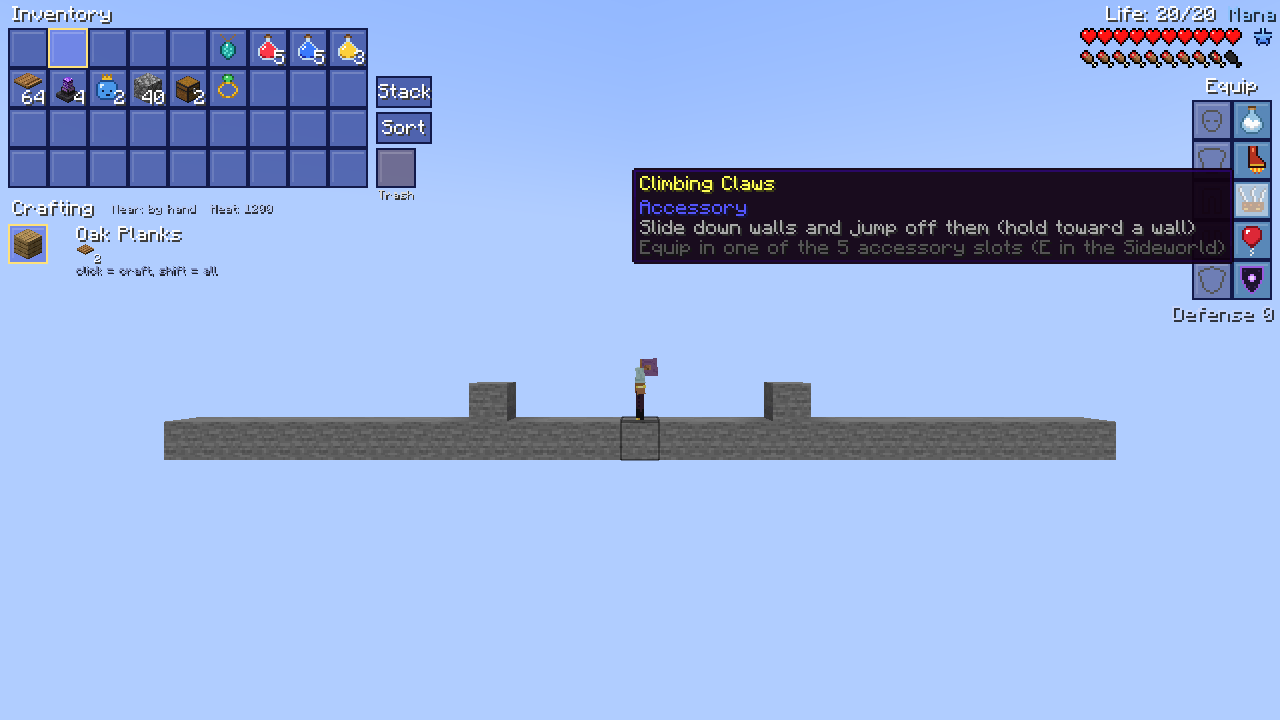
screenshot_5_inventory_5_accessories.png
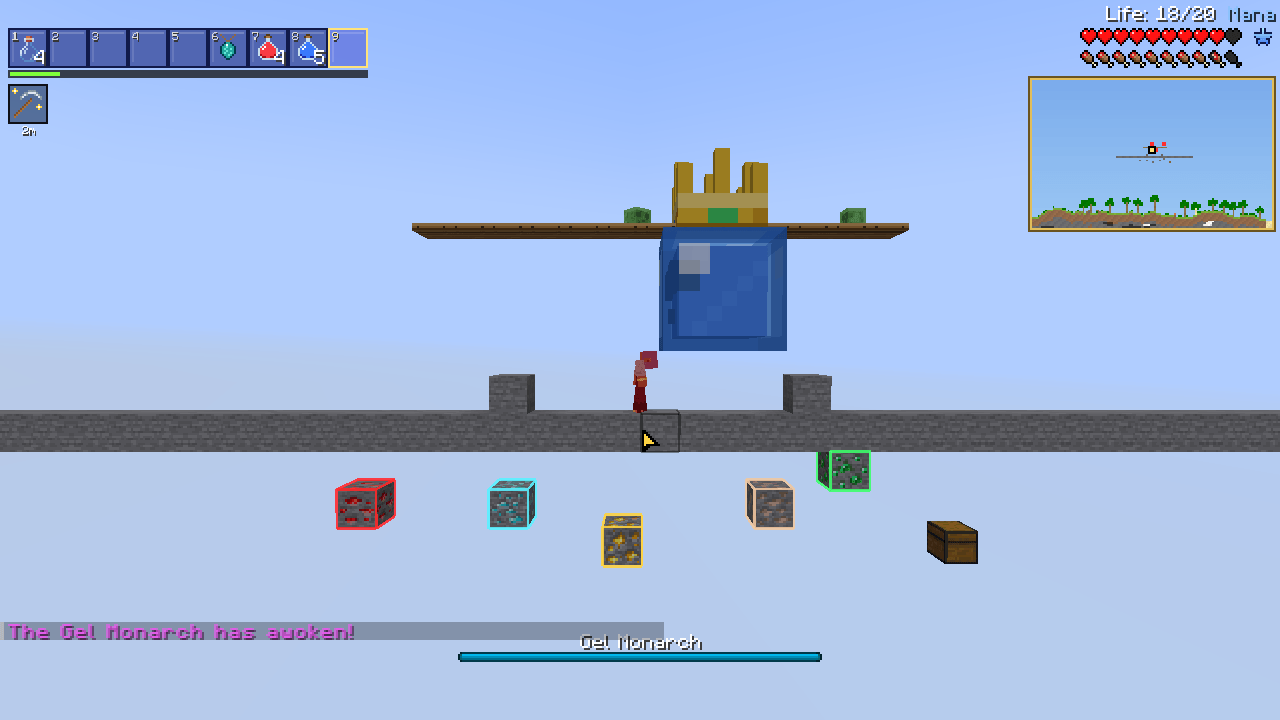
screenshot_1_gel_monarch_boss.png
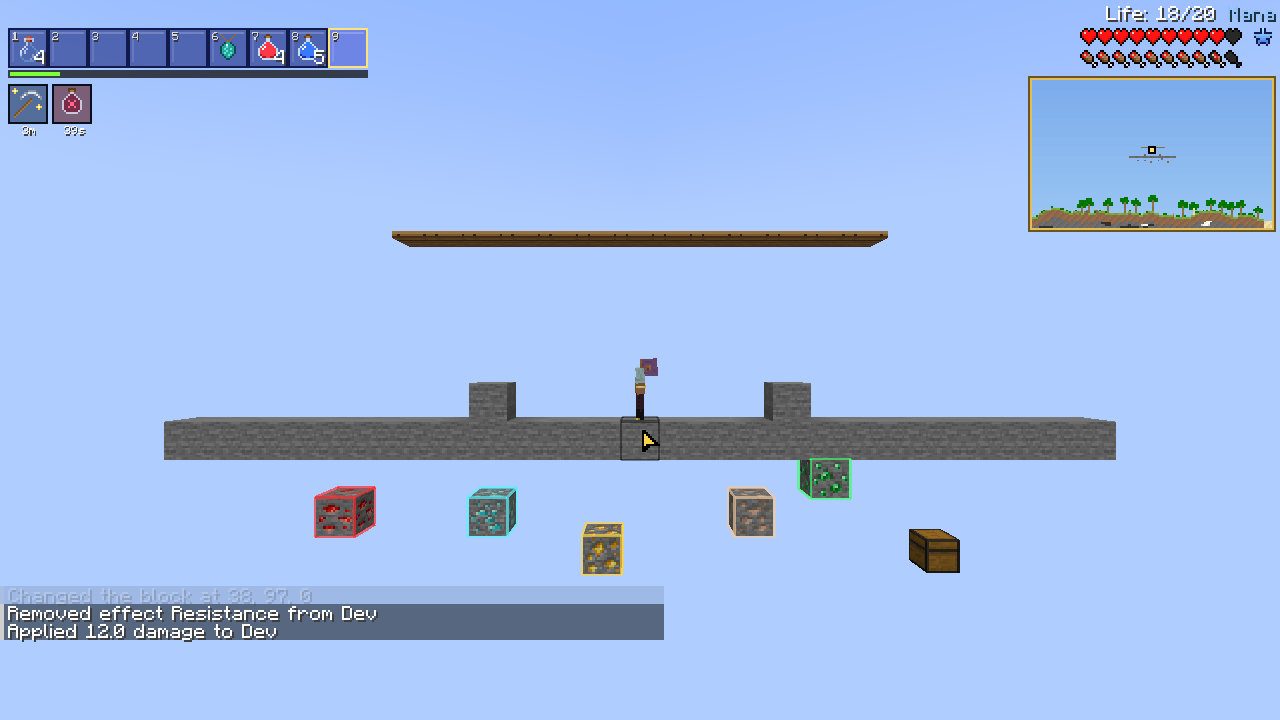
screenshot_2_spelunker_draught.png
screenshot_3_rift_beacon_travel_map.png
screenshot_4_ember_boots_platforms.png
Description
Sideworld
Experience Minecraft as a true 2D side-scroller. Sideworld adds a brand-new dimension built as a single, massive 2D slice of terrain. Play from a side-on camera with a free mouse cursor, a Terraria-inspired HUD and crafting system, custom bosses, equippable accessories, and fast travel—all the way to slaying the Ender Dragon in 2D.
Inspired by classic 2D sandbox games. All content, names, and art are 100% original.
Key Features
A Handcrafted 2D Dimension
- Massive 2D Slice: Explore a world ~4,000 blocks wide, bordered by oceans on both ends.
- Diverse Biomes: Traverse forests, deserts, snowy tundras, and jungles on the surface.
- Deep Underground & Sky: Dig through dripstone and lush caverns down to a molten underworld filled with Cinderite ore and nether-brick fortresses—or climb to floating sky islands and collect falling stars at night.
- 2D Sandbox Physics: Walk freely in front of trees and place blocks against background walls.
Side-Scroller Controls & Audio
- Free Mouse Cursor: Aim, mine, attack, and build anywhere on screen while your character tracks your cursor.
- Flexible Camera: Press V to toggle between 2D side view and standard Minecraft view, or use - / = to zoom.
- Directional Stereo Audio: Sounds dynamically pan left and right to match your 2D perspective.
Terraria-Style UI & Quality of Life
- Overhauled Inventory (E): Expanded item grid featuring one-click Sort, Trash, and Quick Stack to nearby chests.
- Accessory Slots: Equip armor alongside 5 dedicated accessory slots to customize your mobility and combat style.
- Click-to-Craft Menu: Automatically displays everything you can craft using your inventory and nearby stations—with instant smelting.
- Smart Chests: Loot All, Deposit All, Quick Stack, and Sort buttons built into storage containers.
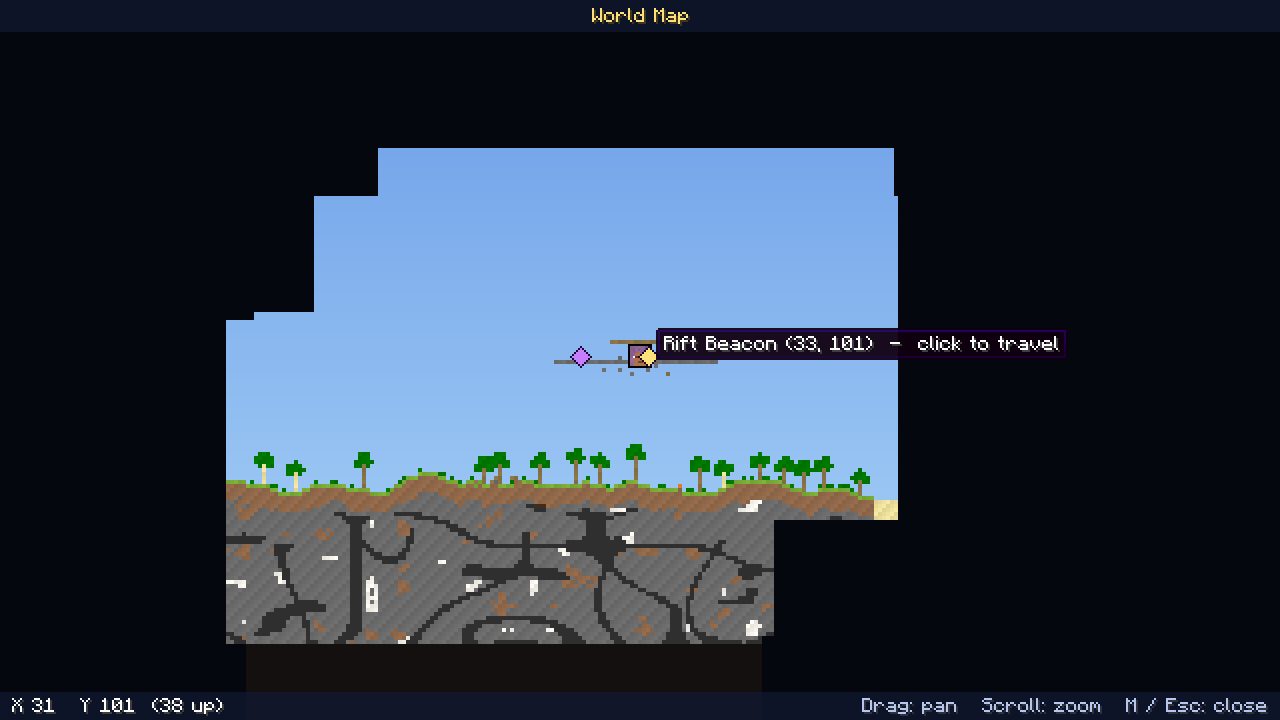
- Action HUD & Map (M): Tracks hearts, mana stars, active buff timers, floating damage numbers, mob health bars, a live minimap, and a draggable, zoomable world map.
Bosses
- Hollow Lantern: A nocturnal flying lantern that rains embers from above. Drops the Ember Staff.
- Gel Monarch: A giant crowned slime that summons minions and teleports to pursue you. Drops the Sky Balloon.
- The Ender Dragon: Face the iconic finale inside the Side End, a 2D arena complete with obsidian pillars and caged crystals.
Accessories
| Accessory | Effect |
|---|---|
| Cloud in a Flask | Grants a mid-air double jump |
| Gale Boots | +25% movement speed |
| Feather Charm | Negates all fall damage |
| Magma Charm | 7 seconds of lava immunity (recharges automatically) |
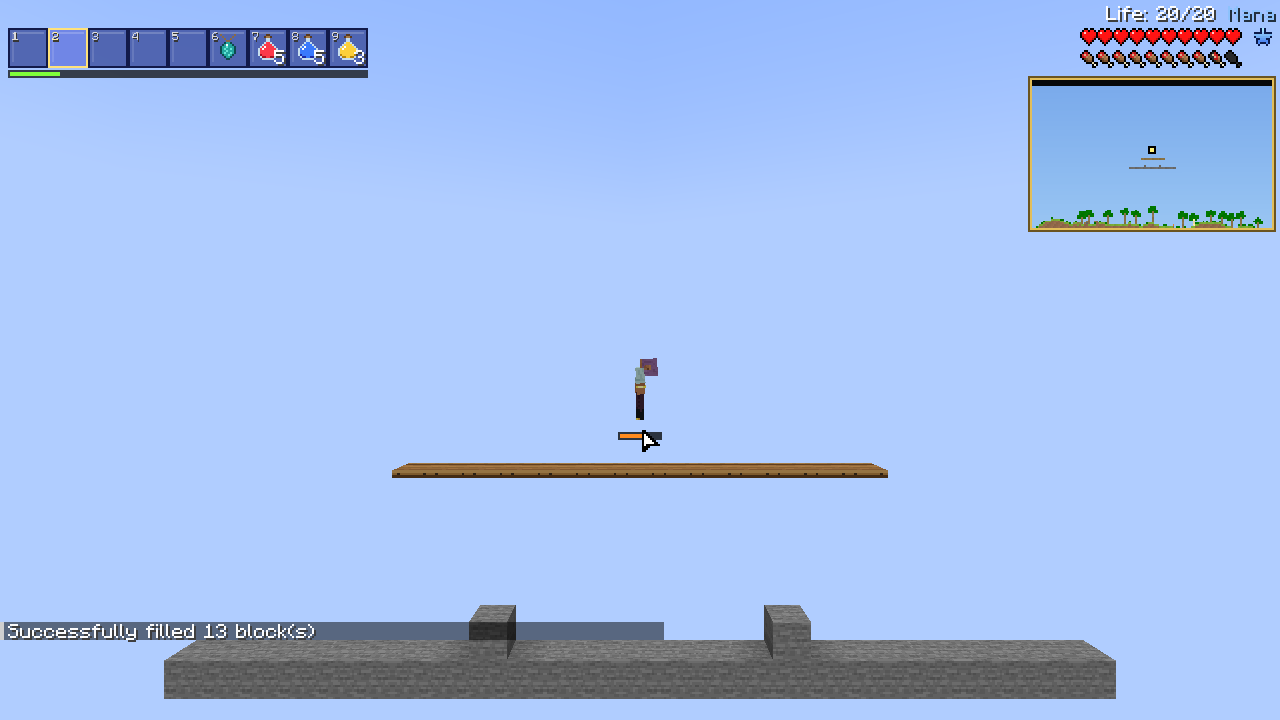
| Ember Boots | Enables rocket flight |
| Climbing Claws | Allows wall-sliding and wall-jumping |
| Sky Balloon | Increases jump height |
| Bastion Shield | Grants knockback immunity |
| Mending Band | Passive health regeneration |
| Gill Charm | Grants underwater breathing |
Gear, Potions & Fast Travel
- Permanent Upgrades: Consume Vital Crystals (+1 max heart) and Mana Gems (+20 max mana).
- New Arsenal: Wield the magic Ember Staff, swing across caves with the Grapple Claw, and forge Cinderite gear.
- Hotkeys for Potions: Brew Healing, Mana, and Spelunker Draughts (which highlight nearby ores) and trigger them anytime with H (Quick Heal) or J (Quick Mana).
- 2D Traversal: Jump up through Wooden Platforms and press S to drop down.
- Fast Travel: Warp between discovered Rift Beacons directly from your world map, or use your starting Rift Mirror to travel between the Overworld and Sideworld.
Beat Minecraft in 2D
- Gather blaze rods in underworld fortresses and hunt endermen at night for ender pearls.
- Throw Eyes of Ender to track down one of two 2D strongholds.
- Activate the 12 portal frames to enter the Side End.
- Shatter the end crystals, defeat the dragon, and step into the rift to roll the credits.
Controls (Sideworld)
| Key / Input | Action |
|---|---|
| A / D | Move left / right |
| W / Space | Jump (hold in mid-air with Ember Boots to fly) |
| S | Drop through wooden platforms |
| Left / Right Click | Mine or attack / Use item or build at cursor |
| E | Open inventory & crafting menu |
| M | Open world map |
| H / J | Quick Heal / Quick Mana |
| V | Toggle 2D side view / normal camera |
| - / = | Zoom out / in |
Getting Started
- Install Forge 47.x for Minecraft 1.20.1 and drop the Sideworld
.jarinto yourmodsfolder. - Load into any world to automatically receive a Rift Mirror.
- Use the mirror to warp into the Sideworld—and use it again whenever you want to return home.
- Run
/sideworld helpin-game for quick tips.
FAQ
- Does it work in multiplayer? Yes. Install the same version of Sideworld on both the server and all clients (at least 2 GB of server RAM is recommended).
- Does it affect my normal dimensions? No. Your Overworld, Nether, and End remain completely untouched; all 2D gameplay takes place in the Sideworld and Side End.
- Can I include this in a modpack? Yes! Sideworld is MIT licensed and free to use in modpacks.
- Are other modloaders or versions supported? Sideworld is currently exclusive to Forge 1.20.1.
Not affiliated with Mojang Studios or Re-Logic.
Sideworld Team