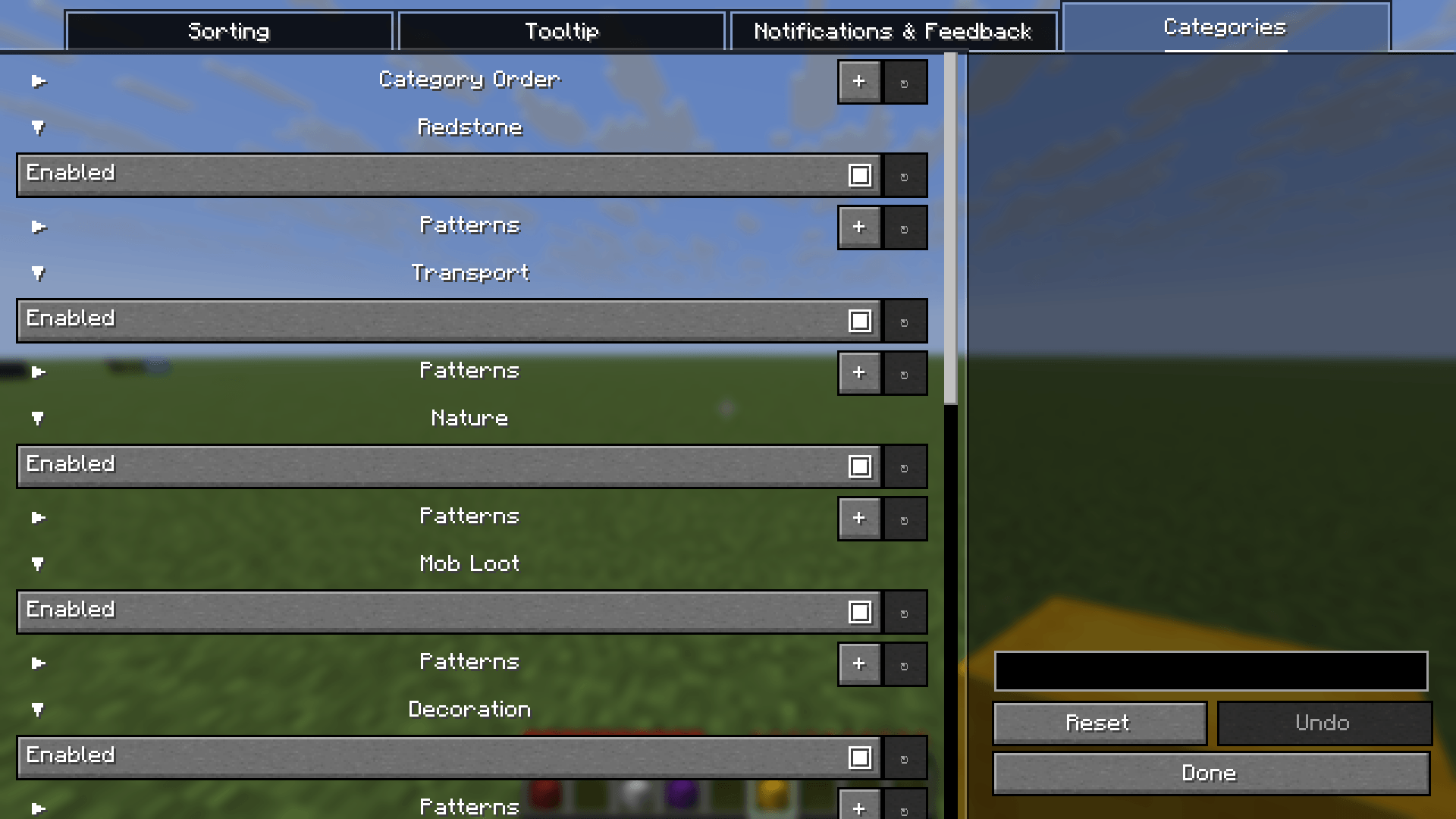
Customize your categories.
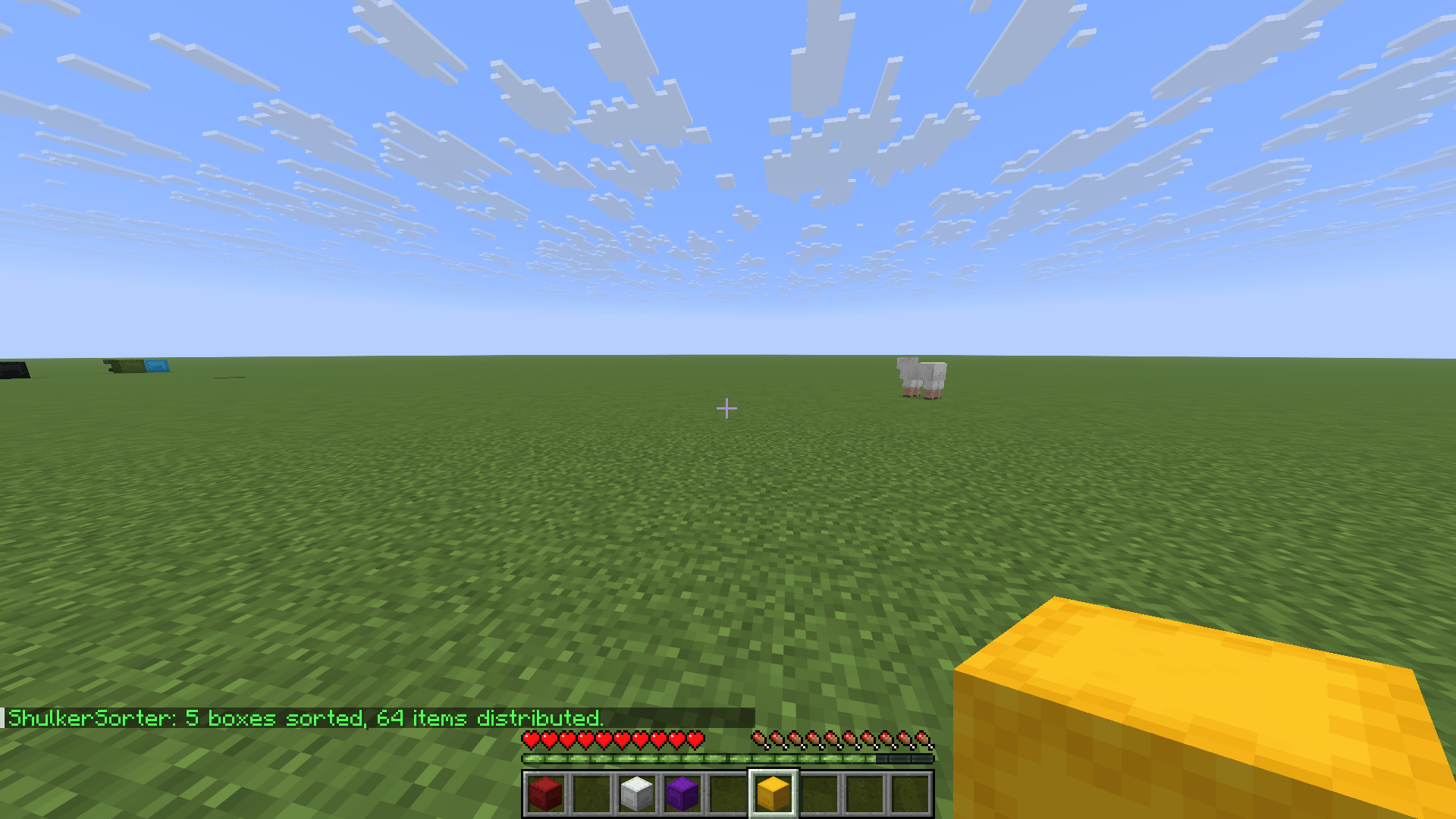
Getting directly a chat message after you press the sort key
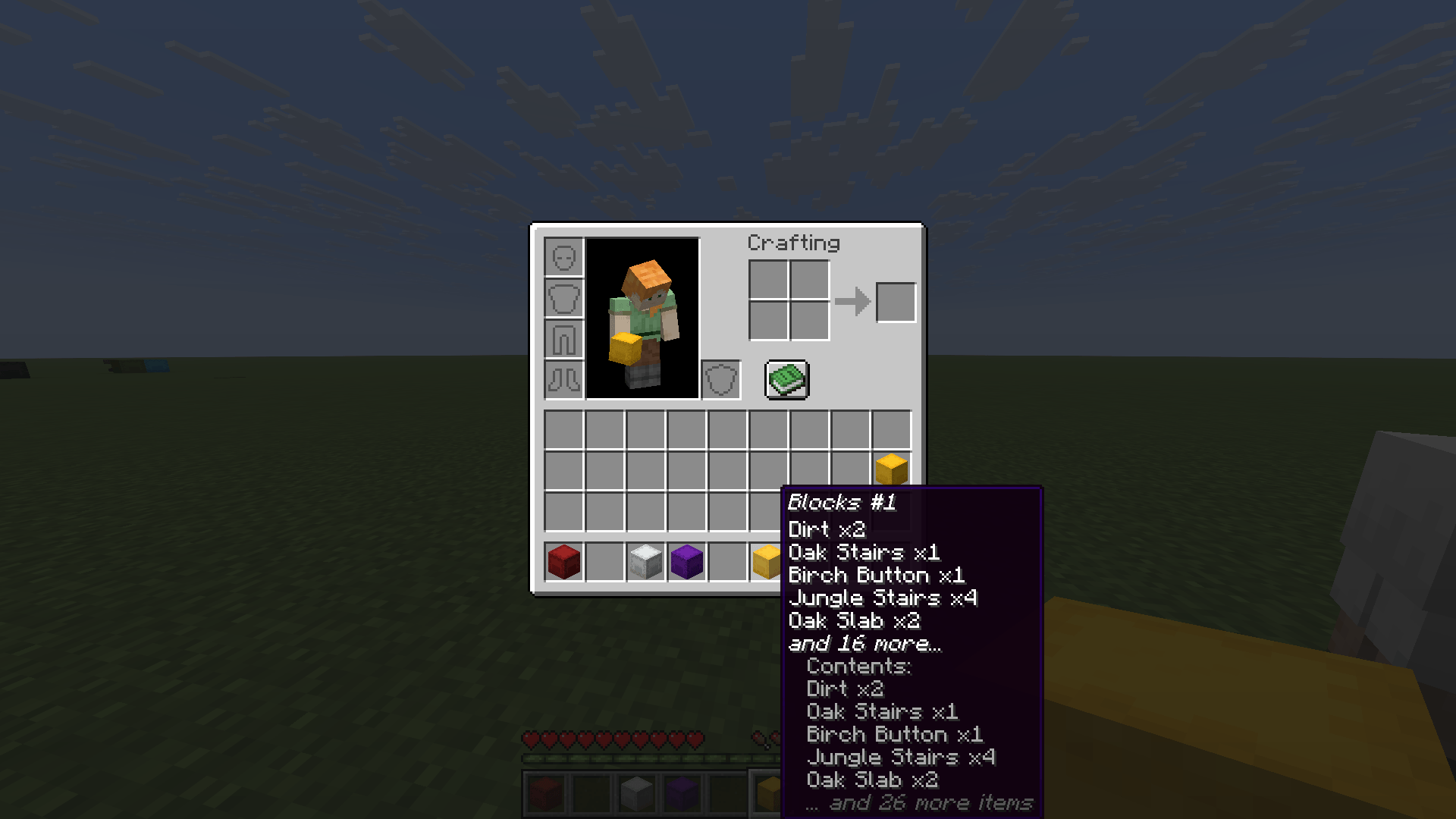
Description
ShulkerSorter
Sort, merge and label your shulker boxes with a single keypress.
ShulkerSorter is a lightweight Fabric mod that automatically organizes all items across your shulker boxes by category. Press one key — your ores go into one box, your redstone into another, your tools into a third. Every box gets a clean label. No more shulker box chaos.
Works in singleplayer, multiplayer survival (with mod on server), and multiplayer creative (no server mod needed).
Features
One-Key Sorting
- Press J to sort all shulker boxes in your inventory instantly
- 11 categories — Redstone, Transport, Nature, Mob Loot, Decoration, Blocks, Tools, Food, Ores, Brewing, Misc
- Stack merging — Partial stacks of the same item are merged before distributing
- Affinity sorting — Boxes keep their dominant category when re-sorting
Overflow Modes
- Fill — Pack items across available boxes when a category has no dedicated box
- Dominant — Each box is dedicated to one category only
Undo
- Press Shift+J to instantly undo the last sort and restore your inventory
Loose Items
- Optionally sort loose items from your inventory into shulker boxes
- Mark items with
[KEEP]in their name to exclude them from sorting
Auto-Labeling
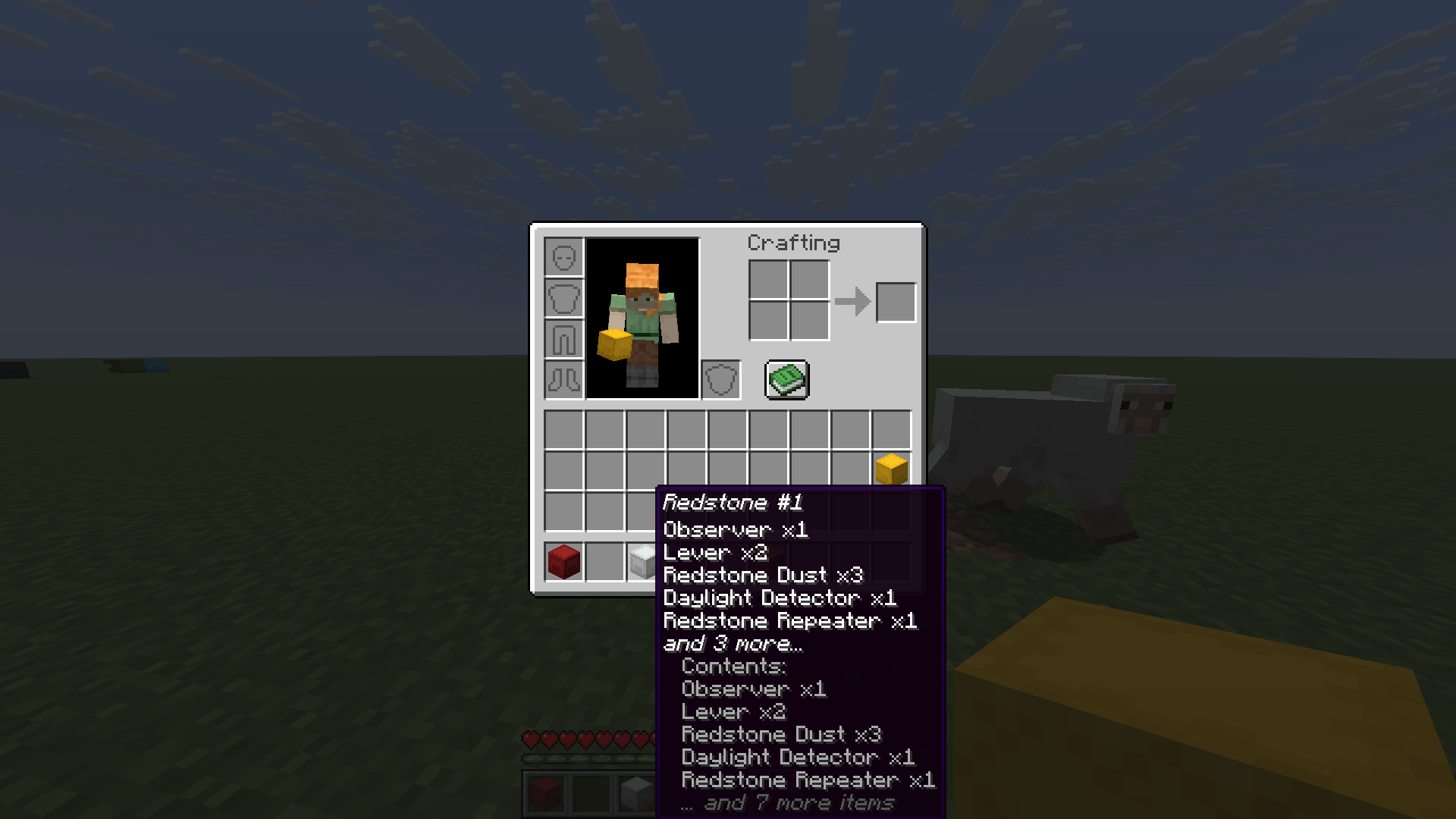
- Sorted boxes get named by their category (e.g. "Ores #1", "Blocks #2")
- Labels follow your game language (English, German)
- Add
[LOCKED]to a box name to exclude it from sorting
Tooltip Preview
- See shulker box contents without opening them
- Configurable max lines shown in the tooltip
Feedback
- Chat notifications with box and item count
- Sound effects on successful sorting
- Animated "Sorting..." HUD overlay
Controls
| Key | Action |
|---|---|
| J | Sort all shulker boxes in inventory |
| Shift+J | Undo last sort |
Customization
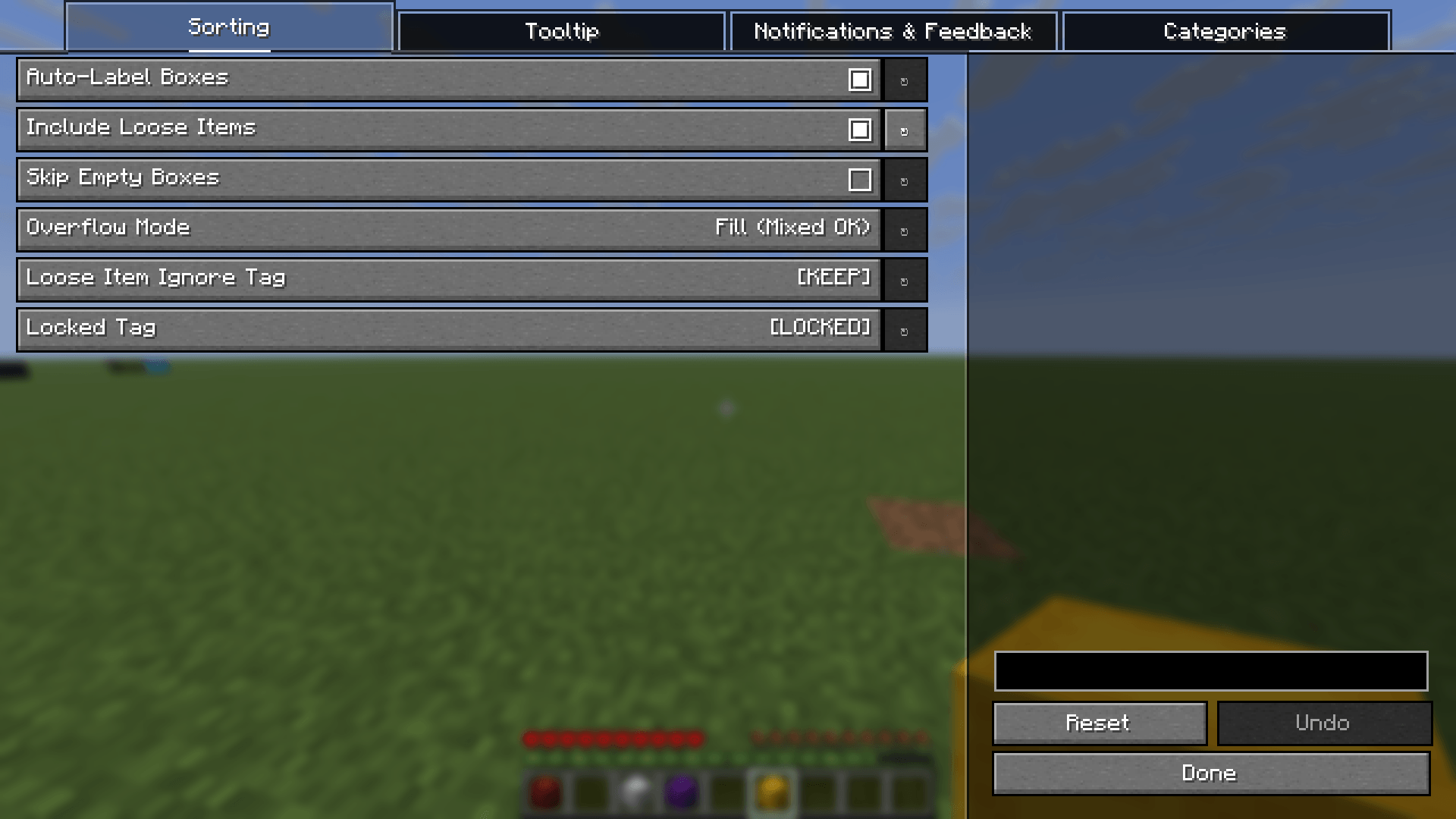
Configure the mod via Mod Menu + YACL, or by editing .minecraft/config/shulkersorter.toml:
- Auto-labeling on/off
- Overflow mode (Fill / Dominant)
- Include loose items on/off
- Skip empty boxes on/off
- Locked tag and loose item ignore tag
- Chat notifications, sound effects, HUD overlay
- Tooltip on/off and max lines
- Category order, enable/disable, and custom patterns
- Add your own categories with custom item patterns
Requirements
- Fabric Loader and Fabric API
- YACL — Optional (for in-game config screen)
- Mod Menu — Optional (for accessing config via mod list)
Supported Minecraft Versions
| Branch | Minecraft | Java |
|---|---|---|
| mc1.21-1.21.8 | 1.21 – 1.21.8 | 21+ |
| mc1.21.9-1.21.11 | 1.21.9 – 1.21.11 | 21+ |
| mc26.1 | 26.1+ | 25+ |
| mc26.2 | 26.2+ | 25+ |
How It Works
- Fill some shulker boxes with mixed items
- Keep the shulker boxes in your inventory
- Press J — all items are categorized, merged, and distributed
- Each box gets labeled by its category (e.g. "Tools #1", "Ores #2")
- Not happy? Press Shift+J to undo
Boxes with [LOCKED] in their name are skipped. Loose items with [KEEP] in their name stay in your inventory.
Perfect For
- Hoarders — Finally organize that inventory full of random shulker boxes
- Builders — Keep building blocks neatly separated from tools and ores
- Miners — Auto-sort your mining haul into clean categories
- Base Organizers — Label and sort boxes before storing them in your base
FAQ
Does this mod work on servers? Yes! In singleplayer and multiplayer creative it works client-only. For multiplayer survival, install the mod on both client and server — sorting runs server-side via custom packets.
Does it affect performance? No. ShulkerSorter only runs when you press the sort key.
Can I customize categories?
Yes! Use the in-game config screen or edit shulkersorter.toml to add, remove, reorder, or disable categories with custom item patterns.
What if I don't have enough shulker boxes? Sorting is cancelled safely — no items are lost.
Can I undo a sort? Yes! Press Shift+J immediately after sorting to restore your inventory.
Languages
Available in English and German.
Links
- Issues & Bugs: GitHub Issues
- Source Code: GitHub Repository
License
This mod is open-source and licensed under the MIT License.
ShulkerSorter Team