Settings Search ( all mods compat )
- By
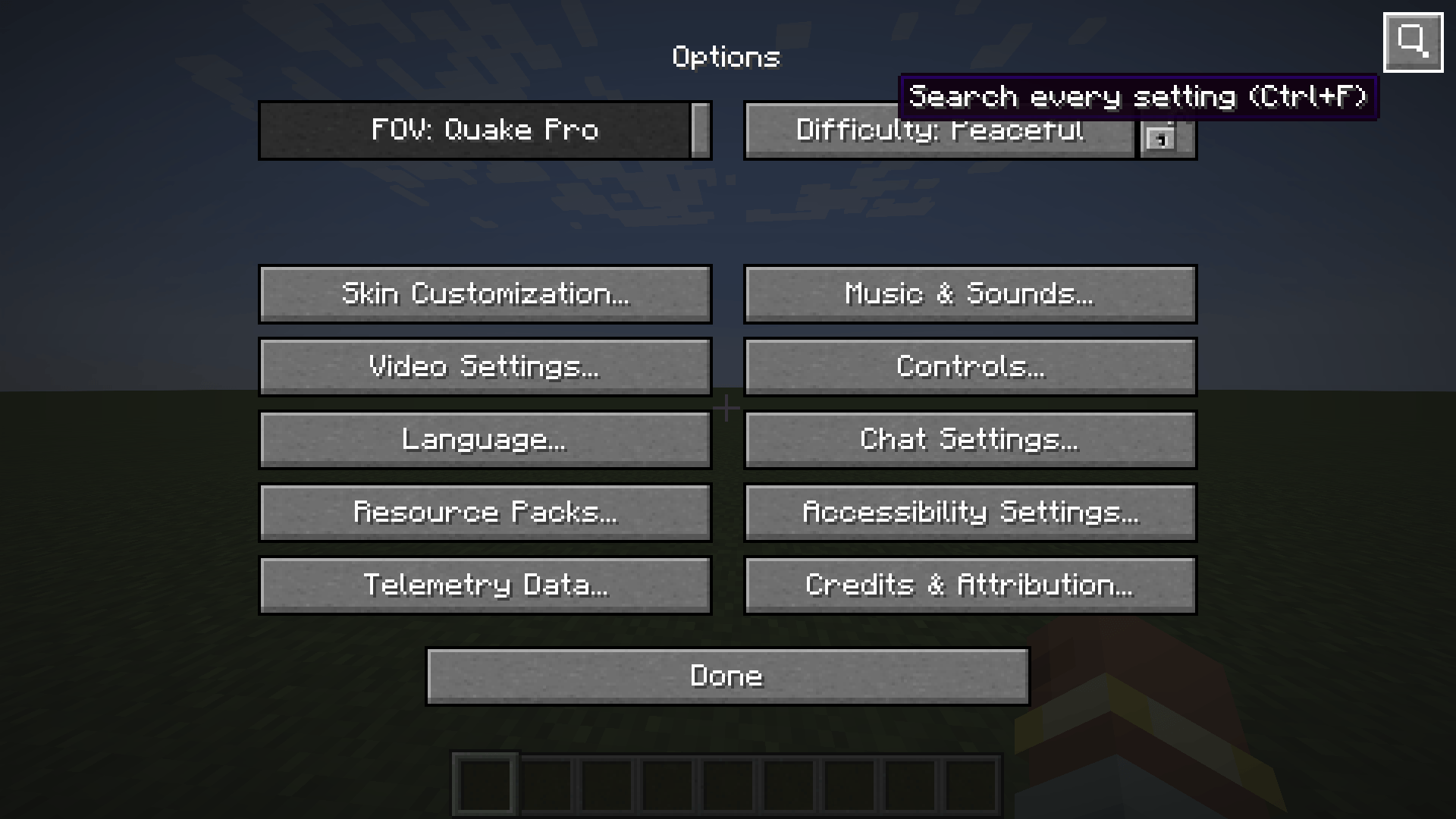
A magnifier button appears in the top-right corner of every options screen, on every tab, reachable from the main menu and from inside a world alike.
2026-08-04_17.35.52.png
2026-08-04_17.36.57.png
2026-08-04_17.38.02.png
Description
Modern Minecraft means a dozen options screens and a hundred settings in vanilla alone. Add thirty mods, and each brings its own menu, its own toggles, sometimes buried three levels deep. Finding "simulation distance", or "the option that turns off that one mod's particles", turns into a treasure hunt.
Settings Search replaces the hunt with a text field.
Usage
Opening the search
- The magnifier button in the top-right corner of any options screen.
- Ctrl + F from any options screen.
- A dedicated key, unbound by default, which you can set under Controls → Miscellaneous to open the search straight from the game.
Searching
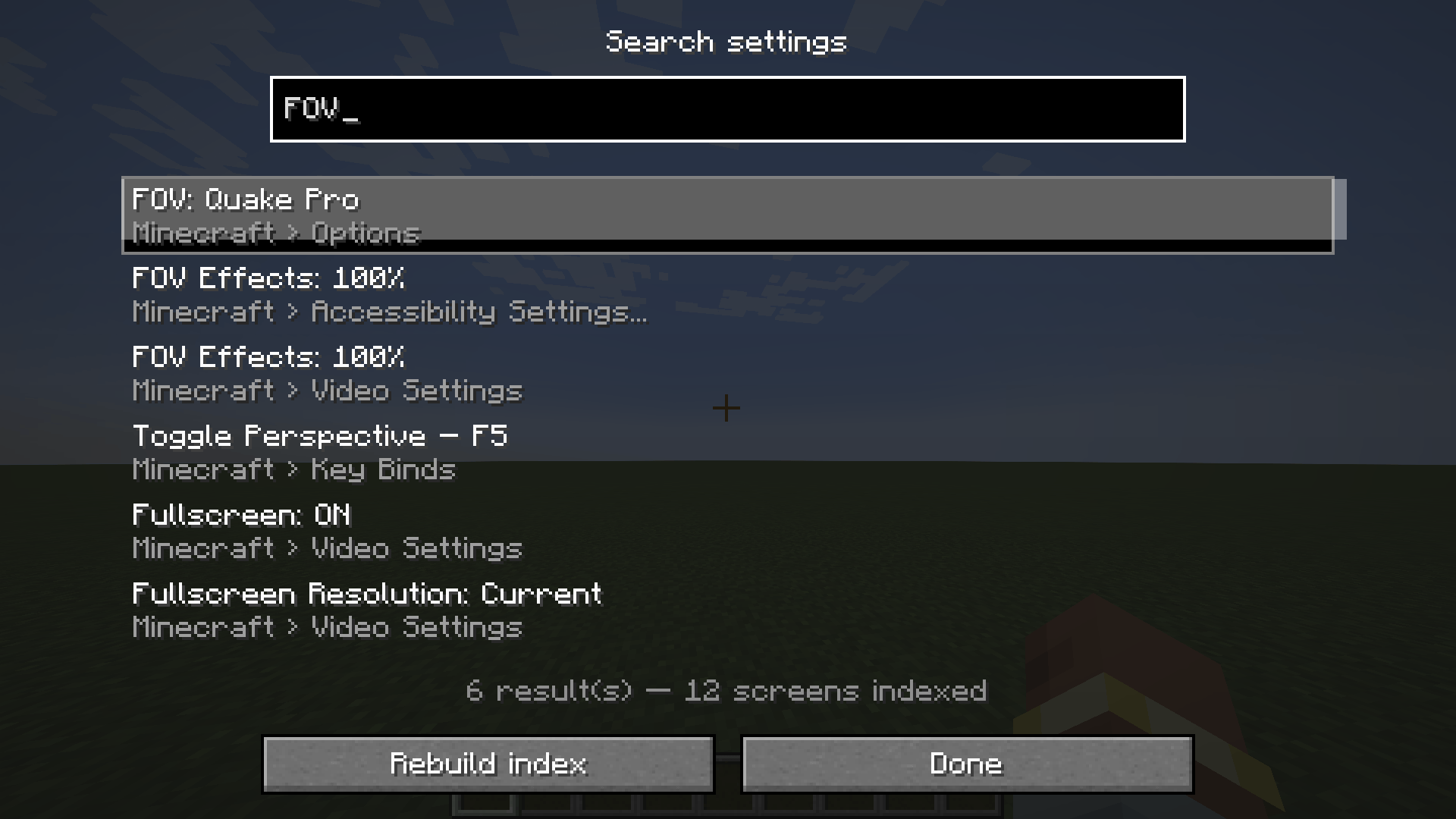
Type, and the list filters live. Each result shows the setting's name and the screen it lives on, prefixed by the mod it belongs to. The ↑ ↓ arrows move the selection, Enter confirms, or just click.
Getting there
Clicking a result opens the matching screen, scrolls the list down to the setting and frames it with a pulsing yellow outline for a few seconds. The "Done" button takes you back to wherever you were before searching.
The search itself
- Case- and accent-insensitive. "luminosite" finds "Luminosité".
- Fuzzy. "rd" finds "Render Distance", "part dens" finds "Particle Density".
- Multi-word, in any order. "mouse sensitivity" works as well as the other way round.
- Bilingual by construction. Translation keys are indexed alongside the displayed labels: searching "gamma" finds "Brightness", and an English query works on a game running in French.
- Extends to descriptions. Tooltip text is searched too, weighted lower so it never drowns out matches on names.
- Key binds included. Bindings are indexed with their current assignment: searching "jump" shows "Jump – Space".
How compatibility with other mods is achieved
This is the heart of the implementation, and nothing in it is hardcoded — not even the vanilla options.
1. Real screen exploration. The first time you open the search, the mod instantiates every options screen off-screen and runs its initialisation. That initialisation is exactly what fires the Forge event other mods hook into to inject their own buttons, so their widgets show up naturally in the explored tree. No button is ever clicked, no value is ever changed.
2. Unknown screens. The mod has no idea how a screen from a mod it has never seen is constructed. So it picks the constructor — or the static factory — based on the arguments it is able to supply. That is what lets it open screens it knows nothing about.
3. Forge config screens. Every mod that registers a config screen (the "Config" button in the mod list) is indexed automatically.
4. Learning. Some mods have entirely bespoke options menus that no generic discovery can guess. So the mod remembers every options screen you open and indexes it from then on. The rule is deliberately strict: a screen is only kept if it holds a reference back to the options screen you came from — which is what tells a genuine submenu apart from a loading screen or the title screen. The list is readable and editable in config/settingssearch-known-screens.txt.
The widget tree is walked generically: scrolling lists, rows, nested controls. Row titles and tooltips are read by type and never by field name, a requirement for the mod to keep working outside a development environment.
Performance
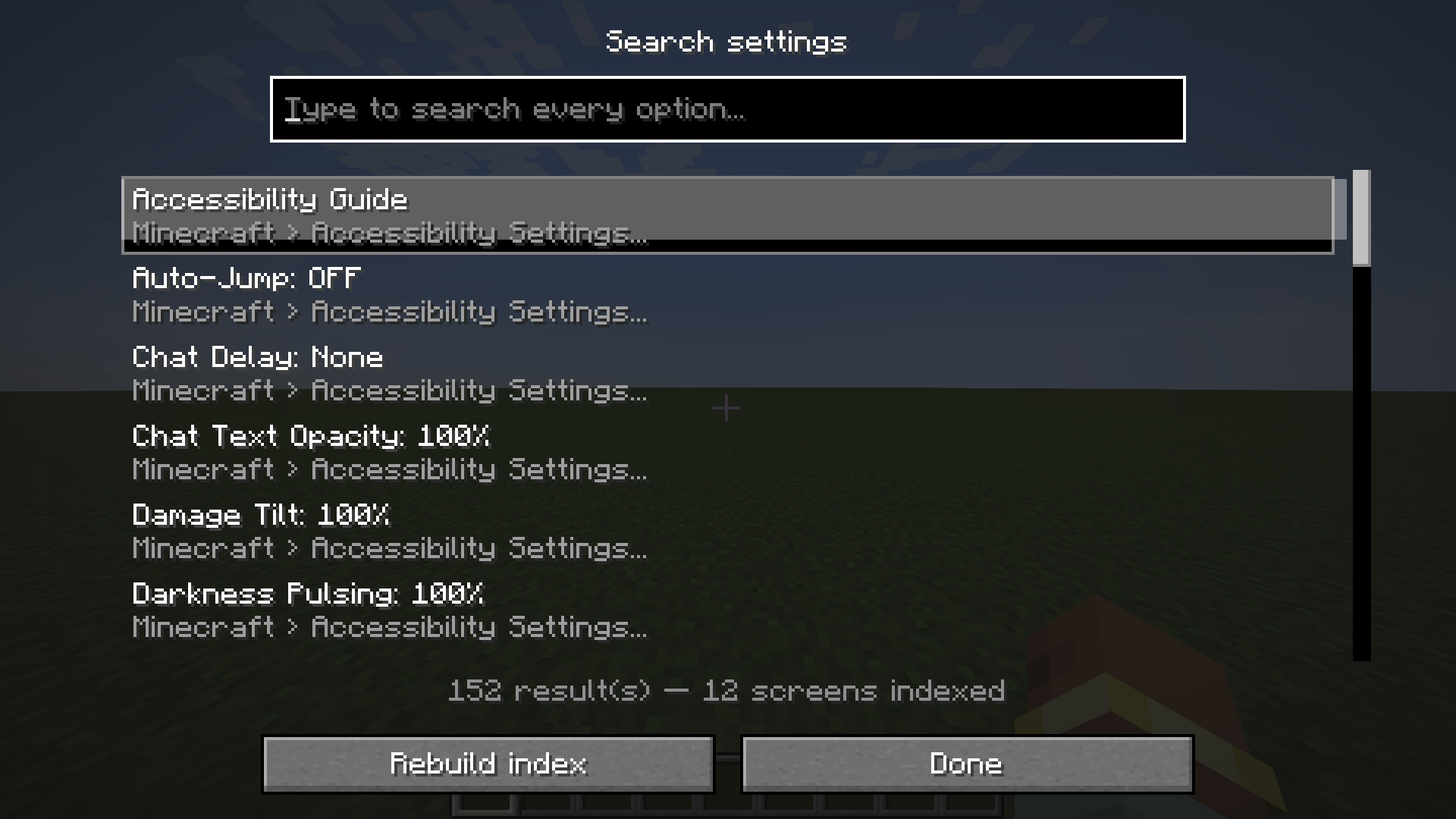
The index is built once, the first time you open the search, then reused. On pure vanilla: 150 settings across 12 screens, in about fifty milliseconds. It rebuilds itself automatically if you change the game's language or if a new options screen is discovered, and a "Rebuild index" button lets you force it.
Configuration
In config/settingssearch-client.toml:
| Option | Default | Effect |
|---|---|---|
showSearchButton |
true |
Show the magnifier button on options screens |
maxResults |
300 |
Maximum number of results displayed |
highlightSeconds |
6 |
How long the highlight lasts after a jump; 0 disables it |
indexModConfigScreens |
true |
Index other mods' Forge config screens |
indexKeyBinds |
true |
Index key bindings |
learnOpenedScreens |
true |
Remember the options screens you open |
searchTooltips |
true |
Search descriptions too, not just names |
If a badly behaved mod causes trouble during indexing, each of the four sources can be turned off independently.
Known limitations
- The language selection screen is not searchable row by row. Its entries hold no controls, only drawn text, so there is nothing to navigate to. The screen itself remains findable.
- Exploration cannot reach an options menu that is reachable neither from an options screen nor through Forge config, until you have opened it at least once.
The Settings Search ( all mods compat ) Team