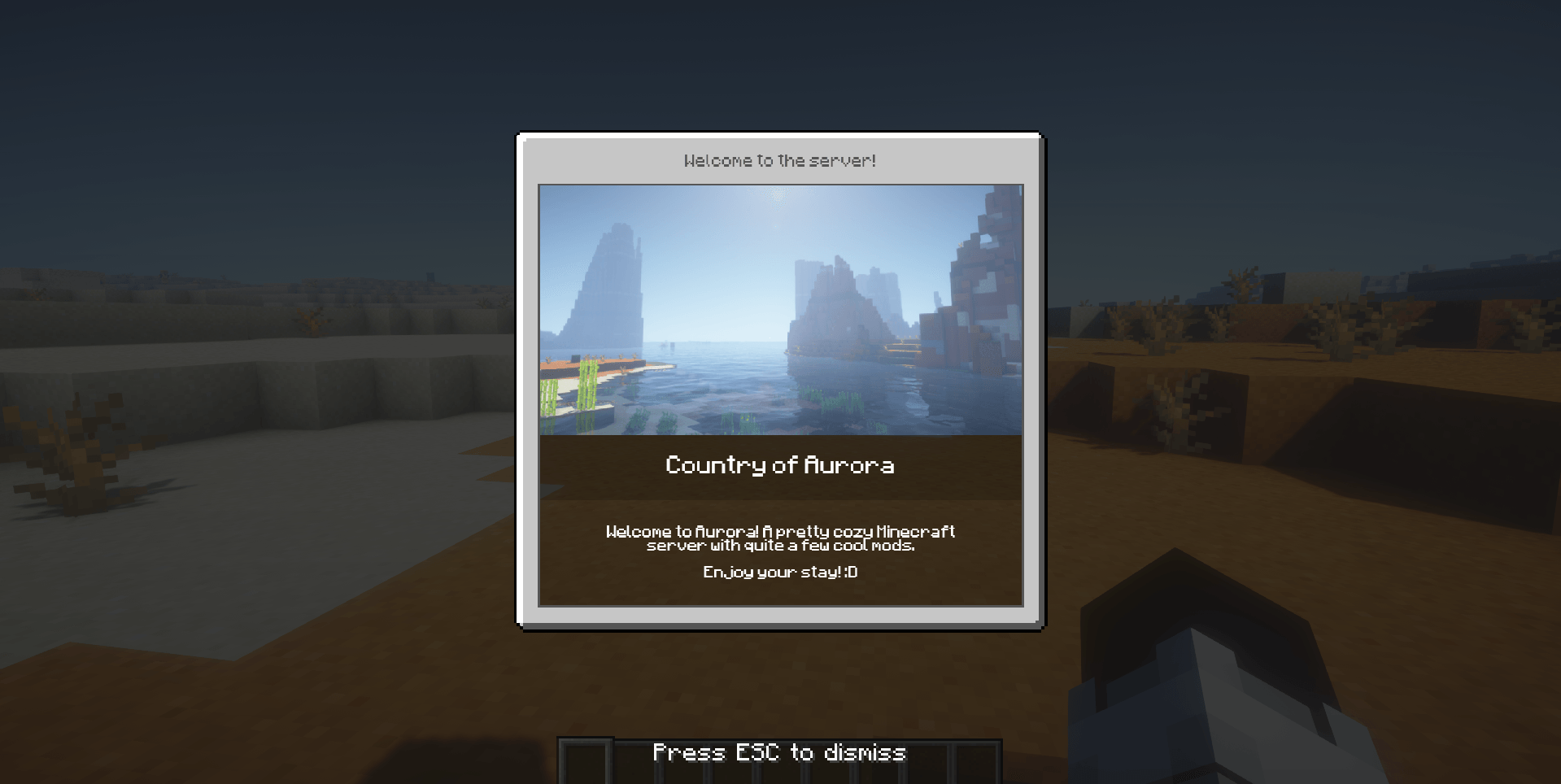
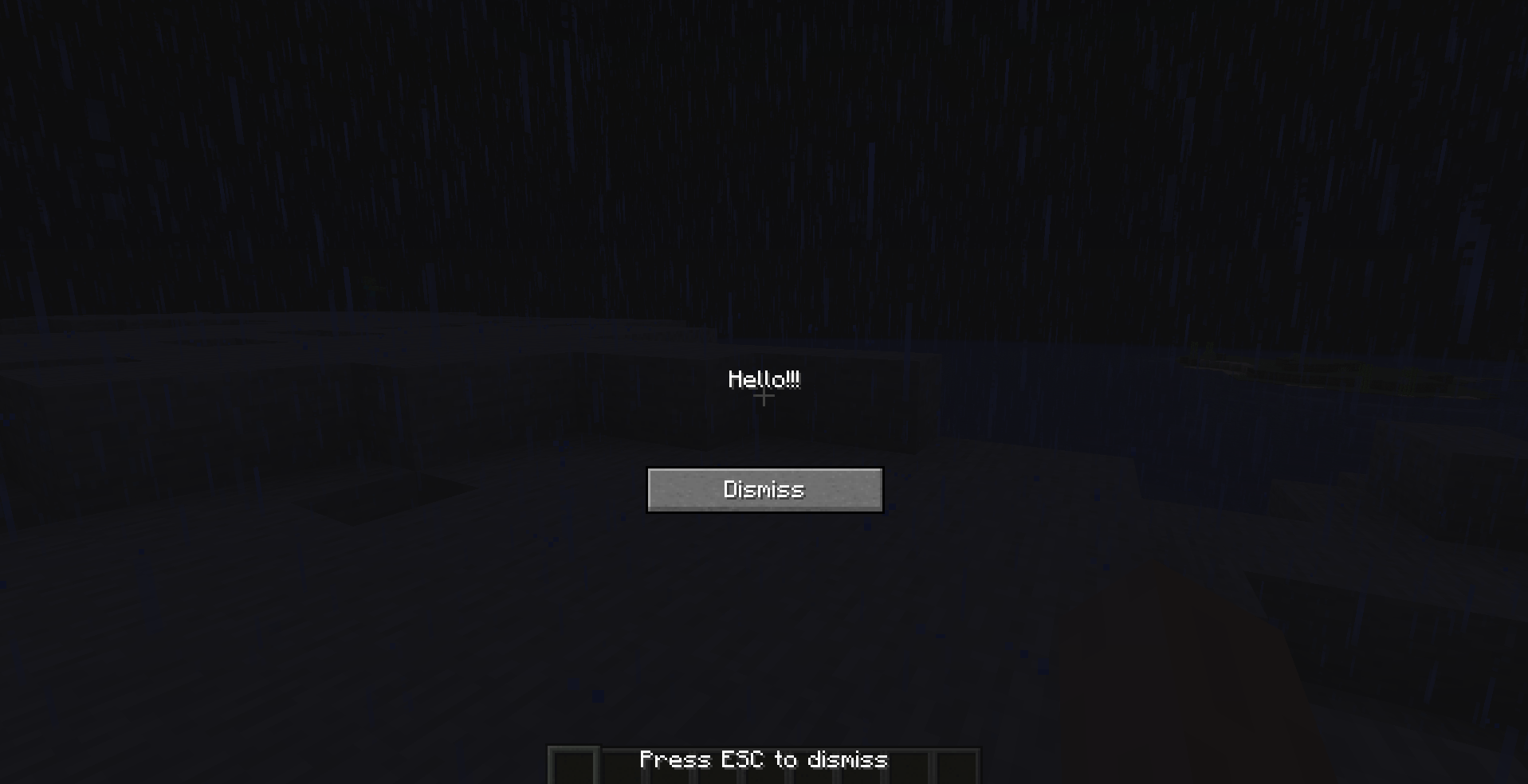
dismissButton & dismissMessage are true
Description
Server Notify
Server Notify is a Minecraft mod that lets you display notifications to players joining your Minecraft server. Easily set up notifications using commands, with options for texture, text, or URL-based notifications.
Required on Client and Server!
Notification Types
- Texture Notifications: Display textures from any loaded resource pack.
- Text-only Notifications: Display simple messages.
- Image from URL: Display images from a specified URL.
Getting Started
- Command-based: All features are accessed via commands in-game.
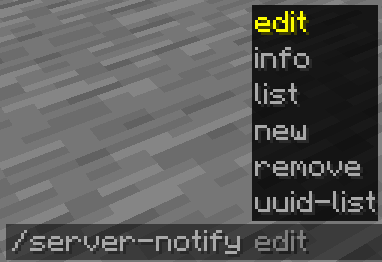
- Commands: Type
/server-notifyto view available options.
Command Options:
- Edit: Modify a notification's properties.
- Info: View details of a specific notification.
- List: Display all notifications.
- New: Create a new notification.
- Remove: Delete a notification.
- UUID-List: Show all notifications with their UUIDs.
Creating Notifications
Use the command /server-notify new type "Notification Name" to create a notification, replacing "Notification Name" with your preferred name and type with texture, text, or url.
Notification Types and Commands
Text-only Notification
A text notification lets you display any message as a notification.
An example command would be:
/server-notify new text "Notification Name" <sound_namespace> <sound_path> <message> <dismissButton> <dismissMessage> <alwaysShow>"Notification Name" can be anything, however it must be in quotation marks. It is for you to identify the notification later on.
<sound_namespace> is the namespace of the sound you'd like to play when the notification is shown.
<sound_path> is the path of the sound you'd like to play when the notification is shown.
<message> is your message in quotation marks.
<dismissButton> displays a "Dismiss" button on the screen.
<dismissMessage> displays a "Press ESC to dismiss" text at the bottom of the screen.
<alwaysShow> shows the notification to a player when they join even if they have already seen it.
Another Text Notification example would be:
/server-notify new text "Notification Test" minecraft "ambient.cave" "hey, testing" false true trueImage from URL Notification
An image notification lets you display any image from a URL.
An example command would be:
/server-notify new url "Notification Name" <sound_namespace> <sound_path> <url> <width> <height> <dismissMessage> <alwaysShow>"Notification Name" can be anything, however it must be in quotation marks. It is for you to identify the notification later on.
<sound_namespace> is the namespace of the sound you'd like to play when the notification is shown.
<sound_path> is the path of the sound you'd like to play when the notification is shown.
<url> is your image URL in quotation marks.
<width> is the width of your image (you might have to use a scaled down resolution to accomodate for Minecraft's GUI scale, for example for an image that's 1920x1080, scaled down while also keeping the aspect ratio would be 480 by 270).
<height> is the height of your image (you might have to use a scaled down resolution to accomodate for Minecraft's GUI scale, for example for an image that's 1920x1080, scaled down while also keeping the aspect ratio would be 480 by 270).
<dismissMessage> displays a "Press ESC to dismiss" text at the bottom of the screen.
<alwaysShow> shows the notification to a player when they join even if they have already seen it.
Another Image Notification example would be:
/server-notify new url "Image Test" minecraft "ambient.cave" "https://some_direct_image_url" 480 270 true trueServer Notify Team


Owner