📸 SelfieCam
Three camera rigs, one key. Made for clips.
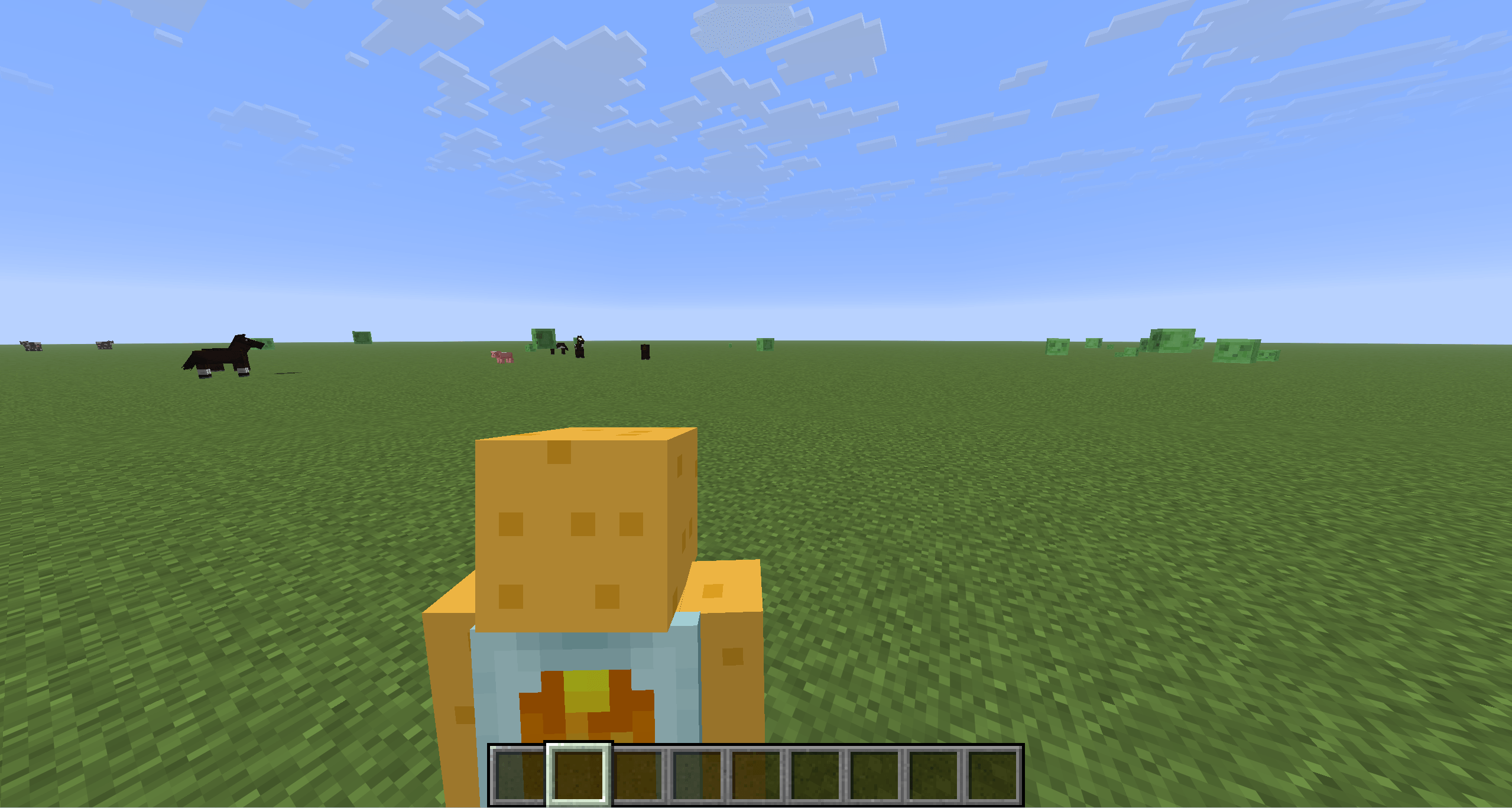
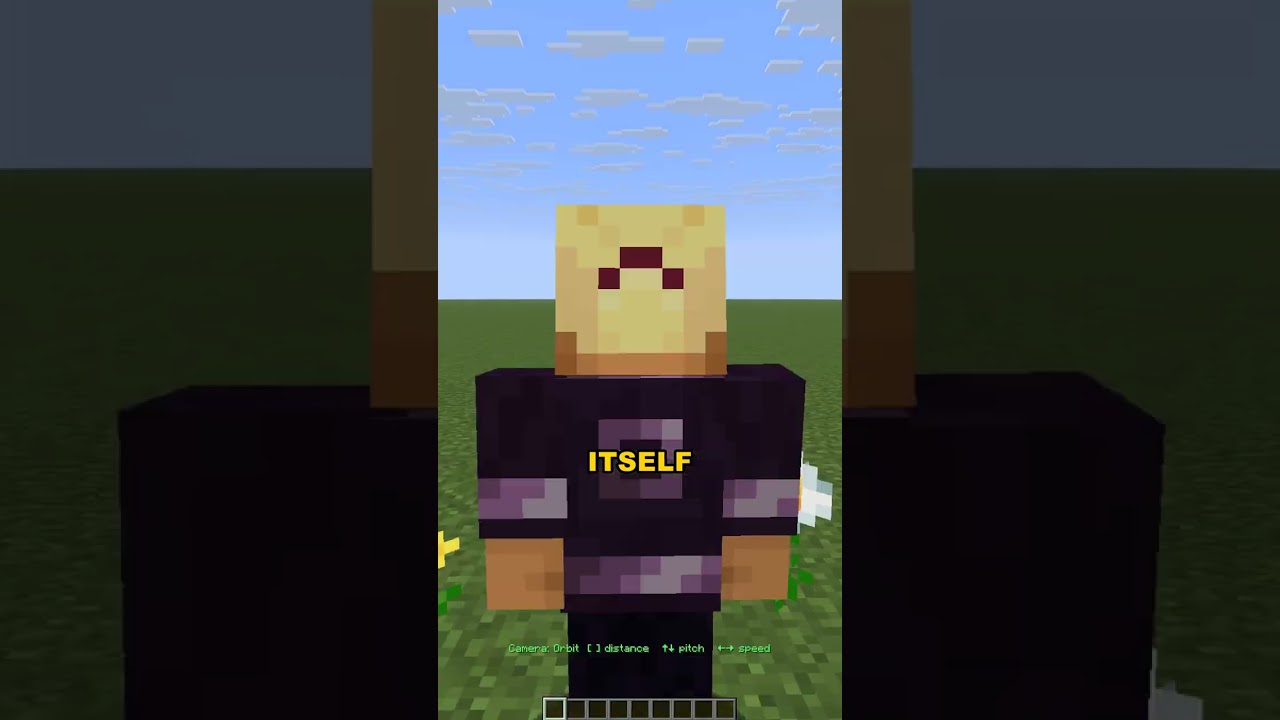
Filming Minecraft for TikTok, Shorts or a montage? Vanilla gives you first person and "somewhere behind me". SelfieCam gives you a phone-on-a-stick selfie view, a wide-angle over-the-shoulder action cam and a slow cinematic orbit – all adjustable while you play, with the camera gliding smoothly between positions and never clipping through walls.
🎥 Modes (press V to cycle)
| Mode |
What you get |
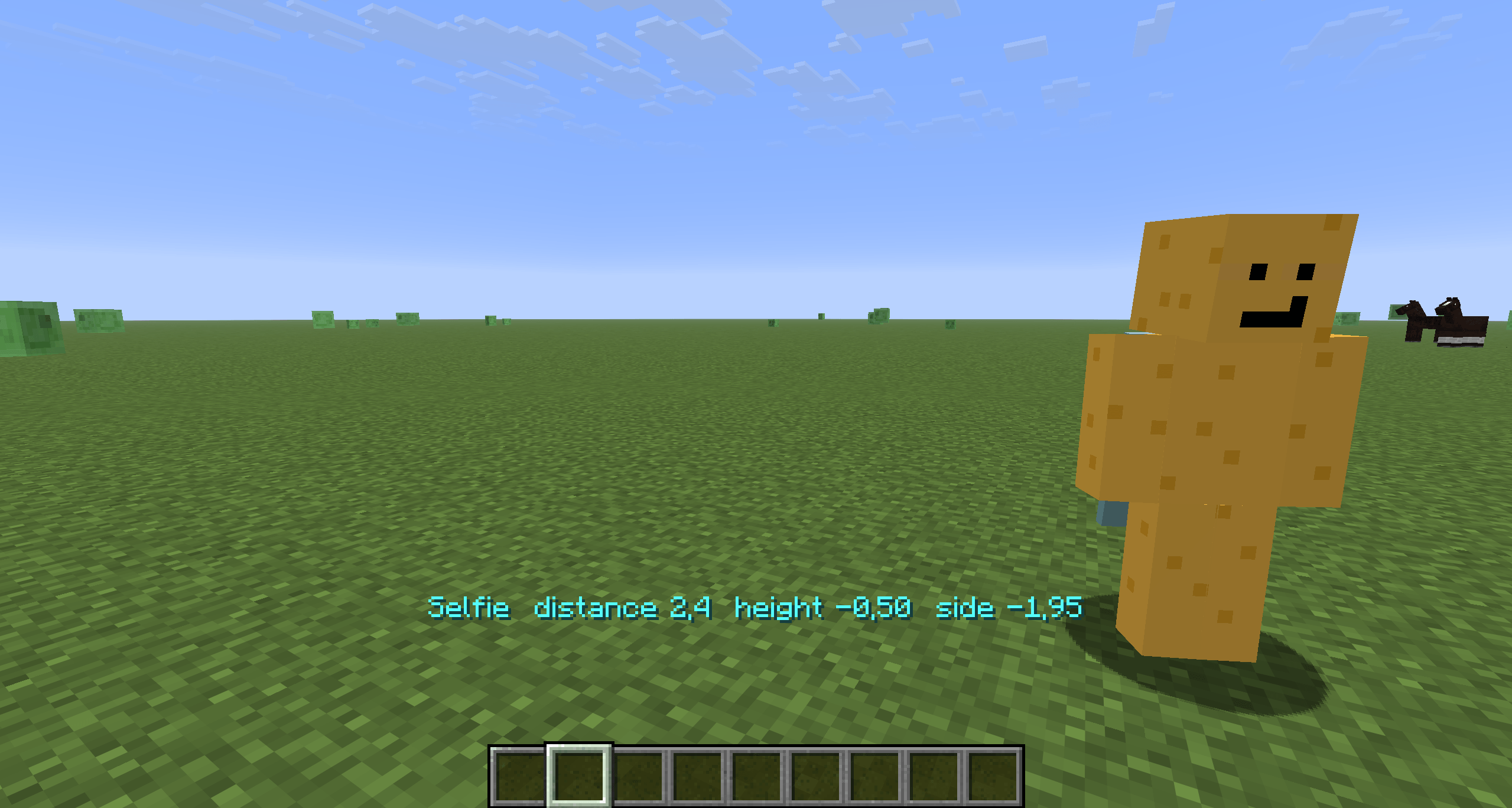
| Selfie |
Camera in front of you, slightly above eye level, looking at your face – like holding a phone. It follows your head, so where you look still reads on camera. |
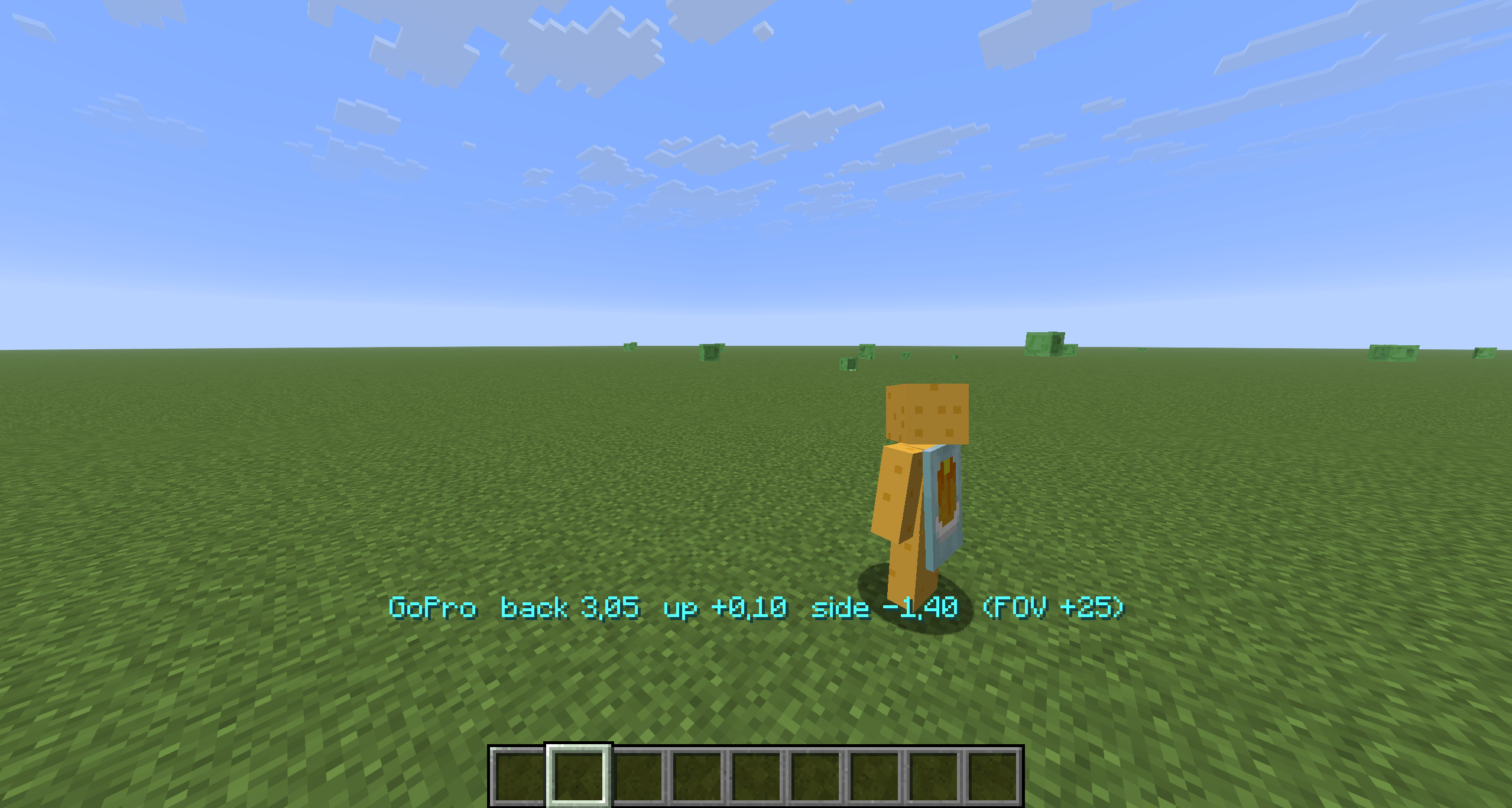
| GoPro |
Over-the-shoulder action cam with a wide lens (+25° FOV). Your body stays in frame while you run, mine, fight, ride or fly. |
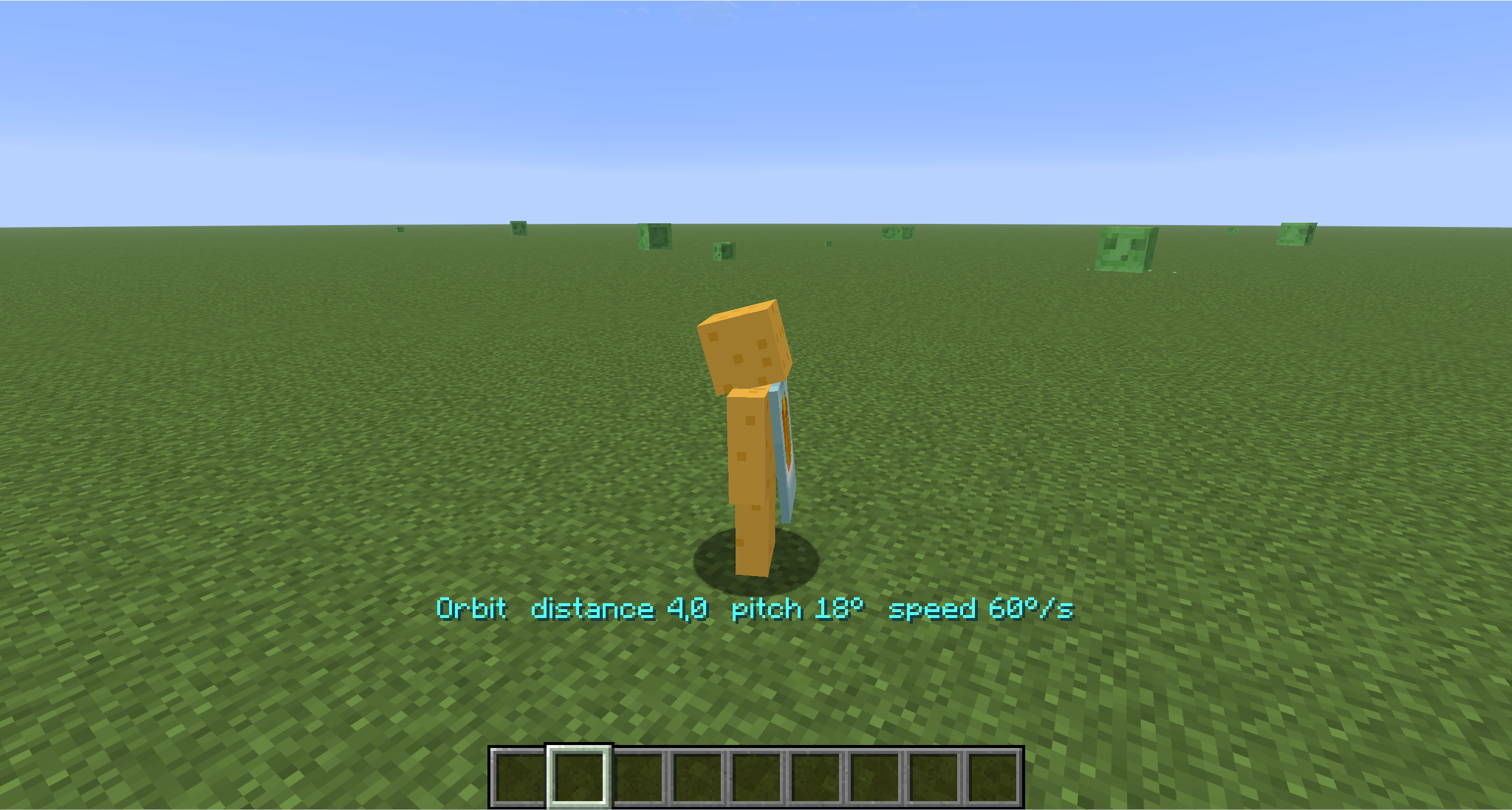
| Orbit |
A slow cinematic circle around you at a fixed distance and pitch – hands-free b-roll. Pauses when the game is paused. |
🎮 Controls
Rebindable in Options → Controls → SelfieCam.
| Key |
Selfie |
GoPro |
Orbit |
V |
next mode |
next mode |
next mode |
[ / ] |
closer / farther |
closer / farther |
closer / farther |
↑ / ↓ |
camera higher / lower |
camera higher / lower |
pitch up / down |
← / → |
camera left / right |
camera left / right |
slower / faster (negative = reverse) |
R |
reset this mode |
reset this mode |
reset this mode |
H |
hide / show HUD – then F2 for a clean screenshot |
|
|
Hold a key to keep adjusting; the current values show on the action bar and are saved to config/selfiecam.json.
💡 Tips for creators
- Cinematic b-roll: Orbit →
H → record. Tune pitch with ↑/↓ and speed with ←/→ until it feels right.
- Reaction shots: Selfie shows your face and whatever is behind you – perfect for "look what I found" clips.
- Action: GoPro keeps your character in the frame during parkour, elytra and combat; nudge it over either shoulder with
←/→.
- Skins & emotes: Selfie mode is the easiest way to show off a skin or an emote mod.
⚙️ Config (config/selfiecam.json)
Everything the keys change plus a few extras: selfieTilt (how much the selfie looks down at you), goproFovAdd, orbitTargetY (aim at chest vs. eyes), hideHudInModes, smoothCamera, showMessages.
🧩 Compatibility
- Minecraft 1.21.8 – 1.21.11, Fabric Loader 0.16+, Fabric API required
- Client-side only – works on any server
- Uses the vanilla camera collision, so the camera never ends up inside a wall
F5 keeps working; if you cycle into first person, press V again to bring the body back- Other mods that replace the third-person camera (shoulder-surfing style) may fight over the position – keep one of them off while filming
❓ FAQ
Does it record video? No – it positions the camera. Use OBS, ShadowPlay or your usual recorder.
Can other players see it? No, it is purely client-side.
Can I set the camera to look at something else? Not yet – the rigs are anchored to you. Say what you need in the issues.