Sable Drydock
- By
Resizes Sable sub-levels with real physics and adds a sub-level manager with a 3D view, bulk actions and an assembly dock for welding, hinging and placing sub-levels and blueprints.
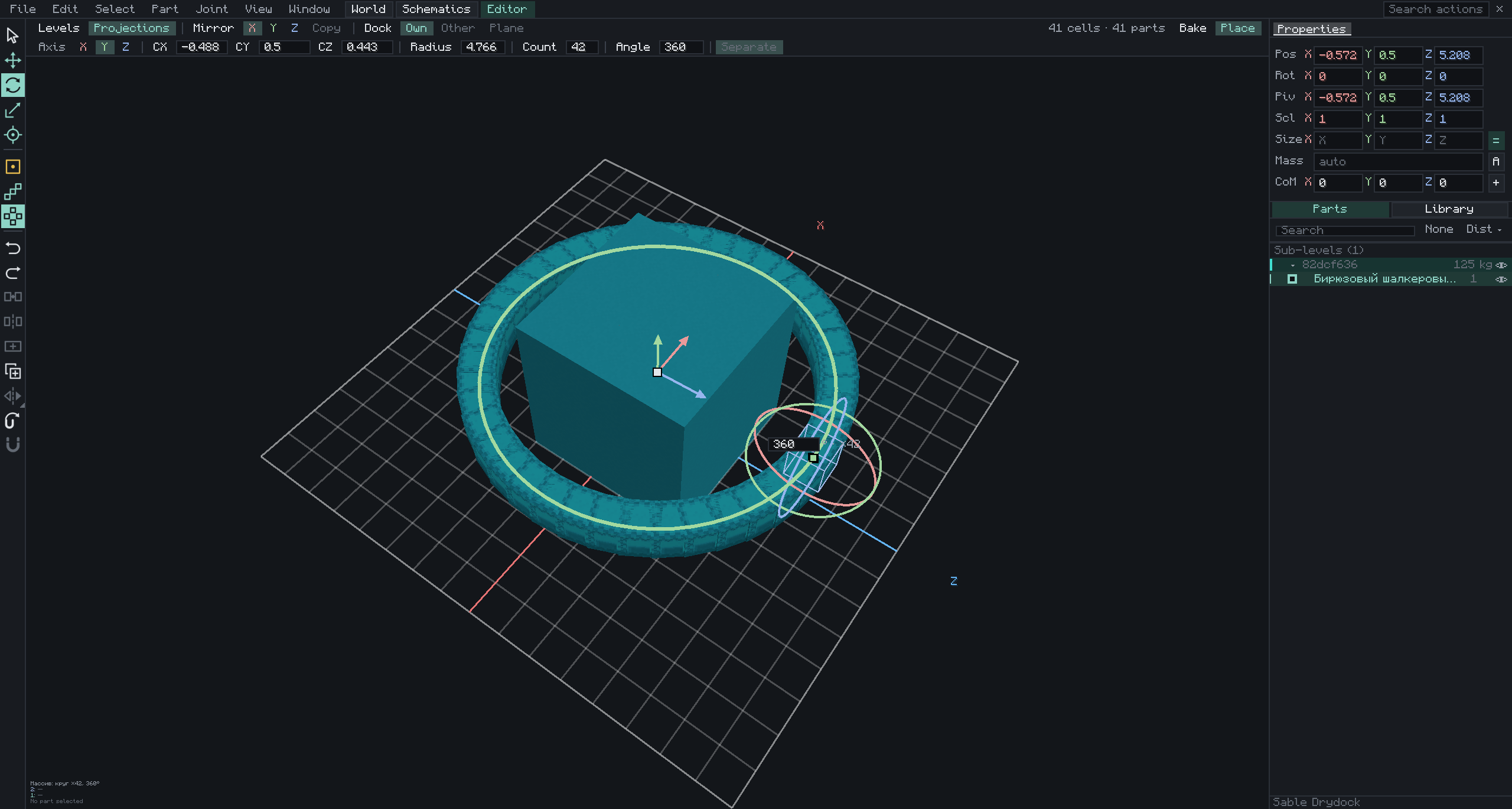
javaw_BZfgmsqlR8.png
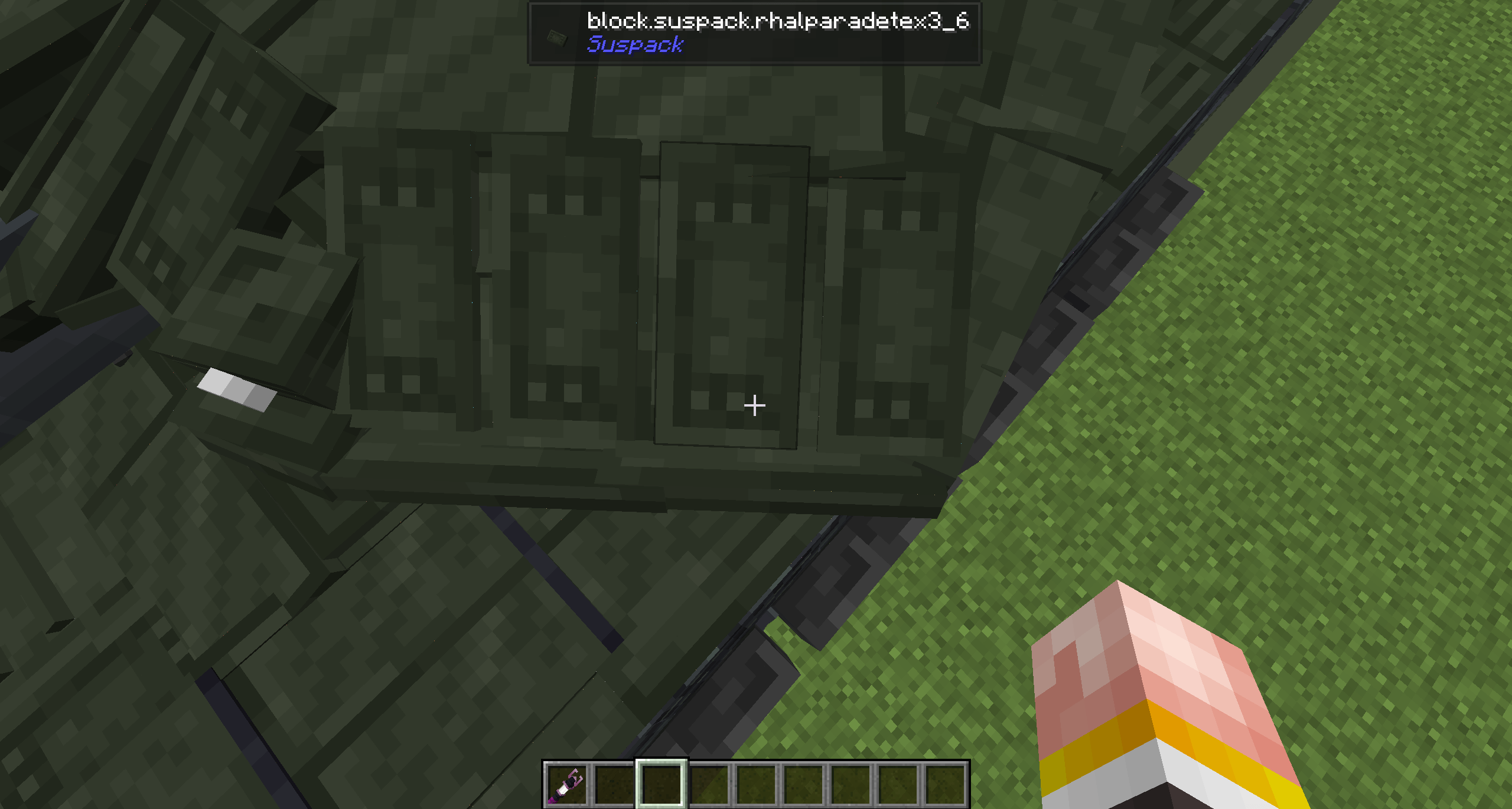
javaw_HnYZljj8Ka.png
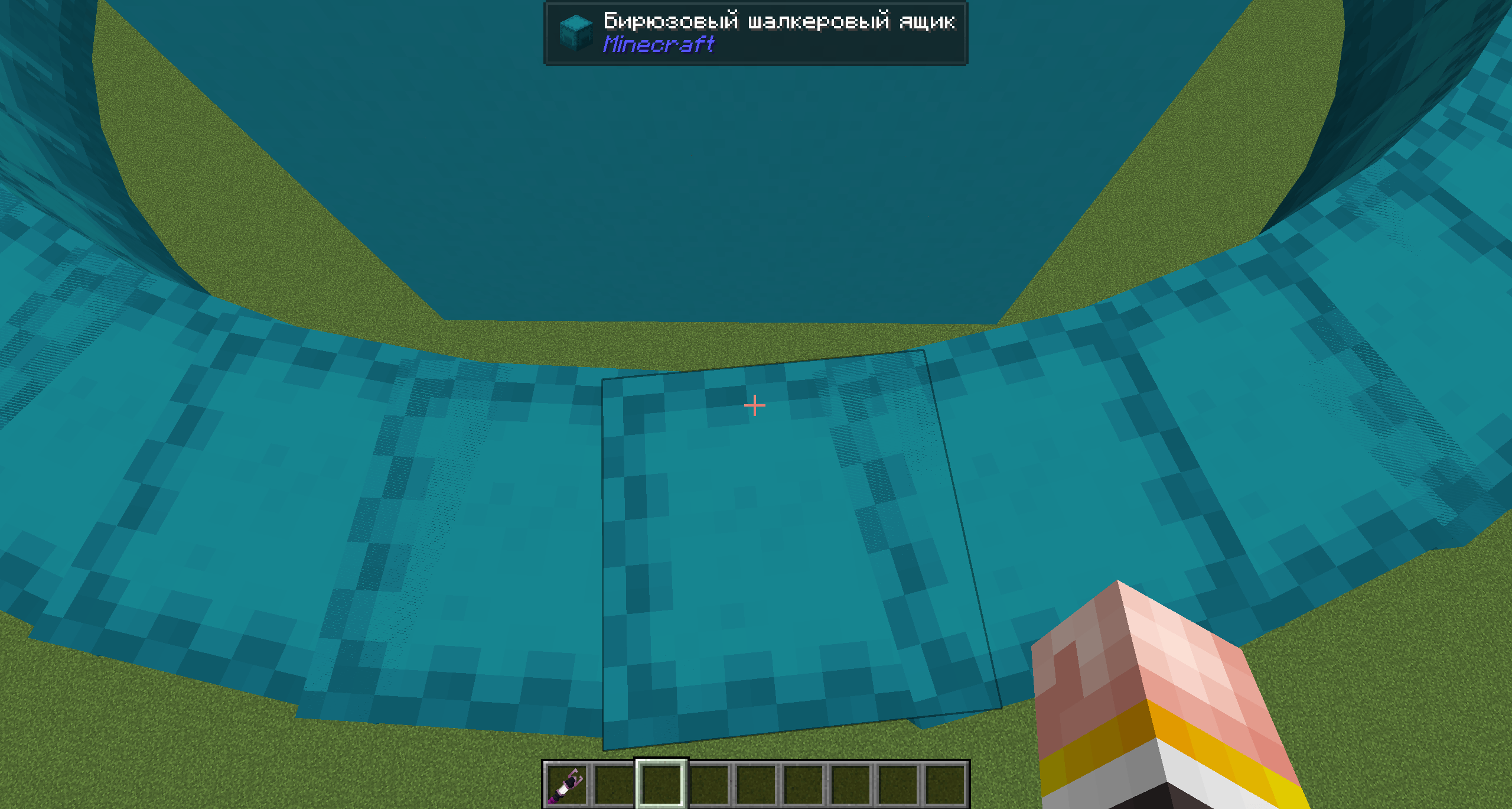
javaw_v2XZtkS3Tw.png
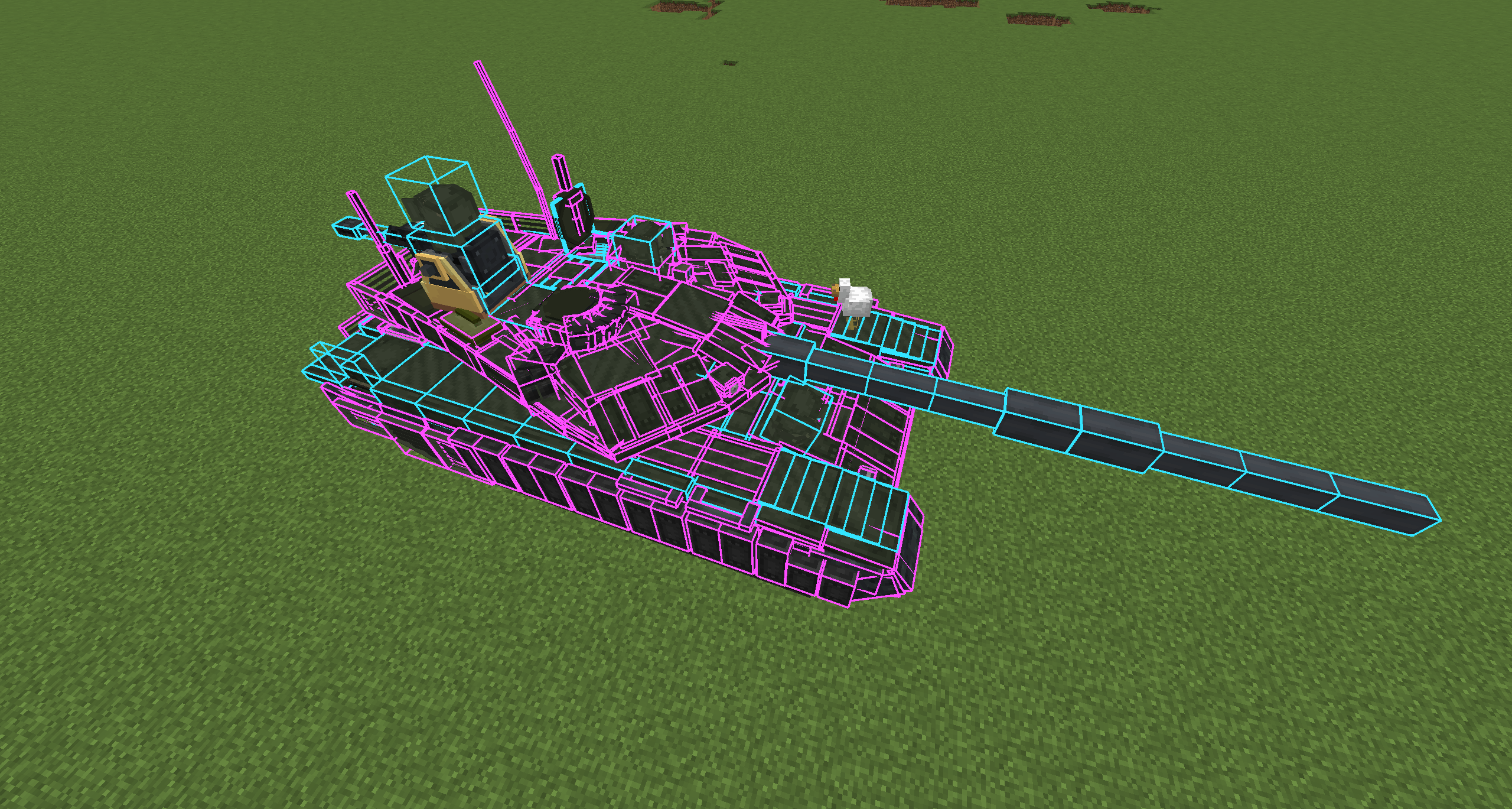
javaw_ir544JMkdU.png
javaw_wqfuIm4FR8.png
javaw_4ng54V6tDW.png
javaw_9RnZKGz9sB.jpg
Description
Please report bugs and provide feedback.
Sable Drydock
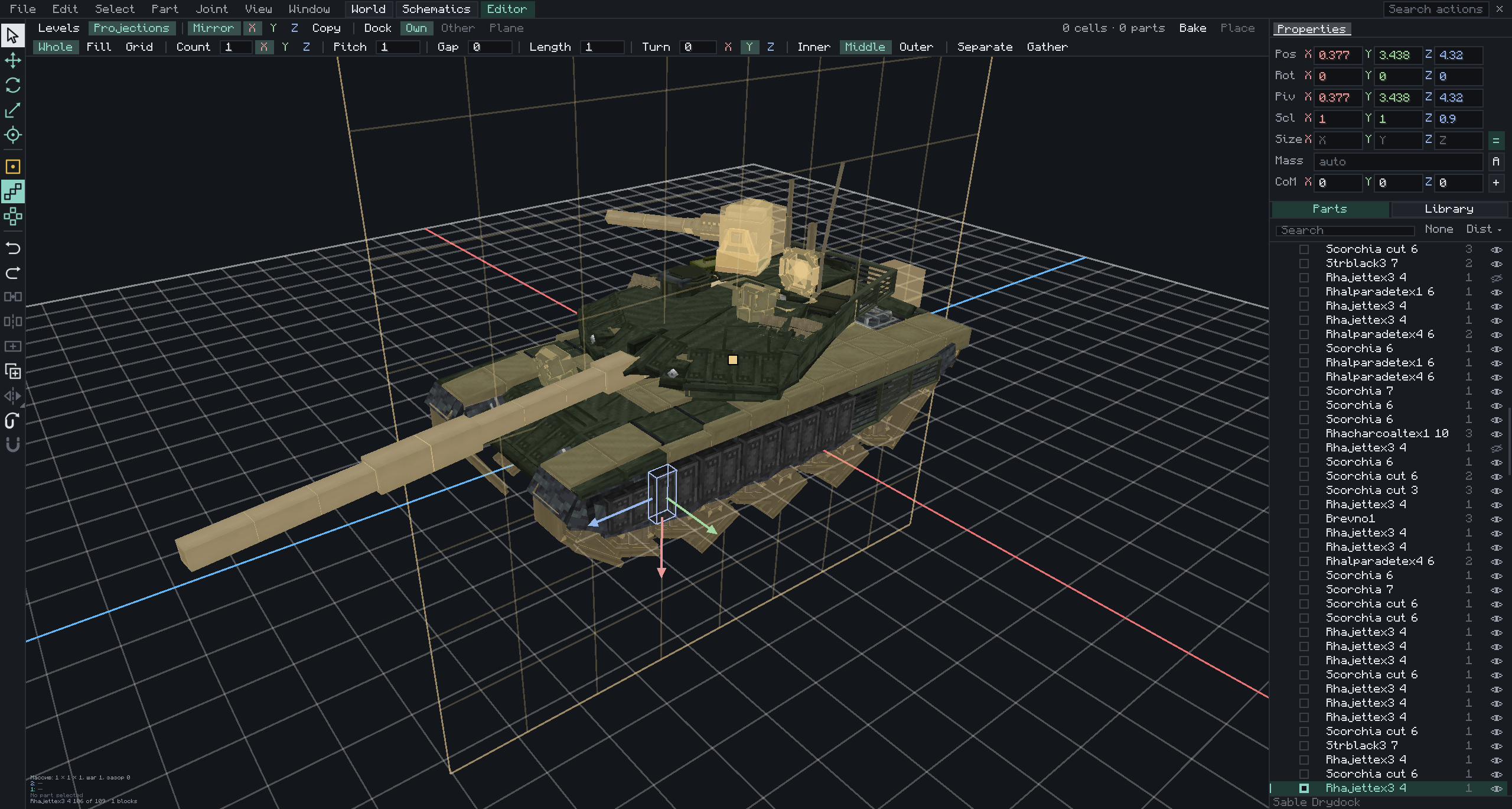
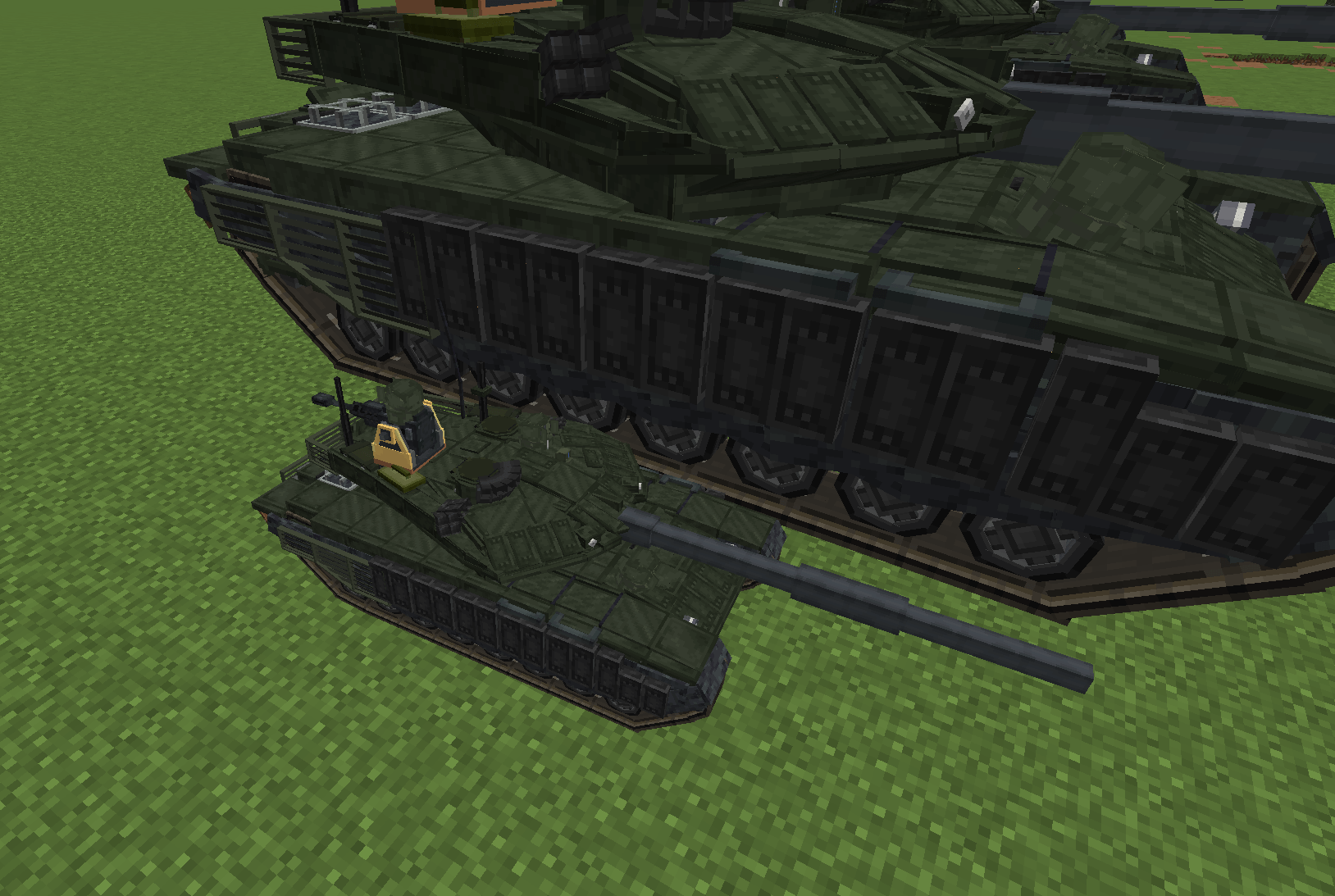
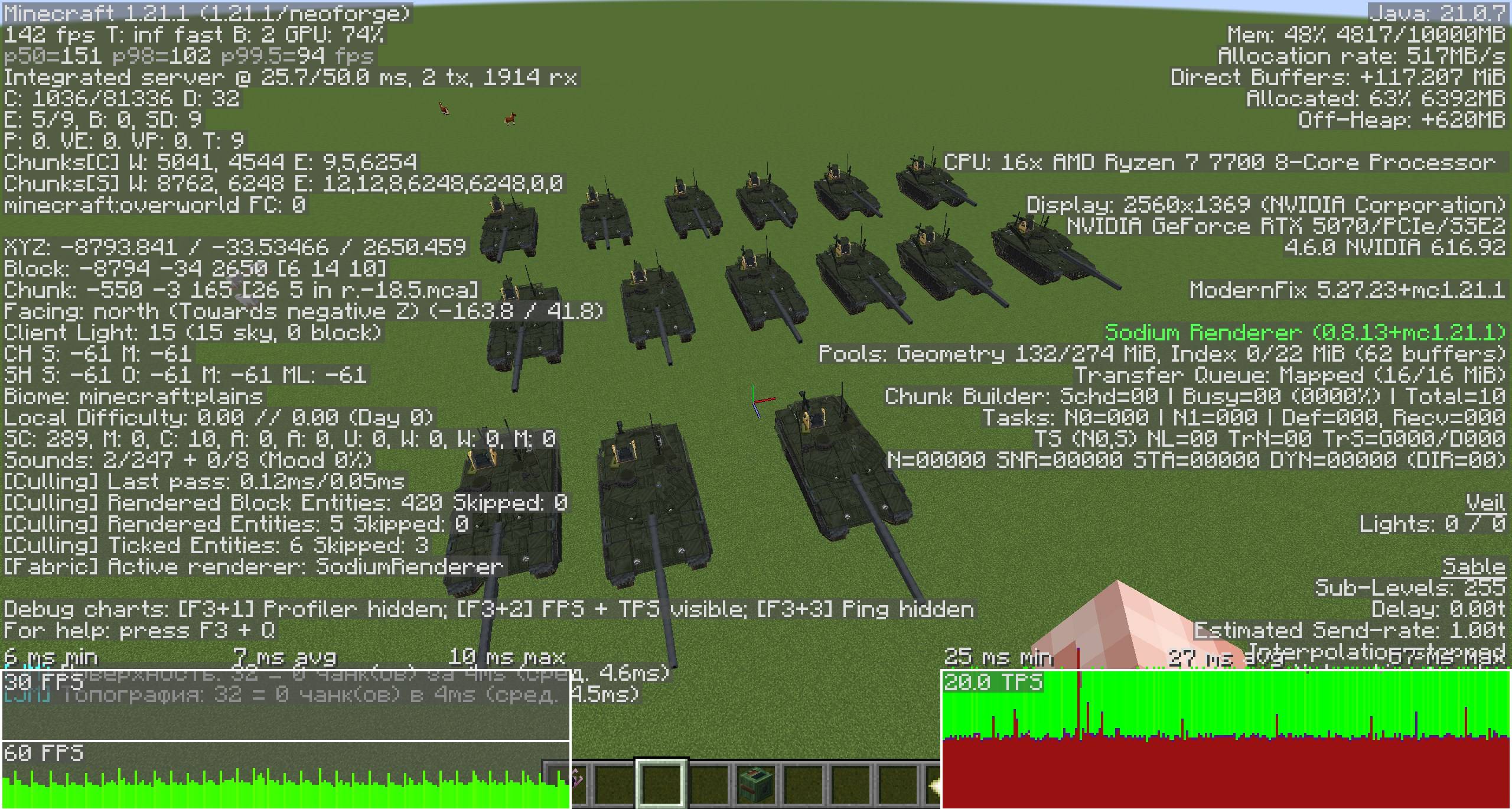
Sable Drydock is an addon for Sable that resizes sub-levels (ships, vehicles and other physics structures) and provides a 3D editor in which sub-levels are inspected, edited, assembled and welded. A resized structure changes in every respect: rendering, collision, mass, inertia and joints all correspond to the new scale.
Features
Scaling
- The collider is rebuilt at the new size. Mass follows the volume and inertia the fifth power of the scale, and the forces of the structure's own engines and propellers scale in the same proportion, so a scaled vehicle keeps its handling.
- A sub-level can be scaled separately along its X, Y and Z axes. Joints and connected structures are resized together with it.
- Resizing is a smooth transition; a structure that grows is lifted clear of the ground.
- The mass and the center of mass can be set manually and are kept when blocks change or the sub-level is resized.
- Scales, masses and centers of mass are saved with the world and synchronised to all players.
Sub-level manager
- A configurable key (K by default) opens the manager; by default only operators may use it. It lists sub-levels in every dimension, loaded or not, with welded ones grouped in a tree, and shows the selection in a large 3D view with a free-flying camera.
- Search, sorting, favorites, hidden entries, personal groups and folders, and actions on single or many sub-levels: go to, bring, freeze, guard, rename, duplicate, disassemble, delete.
- Menu bar, a tool strip with configurable keys, an Inspector for position, rotation, pivot, size, mass and center of mass, a customisable button column, action search and hotkeys.
- Undo and redo cover every change.
Assembly dock
- Parts are moved, turned and scaled on a grid, along the dock's own axes or those of a part. The Snap tool joins corners of two parts, the Point tool marks exact points, and Stretch fits a part between two pairs of corners.
- Levels are welded to each other as pseudo-levels (Weld, Unweld, Bind to). The whole welded tree moves together, or a single part alone. Parts can be exempted from mutual collisions.
- Players who have the same vehicle in their dock see each other's unplaced edits at once, with names and colours. Undo covers only your own steps.
- All edits are collected in a buffer and applied by Place in one transaction. The buffer is kept between sessions.
- Mirror copies, copy and paste, and duplicates are staged in the dock before they are placed.
- Schematics (Sable Schematic API) are previewed, edited and saved, and they carry the whole structure.
Projections
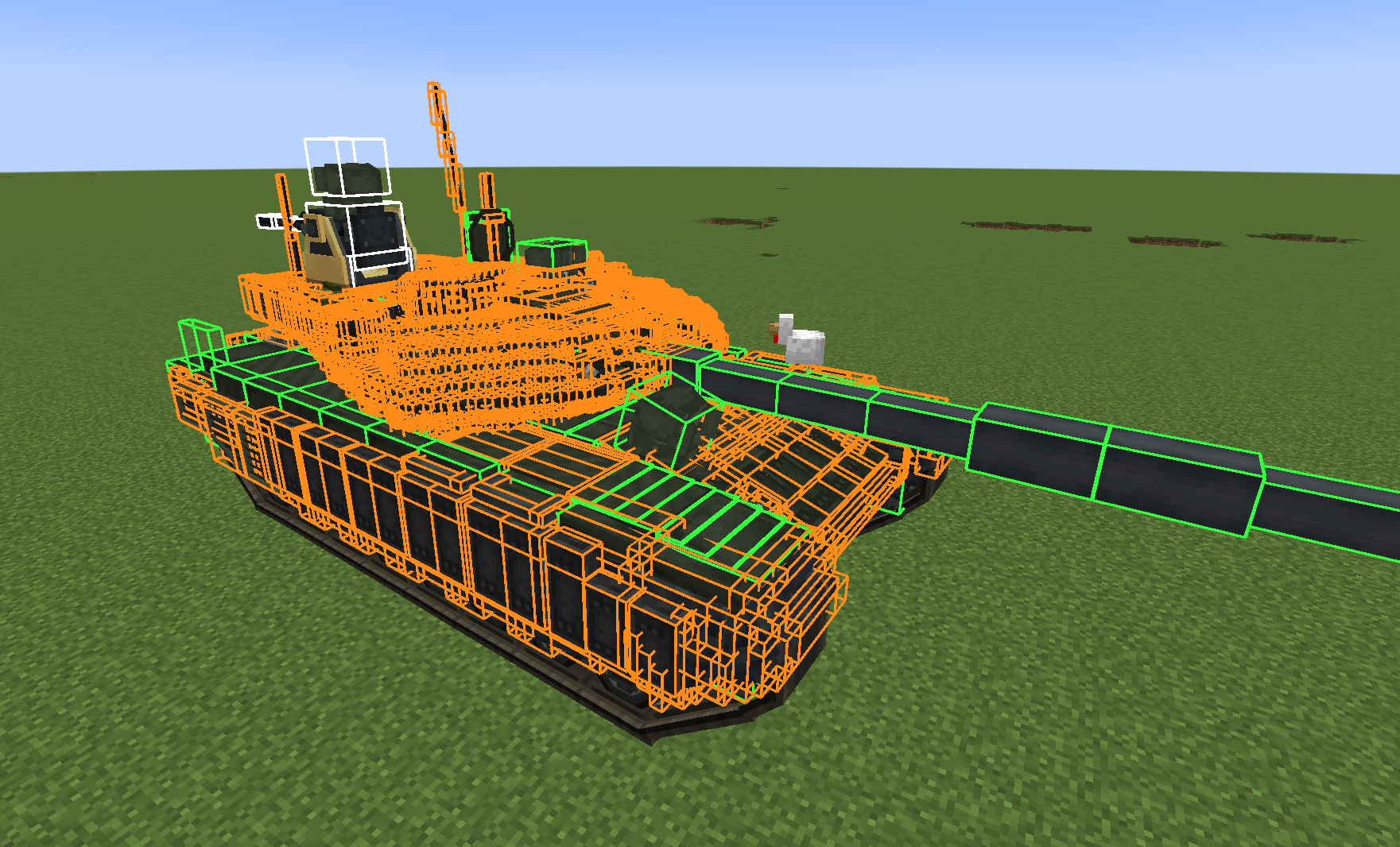
- Projections are decorative parts that a vehicle carries. They are listed in their own mode, can be grouped in folders, named and locked, and are drawn, struck, built on and walked on where they appear.
- They can be moved, turned, scaled and resized about a pivot, and blocks can be replaced across a selection. Textures follow the scale in three modes: Stretch, Fit and Tile. The State tool changes block states by a click.
- A Projection can be set to No collision, or hidden in the world while it keeps its physics, mass and joints.
- Reference models (
.obj, Blockbench.bbmodel) can be shown in the dock as a guide. They stay local to the player. - The Library offers every block, grouped by creative tab, with search and favorites. Blocks are placed with a brush, by area or in layers, on a work plane.
- Array repeats a part along a line or a circle with count, pitch, gap, length, turn and bend. Mirror applies symmetry about a movable plane to every tool and keeps the pairs of a part and its reflection.
- Explosions, projectiles and impacts of Warium, Create Big Cannons and Terminal Ballistics act on Projections at their visible place.
- The qModeling translator turns Workspace models into Projections.
- Collisions are built into the collider of the vehicle, with a configurable precision.
Rigid bearing
- A Synaxis motor can carry its part as a rigid bearing: the part turns about the motor axis without play and does not sway from shots, while the motor keeps its drive, lock and limits. It is on by default.
Damage
- A vehicle breaks along its welds. When welds are cut through, the heaviest connected part stays the vehicle and the other parts fall off as separate bodies with their Projections. The View menu can show the support graph.
Rendering
- Scaled structures are rendered correctly with the vanilla renderer and with Sodium. Create components drawn through Flywheel follow the scale, and Projections are drawn through Flywheel.
Commands
All commands require permission level 2 by default. The sub_level argument accepts a UUID or an exact name; if omitted, the sub-level the player is looking at is used.
| Command | Description |
|---|---|
/drydock set <scale> [sub_level] |
Sets a uniform scale. |
/drydock axes <x> <y> <z> [sub_level] |
Sets the scale along each axis. |
/drydock reset [sub_level] |
Restores the original size. |
/drydock get [sub_level] |
Displays the current scale. |
/drydock list |
Lists loaded sub-levels, nearest first. |
/drydock support info, support drop |
Shows the welds of a vehicle and why it has no support graph; drops the Projection you look at. |
/drydock group, delete, delete_group, freeze, unfreeze, guard, unguard, tp, plot, bring, rename, disassemble, disassemble_anyway |
Sub-level management, as in the manager. |
Integrations
- Synaxis (required): motors, bearings and joints. Its rigid welds become pseudo-levels of this mod; hinge, ball and slider welds are left as they are.
- Create (optional): Flywheel components at the structure's scale; Tracks Plus tracks on scaled vehicles; the Create Aeronautics physics staff grabs a vehicle by any of its levels.
- Sable Cleanup Tools (optional): an Edit button that opens the manager.
- Warium, Create Big Cannons, Terminal Ballistics, qModeling (optional): hits and the translator work on Projections.
Configuration
Server settings are in config/sable_drydock-server.toml: minimum and maximum scale (1/64 and 8 by default), look distance, command and manager permission levels (2), the collider precision of turned Projections, the rules for falling parts (supportMinShare, projectionDebrisSeconds, minLevelPieceVolume), rigid bearings (rigidBearingsByDefault), hiding in the world (allowHideInWorld), automatic repacking, and independent safety limits for the physics of scaled sub-levels (speed, spin, per-tick speed gain, resize guard, external impulse).
Requirements
- Minecraft 1.21.1
- NeoForge 21.1.248 or later
- Sable 2.0.5 or later
- Synaxis 1.5.0 or later
The mod must be installed on both the server and every client, in the same version. The Russian translation is included and follows the game language.
Compatibility and safety
If a future version of Sable changes the code the mod modifies, the game does not crash: scaling is disabled and a message in chat and the log names the affected components.
Known limitations
- Scaled structures do not process block-specific collision behaviour; Create belts cannot propel a scaled vehicle.
- Create contraptions are not scaled yet.
- Players and other entities are not resized.
- The manager's 3D view does not show fluids.
- Tracks Plus tracks may misbehave at very small scales and do not display correctly through its own renderer or Flywheel.
Credits and license
All Rights Reserved, except third-party code used under the MIT License:
- the scaling core is derived from Create: Pocket Sized by misterblusky9;
- the schematic core Sable Schematic API is built into the mod;
- sub-level disassembly and parts of the block preview are derived from Sable Cleanup Tools by SwigBox.
Third-party license notices are in LICENSE-THIRD-PARTY.md.
Developed for Sable by RyanHCode.
Sable Drydock Team