MALAHIT Monitors
- By
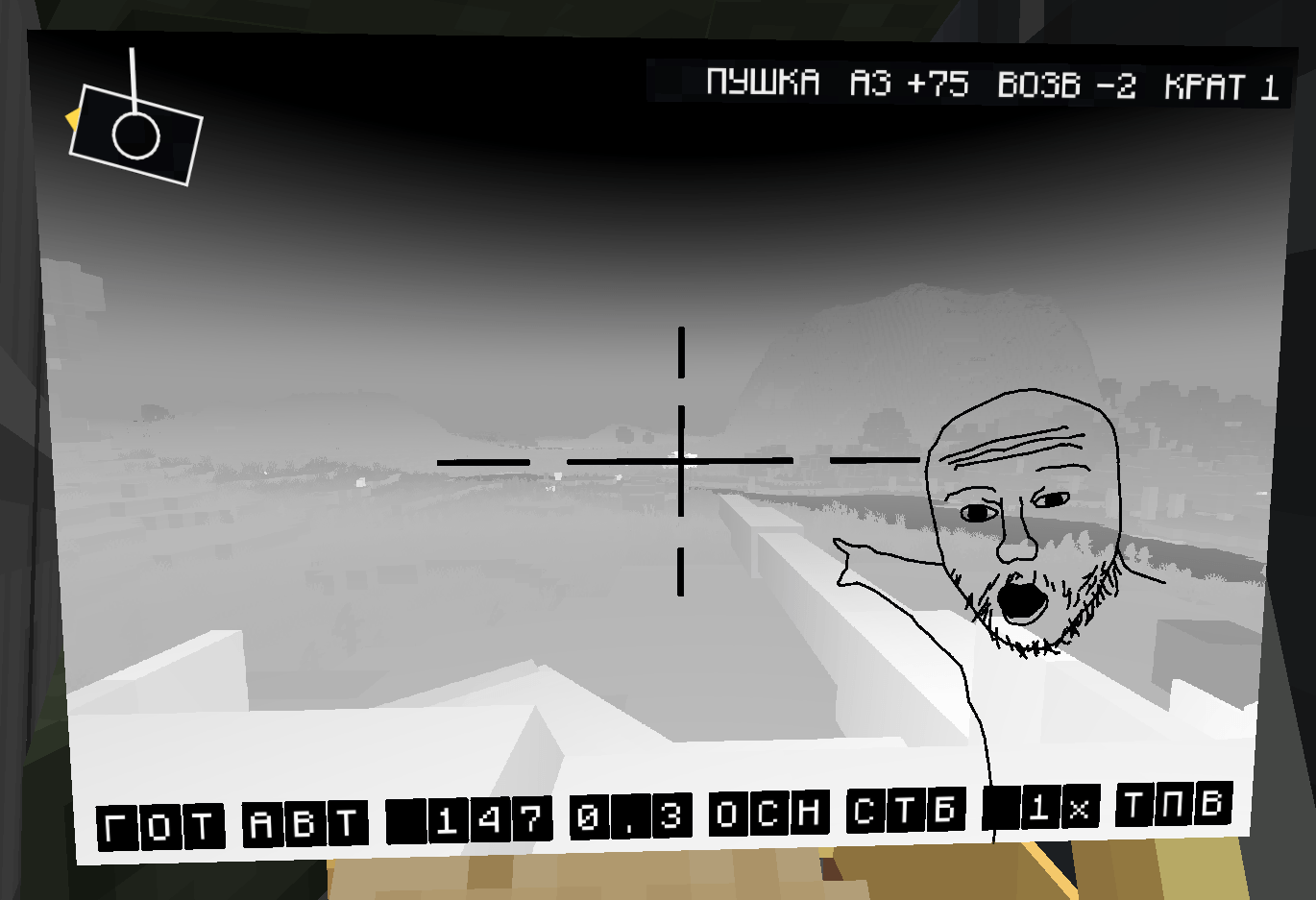
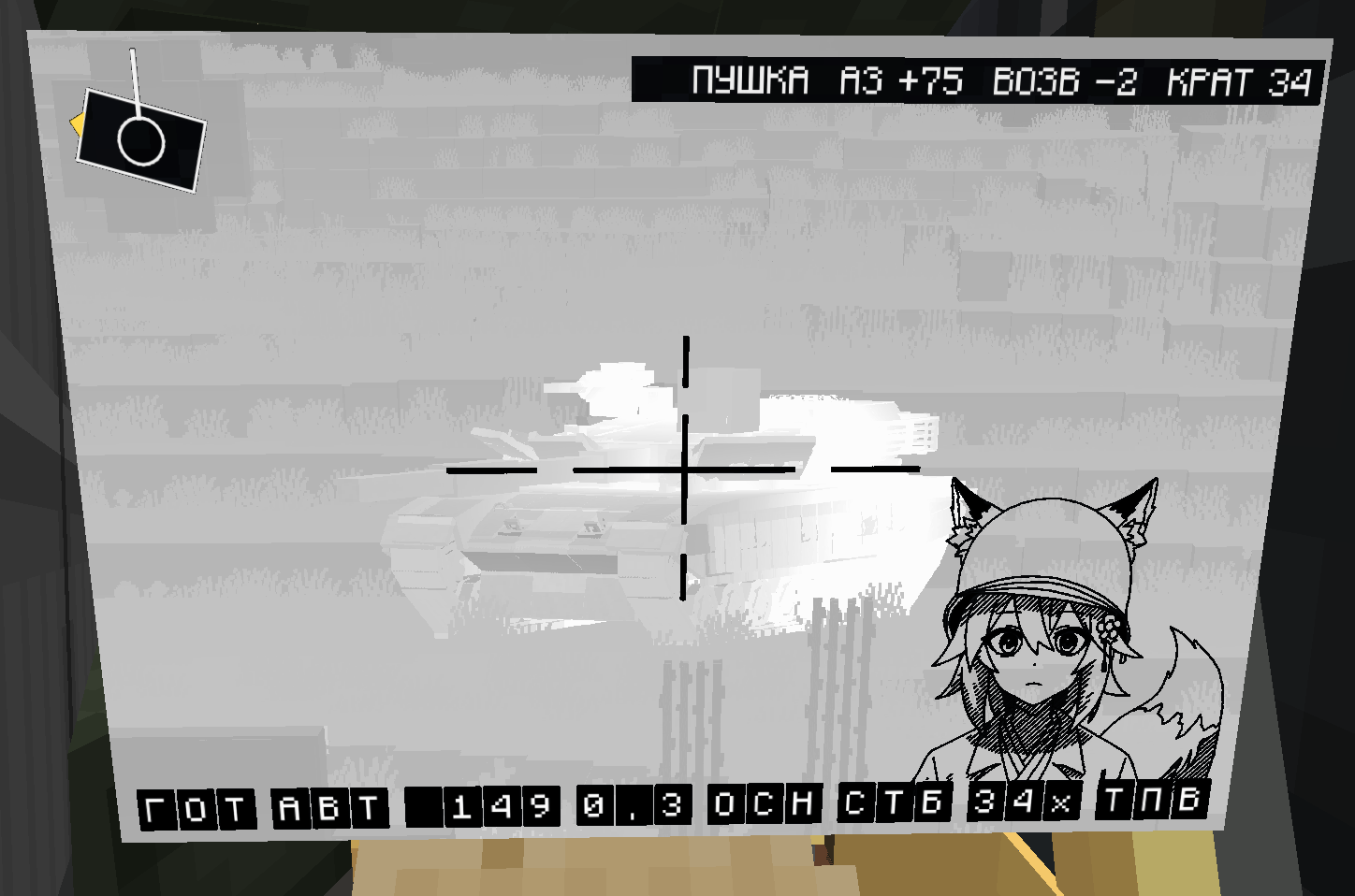
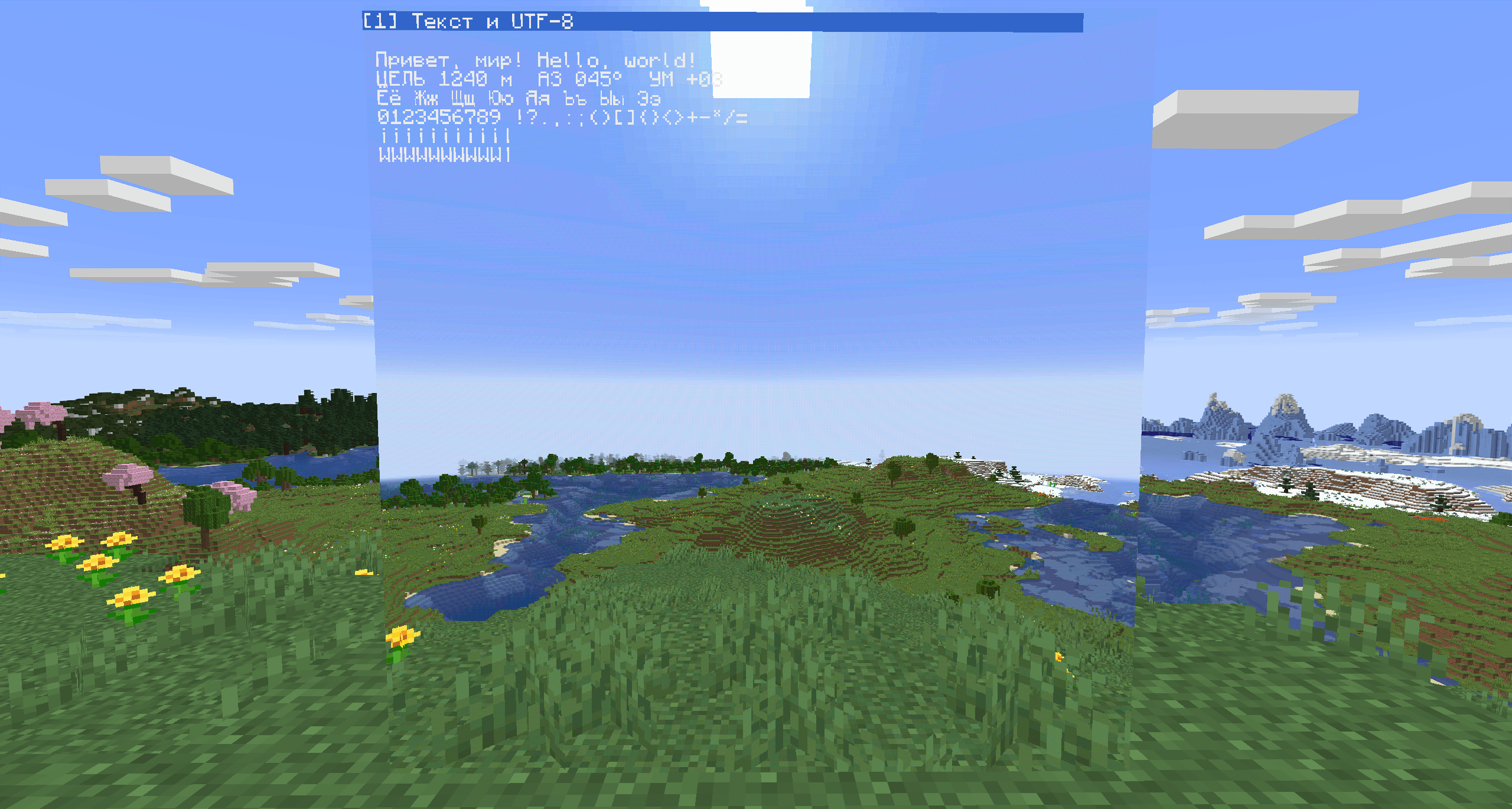
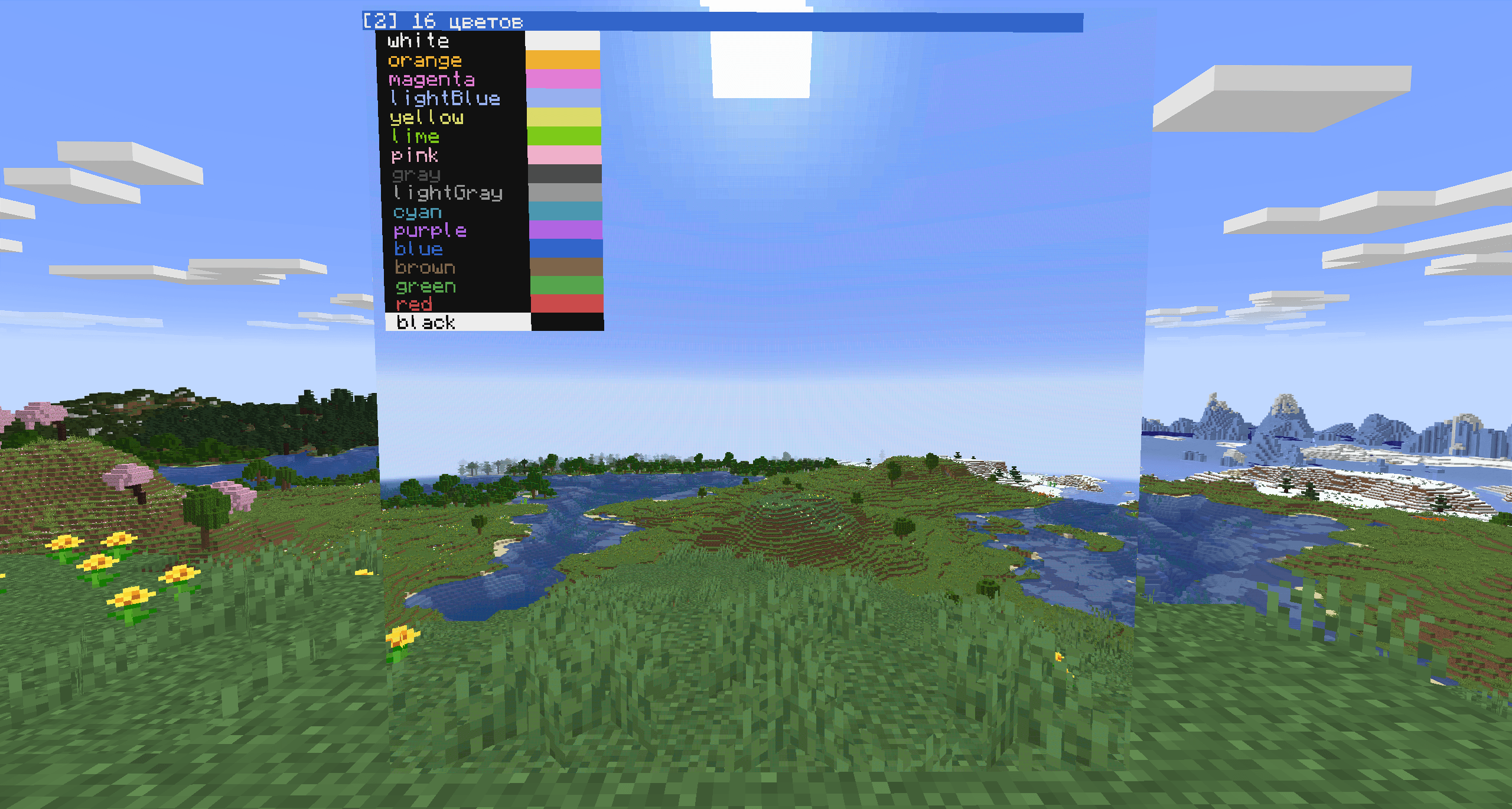
Flat multi-block wall monitors up to 8×6. CC:Tweaked peripheral with dense UTF-8 text, transparent background and 128×128-per-block pixel graphics. Shows Vista camera feeds with computer-drawn overlays.
javaw_iZCS7g4kMx.png
javaw_cB5C63AhLT.png
javaw_LW6zq5nFIg.png
javaw_GpcWagYDfZ.png
javaw_HTtLeMaZkT.png
javaw_Qq3dMLjnP3.png
javaw_fL4tXFPBy6.png
javaw_o7rNrPgtSA.png
javaw_p2wuD4EaHN.png
javaw_t2DyY252bZ.png
javaw_r8PKzmaTDq.png
javaw_ftzKGqkZo0.png
Description
MALAHIT Monitors
Flat wall monitors that join into screens of up to 8 x 6 blocks. Two blocks are available: the Malahit Monitor, a thin wall panel, and the Transparent Malahit Monitor, an invisible block that shows only what is drawn on it. CC:Tweaked and Vista are both optional.
Features
- Wall panels 2/16 thick that need no support block and no power; neighbouring monitors join into one screen of up to 8 x 6 blocks.
- A transparent monitor: the block is invisible, and the glass panel is shown only while a transparent monitor is held.
- With CC:Tweaked: the
malahit_monitorperipheral with text, a pixel layer of 128 x 128 per block and a vector layer. - The vector layer draws smooth lines, polygons, circles, arcs and text at fractional coordinates, with RGBA colours, fractional line widths, a coordinate transform and groups that can be moved without redrawing.
- With Vista: a linked hollow cassette shows the camera feed on the screen.
Blocks
| Block | Id | Recipe |
|---|---|---|
| Malahit Monitor | malahit_monitors:monitor |
3 glass panes over iron ingot, redstone, iron ingot: 3 monitors |
| Transparent Malahit Monitor | malahit_monitors:transparent_monitor |
3 glass panes over iron nugget, redstone, iron nugget: 3 transparent monitors |
Requirements
- Minecraft 1.21.1, NeoForge 21.1.248 or newer
- CC:Tweaked 1.115+ (optional)
- Vista 5.5.7+ and its library Moonlight (optional)
Both are optional. With CC:Tweaked the monitor is a screen for computers, with Vista it is a screen for camera feeds, with both it is a camera screen that a computer draws on.
Transparent monitor
The Transparent Malahit Monitor has everything the regular monitor has, but the block itself is invisible: only what is drawn on the screen is shown (the camera feed, pixels, text and vector shapes), with no background. To see the panel itself, for example to place more of them or to break one, hold a transparent monitor in either hand, as with the barrier block. Transparent monitors join only with other transparent monitors.
Camera feed (Vista)
Compatible with Vista cameras: a linked hollow cassette shows the camera's feed on the monitor.
The peripheral (CC:Tweaked)
local m = peripheral.find("malahit_monitor")
m.setTextColor(colors.lime)
m.write("TARGET 1240 m")            -- text on top of the picture
m.drawRect(44, 44, 41, 41, colors.red)  -- pixels, 128 x 128 per block
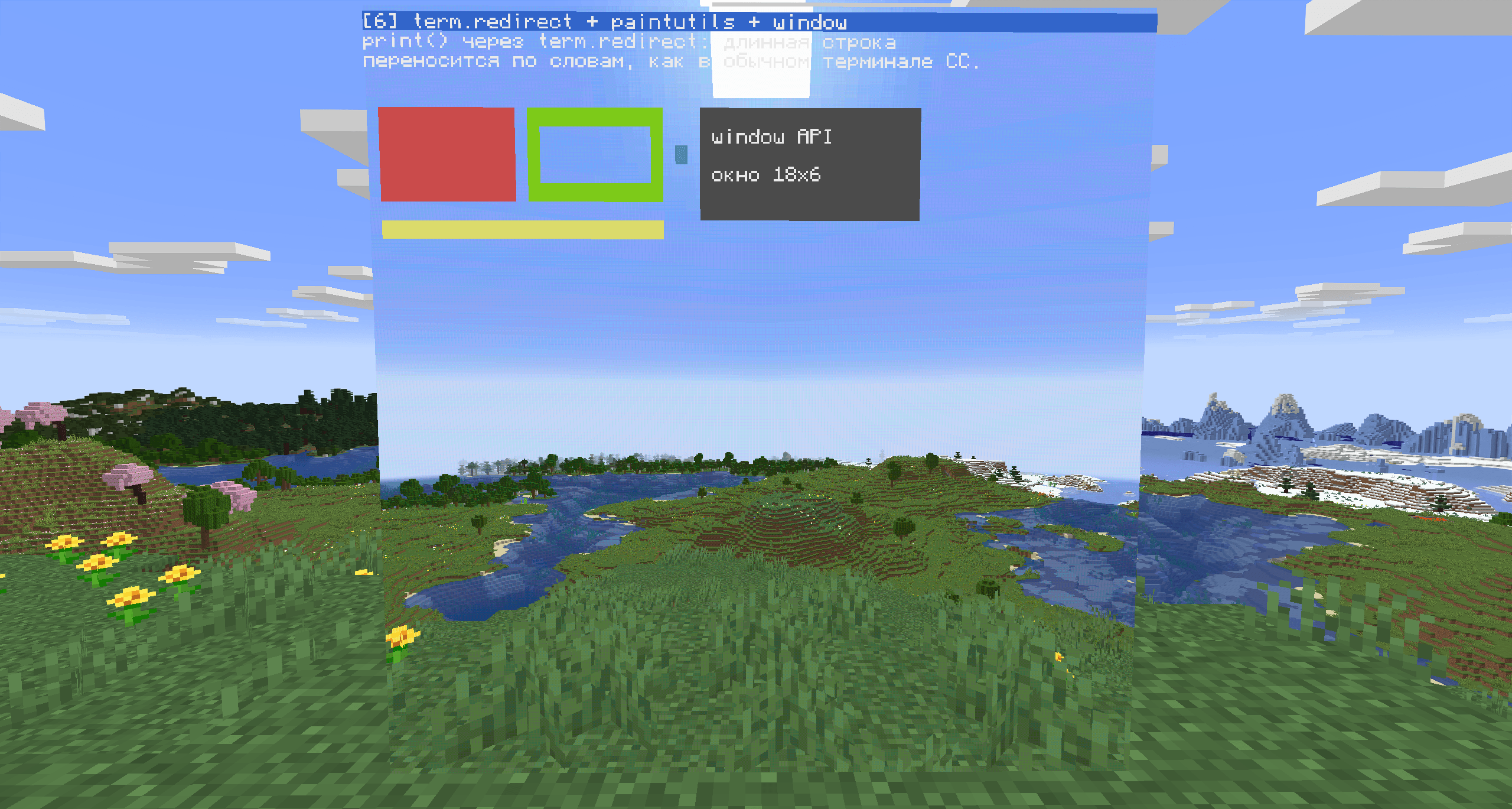
term.redirect(m)                    -- any CC program works on it
A short list of what the computer can do:
- everything a CC:Tweaked monitor can:
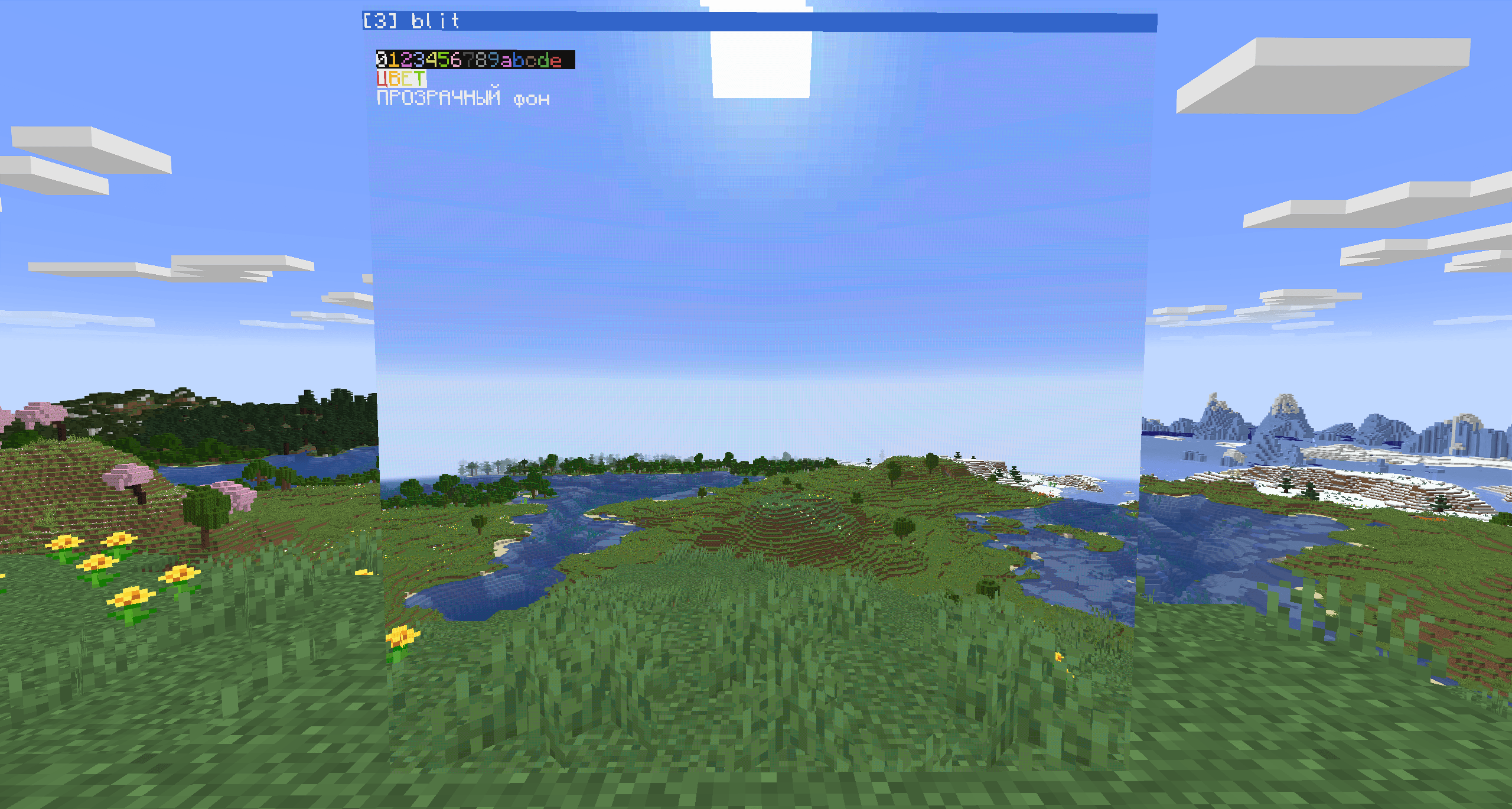
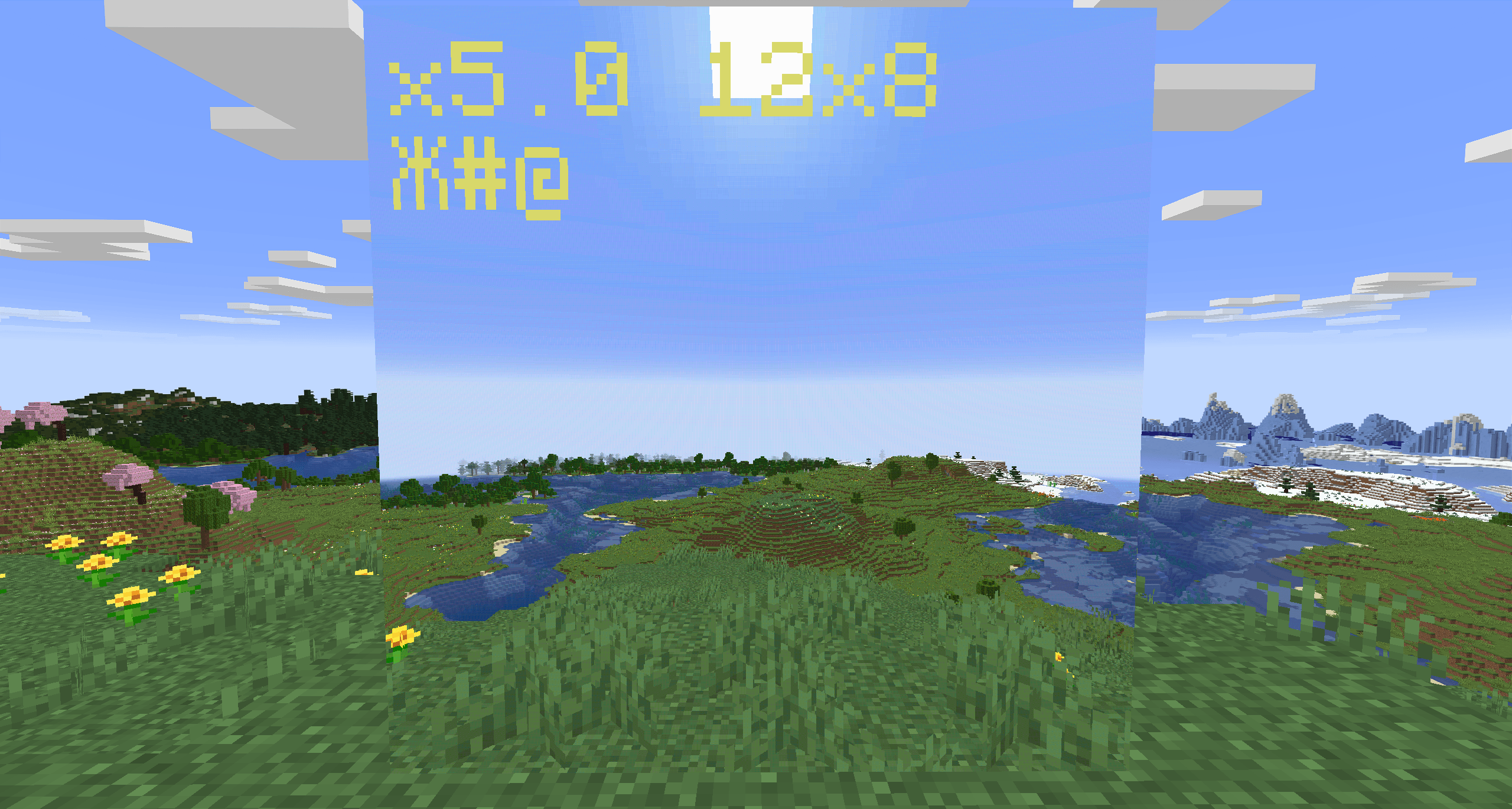
write,blit, colours, palette, cursor, scroll, text scale,term.redirect,window,paintutils - text about three times denser than a CC monitor: 21 x 14 characters per block at scale 1, 42 x 28 at scale 0.5
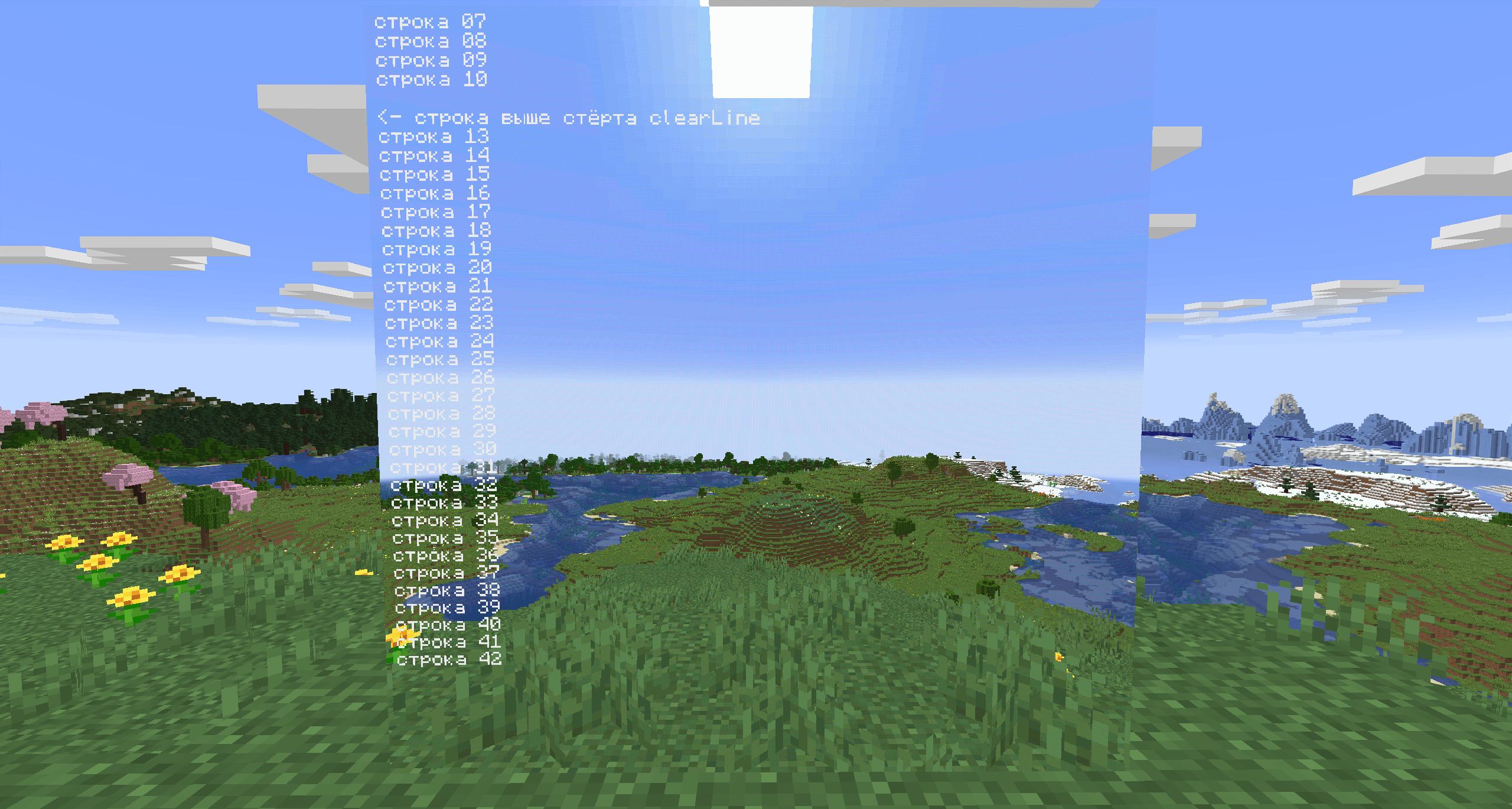
- UTF-8 text (Cyrillic and other scripts), drawn with the normal Minecraft font
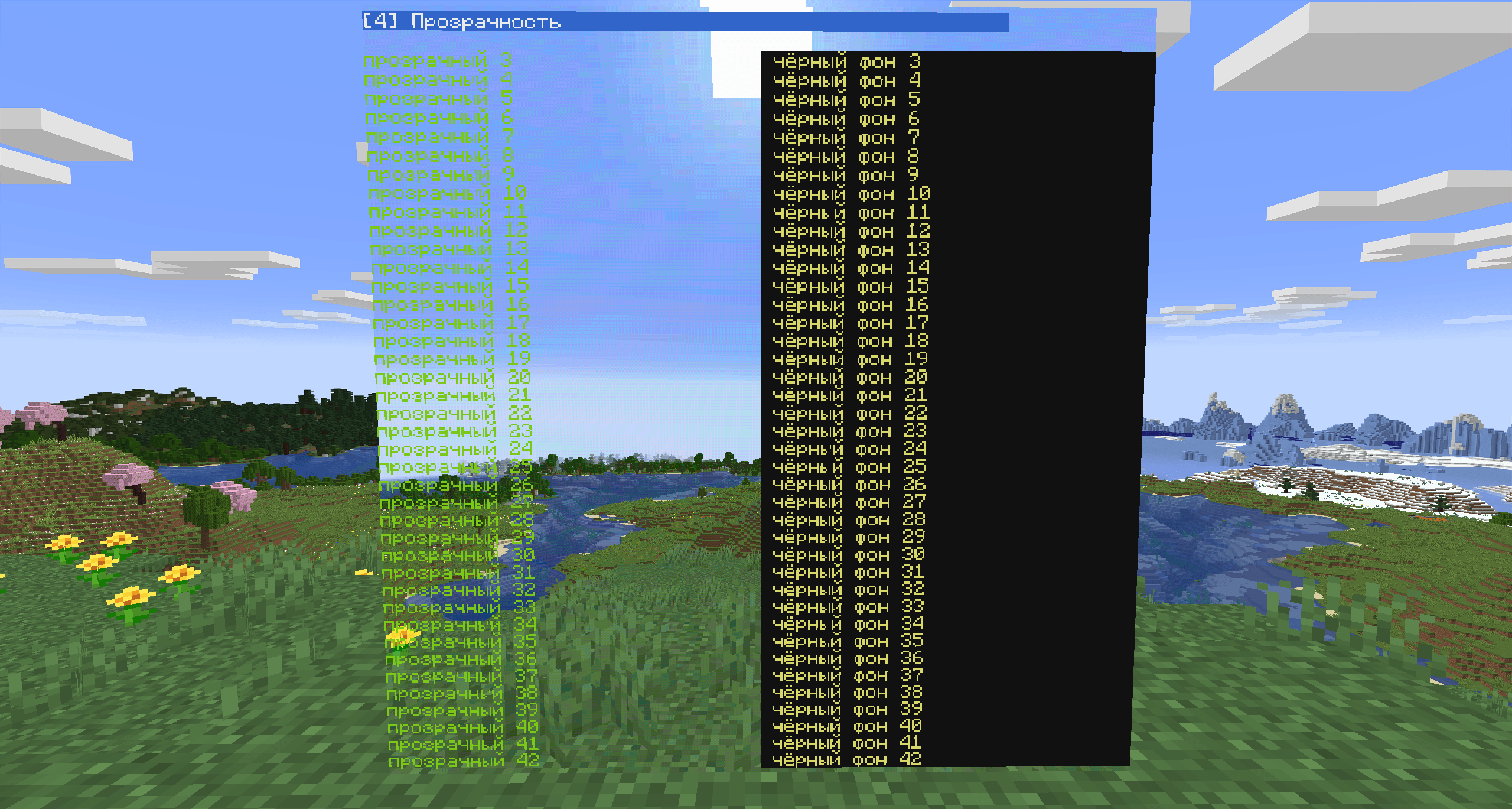
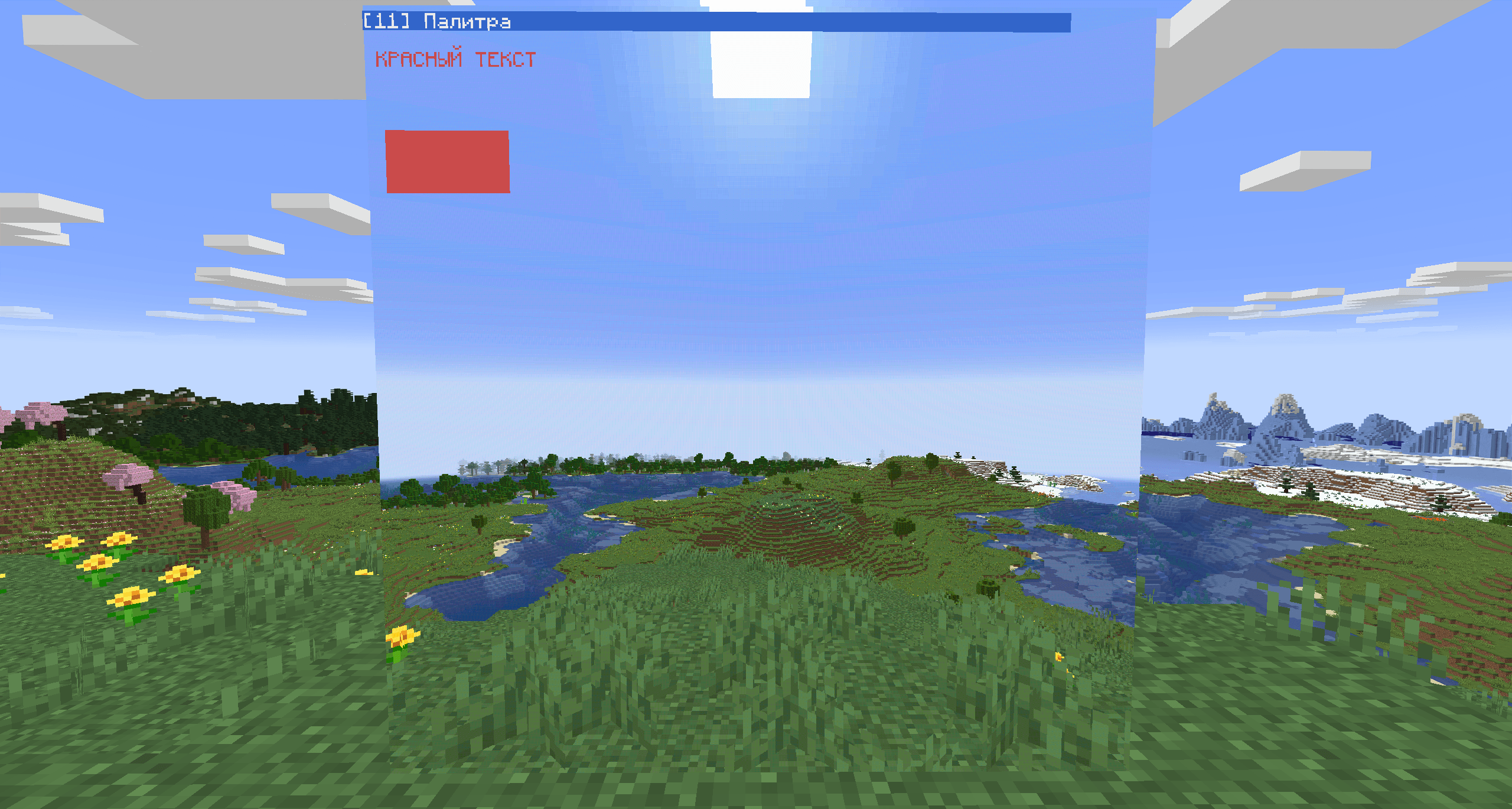
- a transparent background, so text sits on top of the camera picture
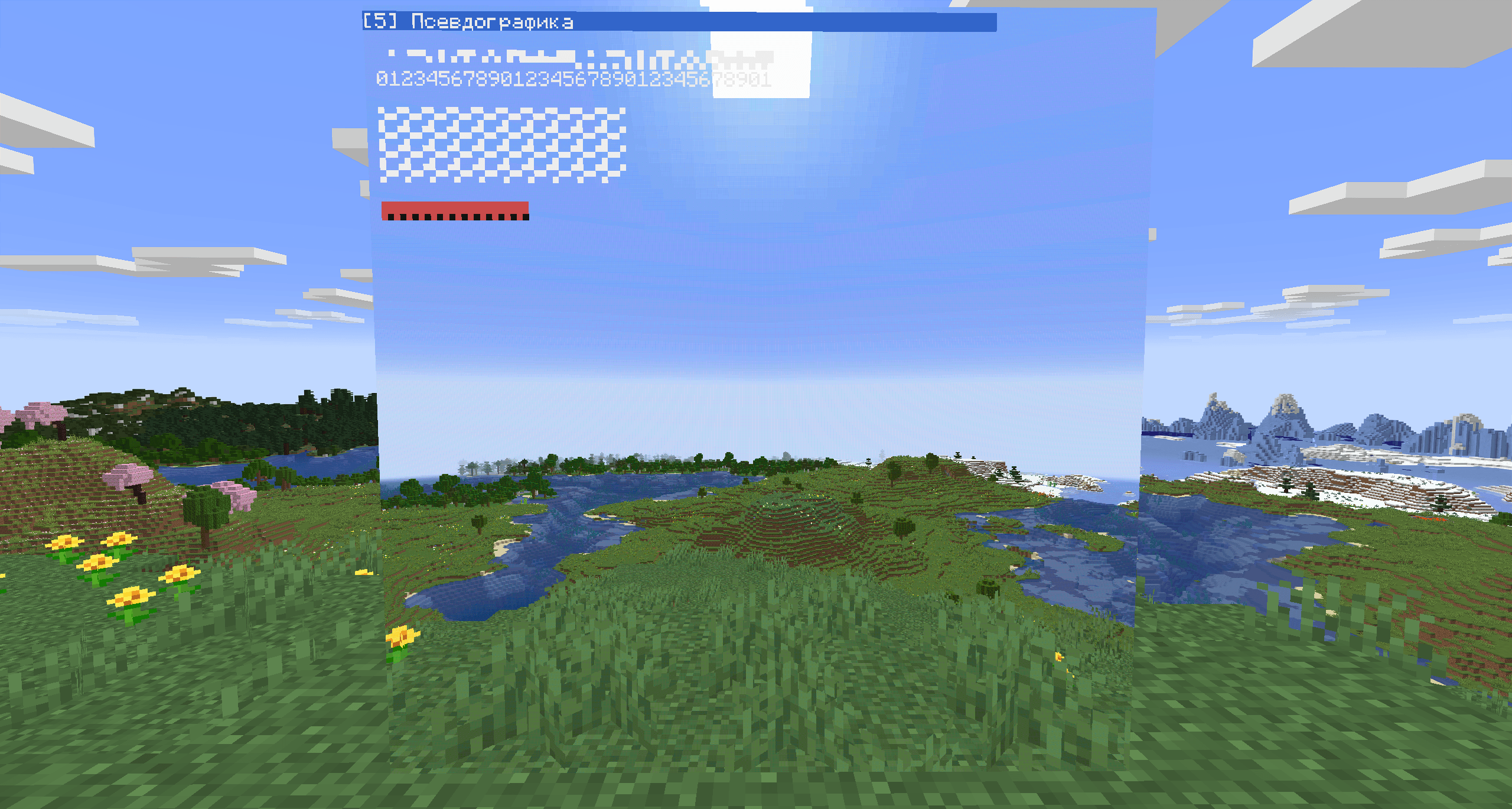
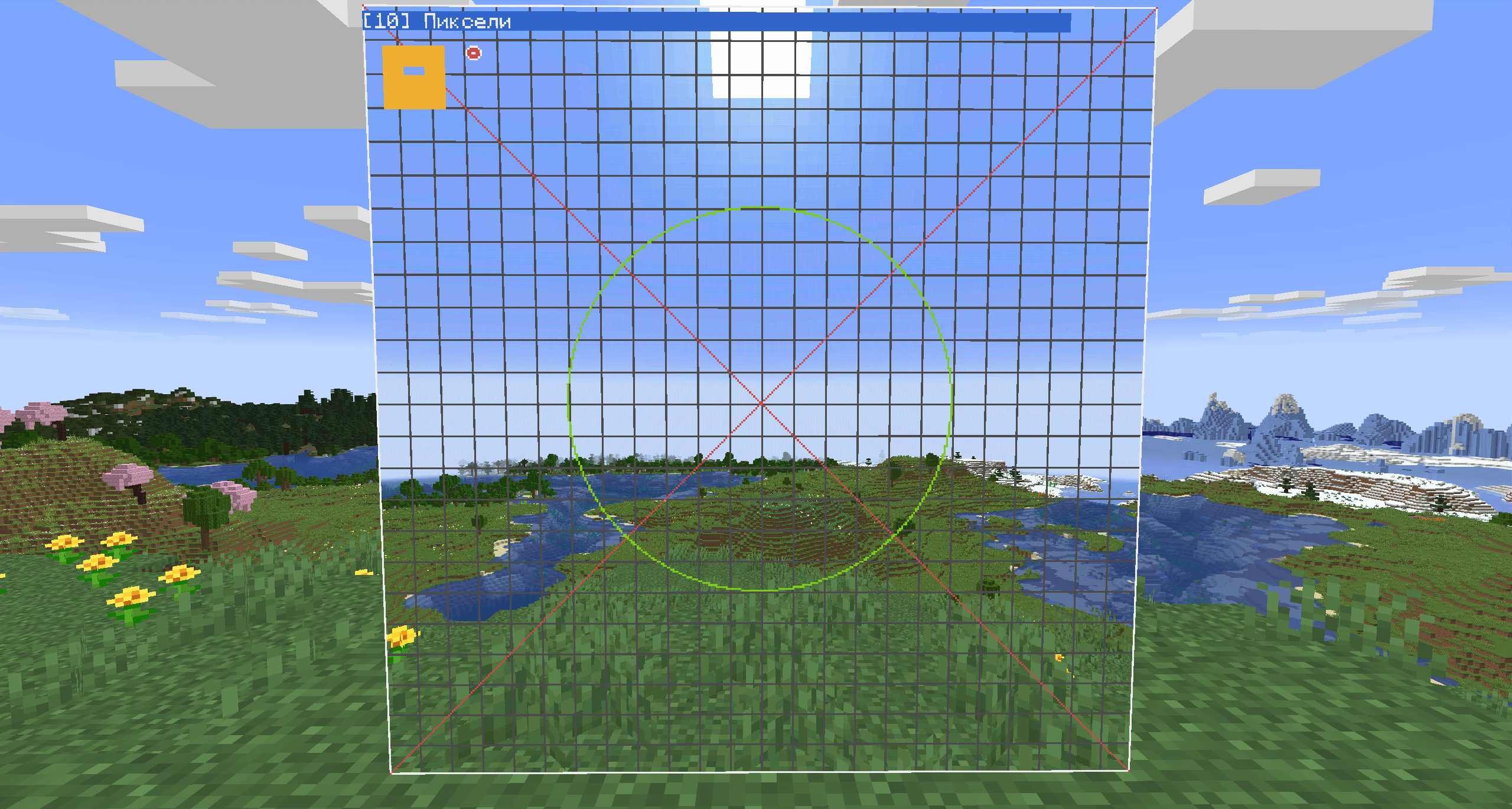
- a pixel layer of 128 x 128 pixels per block: pixels, lines, rectangles, sprites from strings
- a vector layer for crosshairs and sight reticles: smooth lines, polygons, circles, arcs and text at fractional coordinates, any RGB colour and transparency, groups that move without redrawing
- whole frames sent at once, without flicker
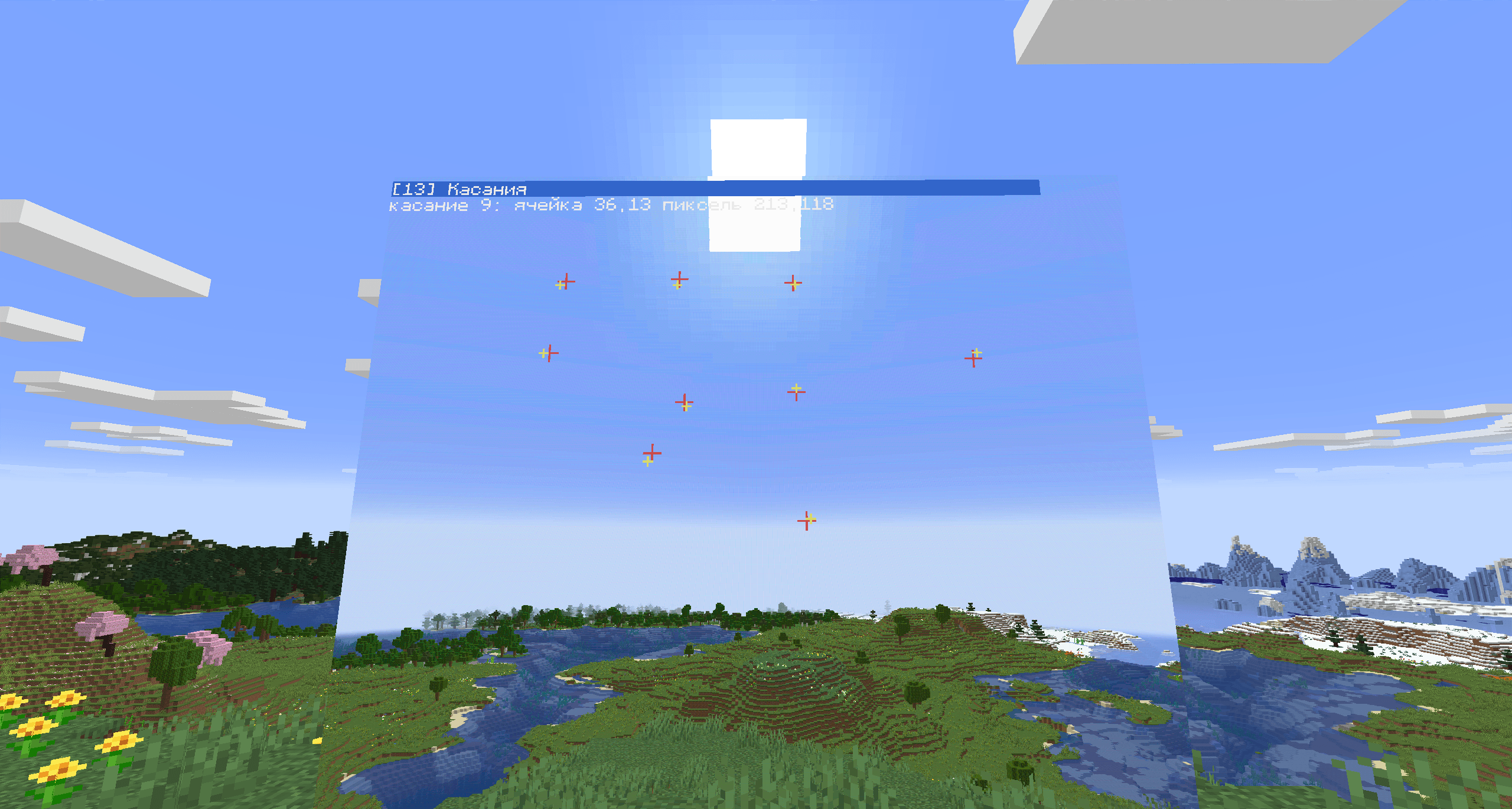
- touch events with both the character cell and the exact pixel
- read which camera feed is shown and whether it has a signal
Layers
The screen has four layers, bottom to top: the camera picture (or black), the pixel layer, the text, the vector layer. The drawing layers are transparent until you draw on them. clear() wipes the text only, clearPixels() the pixels only, vecClear() the vector layer only.
The background of text is transparent by default. setBackgroundColor(c) makes the following output opaque, setTransparentBackground(true) makes it transparent again.
Frames without flicker
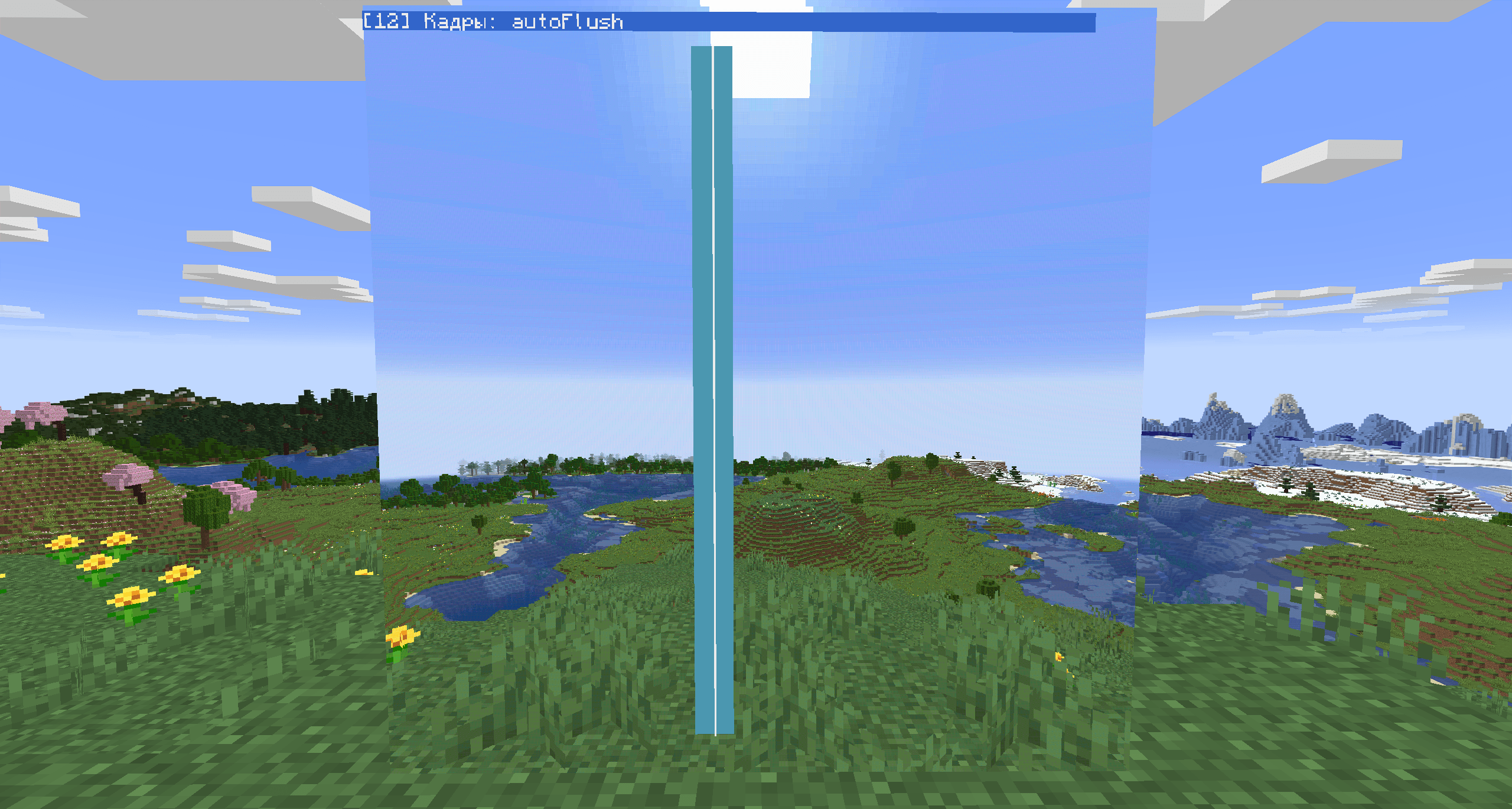
With setAutoFlush(false) nothing is sent to players until you call flush(), and then the whole frame goes at once. With auto flush on (the default) changes go out every server tick, and a big redraw can show up half-drawn for a tick.
API reference
Coordinates start at 1, as in paintutils. Colours are the usual colors.*; for pixels 0 or nil means transparent. No function waits for the server tick: every call returns immediately.
| Function | What it does |
|---|---|
write(text) |
Text at the cursor, no wrapping. The cursor moves past it. |
blit(text, fg, bg) |
Text with a colour per character (hex digits 0-f). A space in bg is a transparent cell. |
clear() / clearLine() |
Clear the text / the cursor's line. Pixels stay. |
scroll(n) |
Move the text up by n lines (down if negative). |
getCursorPos() / setCursorPos(x, y) |
Cursor position. |
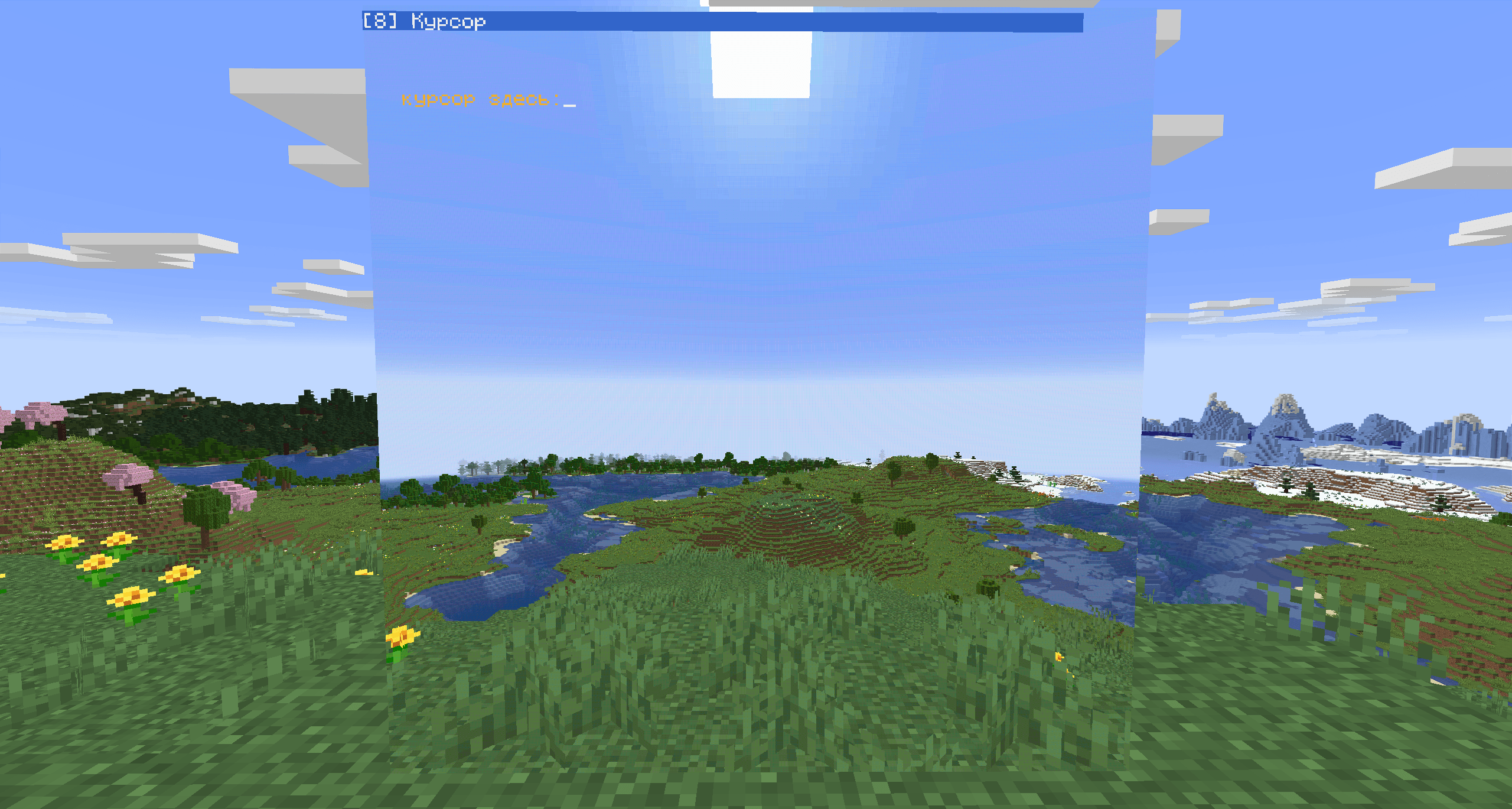
getCursorBlink() / setCursorBlink(on) |
Blinking cursor. |
getSize() |
cols, rows of the text grid. Depends on the screen size and the text scale. |
getTextScale() / setTextScale(s) |
0.5 to 5 in steps of 0.5. |
getTextColor() / setTextColor(c) |
Text colour. |
getBackgroundColor() / setBackgroundColor(c) |
Background colour; setting it makes the background opaque. |
setTransparentBackground(on) / isTransparentBackground() |
Transparent text background. On by default. |
getPaletteColor(c) / setPaletteColor(c, r, g, b) |
Change one of the 16 colours, for text and pixels together. Also takes 0xRRGGBB. |
isColor() |
Always true. |
getPixelSize() |
Size of the pixel layer, 128 x 128 per block. |
setPixel(x, y, c) / getPixel(x, y) |
One pixel. |
drawLine(x1, y1, x2, y2, c) |
A line. |
fillRect(x, y, w, h, c) / drawRect(x, y, w, h, c) |
A filled rectangle / its outline. |
drawPixels(x, y, rows) |
A sprite from a table of strings: 0-f a colour, . transparent, space leaves the pixel as it is. |
clearPixels([c]) |
Fill the whole pixel layer, transparent by default. |
setAutoFlush(on) / isAutoFlush() / flush() |
Frames without flicker, see above. |
getBlockSize() |
Screen size in blocks. |
getFeedId() |
Id of the camera feed on the inserted cassette, or nil. |
hasSignal() |
A cassette is in and its camera exists. |
Vector layer
Coordinates are screen pixels as fractions: (0, 0) is the top left corner of the screen, getPixelSize() the bottom right corner, y grows downwards. Shapes are drawn in the order they were added and are smoothed at about four times the pixel resolution. Colour, width, group and transform apply to the shapes drawn after them. Points are given as one table, either flat {x1, y1, x2, y2, ...} or as pairs {{x1, y1}, {x2, y2}, ...}.
| Function | What it does |
|---|---|
vecClear([group]) |
Remove all shapes, or only the shapes of one group. |
vecColor(rgb [, alpha]) / vecColor(r, g, b [, alpha]) |
Colour as 0xRRGGBB or channels 0-1; alpha 0-1 (1 by default). White at start. |
vecWidth(w) |
Line width in screen pixels, fractional (1 at start). Not scaled by the transform. |
vecGroup(g) |
Group 0-255 for the next shapes (0 at start). |
vecTransform([ox, oy [, sx [, sy [, angle]]]]) |
Draw in your own units: origin ox, oy in pixels, scale sx, sy (sy = sx if omitted), rotation in degrees clockwise. No arguments: back to plain pixels. |
vecLine(x1, y1, x2, y2) |
A line. |
vecLines(points) |
Many separate lines from one table, four numbers each. |
vecPolyline(points [, closed]) |
A line through all points; closed joins the last point to the first. |
vecPolygon(points) |
A filled polygon (any simple polygon, up to 2048 points). |
vecRect(x, y, w, h [, filled]) |
A rectangle outline or a filled rectangle. |
vecCircle(x, y, r [, filled]) |
A circle or a disc. |
vecArc(x, y, r, from, to [, filled]) |
An arc; angles in degrees, 0 is up, clockwise. filled gives a sector. |
vecText(x, y, text [, size [, align]]) |
Text; y is its vertical middle, size the line height in pixels (9 by default), align "left" (default), "center" or "right". |
vecGroupOffset(g, dx, dy) |
Move a group by dx, dy pixels from where it was drawn. The shapes are not sent again, so this is cheap enough for every frame. |
vecGroupVisible(g, visible) |
Show or hide a group. |
vecCount() |
shapes, points, maxShapes, maxPoints: 16384 shapes and 131072 points in total. |
The layer follows setAutoFlush/flush like the rest of the screen. A reticle in thousandths (mils) around the screen centre:
local m = peripheral.find("malahit_monitor")
local w, h = m.getPixelSize()
m.setAutoFlush(false)
m.vecClear()
m.vecColor(0xBEFFF2)
m.vecWidth(1.2)
m.vecTransform(w / 2, h / 2, 2.5)        -- 2.5 pixels per thousandth
m.vecCircle(0, 0, 1.5)
m.vecLines({-24, 0, -4, 0,  4, 0, 24, 0,  0, 4, 0, 16})
m.vecArc(0, 0, 30, -40, 40)
m.vecText(5, 8, "4", 9, "left")
m.vecGroup(1)                           -- a mark that moves
m.vecPolygon({{-1, 0}, {1, 0}, {0, 2}})
m.vecTransform()
m.flush()
m.vecGroupOffset(1, 0, 12)              -- later: move the mark 12 pixels down
Events:
| Event | Arguments |
|---|---|
monitor_touch |
name, col, row, px, py: right-click with an empty hand; character cell and pixel |
monitor_resize |
name: the text grid changed size |
Example
A crosshair and a status line over a camera feed, redrawn ten times a second:
local m = peripheral.find("malahit_monitor")
if not m then error("no monitor attached") end

m.setTextScale(1)
m.setAutoFlush(false)
local w, h = m.getPixelSize()
local cx, cy = math.floor(w / 2), math.floor(h / 2)

while true do
  m.clear()
  m.clearPixels()
  m.drawLine(cx - 30, cy, cx + 30, cy, colors.red)
  m.drawLine(cx, cy - 20, cx, cy + 20, colors.red)
  m.setCursorPos(1, 1)
  if m.hasSignal() then
    m.setTextColor(colors.lime)
    m.write("CAM OK  " .. textutils.formatTime(os.time(), true))
  else
    m.setTextColor(colors.red)
    m.write("NO SIGNAL")
  end
  m.flush()
  sleep(0.1)
end
Buttons with touch:
local m = peripheral.find("malahit_monitor")
m.setCursorPos(2, 2)
m.setBackgroundColor(colors.green)
m.write(" FIRE ")
while true do
  local _, _, col, row = os.pullEvent("monitor_touch")
  if row == 2 and col >= 2 and col <= 7 then print("fire!") end
end
Limitations
- Text and the vector layer are not saved with the world. The computer redraws them after a restart, the same as with CC monitors.
- Only linked hollow cassettes are accepted.
- A camera that looks at a monitor showing a second camera does not load the second camera's chunks.
- CC's
windowAPI counts bytes, not letters, so a line with Cyrillic inside a window comes out shorter than the window.
For modpack authors
Client and server both need the mod. Two blocks, malahit_monitors:monitor and malahit_monitors:transparent_monitor; both are the same malahit_monitor peripheral. With Vista present, a server-side mixin on Vista's chunk manager sends players the chunks of cameras shown on monitors; without Vista it is not applied.
Credits
CC:Tweaked is by SquidDev. Vista and Moonlight are by MehVahdJukaar. Neither is bundled; install each from its official page. The terminal is written from scratch: it follows CC:Tweaked's Lua interface so CC programs run on it, but it contains no CC:Tweaked code or assets.
All Rights Reserved, see LICENSE.txt. You may play with the mod, use it on servers and in videos, put it in modpacks that download it from the official page, and publish any Lua programs you write for it. You may not re-upload it, publish modified versions, reuse its code or assets, or sell it.
MALAHIT Monitors Team