RS Grid Filtering | Refined Storage Filter Cards
- By
Create reusable Filter Cards for Refined Storage and instantly filter your Grid by items, tags, mods, and custom categories.
Description
《 Refined Storage | Filter Cards 》
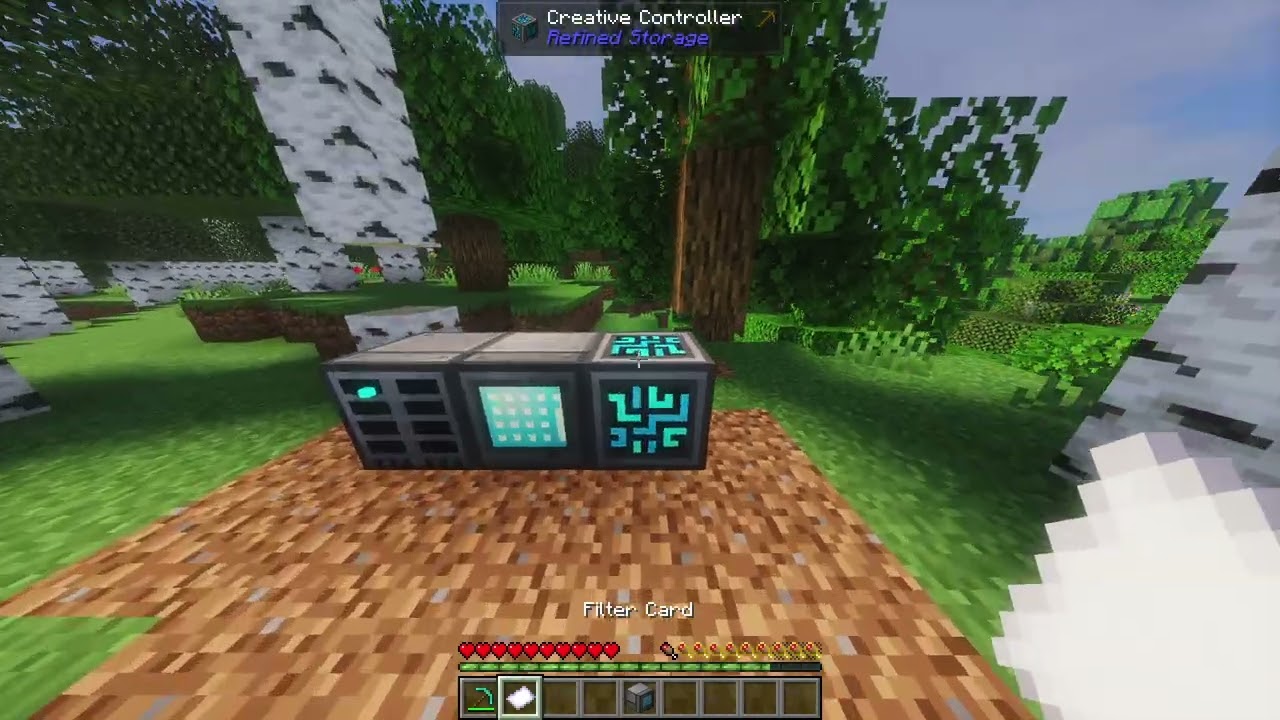
Filter Cards adds reusable filtering directly to Refined Storage.
Create filters for ores, food, tools, specific mods, item tags, or whatever categories you want, then switch between them directly from your Grid.
Filtering only changes what you see. Nothing is moved or reorganized inside your storage network.
《 Grid Filtering 》
Filter Cards can be attached directly to a Refined Storage Grid.
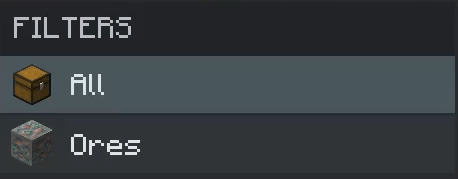
Attached cards appear inside a dedicated Filters menu, letting you instantly switch between different views of your storage.
Select All whenever you want to return to the normal unfiltered Grid.
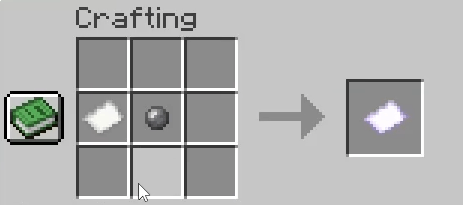
《 Craft Your Card 》
Filter Cards are normal items that can be crafted, stored, renamed, moved between Grids, or shared with other players.
《 Edit Your Filters 》
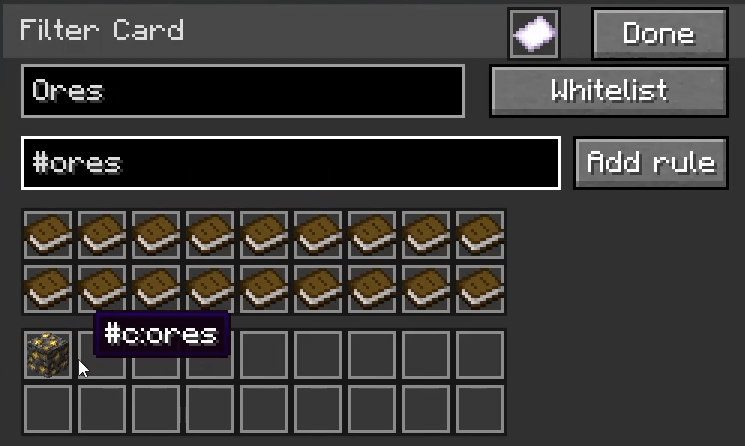
Right-click a Filter Card to open its editor.
The editor is designed to match Refined Storage's normal interface, so it feels like a natural part of the Grid.
Each card can contain its own:
- Custom name
- Custom icon
- Whitelist or blacklist mode
- Specific item rules
- Item tag rules
- Mod filters
Items from your inventory can be added directly to the filter, while the search field lets you find items and tags without manually looking through everything.
《 Custom Card Icons 》
Filter Cards can also have their own icon.
Inside the Filter Card editor, simply right-click an item to use that item as the card's icon.
This makes different filters easy to recognize at a glance.
An ores filter could use an ore block, a food filter could use bread, or a Create filter could use any Create item you want.
《 Tags & Item Previews 》
Filter Cards support item tags such as:
#c:ores
#minecraft:logs
#forge:ores
Tag entries can cycle through matching items, giving you a quick preview of what the rule contains.
This is especially useful in larger modpacks where a single tag may contain items from many different mods.
《 Mod Filtering 》
Cards can also filter items by mod.
This makes it easy to create filters for mods such as:
- Create
- Mekanism
- Applied Energistics 2
- Farmer's Delight
- Any other installed mod
《 Reusable Cards 》
Every Filter Card stores its own settings.
You can keep separate cards for things like:
- Ores
- Food
- Tools
- Armor
- Building Blocks
- Mob Drops
- Specific mods
- Any custom category you want
Move them between Grids, keep them in storage, or give them to another player without recreating the filter.
《 Simple Grid Organization 》
Filter Cards does not move items, split your network, or change how Refined Storage stores anything.
It simply gives you a much faster way to organize and browse large storage networks.
Your network. Your categories. Only show what you need.
RS Grid Filtering | Refined Storage Filter Cards Team

Owner