![Revive Through Grass! [PlayerRevive add-on] logo](https://media.forgecdn.net/avatars/thumbnails/1928/455/64/64/639200082595238861.png)
Revive Through Grass! [PlayerRevive add-on]
- By
Interact with a downed teammate through server-approved, non-solid blocks such as grass, tall grass, and flowers, without allowing revival through walls.
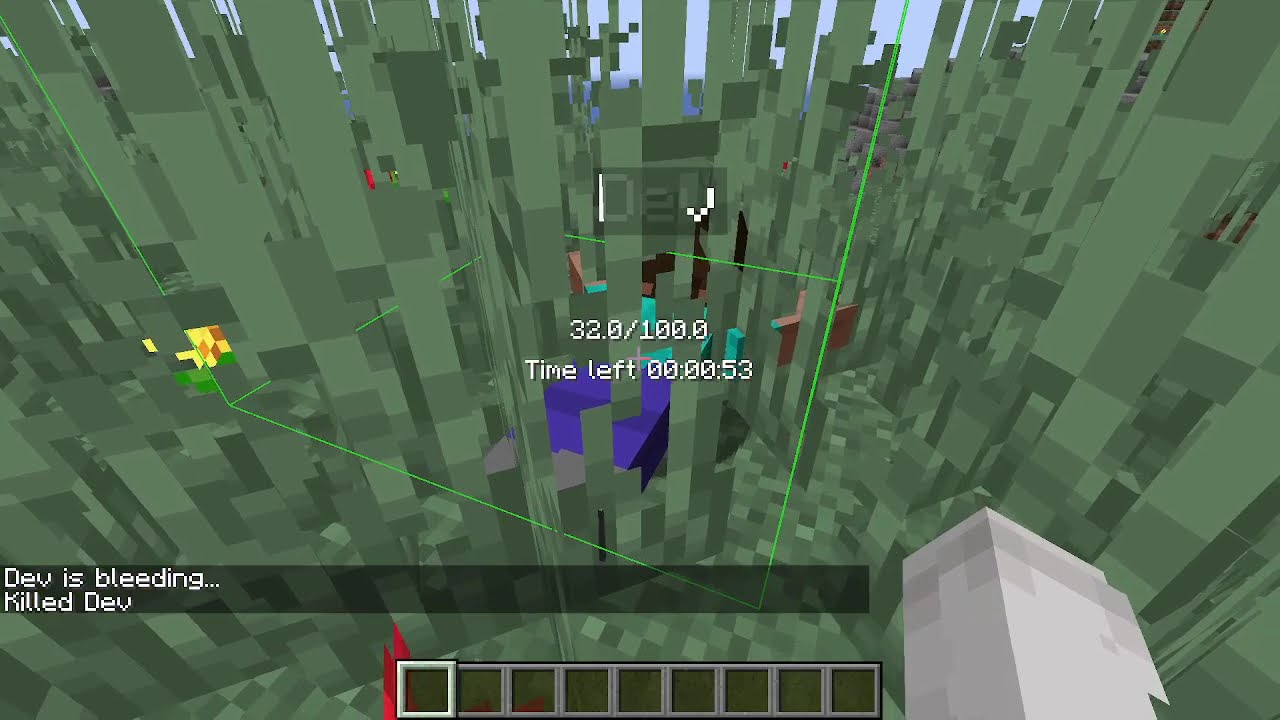
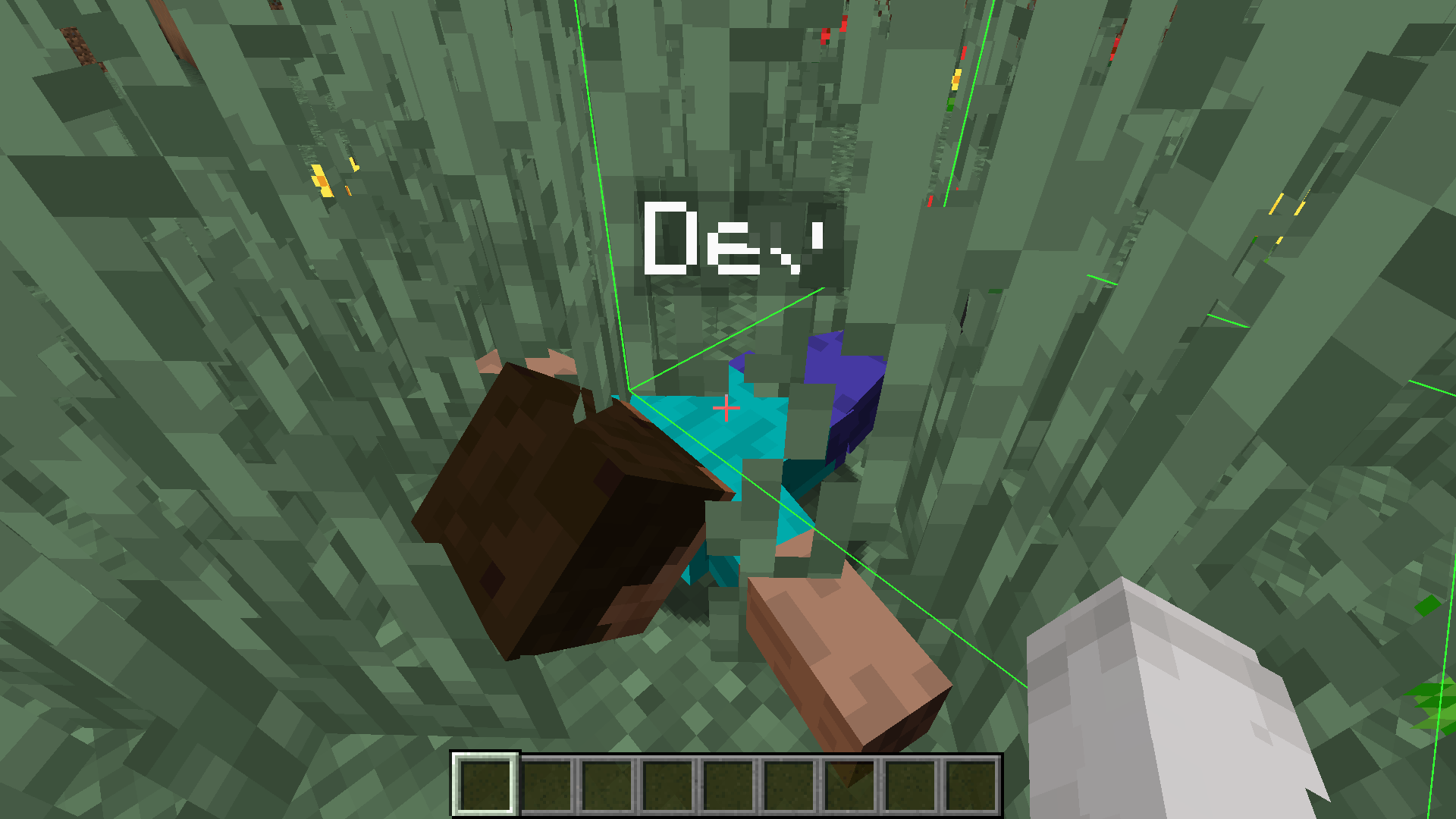
Revive through grass with custom block outline
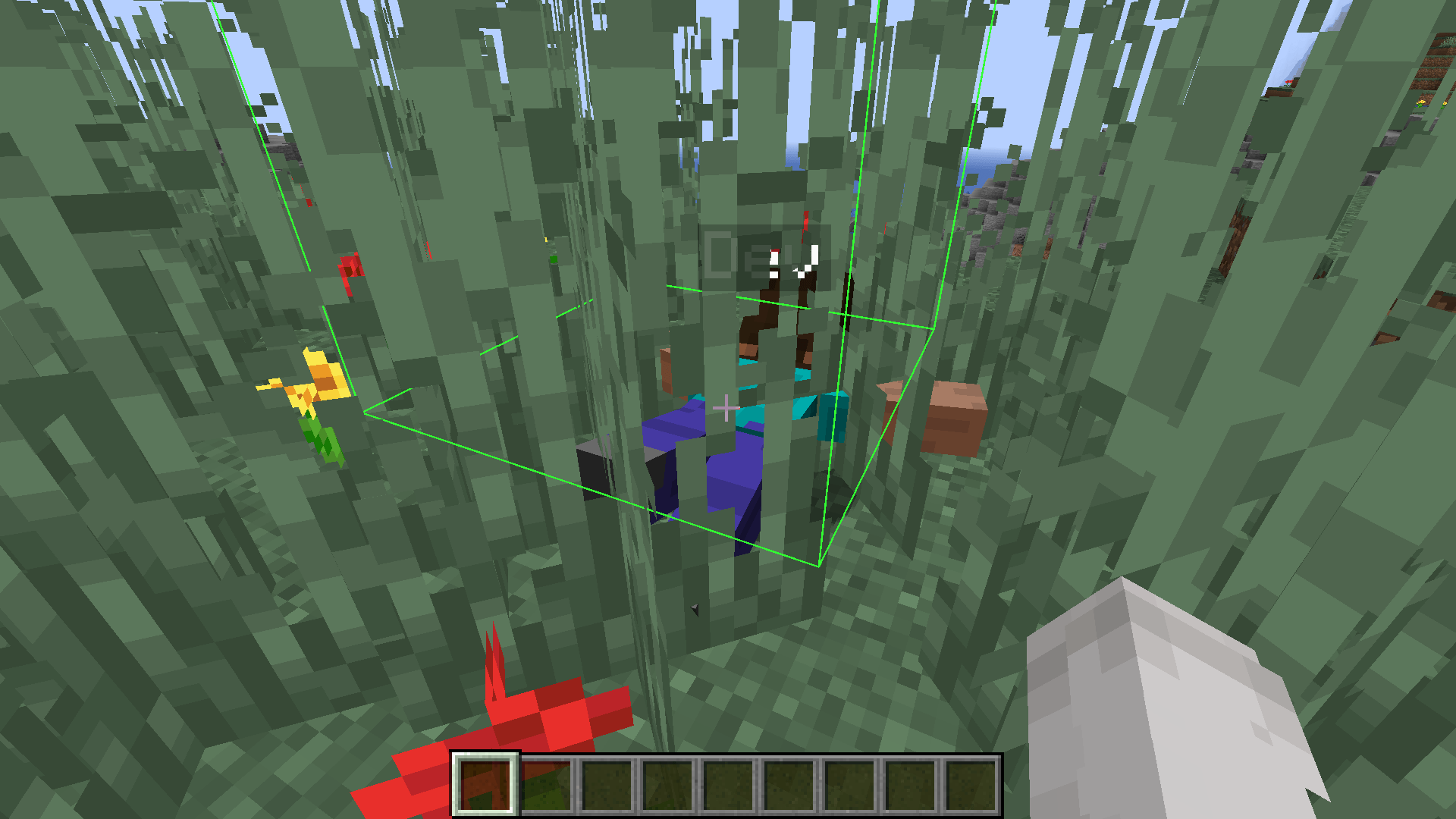
Revive through grass with custom block outline #2
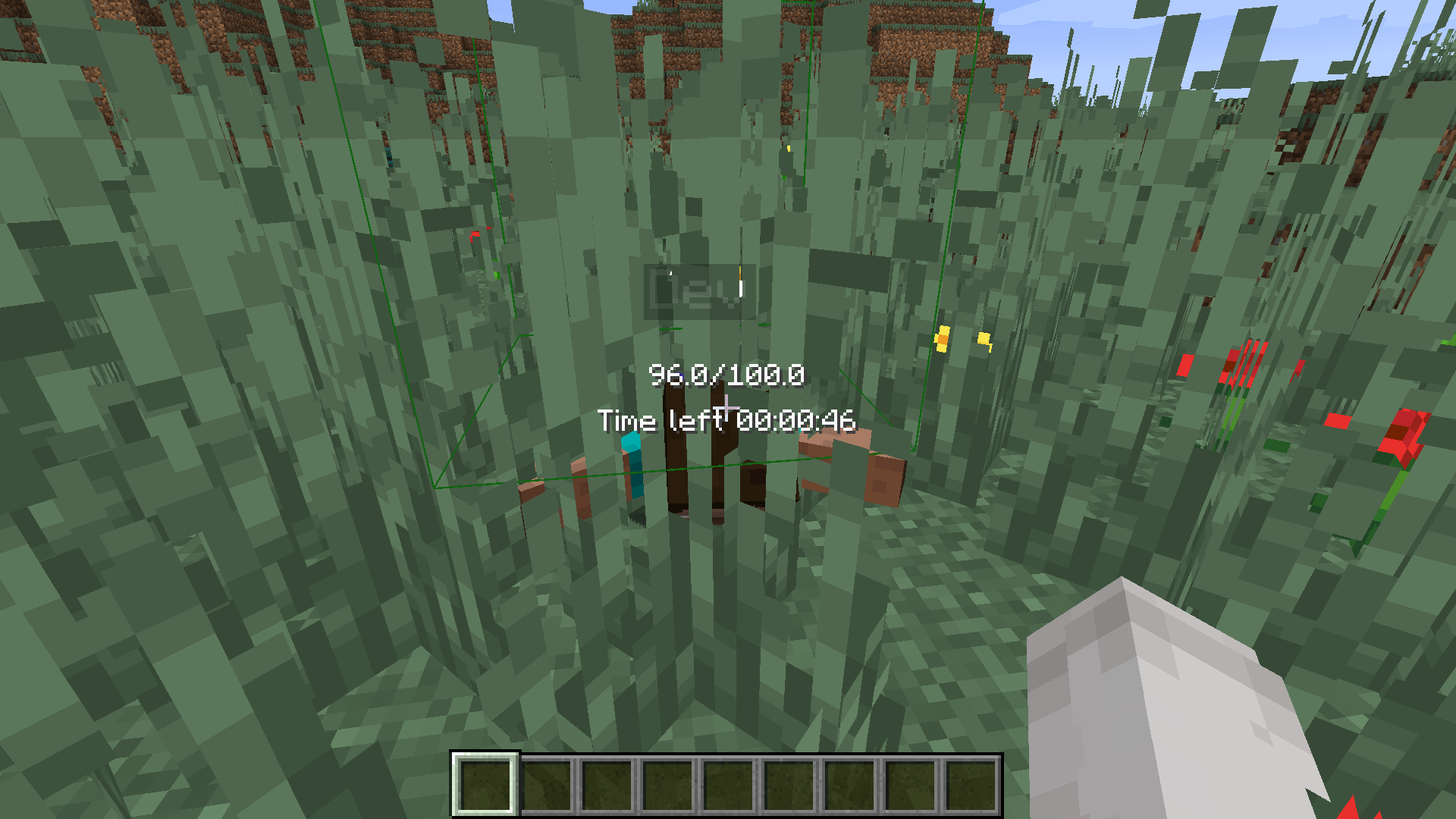
Revive through grass with custom block outline #3
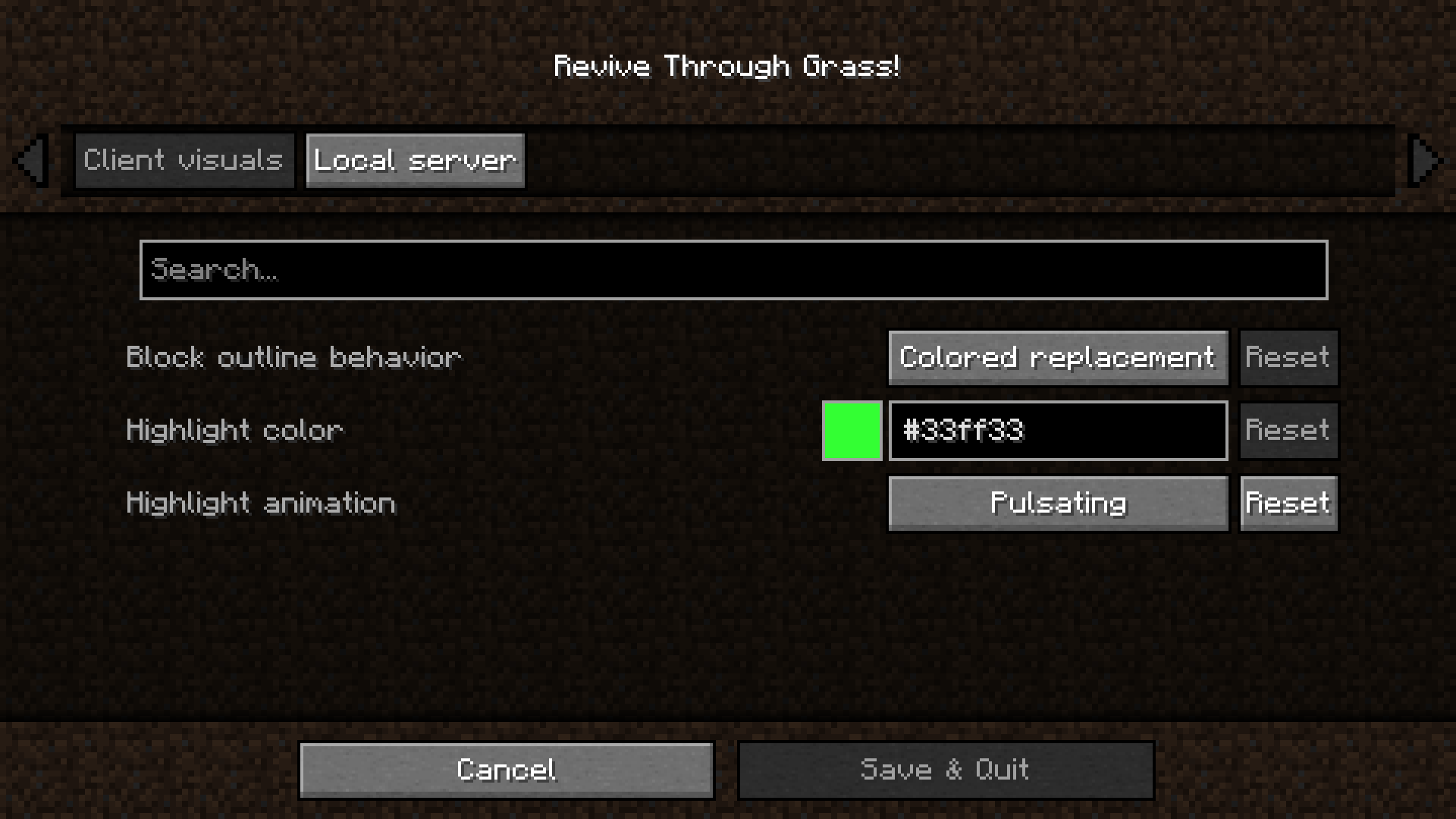
Config (client-side) UI
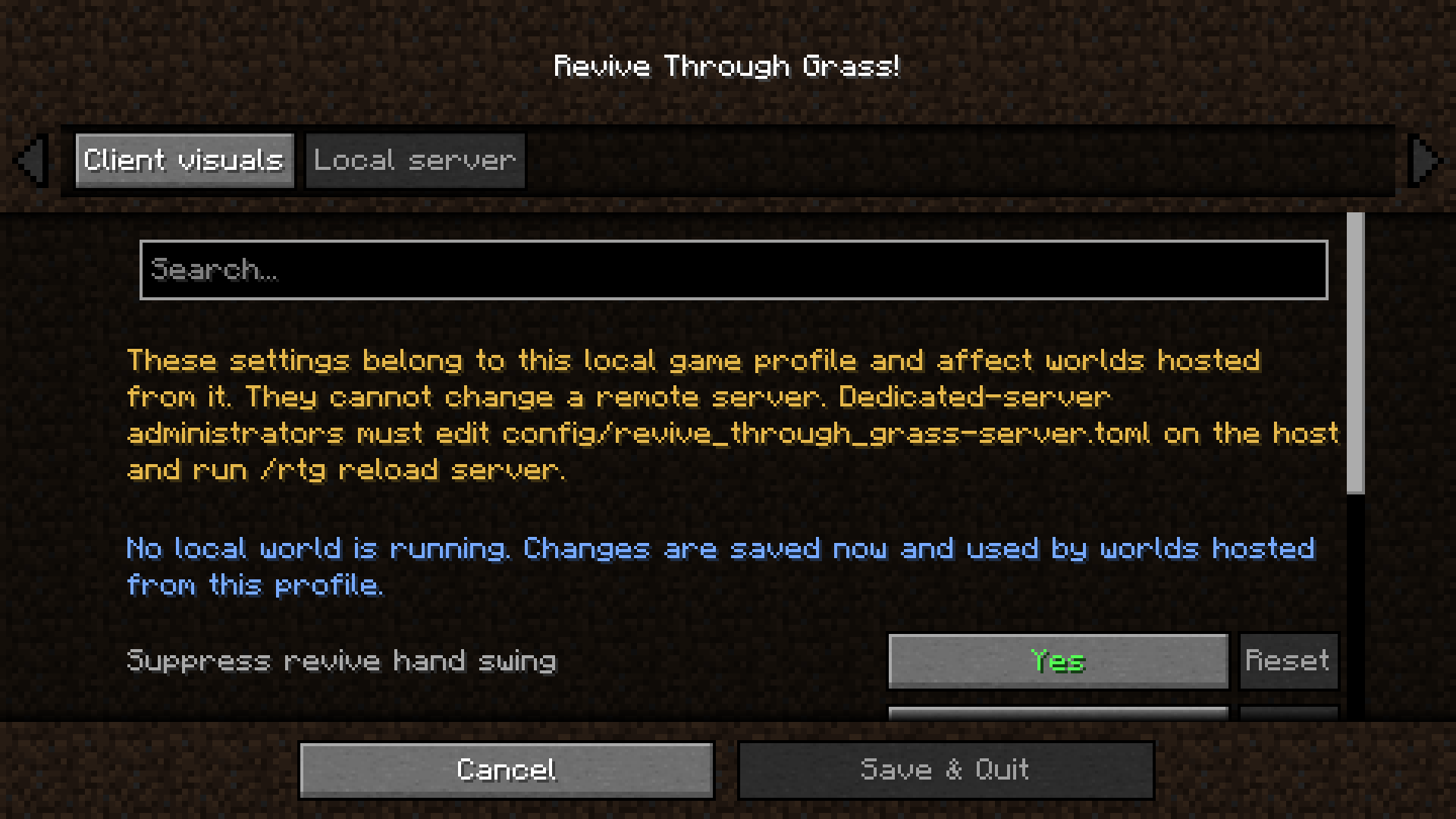
Config (server-side) UI #1
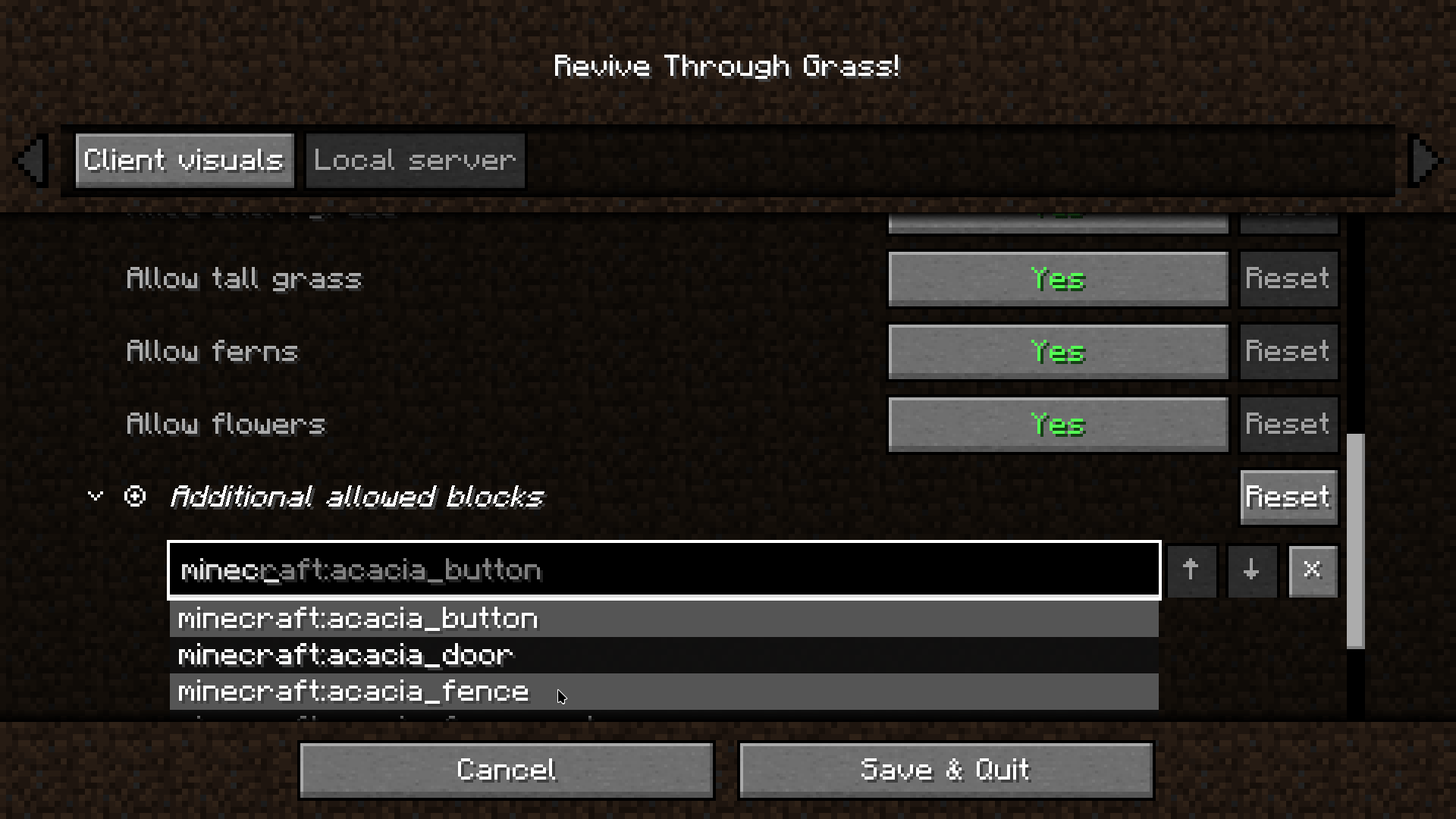
Config (server-side) UI #2
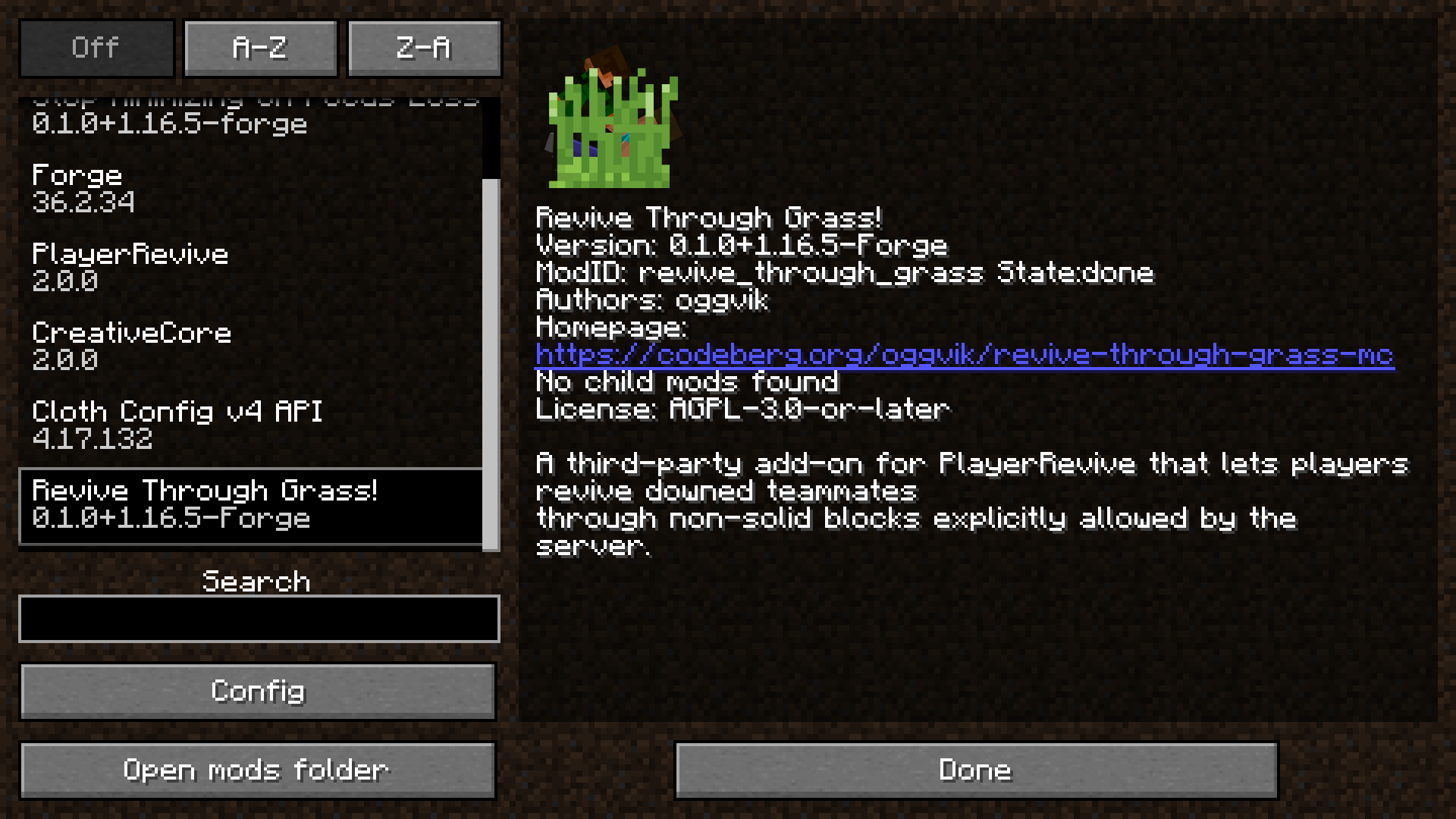
Mod entry in Forge 1.16.5 Mod List
Description
Revive Through Grass! is a third-party add-on for PlayerRevive. It lets players interact with a downed teammate through server-approved, non-solid blocks such as grass, tall grass, and flowers, without allowing revival through walls.
The server remains authoritative: it decides which blocks may be ignored and validates the target, distance, and complete line of interaction. Clients receive that policy so their targeting and optional highlight match what the server will accept.
Features
- Server-controlled TOML configuration for allowed non-solid blocks and block categories.
- Support for vanilla and namespaced modded block IDs.
- Server validation of PlayerRevive's downed state, revive reach, and every intervening block.
- Automatic server-policy sync when a client joins and after a configuration reload.
- Server-controlled suppression of the through-block revive hand-swing animation, enabled by default.
- Client-side targeting that can select a valid downed player behind allowed blocks.
- A Cloth Config screen with separate client-visual and local-server tabs.
- A configurable outline color plus persistent or pulsating highlight animation.
- Immediate in-game application and per-setting reset-to-default controls.
/revivethroughgrass reload server|clientcommands, with the/rtgalias.- No changes to PlayerRevive's revive progress, timing, items, exhaustion, or other gameplay rules.
Revive Through Grass! is not affiliated with or endorsed by PlayerRevive, Team Creative, or CreativeMD.
Configuration
On a client, open Forge's Mods screen, select Revive Through Grass!, and click Config. Cloth Config provides two tabs:
- Client visuals selects a colored replacement outline, no outline, or completely unchanged vanilla behavior. It also controls the colored mode's color and persistent/pulsating animation. Changes take effect immediately and are saved to
config/revive_through_grass-client.toml. - Local server edits
config/revive_through_grass-server.tomlfor this game profile, even from the title screen. It controls whether through-block revive attempts suppress the helper's hand-swing animation, and its ordered block lists provide editable rows, per-row deletion and reordering, and registry-backed Tab/dropdown completion. Running local worlds receive changes immediately; future worlds hosted from the profile use the saved policy. This tab cannot modify a remote server.
Each editable setting includes Cloth Config's reset-to-default button on its right side, and long tooltips are wrapped to stay on-screen. Dedicated-server administrators must edit config/revive_through_grass-server.toml on the server host itself.
The commands are available under either /revivethroughgrass or /rtg:
/rtg reload serverreloads the active server TOML and resyncs its policy. It requires operator permission level 2./rtg reload clientreloads the issuing player's client TOML from disk.
Revive Through Grass! [PlayerRevive add-on] Team