
Create:Redstone Throttle
- By
0C7D2AED8431F578CF770B72BD67E6F8.png
BaseProfile2026.06.06-14.55.41.01-ezgif.com-video-to-gif-converter.gif
Description
Create: Redstone Throttle

Control Create kinetic speed with redstone—compactly, predictably, and without rebuilding your whole transmission.
Highlights
- Six-axis placement with separate kinetic input and output faces
- Red acceleration face and blue deceleration face, rotatable around the shaft axis
- Three control modes
- Adjustable 10–200 tick (0.5–10 second) update interval
- Native Create stress and overstress behavior
- Live Engineer's Goggles information
- Optional Create Aeronautics compatibility
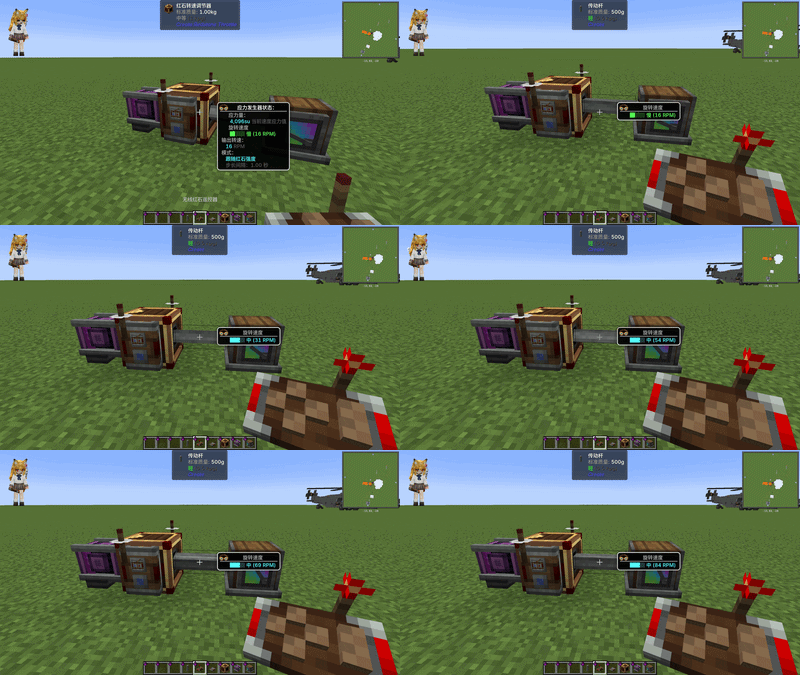
The side arrow points from the kinetic input toward the output. Feed independent redstone signals into the red and blue control faces.
Modes
Follow signal strength
Output follows the difference between the red and blue redstone signals.
Fixed speed
Outputs a configured target speed while a valid kinetic input is present.
Signal strength × multiplier
output speed = initial speed + (red signal - blue signal) × multiplierInitial speed is adjustable from 0 to 256 RPM. Direction follows the kinetic input, and output stops when no valid input is available.
Requirements
- Minecraft 1.21.1
- NeoForge 21.1.219+
- Create 6.0.10+
- Create Aeronautics (optional)
Install Redstone Throttle on both the client and server.
Quick start
- Connect Create power to the input face and machinery to the output face.
- Apply redstone signals to the red and blue control faces.
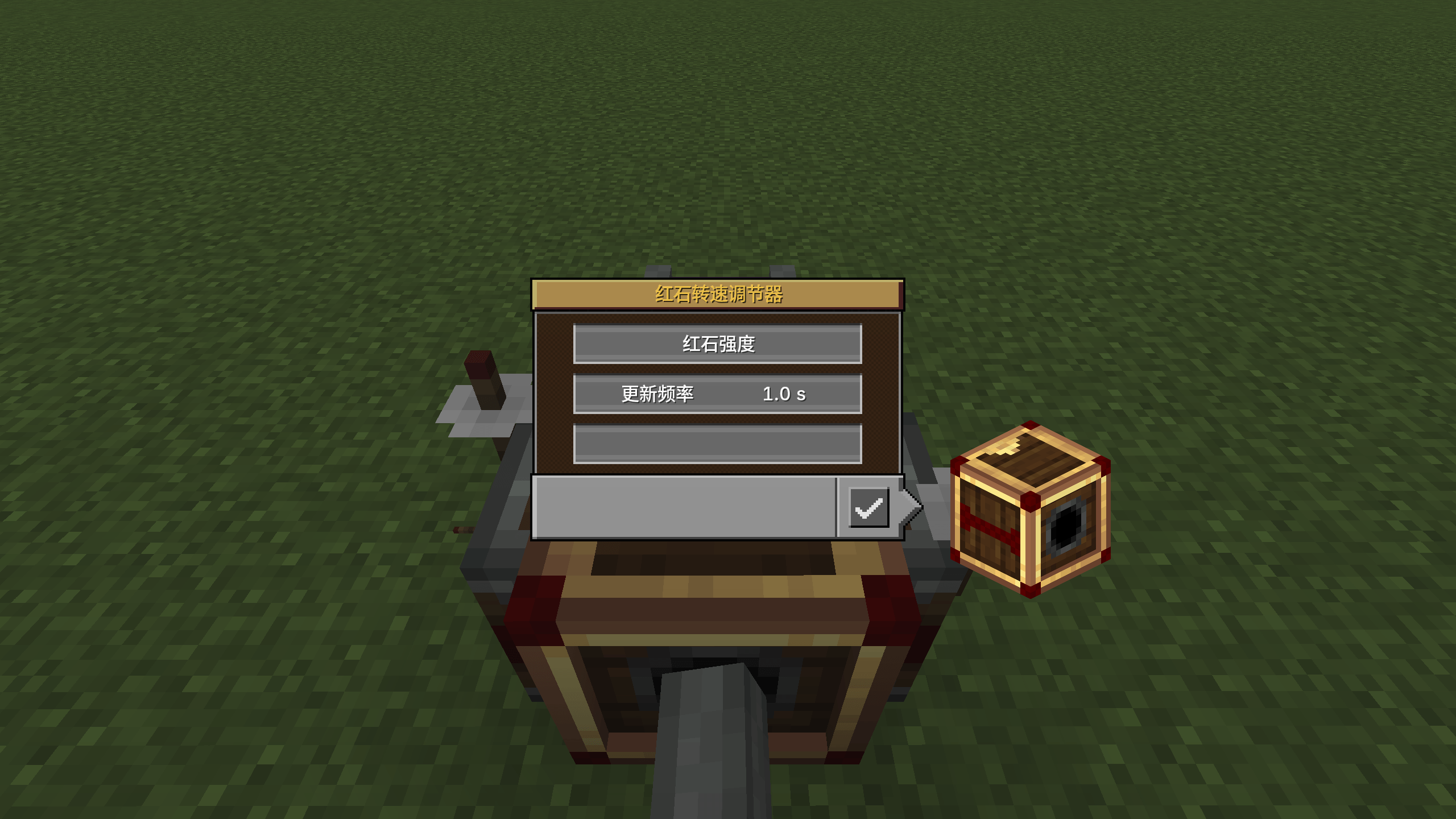
- Hold Shift and right-click the block to open its settings.
- Scroll over values to change them; hold Shift for ×10 steps.
- Use a wrench on a shaft end to rotate the control faces around the transmission axis.
Links
License
All Rights Reserved.
简体中文
机械动力:红石调速器 可以使用红石信号紧凑、稳定地控制机械动力传动转速, 无需为了调速重建整套传动结构。
主要功能
- 支持六方向放置,动力输入与输出相互独立
- 红色加速面与蓝色减速面可绕传动轴旋转
- 三种控制模式
- 更新间隔可调:10–200 tick(0.5–10 秒)
- 正确接入机械动力的应力与过载机制
- 佩戴工程师护目镜时显示实时状态
- 可选兼容 Create Aeronautics
侧面箭头由动力输入指向动力输出;红色、蓝色控制面可以分别接收红石信号。
模式
- 跟随红石强度:输出取决于红、蓝两侧的红石信号差。
- 固定转速:存在有效动力输入时输出设置的目标转速。
- 红石强度 × 倍率:
输出转速 = 初始转速 +(红色信号 - 蓝色信号)× 倍率初始转速可在 0–256 RPM 之间调整。方向跟随动力输入;没有有效输入时输出停止。
运行要求
- Minecraft 1.21.1
- NeoForge 21.1.219+
- Create 6.0.10+
- Create Aeronautics(可选)
客户端和服务端都需要安装本模组。
快速使用
- 将动力连接到输入面,将机械连接到输出面。
- 给红色和蓝色控制面输入红石信号。
- 按住 Shift 右键方块打开设置。
- 在数值上滚动滚轮调整;按住 Shift 时步长为 ×10。
- 使用扳手点击传动轴端面,可绕传动轴旋转控制面。
链接
许可
保留所有权利(All Rights Reserved)。
Create:Redstone Throttle Team

