Quantum Clones
- By
Create, scale, and command an army of clones of yourself to automate farming, hunting, and defense
Capture d'écran 2026-06-23 142827.png
Capture d'écran 2026-06-23 143522.png
Capture d'écran 2026-06-23 150410.png
2026-06-23_16.40.56.png
Firyx | Quantum Clones
Create a server, get 25% off your first month

Description
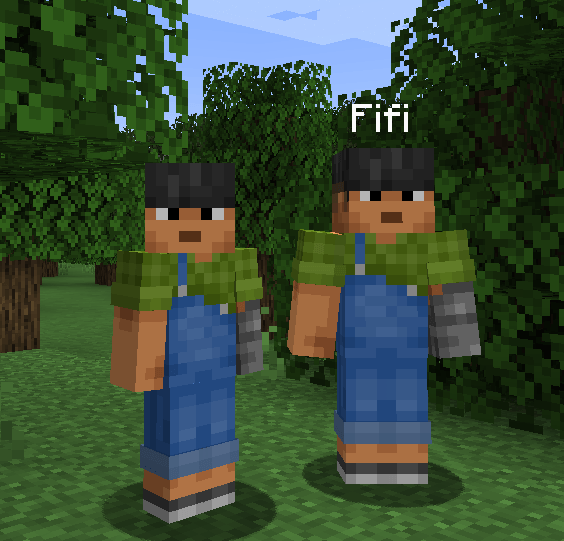
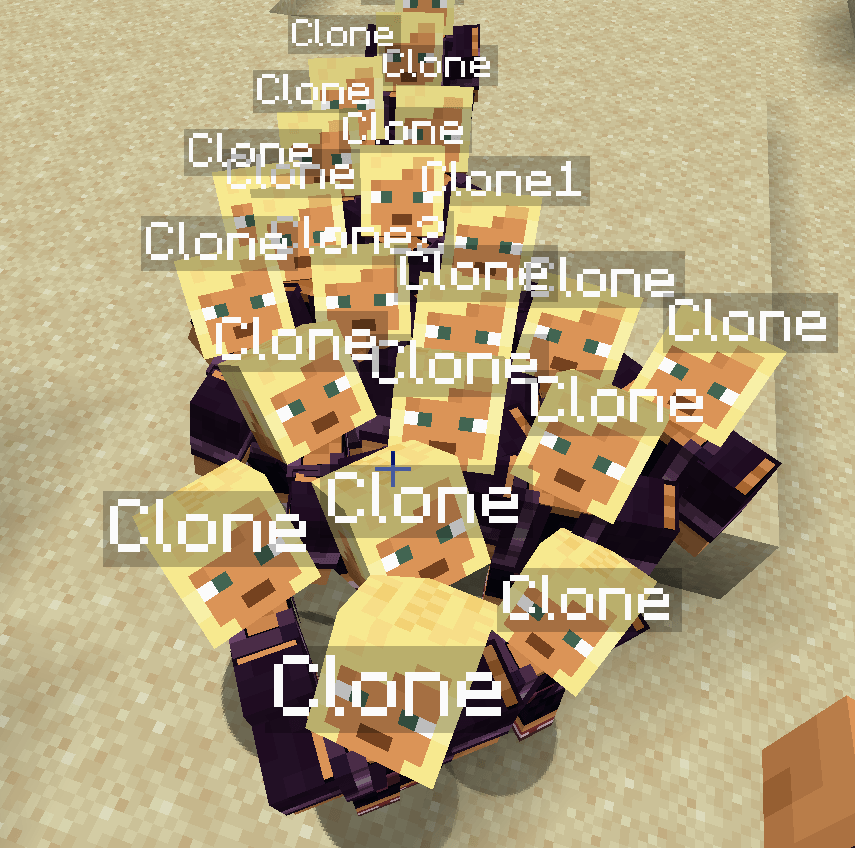
Quantum Clones is a utility and automation mod for Fabric 1.20.1 that introduces the ability to generate, configure, and lead a personal army of exact replicas of yourself. Up to a strict limit of 60 clones per player, you can automate gathering tasks, set up defensive perimeters, upgrade their physical attributes, or wage war against other players.
🛠️ Getting Started
The Quantum Remote
Upon joining the world for the first time, you automatically receive a Quantum Remote in your inventory.
-
Summoning a Clone: Right-click with the remote. If you have at least 3 experience levels and have not reached the limit of 60 active clones, a text dialog will prompt you to enter a name.
-
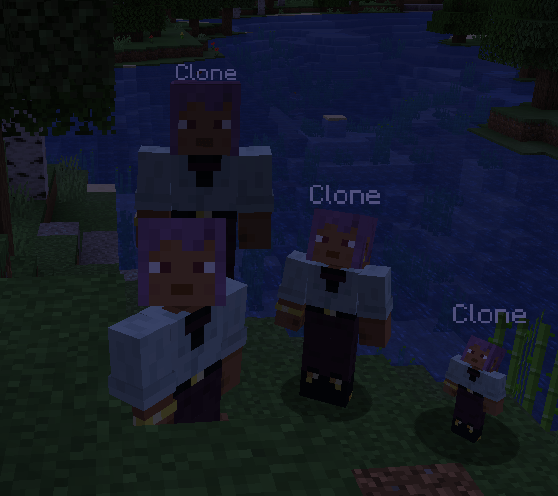
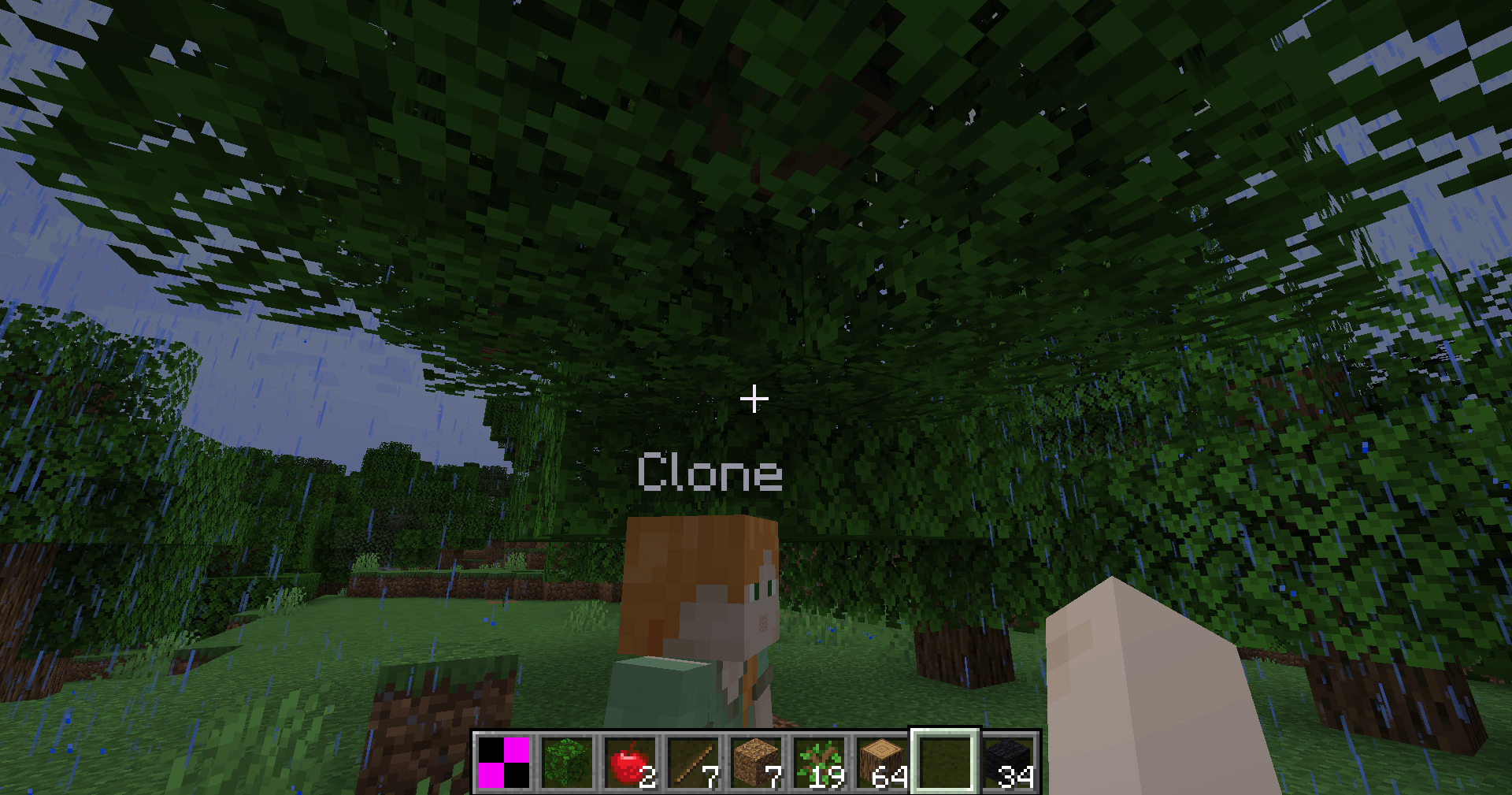
Materialization: Once named, the clone materializes in a particle cloud, inheriting your skin and starting with standard player attributes.
-
Persistence & Safety: Clones are configured to never despawn when chunks unload, and they are immune to suffocation damage in walls [2.10].
🖥️ The Command Center (Key: V)
Pressing the V key instantly opens a centralized control panel (which pauses singleplayer worlds). The interface has been designed to be scrollable via the mouse wheel to prevent overlap when managing multiple settings.
Left Pane: Clone Registry
Displays a scrollable list of all your active clones, showing:
-
A miniature render of their current skin.
-
Their custom name, real-time health bar, and active status (Following, Idle, Defending, Hunting, Farming, War Mode, Villager, Cooking, Farmer, Merchant).
Right Pane: Double-Tab System
-
Control Tab: Adjust physical scale (0.5x to 1.5x, modifying hitboxes and health), toggle auto-follow, set behavior modes, select block targets for farming, configure limits, link deposit chests, trigger mutual teleportation, and instantly collect inventories.
-
Upgrades Tab: Change the clone's name to dynamically load other players' skins. Spend experience levels to purchase attribute upgrades (HP, Damage, Speed, Efficiency) with progressive costs.
🧠 Behavior & Automation Modes (Modes 1 to 8)
The right panel allows you to configure eight distinct behaviors, with dynamic colored glowing outlines assigned to each mode:
-
Follow Mode (ON/OFF): Clones follow you at a distance proportional to their scale. They teleport to you if you get further than 32 blocks, and automatically board boats alongside you as passengers.
-
Defense Mode (Green Glow): The clone scans its surroundings within a 16-block radius to attack hostile monsters threatening the area.
-
Hunt Mode (Yellow Glow): Targets nearby passive animals to collect food, leather, or feathers, vacuuming up drops automatically.
-
Farm Mode (Blue Glow): Mines block targets placed in the slot. It features intelligent raycasting to clear blocking obstacles (like leaves), a stuck failsafe (instant mine after 5s), micro-nudge assistance to slide through corner collisions, and unlimited cyan holographic Quantum Scaffold blocks to climb heights safely.
-
War Mode (Red Glow): Clones will target and attack other players and their clones, allowing for organized group battles.
-
Villager Mode (Gold Glow): The clone roams freely in a 16-block radius around its activation spot or bed, behaving like a local villager.
-
Cook Mode (Dark Red Glow): The clone acts as a portable furnace. It automatically vacuums coal and raw food (Beef, Porkchop, Chicken, Mutton, Potato) from the ground to cook them over time, spitting them out if it runs out of fuel [1].
-
Farmer Mode (Dark Green Glow): Scans the area to harvest mature crops (Wheat, Potatoes, Carrots, Beetroots) and automatically replants them. It also replants tree saplings on bare dirt/grass blocks.
-
NPC Mode (Aqua Glow): The clone becomes a merchant. Right-clicking it with vanilla crop resources (18 Wheat or 15 Coal) consumes them and rewards you with 1 XP Level [1].
🎒 Storage, Equipment & Upgrades
Deliveries & Inventories
Each clone possesses a private 36-slot inventory.
-
Limit Setting: You can configure a limit (INF, 16, 32, 64, 128) on how many blocks a clone mines/farms before delivering.
-
Chest Binding: Click "Bind Chest" in the menu and right-click any chest or barrel. Once the clone is full or has reached its limit, it will walk back to that container, open it, deposit its items, and return to work.
Weapons & Armor
Right-click a clone with a sword, tool, or piece of armor to equip them.
-
Visuals: Armor and held items render correctly on the clone's body.
-
Functionality: Giving a clone an Axe or Pickaxe dynamically increases its mining speed based on block hardness. Swords increase melee damage.
XP Upgrade System
Inside the Upgrades tab, you can spend player experience levels to upgrade 4 stats:
-
Health (HP): Increases base maximum health (+5 HP per level).
-
Damage (DMG): Increases base attack damage (+1.5 HP per level).
-
Speed (SPD): Increases movement speed (+10% per level).
-
Efficiency (EFF): Speeds up block harvesting rates.
-
Cost Formula: Upgrades scale progressively, costing 2 * 1.6^Level experience levels.
💻 Commands (Cheats)
-
/quantumclones spawn <amount>: Spawns a specified number of clones (up to 60) owned by you (requires operator permissions).
The Quantum Clones Team


Owner