Props revival
- By
Bring back 3118 Decocraft 2.6.3.7 props in Minecraft 1.20.1, across 25 categories with all their variants. Seats, storage, lamps, beds and doors work like in the original, and everything is loaded from the official file.
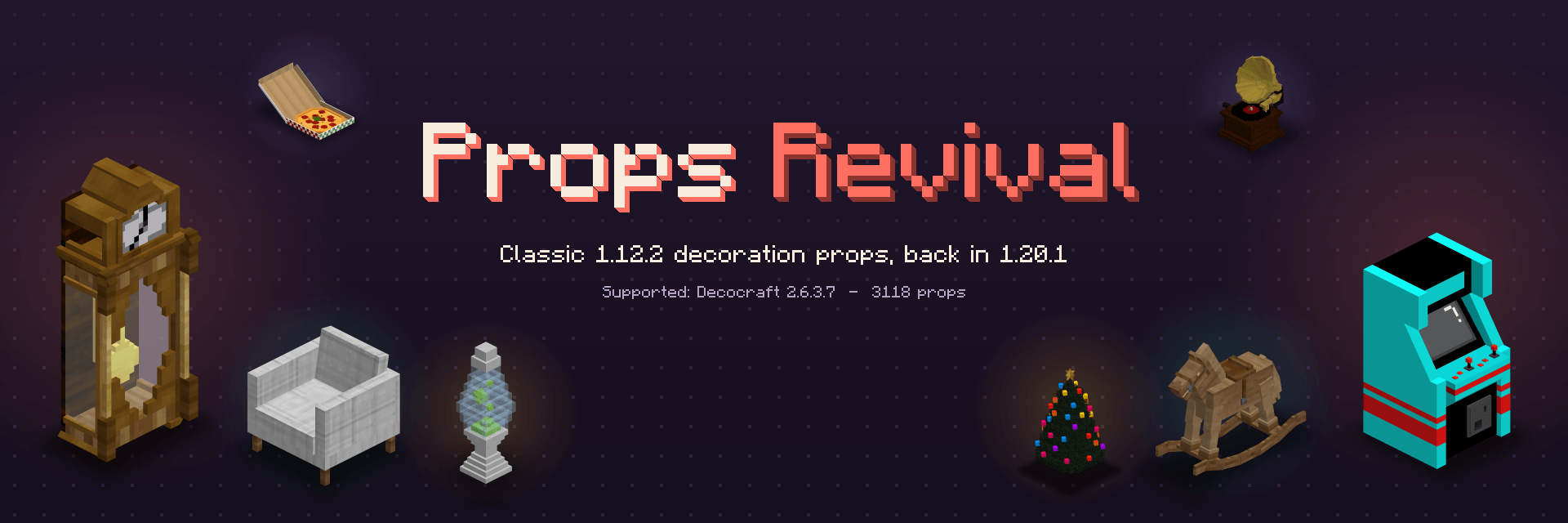
Props Revival
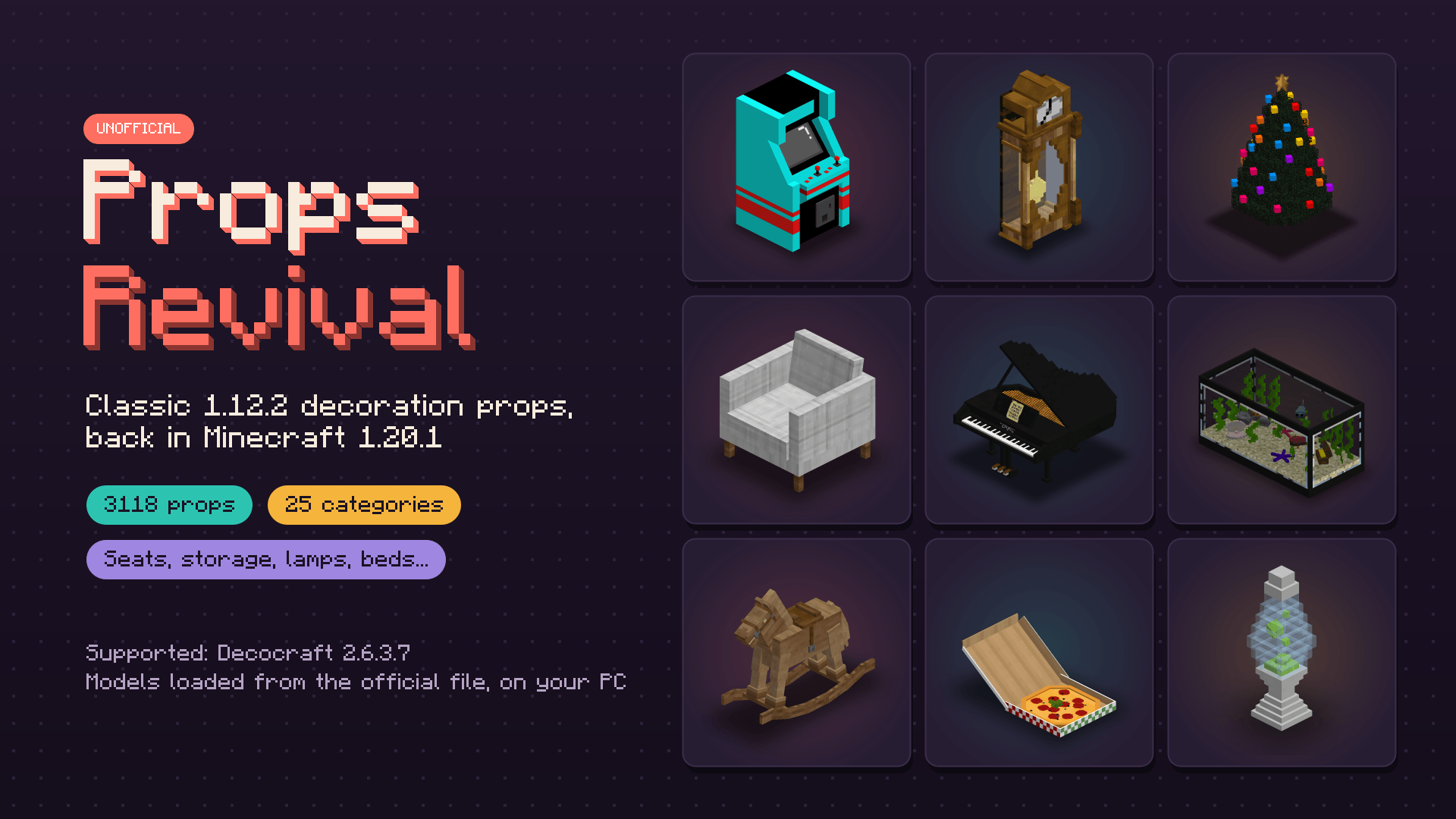
Classic 1.12.2 decoration props, back in Minecraft 1.20.1.
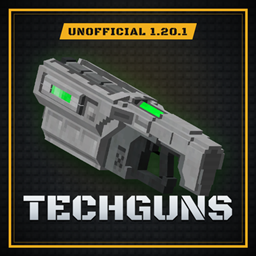
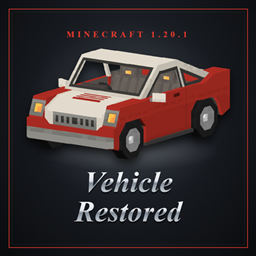
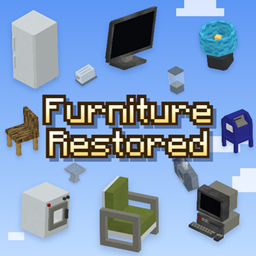
Props Revival loads the furniture and decoration models of classic Minecraft 1.12.2 mods in Forge 1.20.1, with their original look and behaviours: chairs you can sit on, storage furniture, beds, doors, lamps, faucets, phonographs, candles with particles, and much more.
Currently supported: Decocraft 2.6.3.7, with 3118 props in 25 creative tabs.
Unofficial project, not affiliated with the authors of the supported mods.
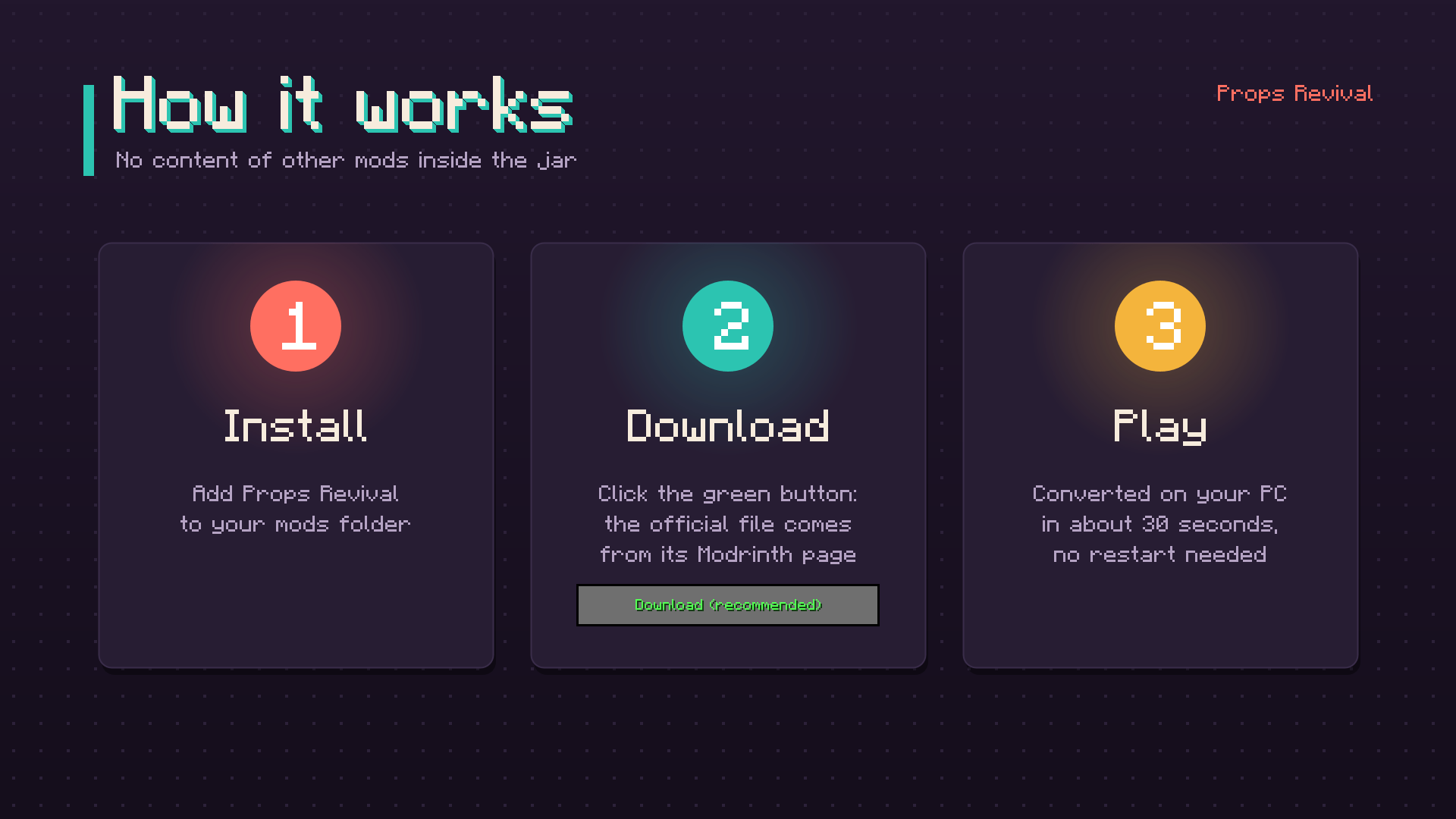
How it works
Props Revival contains no models, textures, sounds or names from other mods, only the code that reads them.
- On the first launch, a screen asks you whether to download the official file of the supported mod from its own Modrinth page. Nothing is downloaded unless you click.
- The file is checked, then converted on your computer in about 30 seconds. The game reloads its resources: no restart needed.
- You can also download the file yourself, put it in the
propsrevivalfolder of your game directory, then click "I placed the file".
The downloaded jar is never loaded as a mod: only its models, textures and sounds are read.
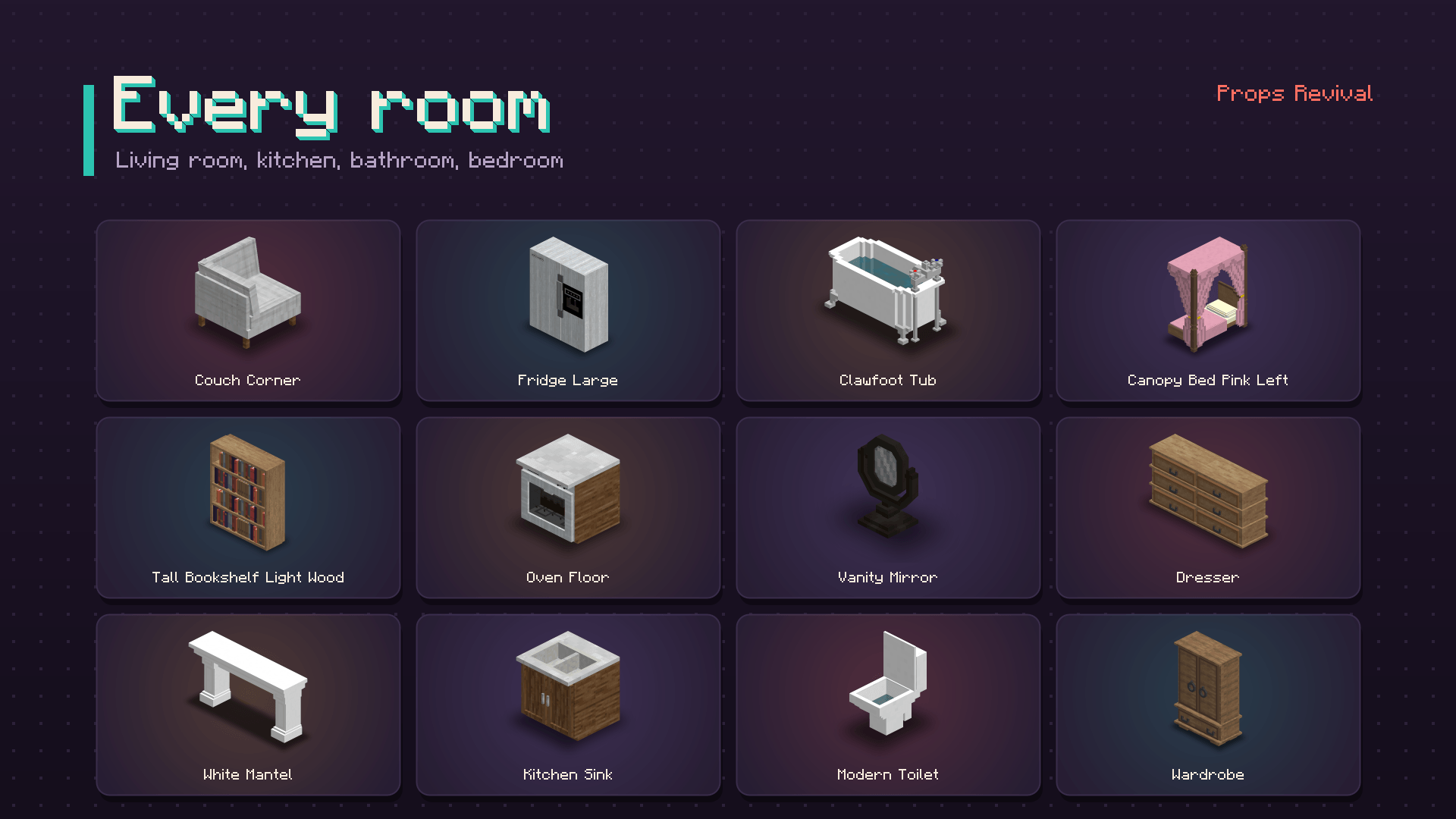
Props for every room
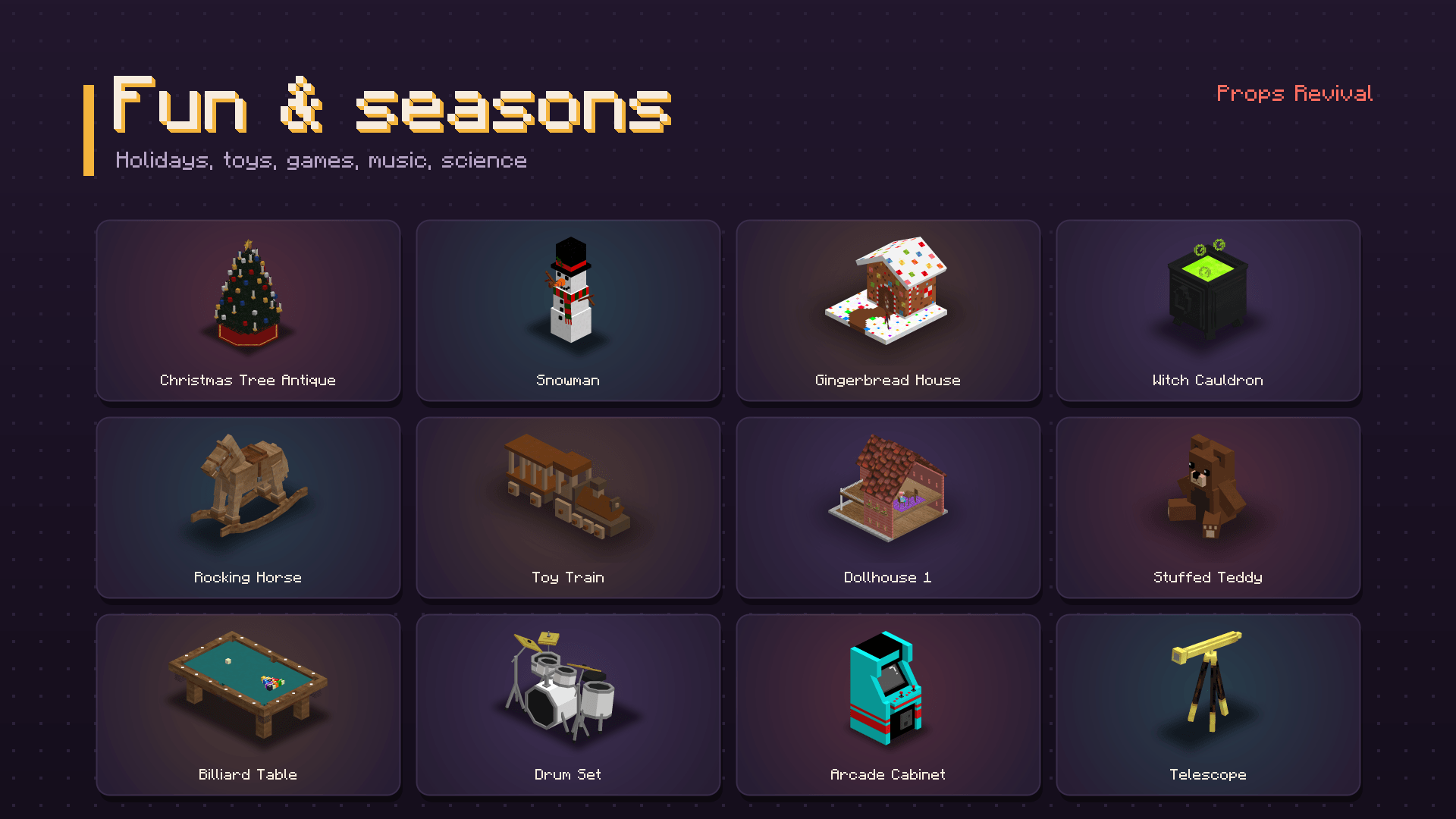
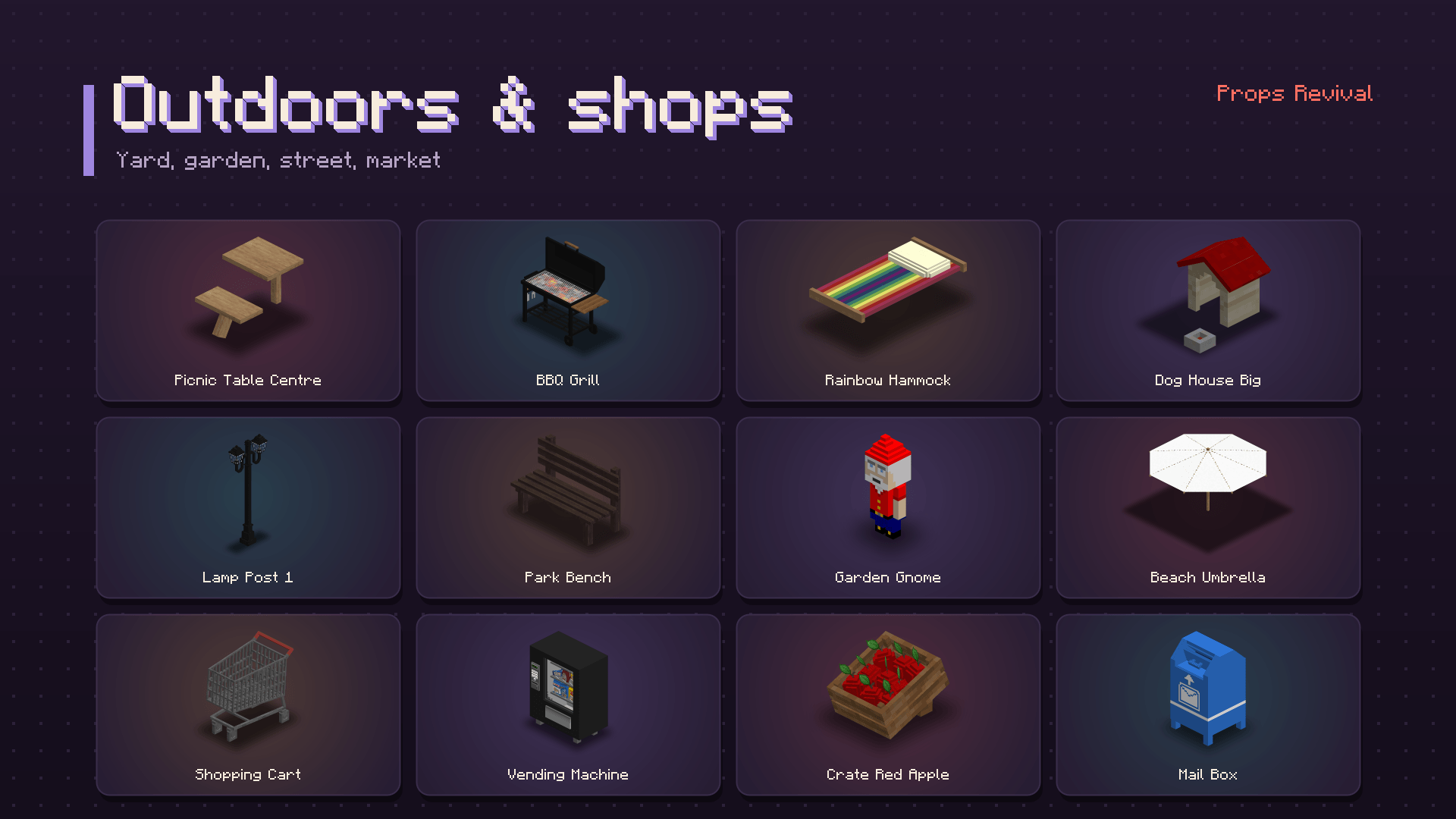
Living room, kitchen, bathroom, bedroom, office, outdoors, shops, holidays, toys, science and more, with all the color and texture variants of every model.
Props that work
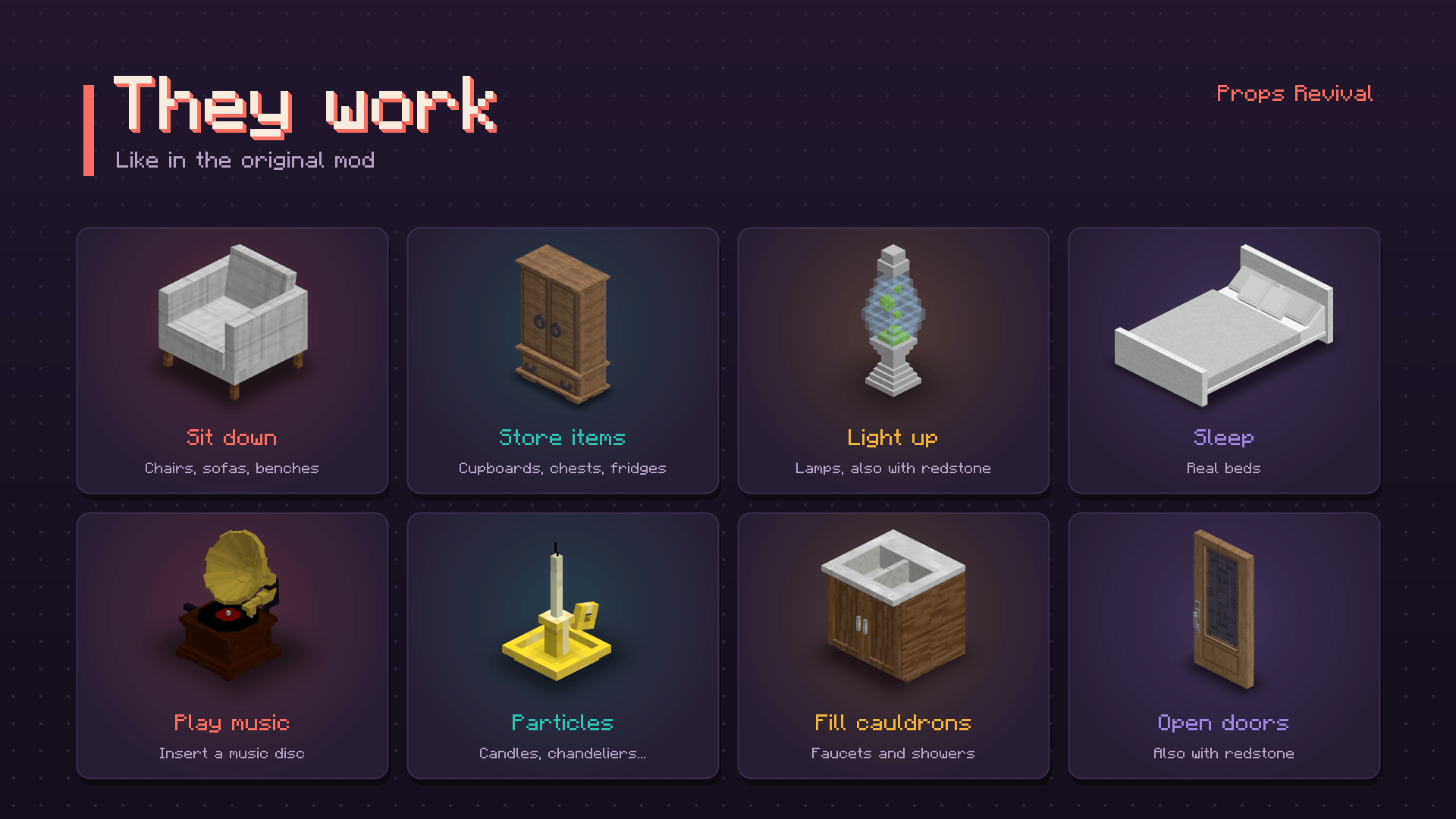
- Chairs and sofas: right click to sit on the closest seat.
- Storage: cupboards, chests, fridges and other storage props keep items.
- Beds you can sleep in.
- Doors and lamps, also controlled by redstone.
- Faucets fill the cauldron under them, shower handles turn on the shower head above.
- Phonographs play music discs.
- Particles: candles, chandeliers, chemistry sets...
- Connected props: fences and shelves adapt to their neighbours.
- Deco Wand: right click a placed prop to switch to its next color or texture (sneak for the previous one).
Placing props
- 16 rotations (22.5 degree steps) and a white/red outline showing where the prop will be placed.
- Big props take their whole space, with accurate collisions.
- Sneak to place a prop inside the space of another one, like in the original mod (for example a plate on a table).
Performance
- Props are baked into the world mesh like normal blocks: hundreds of them barely affect your FPS.
- The textures are repacked at conversion, without changing their look: they use about 3.4 times less memory than the original ones.
- Faces that can never be seen (fully transparent, or hidden inside the model) are removed.
Servers
- The mod is needed on both the server and the clients.
- A dedicated server downloads and converts the file automatically on its first start. To disable this, set
allowDownload=falseinconfig/propsrevival.propertiesand put the file in thepropsrevivalfolder yourself. - Players who join without the models installed are offered "Download and play" or "Cancel".
Not included
- The crafting systems of the original mods. Props are available in creative mode and with commands.
- Worlds made with the 1.12.2 mods can't be converted.
Credits
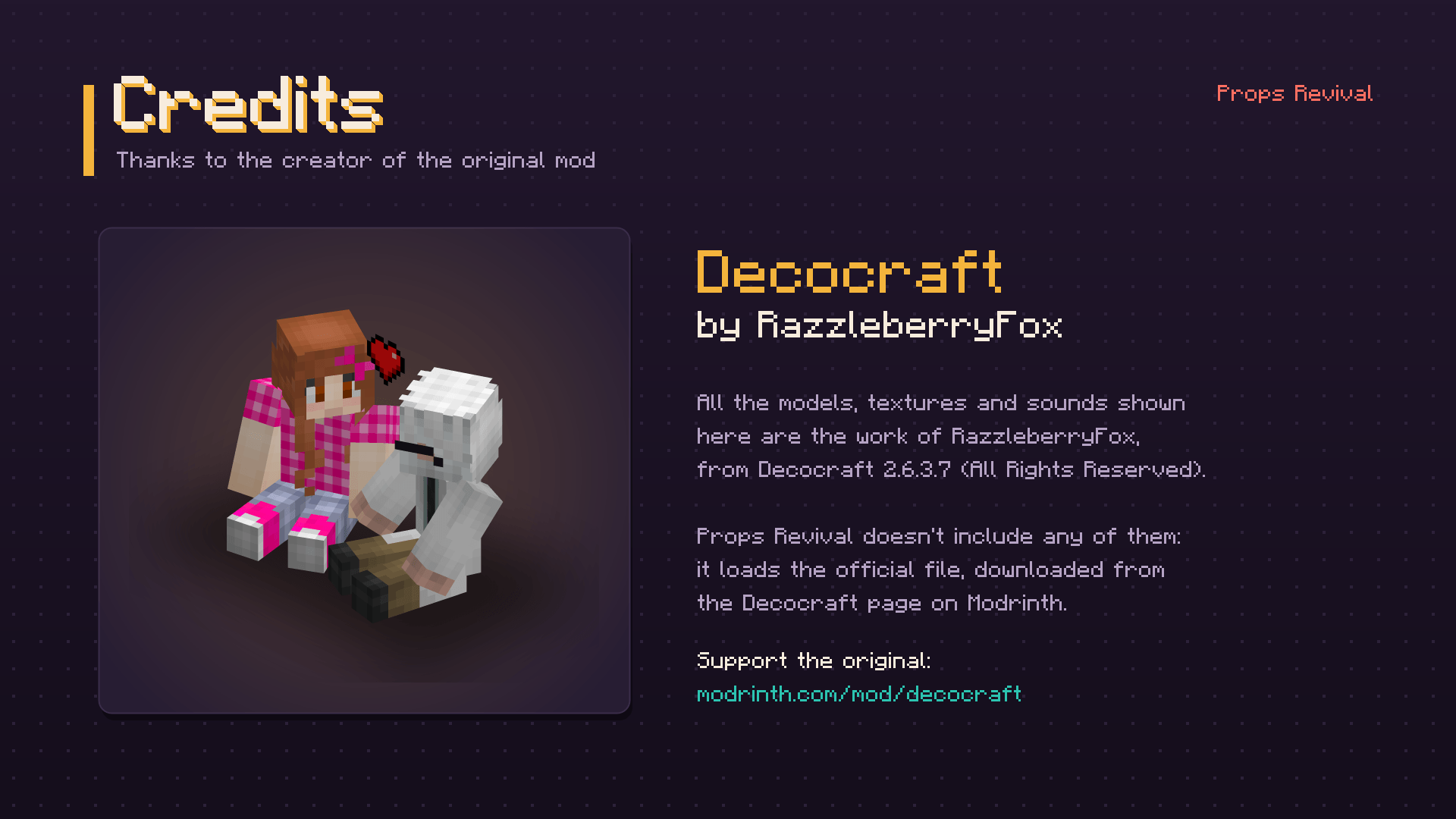
Decocraft is made by RazzleberryFox. All the models, textures and sounds shown on this page are the work of RazzleberryFox, from Decocraft 2.6.3.7 (All Rights Reserved). Props Revival doesn't include any of them: it loads the official file, downloaded from the Decocraft page on Modrinth.
Support the original mod: modrinth.com/mod/decocraft
Props revival Team