promotional bannermobile promotional banner

PrivyChat

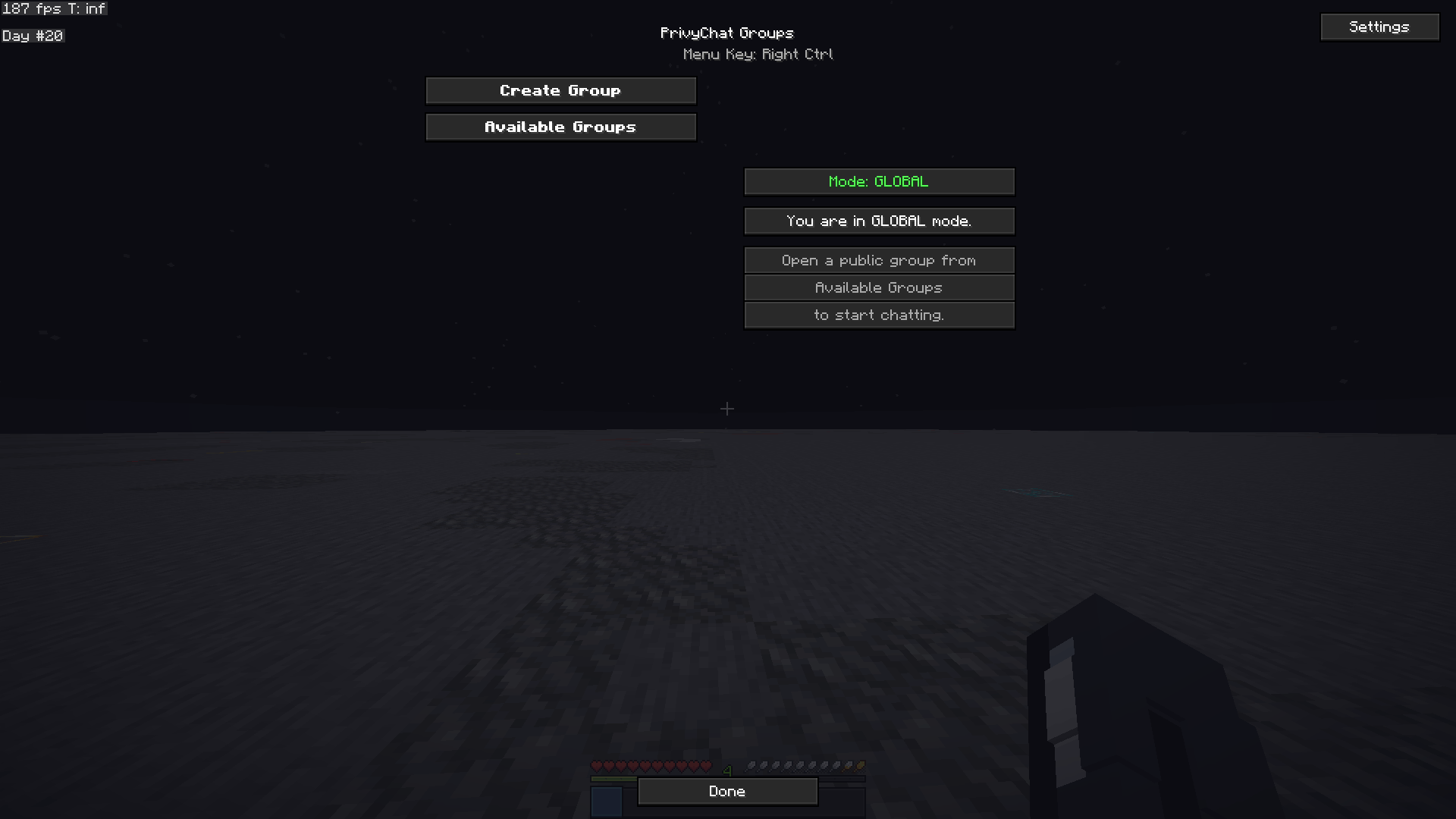
This is PrivyChat, if your chat is blocked, try this client

💬 ClientChat System — Full Specification 🌐 Overview

ClientChat is a Minecraft client-side communication system that adds a global and private messaging layer on top of the game.

It allows players using the same mod to:

communicate across servers (via external backend) create private chat groups send direct messages broadcast messages globally within a server

It does not modify or replace Minecraft server chat, but runs alongside it as a separate communication network.

All communication is handled through a WebSocket-based backend server, which connects all clients using the mod.

⚙️ Core Features 💬 Global Chat System

A shared chat layer for all users connected to the same server or network session.

👥 Private Chat Rooms

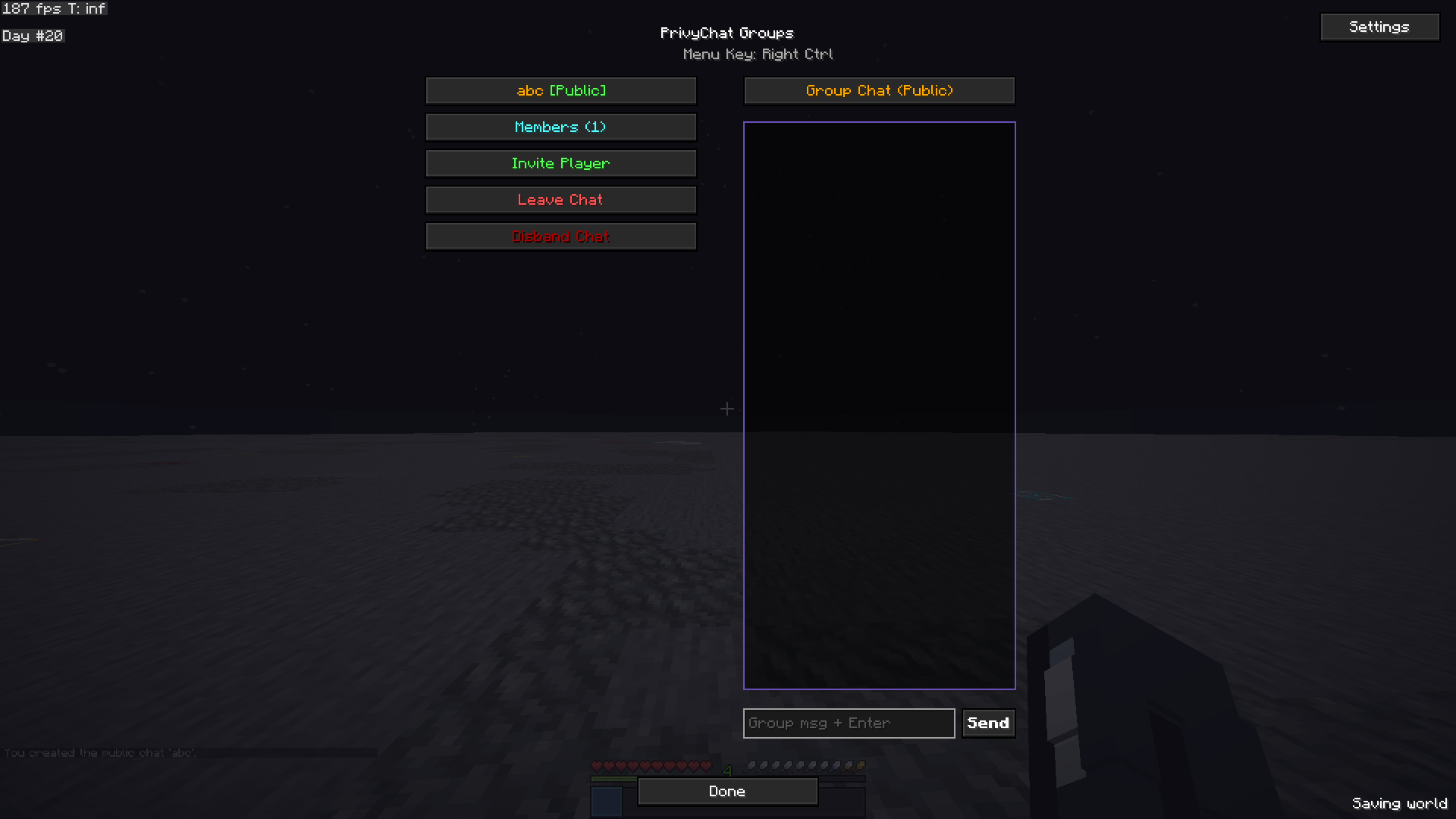
Players can create, join, and manage private chat groups.

📩 Direct Messaging

Send private messages to specific players instantly.

🌍 Cross-Server Communication

Players can communicate even while on different Minecraft servers (as long as they are connected to the backend).

🧩 Command System (/chat)

All functionality is accessed through the /chat command.

🌍 /chat <message> ➤ Global Server Chat Message

Sends a message to all players with the ClientChat mod connected to the same server session.

Behavior:

Broadcasts to all connected clients Visible in Minecraft chat with custom formatting Includes player name prefix

Example:

/chat Hello everyone!

Output:

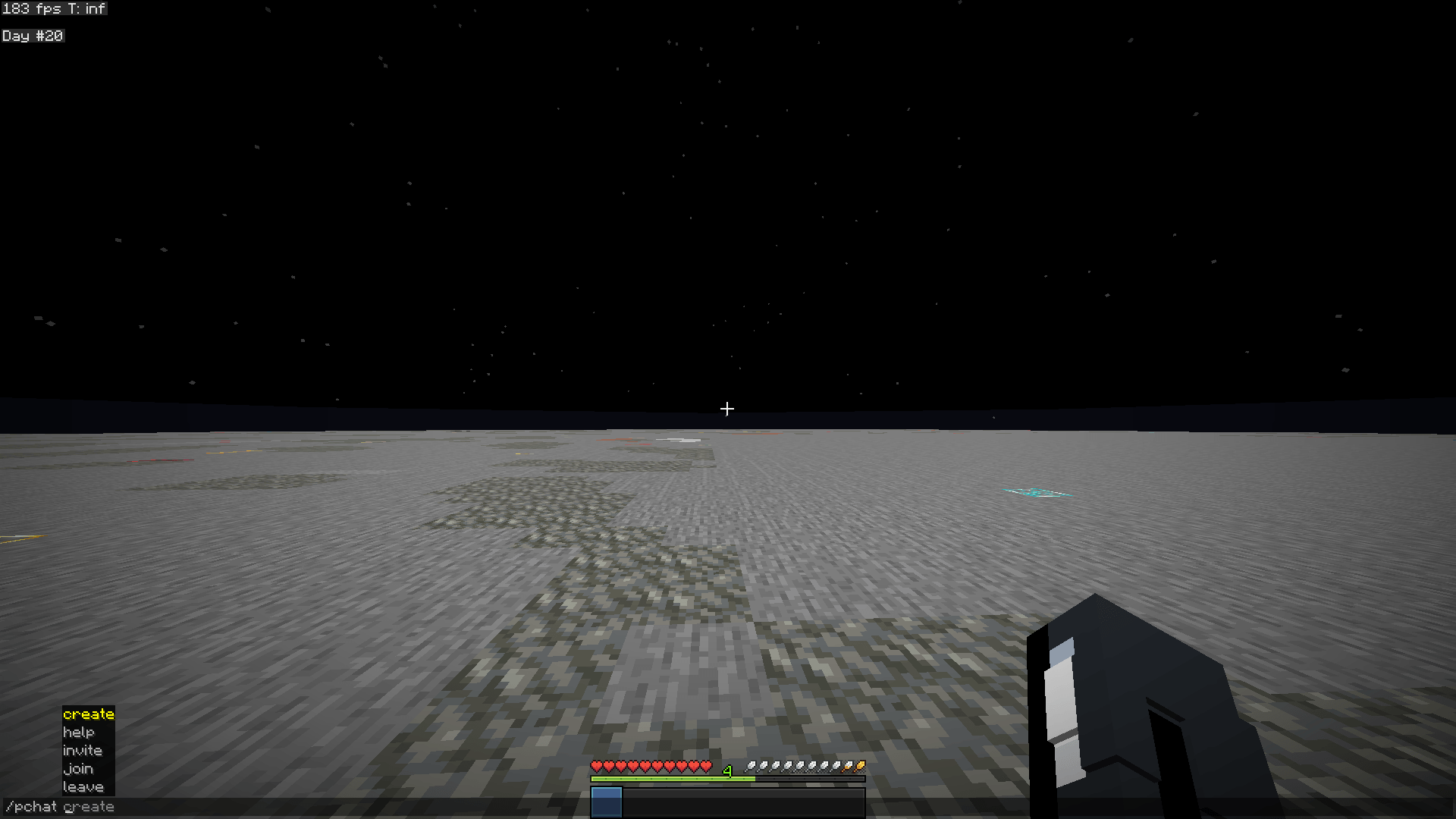
[Steve] Hello everyone! 🧠 /chat create <room_name> ➤ Create Private Chat Room

Creates a private chat room.

Behavior:

Player becomes the owner of the room Room is registered in backend server Only invited users can join

Example:

/chat create friends 📩 /chat invite <player> ➤ Invite Player to Current Room

Invites a player to the chat room you are currently in.

Behavior:

Sends invite request through backend Player receives notification Player must accept via /chat join

Example:

/chat invite Alex 🚪 /chat join <room_name> ➤ Join a Chat Room

Joins a room you have been invited to.

Behavior:

Backend verifies invitation If valid → adds player to room If not invited → error message

Example:

/chat join friends

Responses:

✅ Success: Joined room ❌ Error: You are not invited 🚪 /chat leave ➤ Leave Current Chat Room

Removes player from current active room.

Behavior:

Player stops receiving room messages Returns to global chat mode

Example:

/chat leave 🗣️ /chat tell <player> <message> ➤ Private Direct Message

Sends a private message to a specific player.

Behavior:

Works regardless of rooms Player does not need to be online in same server Message highlighted (e.g. yellow or special format)

Example:

/chat tell Alex hey, where are you?

Output (receiver):

[DM] Steve → You: hey, where are you? 🌐 /chat global <message> ➤ Force Global Broadcast

Sends a message to everyone in the current server session, even if inside a private chat room.

Behavior:

Overrides room restrictions Visible to all connected clients in that server Used for announcements or urgent messages

Example:

/chat global Server restarting in 5 minutes! 🧠 System Rules 🧩 Chat Modes

Players always exist in one of these states:

🌍 Global mode 👥 Room mode 🚪 None (default fallback) 🔐 Permissions Logic Rooms require invitation to join Only room members receive room messages Direct messages bypass all restrictions Global messages are always public 📡 Message Flow Player types /chat command Client mod intercepts command Message converted into JSON packet Sent to WebSocket server Server processes logic (rooms, invites, routing) Server broadcasts to correct clients Clients display message in Minecraft chat UI 🌐 Backend Requirement

The system requires a lightweight server:

WebSocket-based (recommended) Handles: connected players rooms invitations message routing

Without this backend, communication cannot work between different players.

🎨 Chat Presentation (Client Side)

Messages can be styled as:

🌍 Global: white text + player prefix 👥 Room: colored room tag 📩 DM: yellow highlight 🚨 Global override: red or bold

Example:

[GLOBAL] Steve: Hello! [FRIENDS] Alex: yo [DM] Steve → Alex: hi 🚀 Concept Summary

ClientChat is a Minecraft social communication layer that:

works client-side connects players via external server adds global chat, rooms, and DMs behaves like a lightweight Discord inside Minecraft

The PrivyChat Team

profile avatar
  • 1
    Projects
  • 21
    Downloads