Screenshot 2026-08-14 105242.png
Screenshot 2026-08-14 090434.png
Description
Privacy
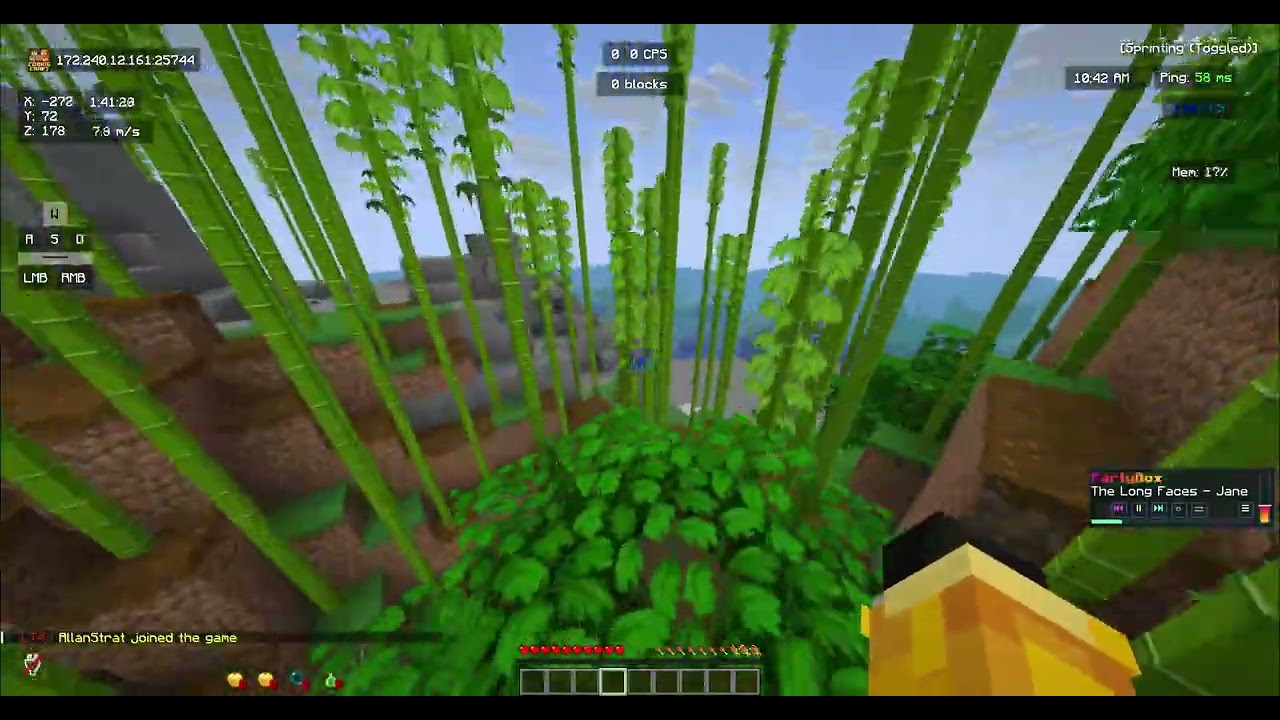
Ever wanted some privacy?, this mod lets you keep your privacy from servers!
How to Use
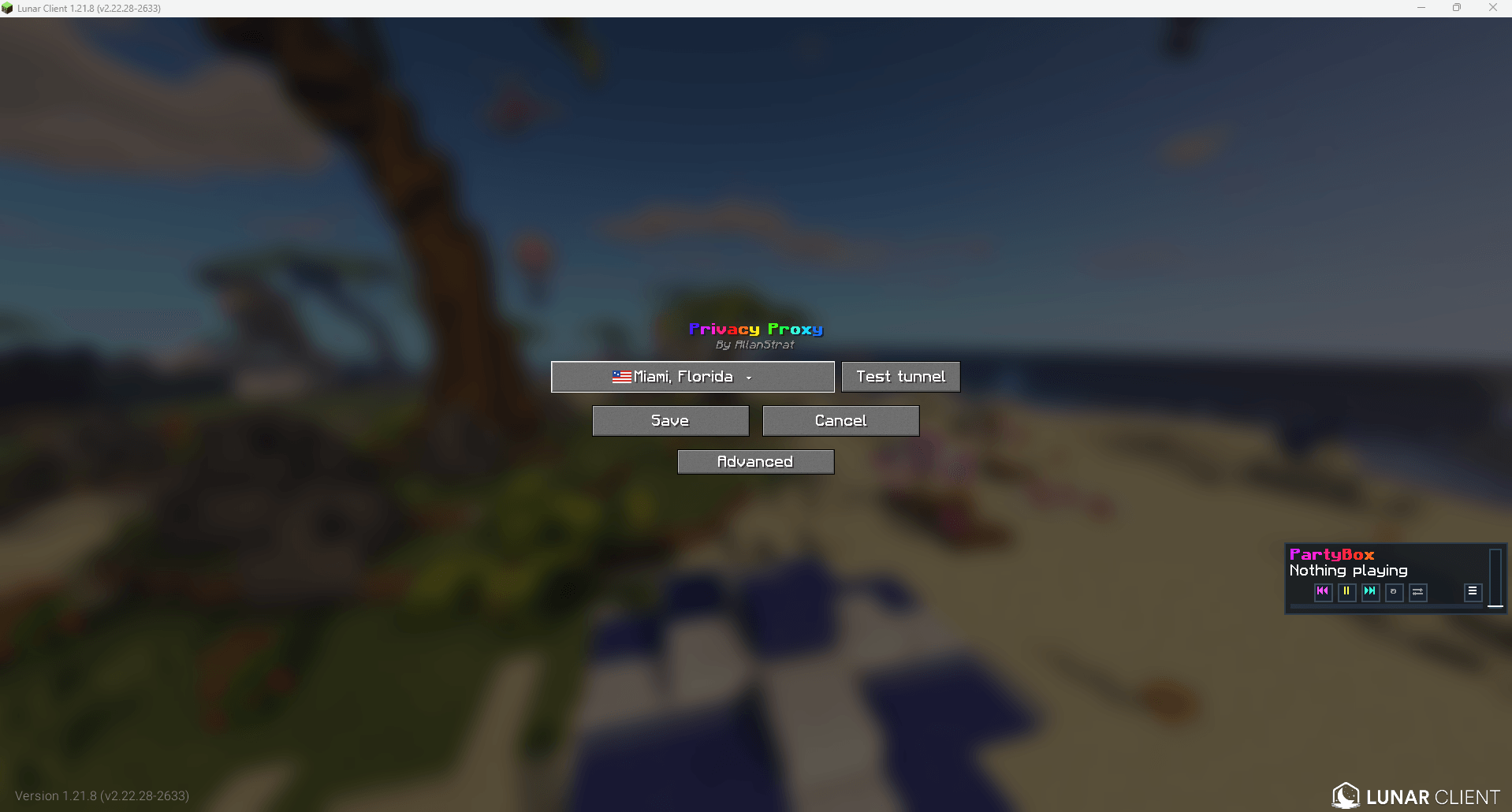
- Open Minecraft’s Multiplayer screen.
- Click the Privacy button in the upper-right corner.
- Select the proxy location from the list.
- Select Test Tunnel to verify the connection.
- Save your settings.
Privacy Team