Portals: Relinked+
- By
A vanilla-like Minecraft mod that lets you decorate portals with banners, applying their colors and patterns while creating custom links within and between dimensions.
relinkedplus.png
Portals.png
2026-08-31_00.14.22.png
xpudeb | Portals: Relinked plus
Create your game server with 

Description
Portals: Relinked+
Portals: Relinked+ is a vanilla-like mod that lets you personalize Nether portals with Minecraft banners and create reliable custom connections within and between dimensions.
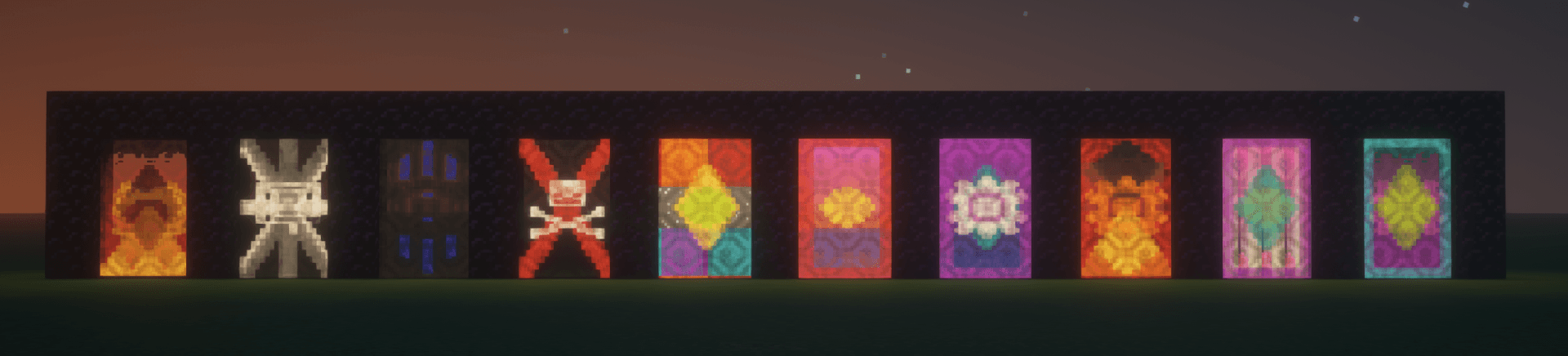
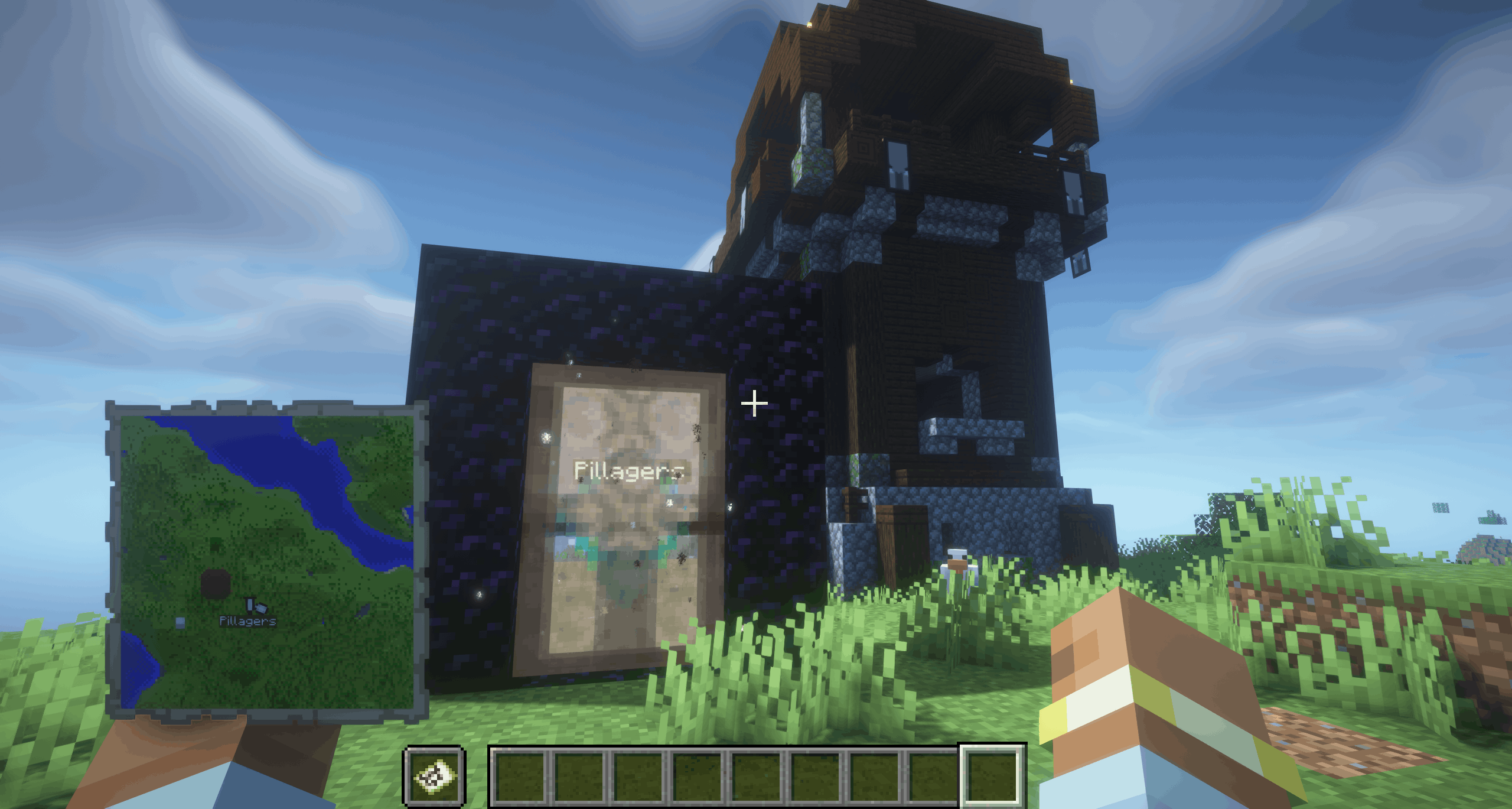
Build and light Nether portals as usual. Then use a banner on an active portal: its base color and every pattern layer are transferred onto the portal itself. The banner is not placed in the portal — its design becomes part of the portal surface.
How It Works
- Create and light a regular Nether portal.
- Use a Minecraft banner on the active portal.
- The portal adopts the banner’s colors and pattern.
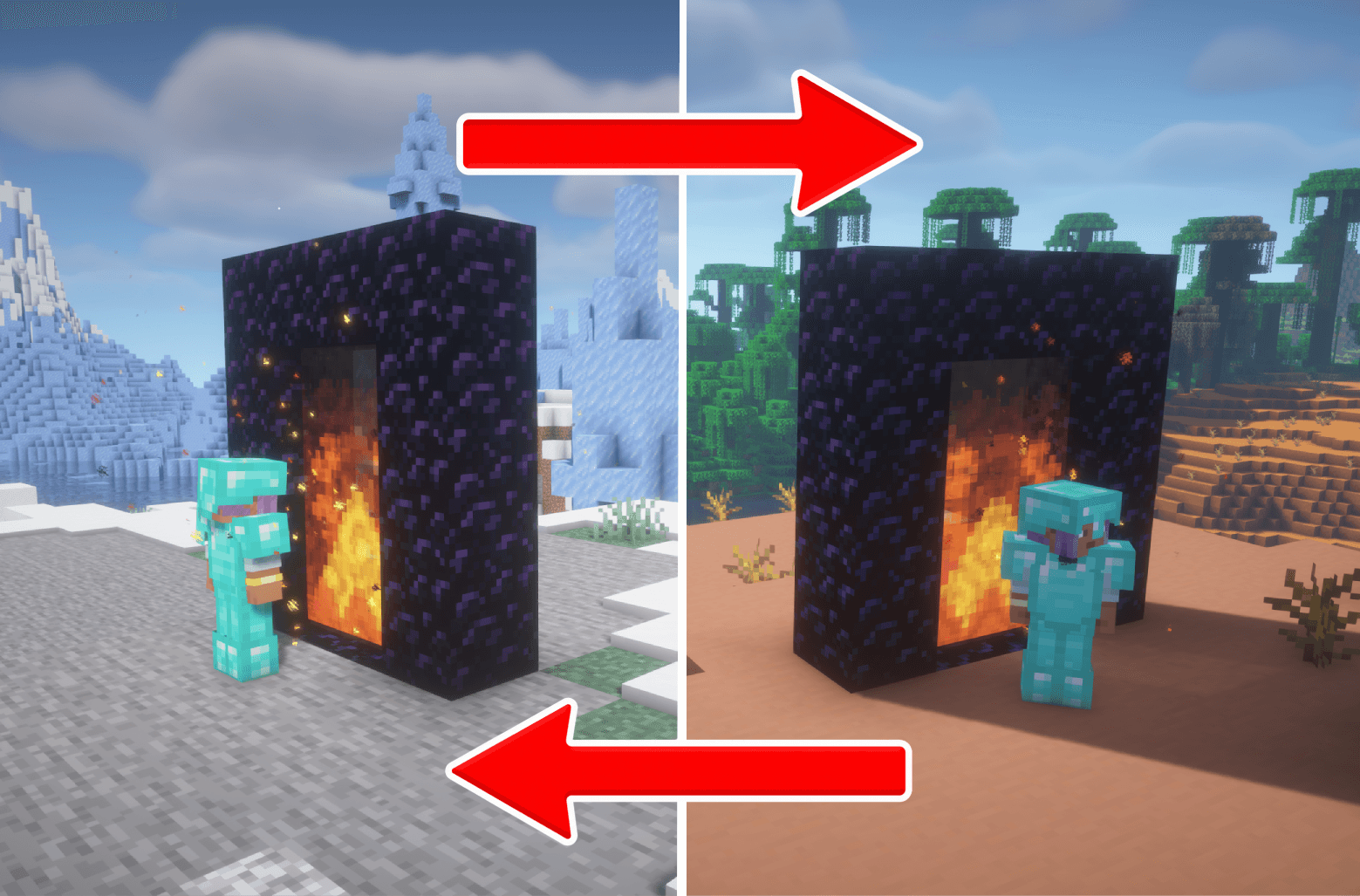
- Apply the same banner design to another portal to create a linked pair.
- Travel through either portal to reach its matching partner, whether it is in the same dimension or another one.
The complete banner design is used for linking: base color, pattern layers, their order, and an optional custom name all matter. This means that banners with the same colors but different patterns create different links.
Named Portals
Before applying a banner, you can rename it in an anvil.
- The portal receives the banner’s name, which appears when you approach it.
- A named banner and an otherwise identical unnamed banner create separate portal links.
- Two banners with the same design but different names also create separate links.
- Right-click a named portal while holding a filled map to add that portal to the map, similar to a banner marker.
Named portals are especially useful for marking bases, mines, villages, farms, travel hubs, and other destinations.
Important Rules
- A custom link requires two portals with matching banner data.
- The banner pattern is visual only in the world, but it is also part of the link identity.
- To remove a custom link and restore normal vanilla Nether portal behavior, use purple dye on the portal. The original banner is returned to you.
Portals: Relinked+ Team