Description
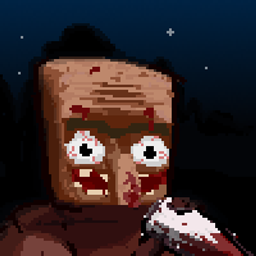
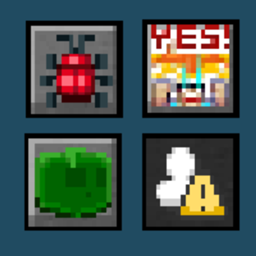
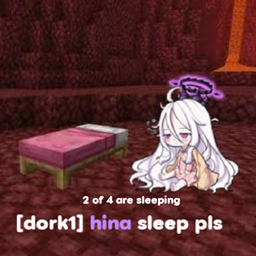
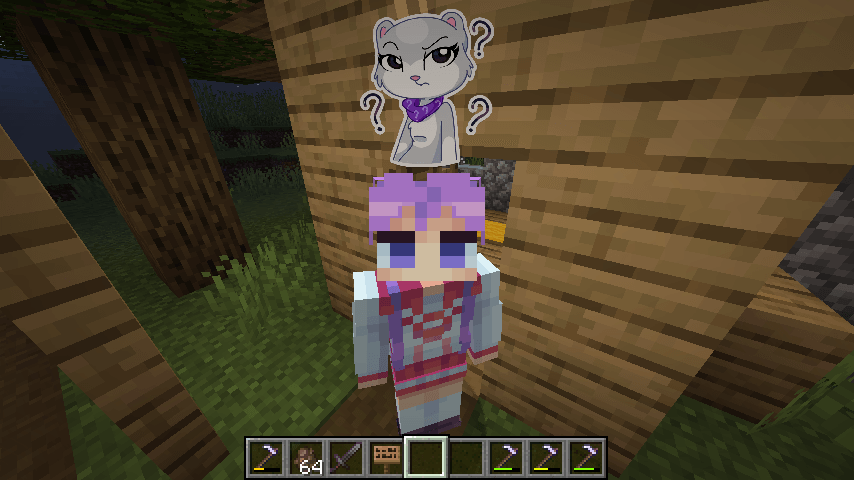
This mod allows you to customize and display pop-up emotes above your character's head
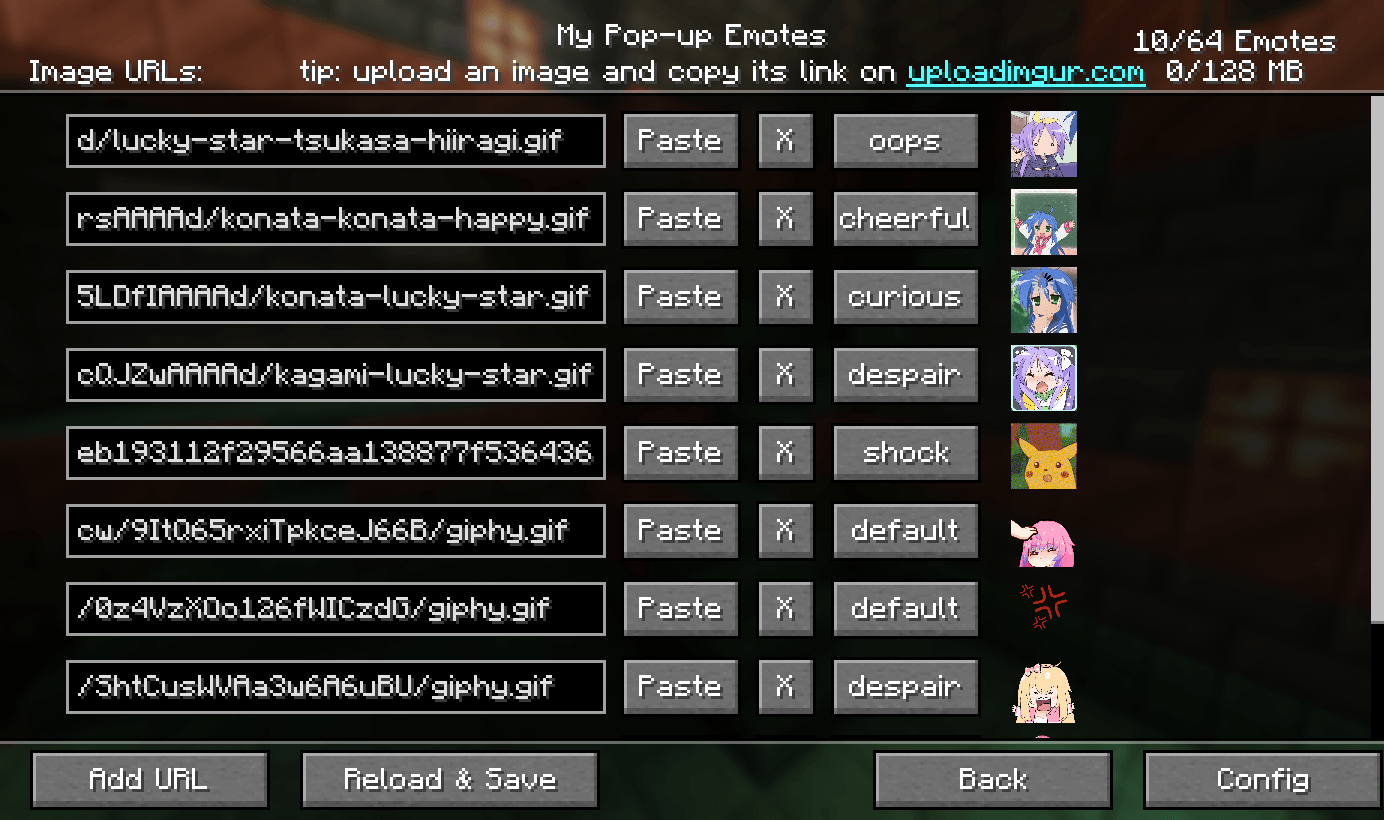
Custom emotes
- Can be added by entering image URLs in the My Emotes screen, accessible through a button on the title screen
- Supported formats are .png, .gif and .jpeg.
- There are several selectable sounds for each emote
Usage
- Open the emote menu by holding the V key
- Move the cursor to the desired emote and release the button
- To change pages, click either the right or left side of the screen
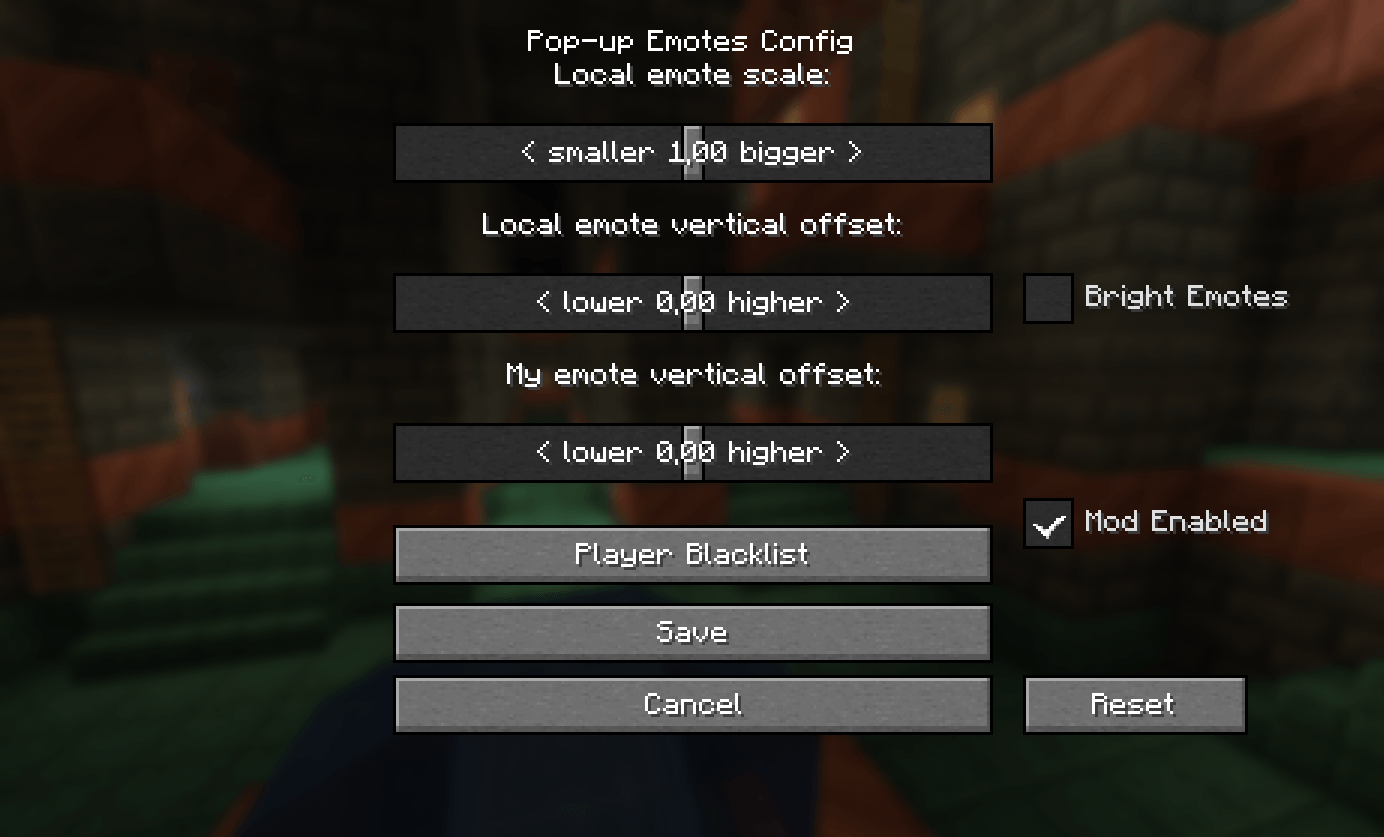
Mods > Pop-up Emotes > Config
- Configure scale and brightness of emotes
- Set personal emote height. Helps when you play with custom player model mods like Yes Steve Model
- Access player blacklist
- If you are using a texture pack to replace default emotes that has fewer emotes than the default emount, you can hide what's left by specifying resourcePackEmoteAmount in the client config file
Server
- Server-side blacklist can be managed via the /popupemotes serverblacklist add/remove/clear/show command. It requires permission level 3 (configurable) or the pop_up_emotes.moderator permission.
Also check out Pop-up Emotes Online Addon

Pop-up Emotes Team
Owner