Pocket World: Void Realms
- By
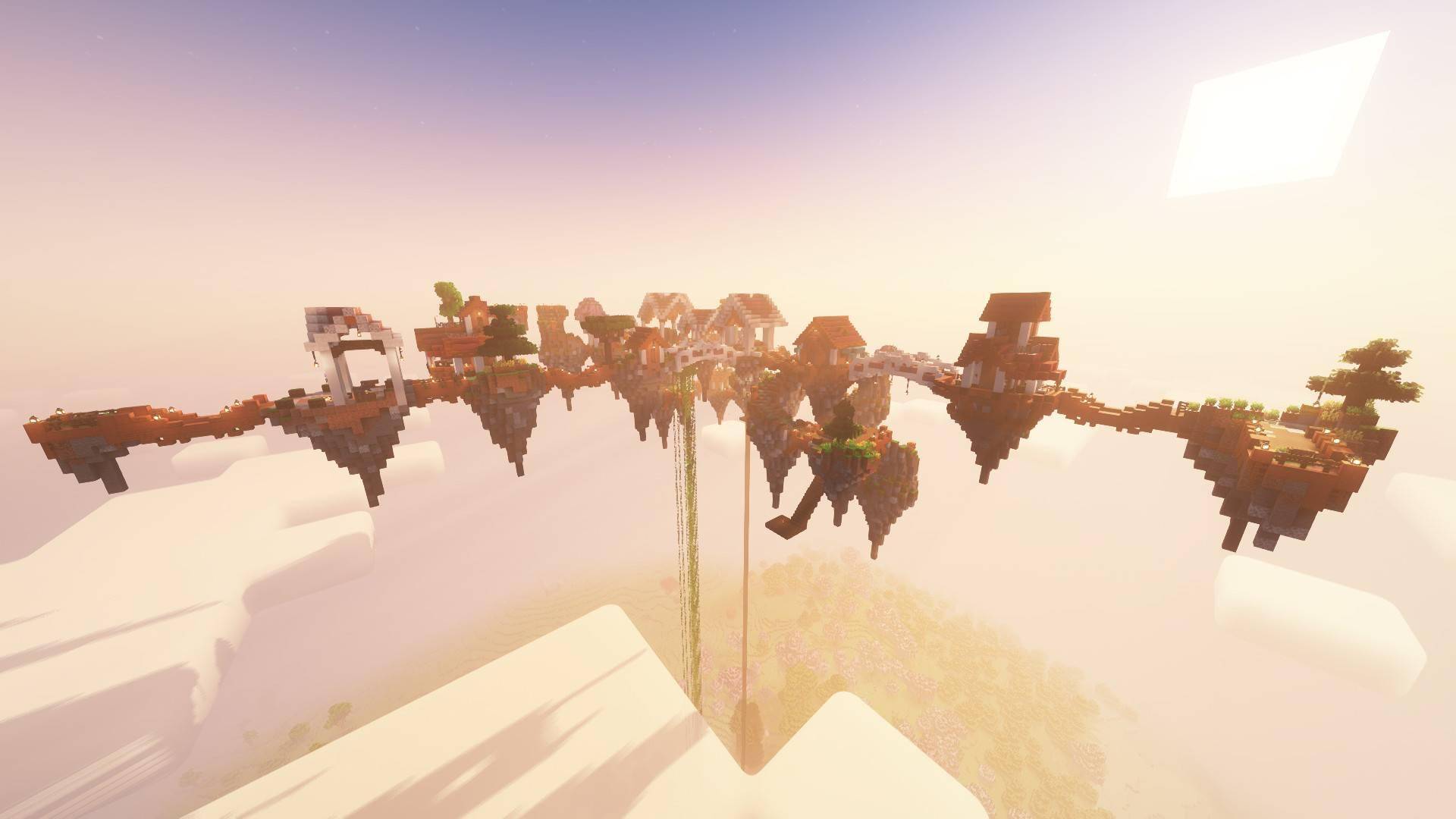
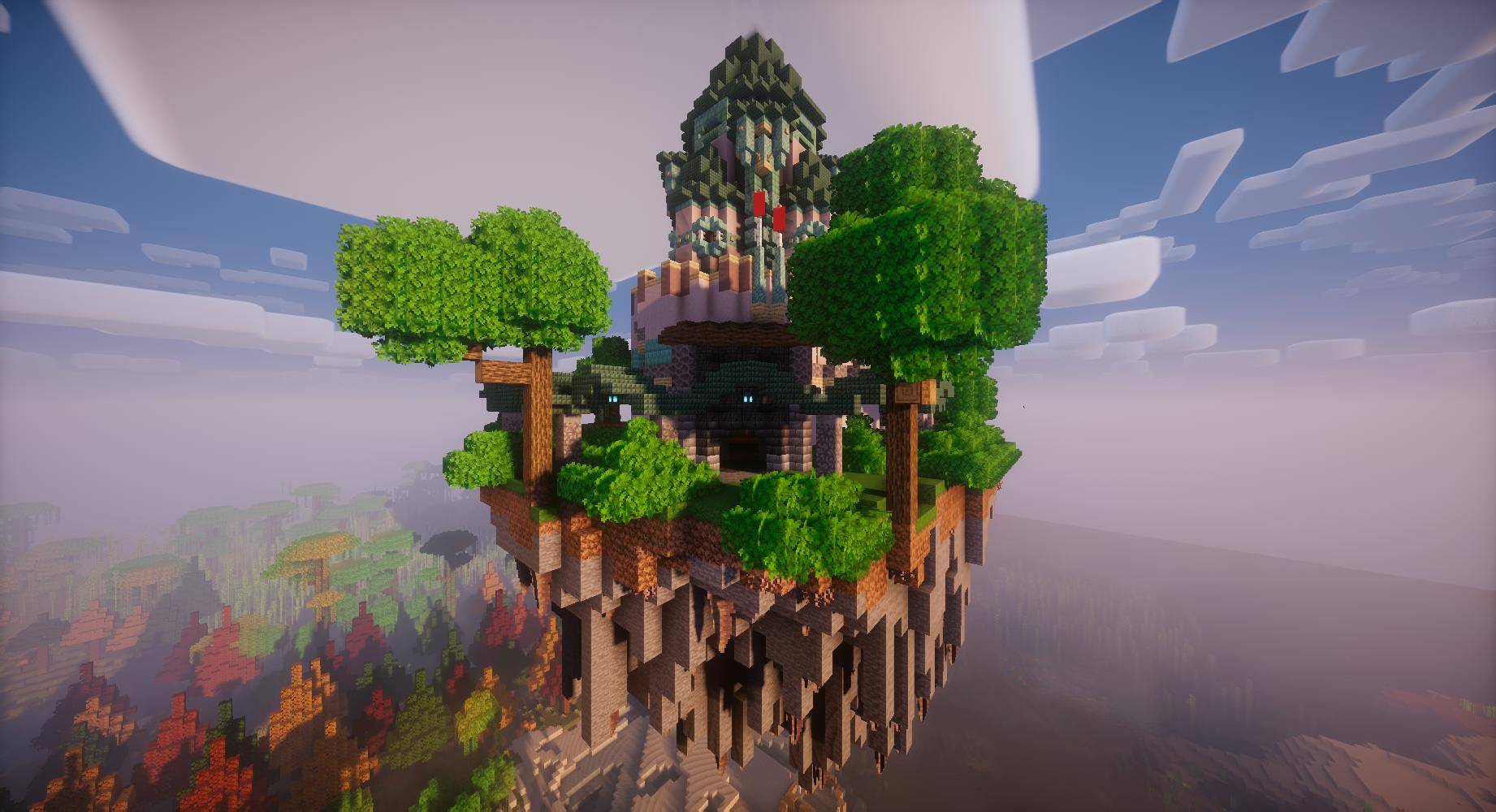
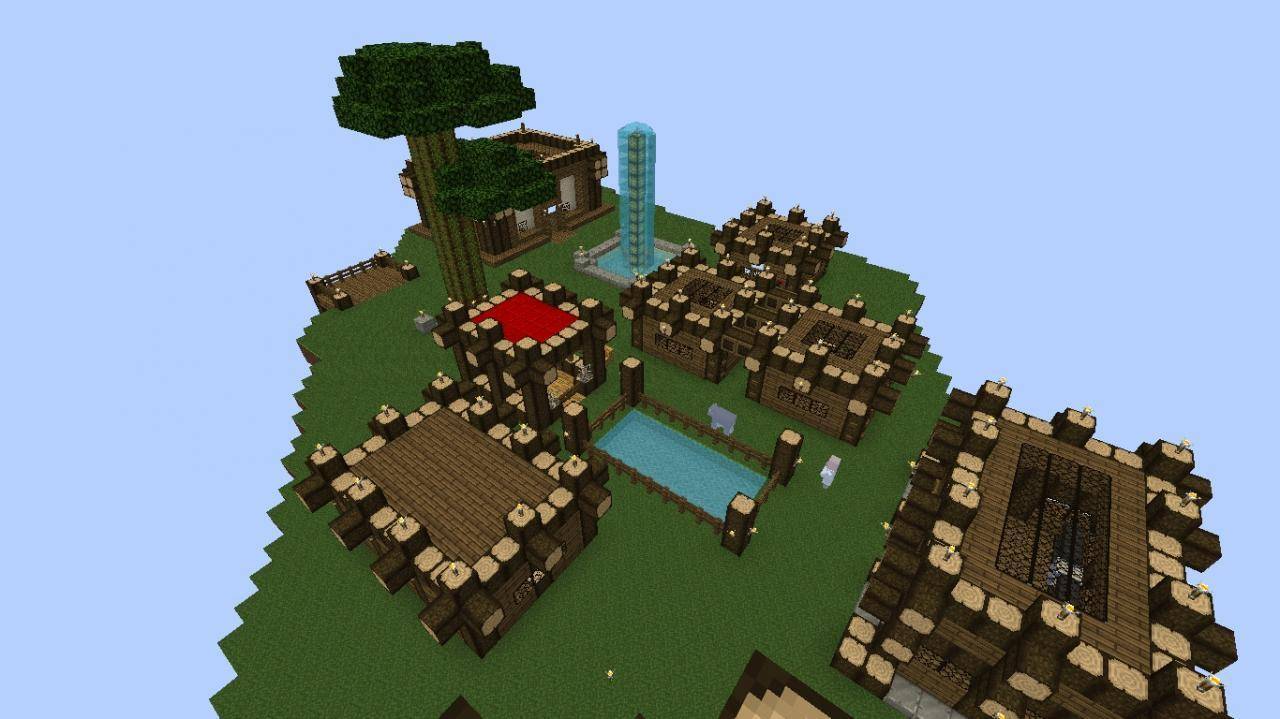
Create your own Minecraft Void Realm! Build floating islands, transfer structures, connect bridges, manage NPC shops, complete RPG quests, and trade with other players.
pw4.jpg
pw3.jpg
pw1.jpg
pw2.jpg
Description
Pocket World – Your Own Void Realm
Build Your World. Shape Your Islands. Create Your Economy.
Imagine having your own world inside Minecraft.
Pocket World is a Minecraft world-building, floating island, and multiplayer RPG mod that gives every player an independent Void Realm to build, customize, and manage.
Create your own floating island world, move existing structures from the Overworld, connect islands with bridges, purchase new territories, manage NPC shops, complete quests, and build an economy.
Whether you enjoy Skyblock-style island building, survival progression, exploration, or multiplayer adventures, Pocket World offers a new way to experience Minecraft.
KEY FEATURES
1. Your Own Personal Void Realm
Every player receives an independent Void Realm.
-
Build and customize your own floating world.
-
Each Realm has its own time and weather.
-
Individual world borders help define each player's territory.
-
Invite friends to explore and visit your Realm.
-
Configure visitor permissions.
-
Empty Realms automatically unload to reduce unnecessary server simulation.
Your Realm is your own space. Build it your way.
2. Two Starting Options – Classic or Pocket Wand
Choose how you want to begin your adventure.
Classic Mode
-
Start with a classic island survival experience.
-
Receive a tree and starter chest.
-
Build your Realm from the ground up.
Pocket Wand Mode
-
Select an existing area from the Overworld.
-
Transfer your selected structures into your personal Void Realm.
-
Preserve supported block entities and their stored data.
-
Transfer operations include recovery protection.
Bring your existing creations into your new world instead of starting from scratch.
3. Strategy Camera – Design Your Floating World
Use the Strategy Camera to arrange and manage your islands.
Press G to enter Strategy Camera mode.
-
View your Realm from above.
-
Select and preview islands.
-
Move islands without manually rebuilding them.
-
Rotate islands.
-
Adjust island height.
-
Arrange your floating world and plan its layout.
-
Cancel placement operations whenever needed.
Take control of your world layout with an island-building interface.
4. Build Bridges Across the Void
Connect your floating islands and create your own routes.
-
Draw bridges between islands.
-
Connect islands at different heights.
-
Automatically generate stairs and slopes.
-
Create custom paths throughout your Realm.
-
Bridge structures are protected against explosions and ordinary breaking.
Build your own connected island civilization.
5. Island Catalog and Expansion
Expand your personal Void Realm with different island types.
Explore the Island Catalog and purchase additional islands, including:
-
Forest Island – A place for trees, wood, and forestry.
-
Mine Island – A dedicated area for mining and resources.
-
Magic Island – A magical area for enchanting and exploration.
-
Build Islands – Additional space for your own constructions.
Purchase islands using the in-game economy and arrange them through Strategy Camera.
Island prices and placement limits can be configured.
6. Living NPC Economy
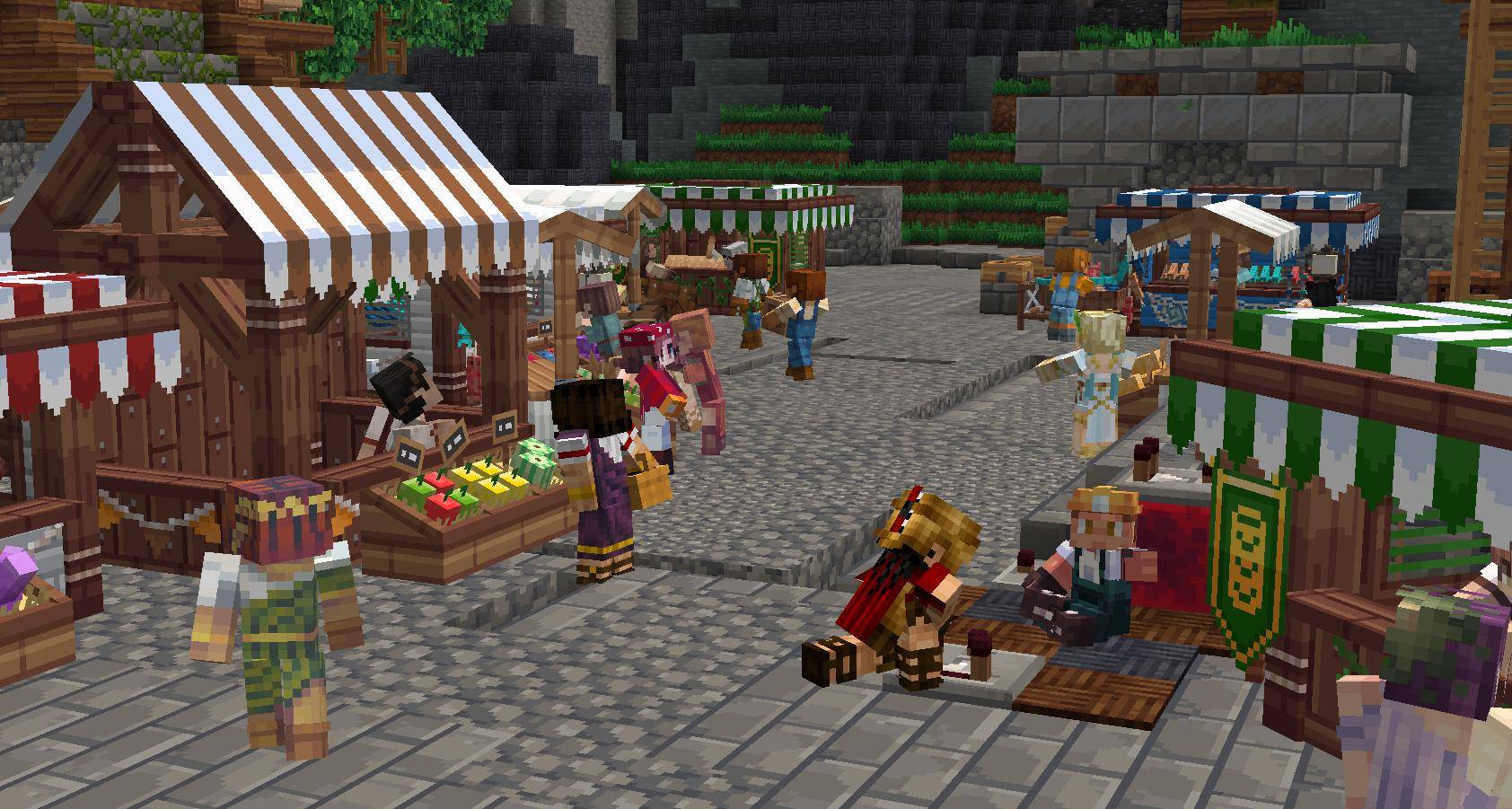
Discover a marketplace populated by 12 custom NPCs.
Each NPC has their own role and individual shop.
-
Buy and sell items.
-
Explore different shop inventories.
-
NPC prices react to stock and demand.
-
Shop offers rotate every three in-game days.
-
Dynamic buy-back prices create a changing economy.
-
Discover magical items and enchanted books from Selene.
The marketplace is designed to feel like a living part of your Minecraft world.
7. Global Player Market
Build an economy with other players.
-
Create item listings.
-
Buy and sell items through the Global Market.
-
Use secure escrow-based transactions.
-
Expired listings return to your mailbox.
-
Singleplayer worlds also support virtual market listings.
Trade resources and useful items while building your own economy.
Press M to open the Global Market.
8. Quests and RPG Progression
Give your adventure a purpose with a dedicated quest system.
Available quest categories include:
-
Main Story Quests
-
Daily Quests
-
Weekly Quests
-
Exploration Quests
-
Event Quests
Complete missions, earn experience, increase your Player Level, and track your progress through the Quest Journal.
The quest system is data-driven and supports custom quest definitions through datapacks.
Press J to open your Quest Journal.
9. Multiplayer and Social Features
Pocket World supports both Singleplayer and Multiplayer gameplay.
Social features include:
-
Friend management.
-
Blocked player management.
-
Realm invitations.
-
Global messaging.
-
Realm messaging.
-
Private messaging.
-
Secure player-to-player trading.
-
Online and offline visitor permissions.
-
Realm-specific PvP settings.
Invite friends into your Realm and build your own adventure together.
10. MMO-Style HUD
Keep track of your character and progress with an RPG-inspired interface.
The HUD includes:
-
Player scoreboard.
-
Currency and progression information.
-
Active quest tracking.
-
Customizable interface display modes.
Choose between:
-
Full
-
Compact
-
Minimal
-
Hidden
Adjust the interface to suit your preferred gameplay experience.
11. Survival and Protection Systems
Your Realm includes dedicated protection systems.
-
Protected death drops.
-
Safe zones.
-
Protected marketplace areas.
-
Realm-specific permissions.
-
Visitor access controls.
-
Protected trading operations.
-
Protected structure transfer operations.
Configure how other players interact with your world.
GETTING STARTED
-
Install Minecraft 1.20.1 with Forge.
-
Download the Pocket World JAR file.
-
Place the file inside your Minecraft
modsfolder. -
Launch Minecraft and create a new world.
-
Choose Classic or Pocket Wand starting mode.
-
Enter your personal Void Realm.
-
Press G to open Strategy Camera.
-
Use B to build bridges.
-
Visit Cassian to purchase islands or Rowan for guidance.
-
Press J to access quests and M to open the Global Market.
CONTROLS
| Key | Action |
|---|---|
| G | Strategy Camera |
| V | Select Island |
| R | Rotate Island |
| Page Up / Down | Adjust Height |
| C | Cancel Camera Action |
| B | Build Bridge |
| X | Remove Bridge |
| K | Island Catalog |
| I | My Islands |
| M | Global Market |
| J | Quest Journal |
| H | HUD Settings |
| U | Friends |
COMPATIBILITY
-
Minecraft: 1.20.1
-
Mod Loader: Minecraft Forge
-
Forge: 47.2.0 or newer (47.x)
-
Java: 17 or newer
-
Environment: Client & Server
-
Dependencies: None
-
Fabric: Not supported
-
NeoForge: Not supported
Important Compatibility Notes
-
Some third-party block entities containing absolute coordinates may require dedicated transfer adapters.
-
Mods that cache server dimension lists may have compatibility limitations with runtime dimension management.
-
Some HUD and GUI visual elements are still being verified.
ABOUT
Pocket World is developed by RichPlayStudio.
Our goal is to bring together floating island building, world customization, RPG progression, NPC economies, and multiplayer interaction in one Minecraft mod.
Build your own world. Expand your territory. Create your own economy.
Welcome to your Pocket World.
Pocket World: Void Realms Team