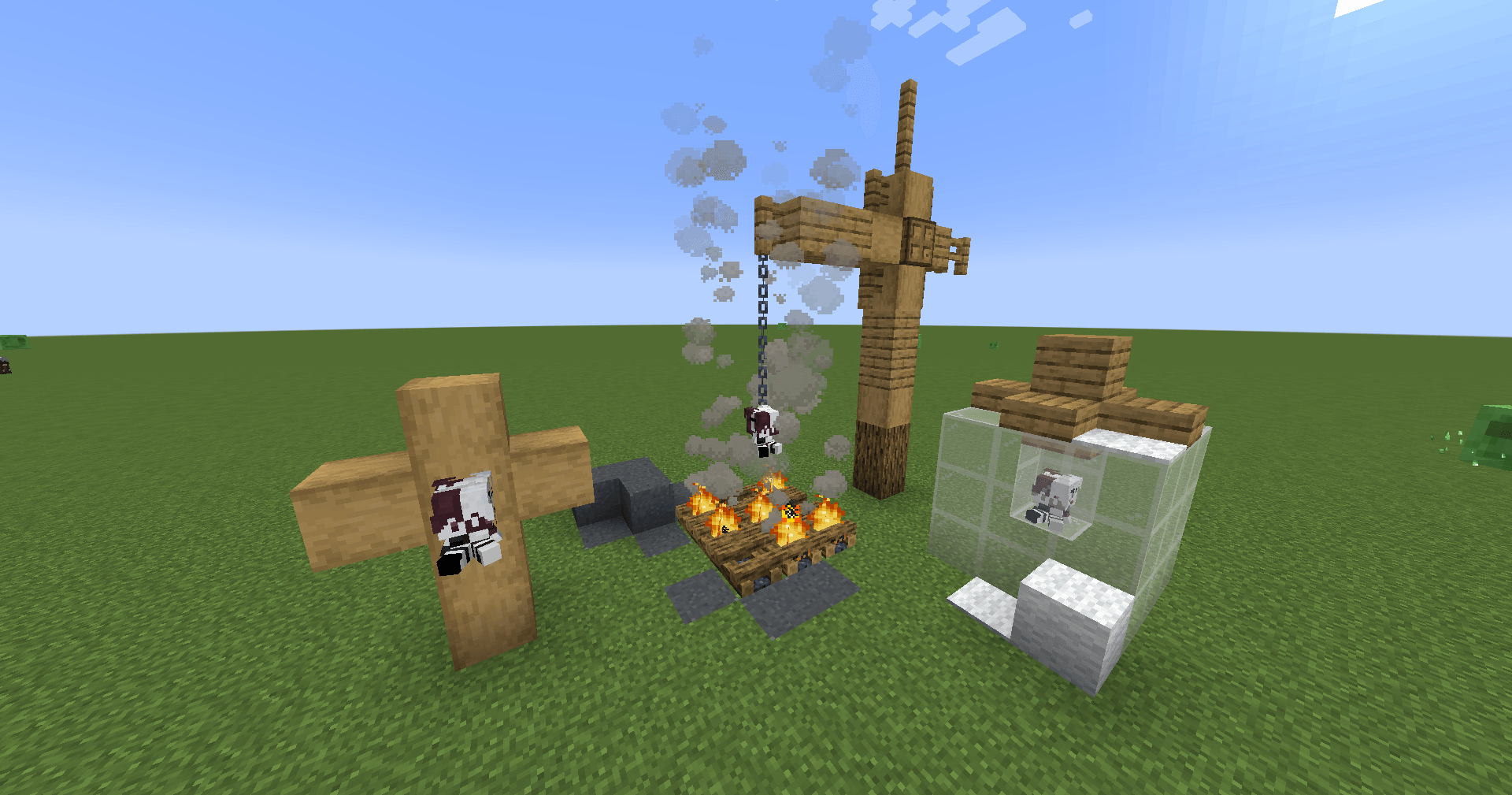
A plushie added using the mod.
Description


\*\*DISCONTINUED\*\*
Overview
The Plushie Blocks Mod allows users to create custom plushie blocks with their own textures, sounds, and descriptions. Personalize your Minecraft world with unique plushies by simply adding a texture file and updating the configuration file.
Features
- Custom Textures: Add your own textures for plushie blocks.
- Custom Sounds: Assign specific sound events to your plushies.
- Custom Descriptions: Add unique descriptions for each plushie.
How to Use
Add Your Texture:
- Place your texture files in the
config/plushified/texturesfolder. - Ensure the texture name matches the "texture" field in the configuration file.
- Place your texture files in the
Update Configuration File:
- Open the
config/plushified/config.json5file. - Add a new JSON object for each plushie you want to create. Follow the format below:
"your_plushie_name": { "texture": "your_texture_name", "soundEvent": "your_sound_event", "descriptionText": "your_description" }Example:
"cup_plushie": { "texture": "cup_plushie", "soundEvent": "minecraft:block.mud.hit", "descriptionText": "It's only been a week, but it feels like a year." }- Open the
Example Configuration
Here is an example configuration with multiple plushies:
{
    "cup_plushie": {
        "texture": "cup_plushie",
        "soundEvent": "minecraft:block.mud.hit",
        "descriptionText": "It's only been a week, but it feels like a year."
    },
    "bear_plushie": {
        "texture": "bear_plushie",
        "soundEvent": "minecraft:block.wood.hit",
        "descriptionText": "A cuddly bear plushie."
    },
    "cat_plushie": {
        "texture": "cat_plushie",
        "soundEvent": "minecraft:block.wool.hit",
        "descriptionText": "A cute cat plushie to keep you company."
    }
}
Notes
- The texture file must be named exactly as specified in the "texture" field.
- Make sure the sound event exists in the Modpack.
- Descriptions can be any text string to give your plushies a unique touch.
Installation
- Download and install the mod.
- Place your texture files in the
config/texturesfolder. - Edit the
config/plushified/config.json5file to add your plushie configurations. - Launch Minecraft and enjoy your custom plushie blocks!
Sponsor

The Plushified Team


Owner