Pixel Painter - Decals
- By
A Pixel Painter addon that allows you to place premade low res images in the world
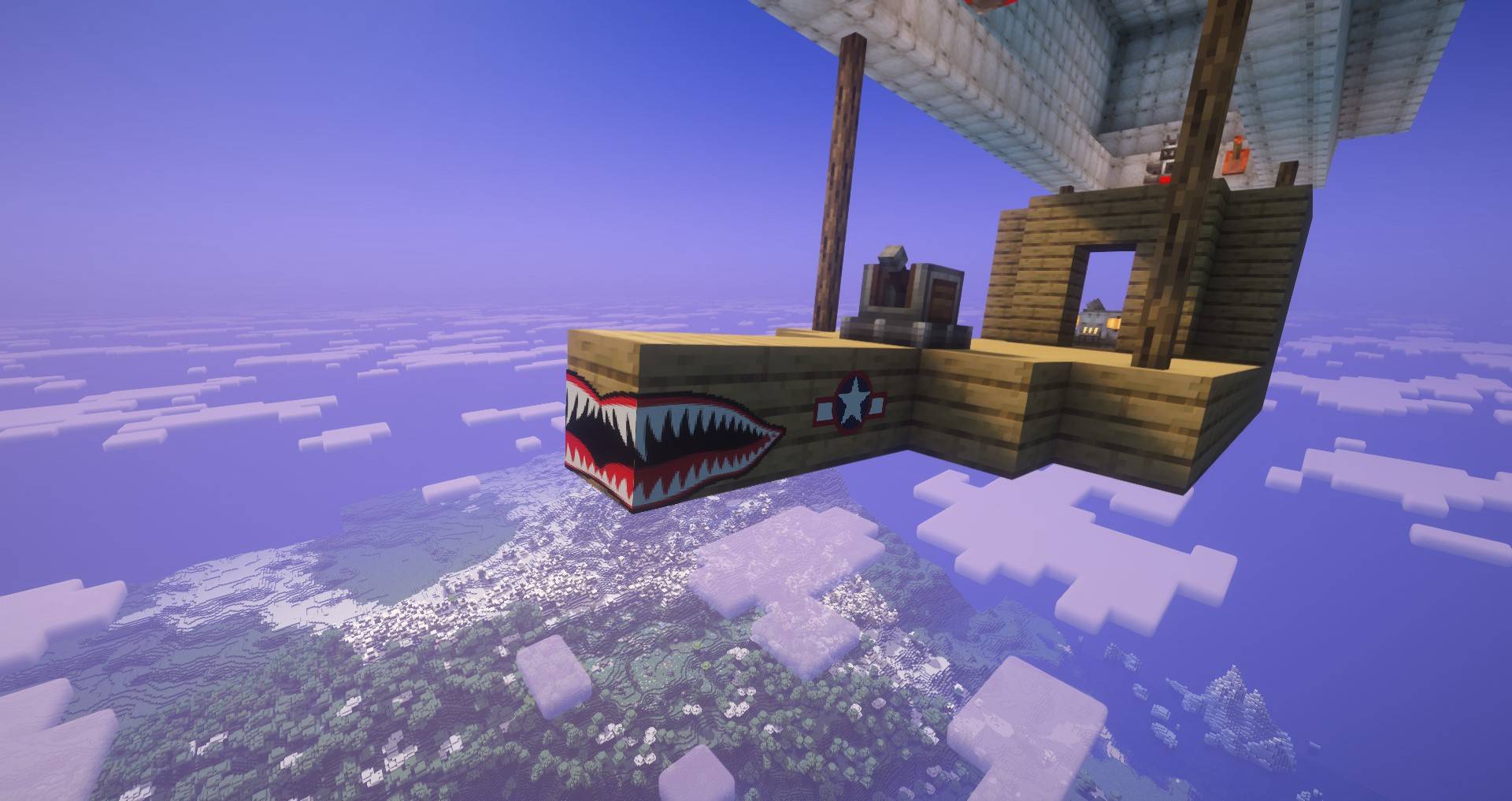
teeth1.jpeg
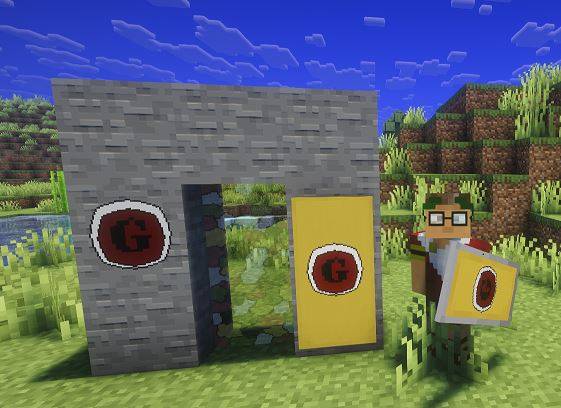
with shield and banner.JPG
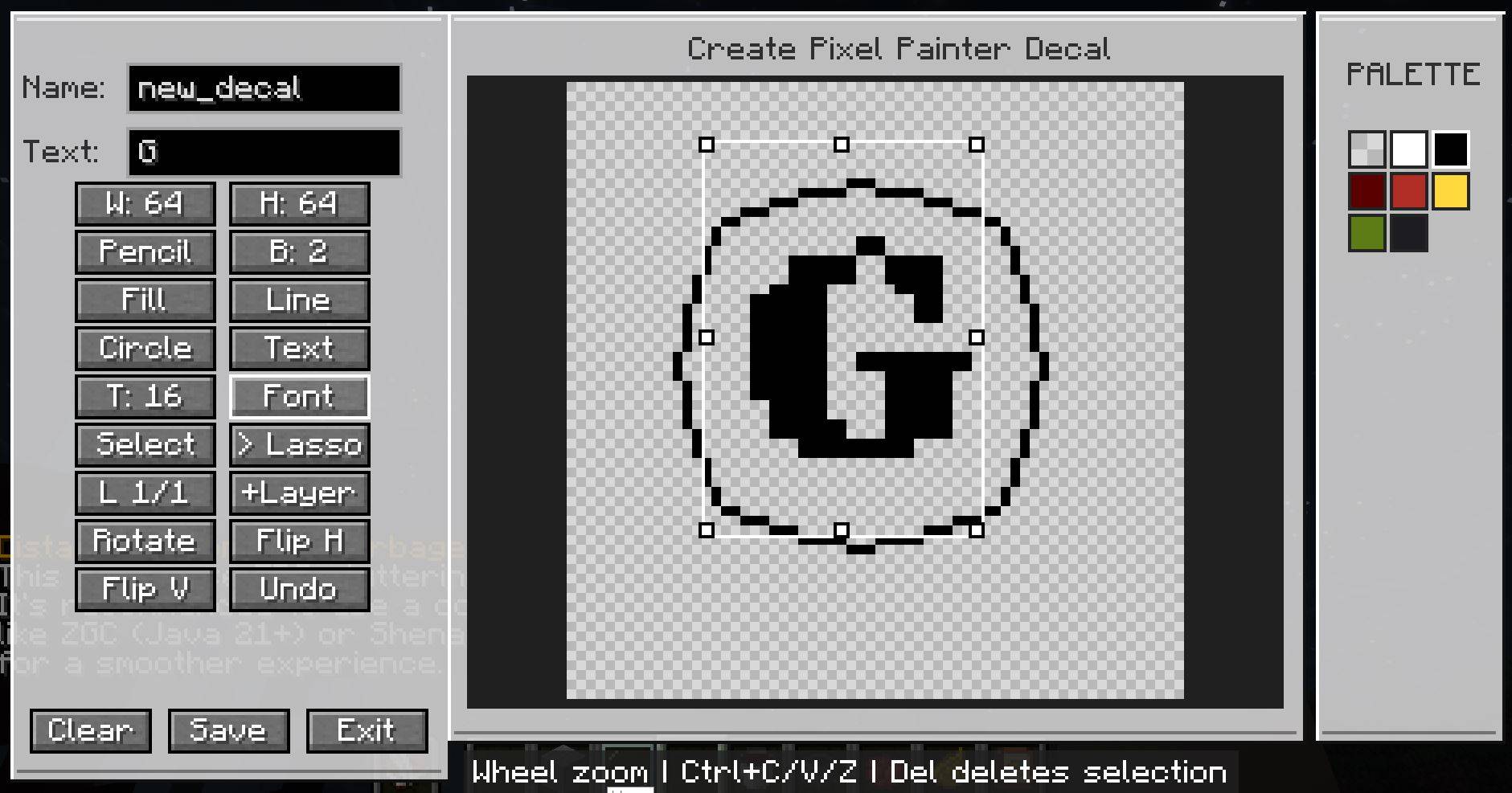
decal creator.JPG
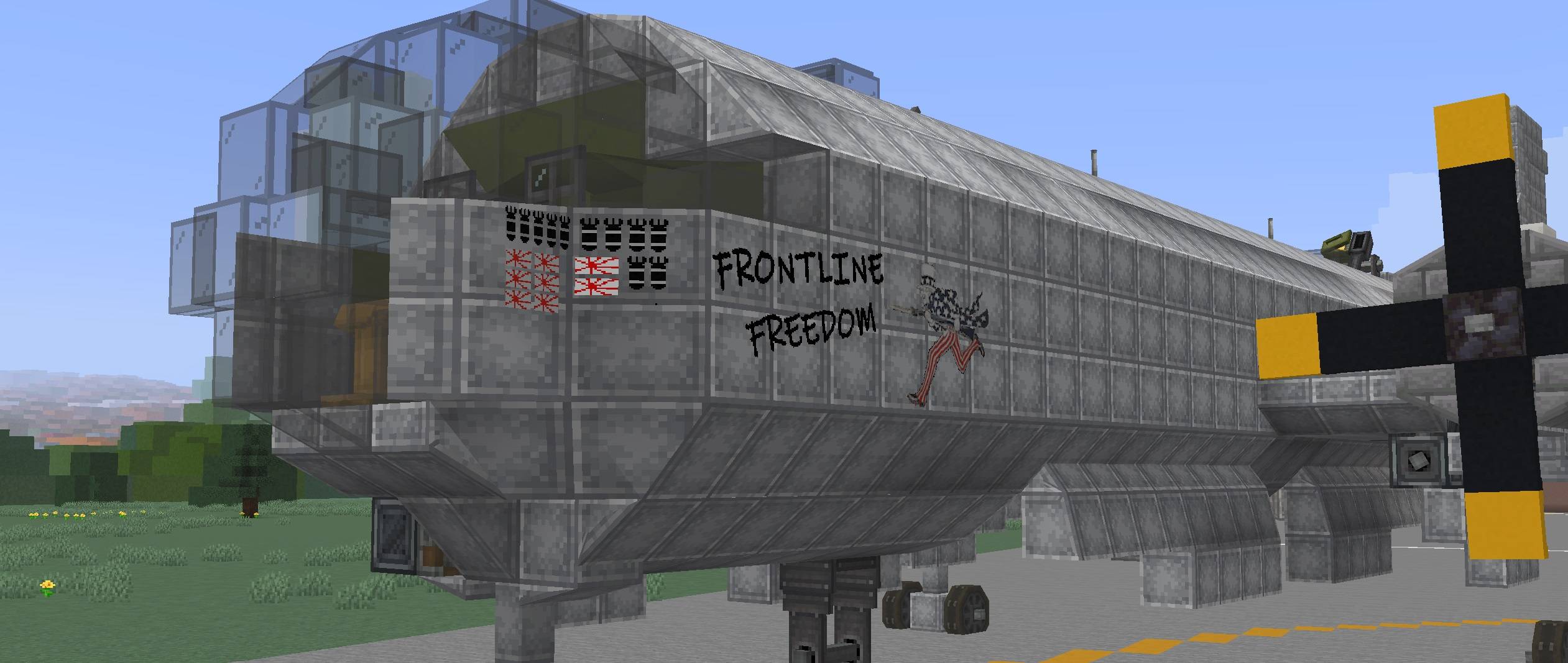
Front_View.jpg
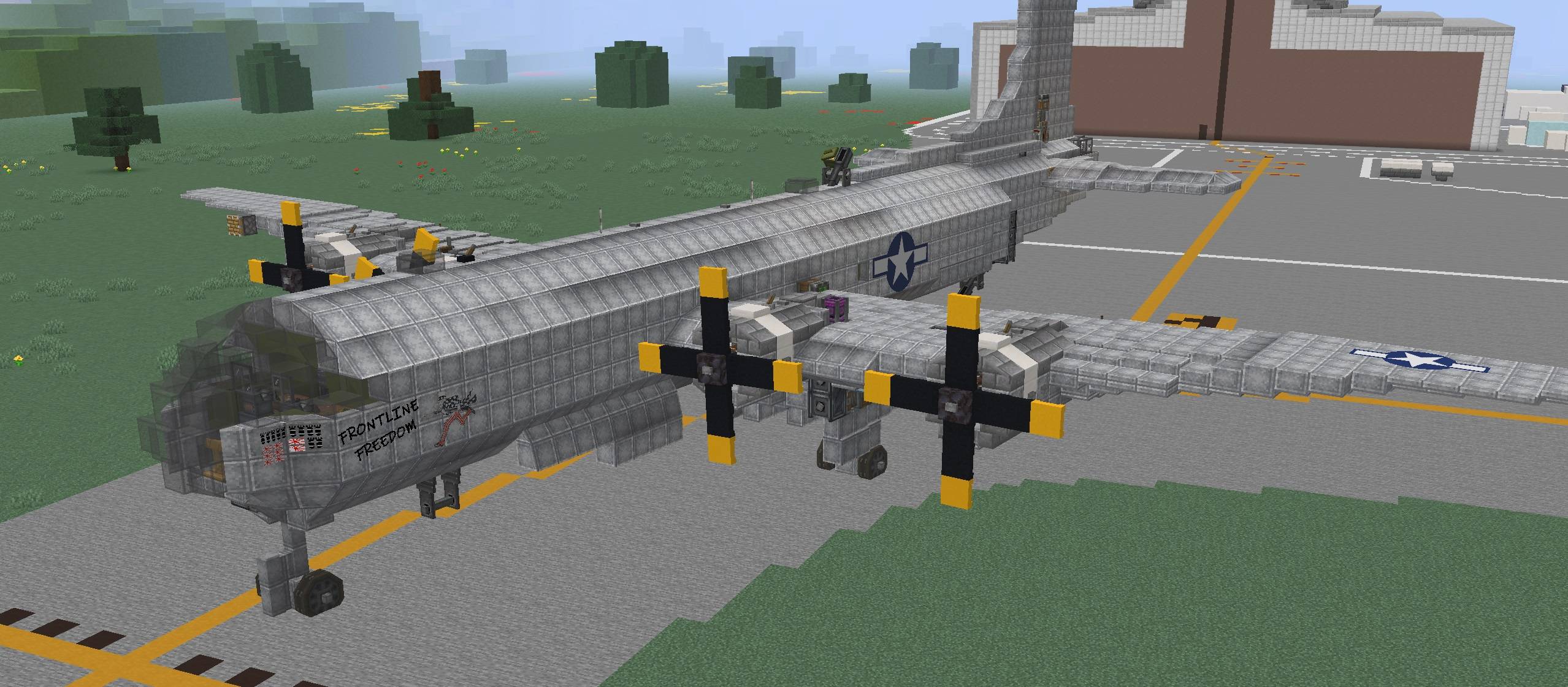
Whole_View.jpg
Description
Pixel Painter Decals (Pixel Painter Required!)
Pixel Painter Decals is an add-on for Pixel Painter that lets you stamp custom PNG images directly into the world as Pixel Painter paint. Drop decal images into the decals folder, pick one from an in-game menu, preview it as a ghost image, then place it across blocks like a sticker.
Once stamped, decals become normal Pixel Painter paint data. They are saved, synced, and handled by Pixel Painter’s existing paint system instead of remaining separate image objects.
Features
- Load PNG decals from
config/pixelpainter/decals/ - Select decals in-game with a Book and Quill in your offhand
- Open the decal folder from the selection screen
- Reload decals without restarting
- Ghost preview before placement
- Rotate decals in 90 degree steps
- Flip decals horizontally
- Stamp decals across multiple blocks
- Wrap decals around corners
- Supports square and rectangular decals up to 256x256 pixels
- Works with Pixel Painter paint storage and networking
- Multiplayer/server compatible
- Experimental support for Copycat blocks, slopes, assembled contraptions, and physics bodies
How To Use
- Install Pixel Painter and Pixel Painter Decals on the client and server.
- Put PNG files in
config/pixelpainter/decals/. - Hold a Book and Quill in your offhand.
- Sneak + right-click to open the decal picker.
- Select a decal, aim at a surface, rotate or mirror if needed, then right-click to stamp it.
Default Controls
- Rotate left/right:
<and> - Mirror horizontally:
; - Open decal picker: Sneak + right-click with Book and Quill in offhand
MOD IS STILL CONSIDERED BETA! BACK UP YOUR WORLDS!
Pixel Painter - Decals Team