


Pick Your Biomes
- By
Choose which biomes your worlds generate, in the Overworld, the Nether and the End. Uncheck a biome on the Create World screen, or in a world you already have, and the biomes around it take its place.
Description
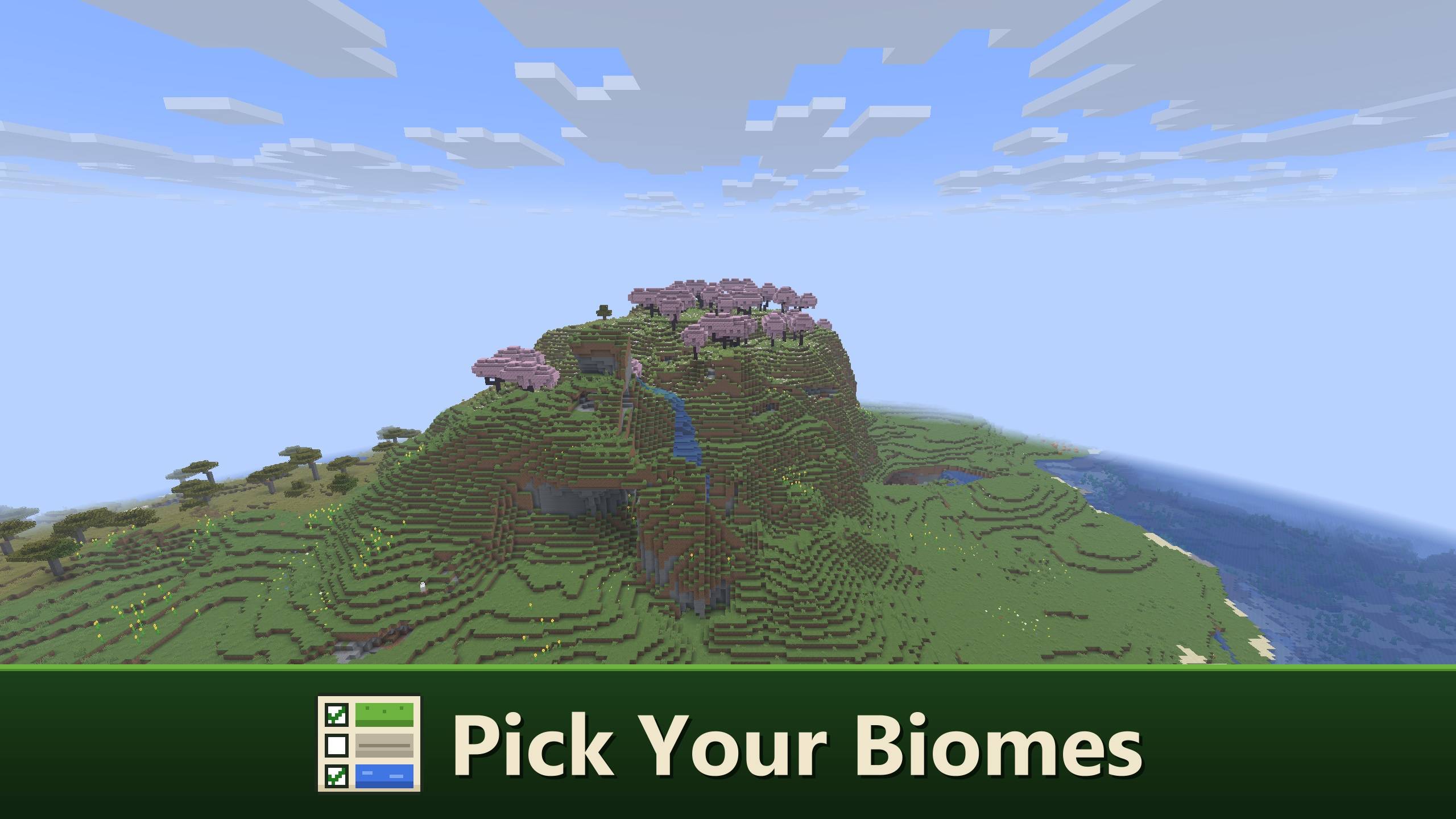
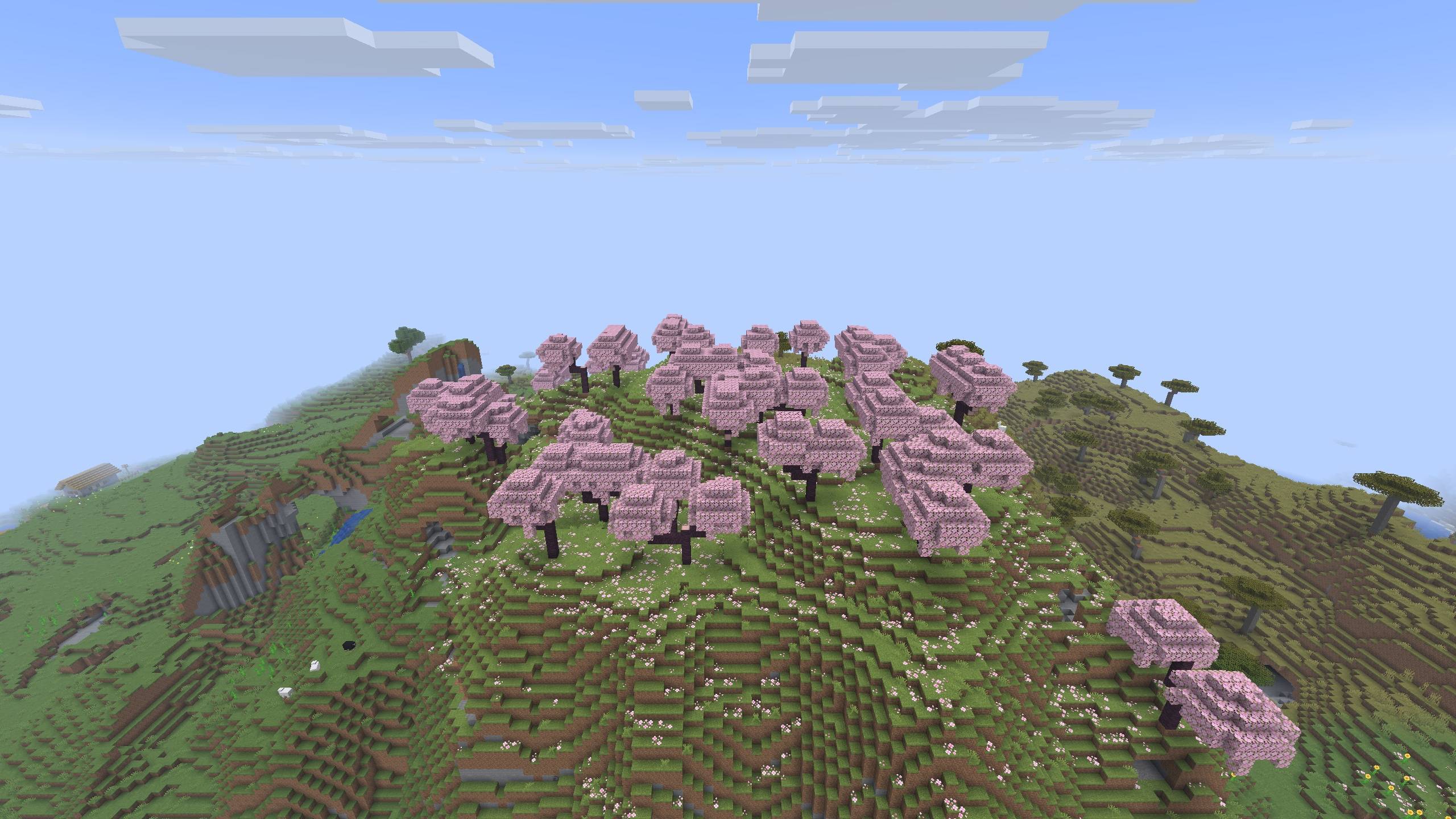
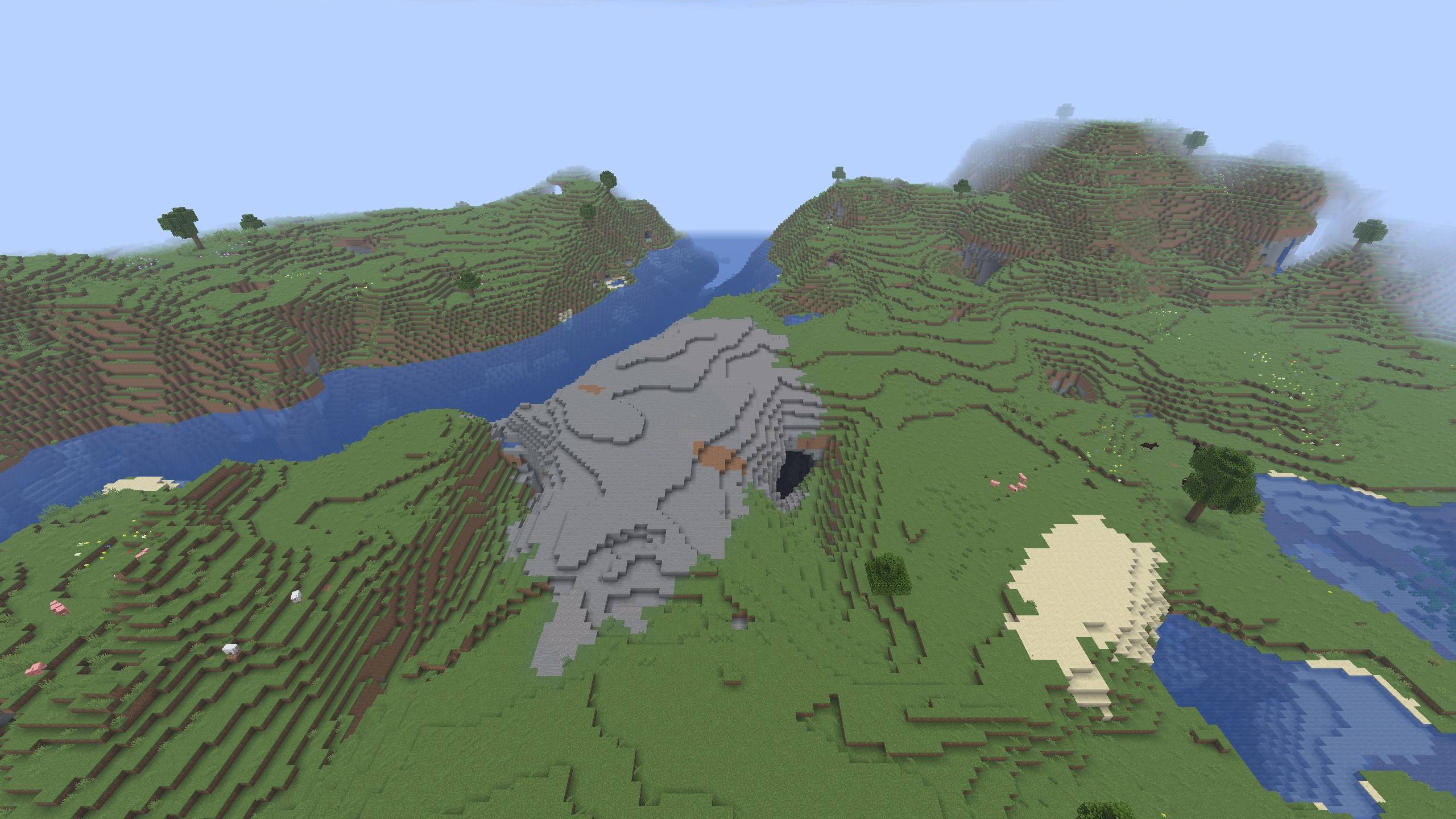
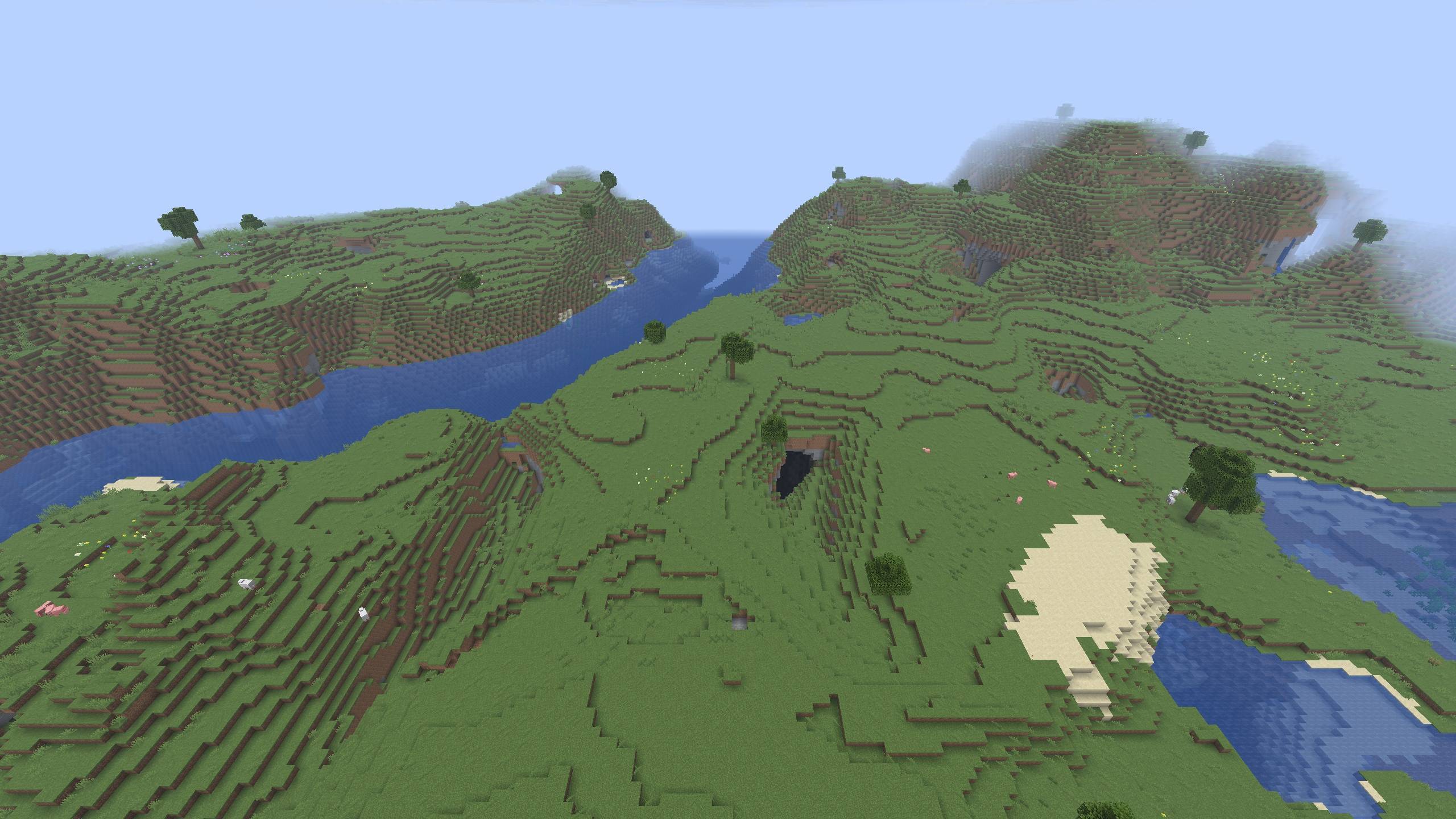
Pick Your Biomes lets you choose which biomes your world generates. Never liked the Cherry Grove? Uncheck it before you create the world and it will not appear. The biomes around it take its place, so the land still joins up the way Minecraft would have made it.
It works in the Overworld, the Nether and the End, for new worlds and for worlds you already have.
- Choosing biomes for a new world
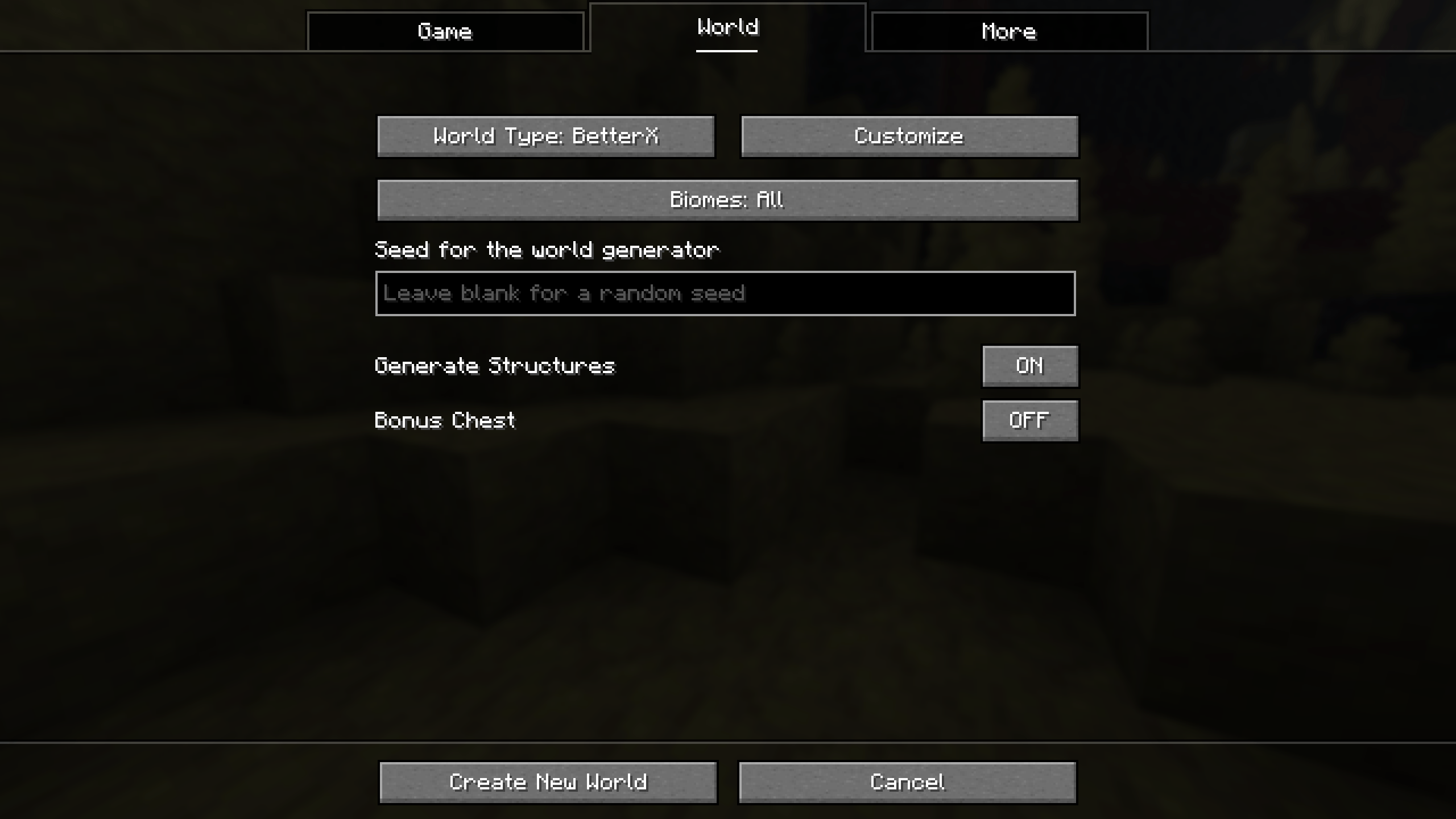
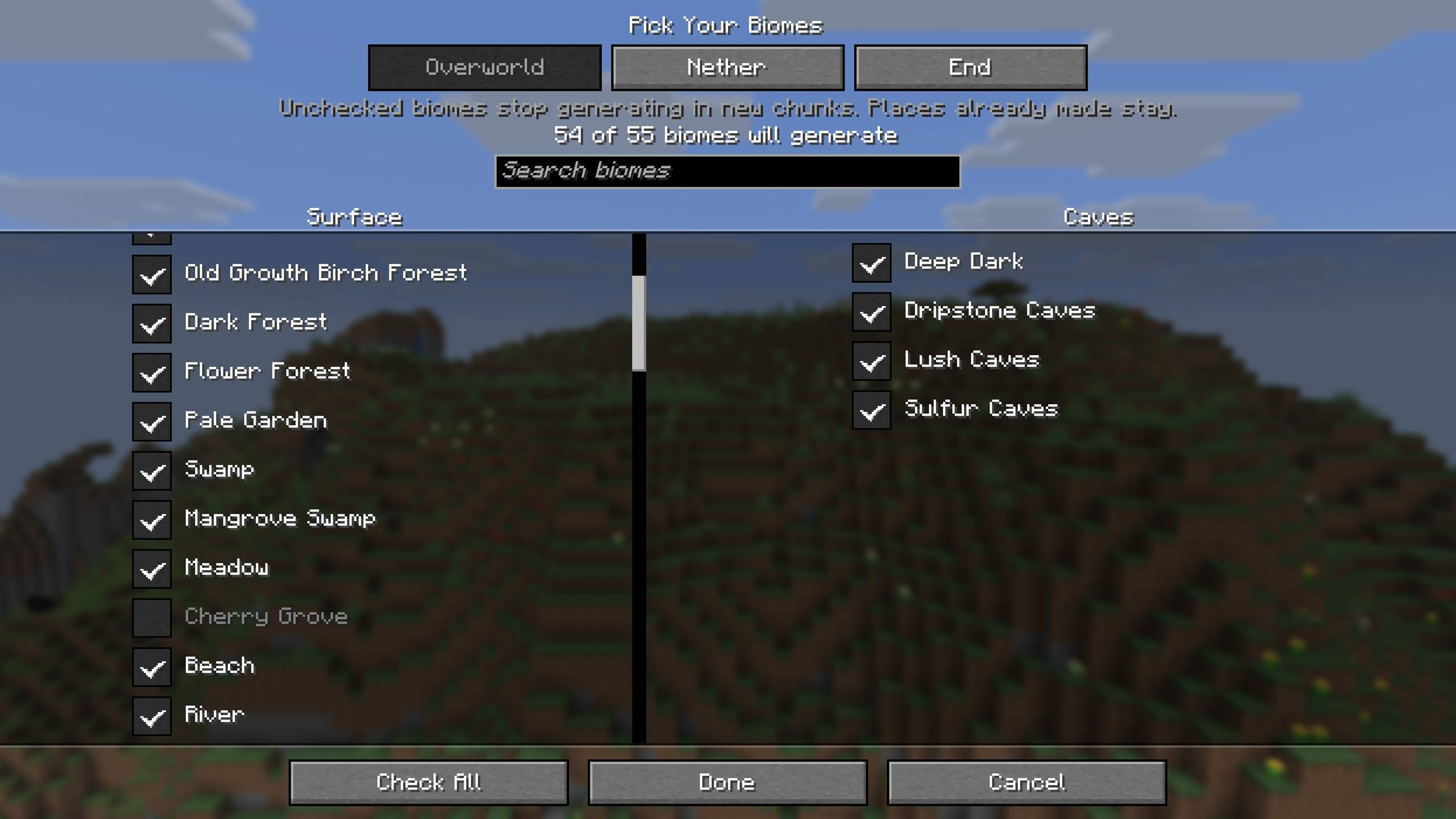
On the Create World screen, open the World tab and press Biomes. The button shows how many biomes will generate, for example "Biomes: 63 of 65".
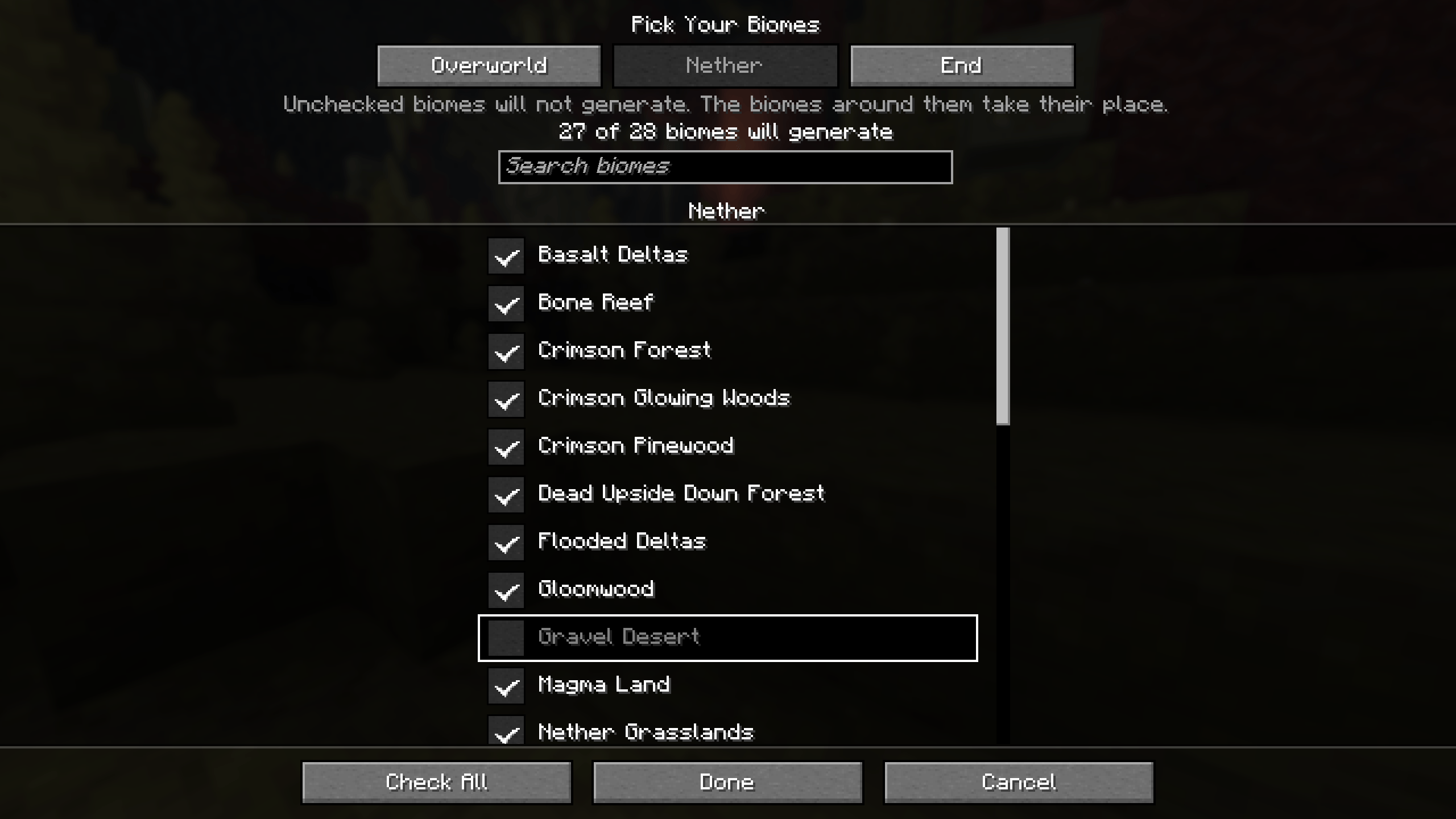
* Every biome has a checkbox. Uncheck a biome and it will not generate.
* Surface biomes are on the left and cave biomes on the right, so the few cave biomes are easy to find.
* Surface biomes are grouped by climate: Temperate, Warm, Cold and Snowy. Click a group's heading to uncheck the whole group, and click it again to check them all.
* A search box finds a biome by name.
* Tabs at the top switch between the Overworld, the Nether and the End.
* The End's main island always stays, because the dragon fight is there. End Highlands can be unchecked, but End Cities, and so elytras, only generate there. Its row says so when you point at it.
* At least one surface biome has to stay checked.
Your choice is saved with the world.
- Changing a world you already have
Only chunks made after a change are affected. Places you have already explored keep their biomes, so you may see a straight line where the old land meets the new.
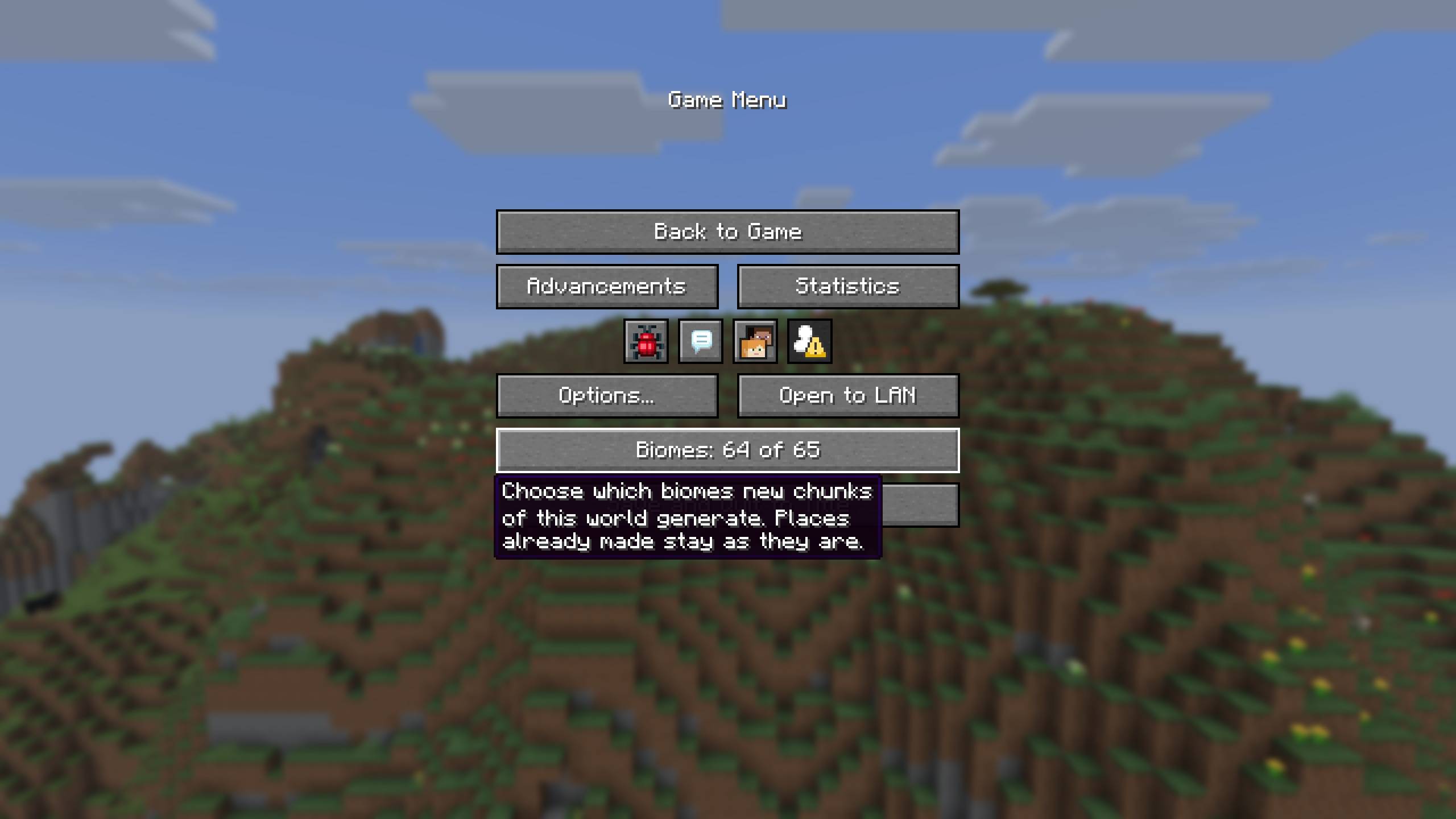
* In singleplayer, the pause menu has a Biomes row above Save and Quit. It opens the same checklist, and you do not need cheats turned on.
* On a server, operators can use /pickyourbiomes:
/pickyourbiomes list shows what each dimension leaves out.
/pickyourbiomes remove <biome> stops a biome from generating.
/pickyourbiomes add <biome> lets it generate again.
/pickyourbiomes coast_only <biome> keeps it only beside the sea (see below).
- Only beside the sea
Stony Shore often generates far inland along rivers, especially in Large Biomes worlds and with terrain mods. After /pickyourbiomes coast_only stony_shore it only generates where the sea is close, and the land next to it takes its place everywhere else. This works for any overworld biome. It is set with the command or the server's config file, not on the checklist.
- Servers
A dedicated server has no Create World screen, so it reads config/pickyourbiomes.json instead when it makes a new world:
{
"removed_biomes": ["minecraft:cherry_grove"],
"coast_only_biomes": ["minecraft:stony_shore"],
"nether_removed_biomes": [],
"end_removed_biomes": []
}
The file is only read when the server makes a new world. A biome id that does not exist stops the server before the world is made, and the log says which one.
Players do not need Pick Your Biomes to join a server that has it. If you remove the mod, the world still loads, and new chunks use every biome again.
- Other mods
* Biomes added by other mods, such as Biomes O' Plenty, are on the checklist too and can be unchecked the same way.
* BetterNether and BetterEnd biomes can be unchecked in the Nether and End tabs, on every version those mods are made for (26.2, 26.3, 1.21.1 and 1.20.1).
* If another mod or world type makes a dimension that Pick Your Biomes cannot change, that tab is greyed out and says so. The command tells you the same.
* Superflat, Single Biome and Debug worlds have no biome list, so the Biomes button is off for them.
- Versions
Minecraft 26.2, 26.3, 1.21.10, 1.21.1 and 1.20.1, on Fabric. Requires Fabric API.
Released under the MIT license.
Pick Your Biomes Team

![Clay Soldiers: Remoulded [Fabric] project image](https://media.forgecdn.net/avatars/thumbnails/2119/701/256/256/639276266827505285.png)
![Colonial Delight [Fabric] project image](https://media.forgecdn.net/avatars/thumbnails/2104/958/256/256/639271671085814482.png)
![Colonial Flags [Fabric] project image](https://media.forgecdn.net/avatars/thumbnails/2116/386/256/256/639275208028796182.png)
![Colonial Arms [Fabric] project image](https://media.forgecdn.net/avatars/thumbnails/2104/959/256/256/639271671377578573.png)