Phantom-Warn
- By
A tiny vanilla-style status icon that warns when insomnia makes phantom spawns possible.
Phantom Warning


A tiny vanilla-style status icon that warns when insomnia makes phantom spawns possible. Client-side only - Minecraft 26.3 - Fabric and NeoForge
Based on the concept of Insomnia Notifier by Arthur Ginzburg. Independently reimplemented for Minecraft 26.3 Fabric and NeoForge. Not affiliated with the original author; no code or assets of the original were used.
What it does
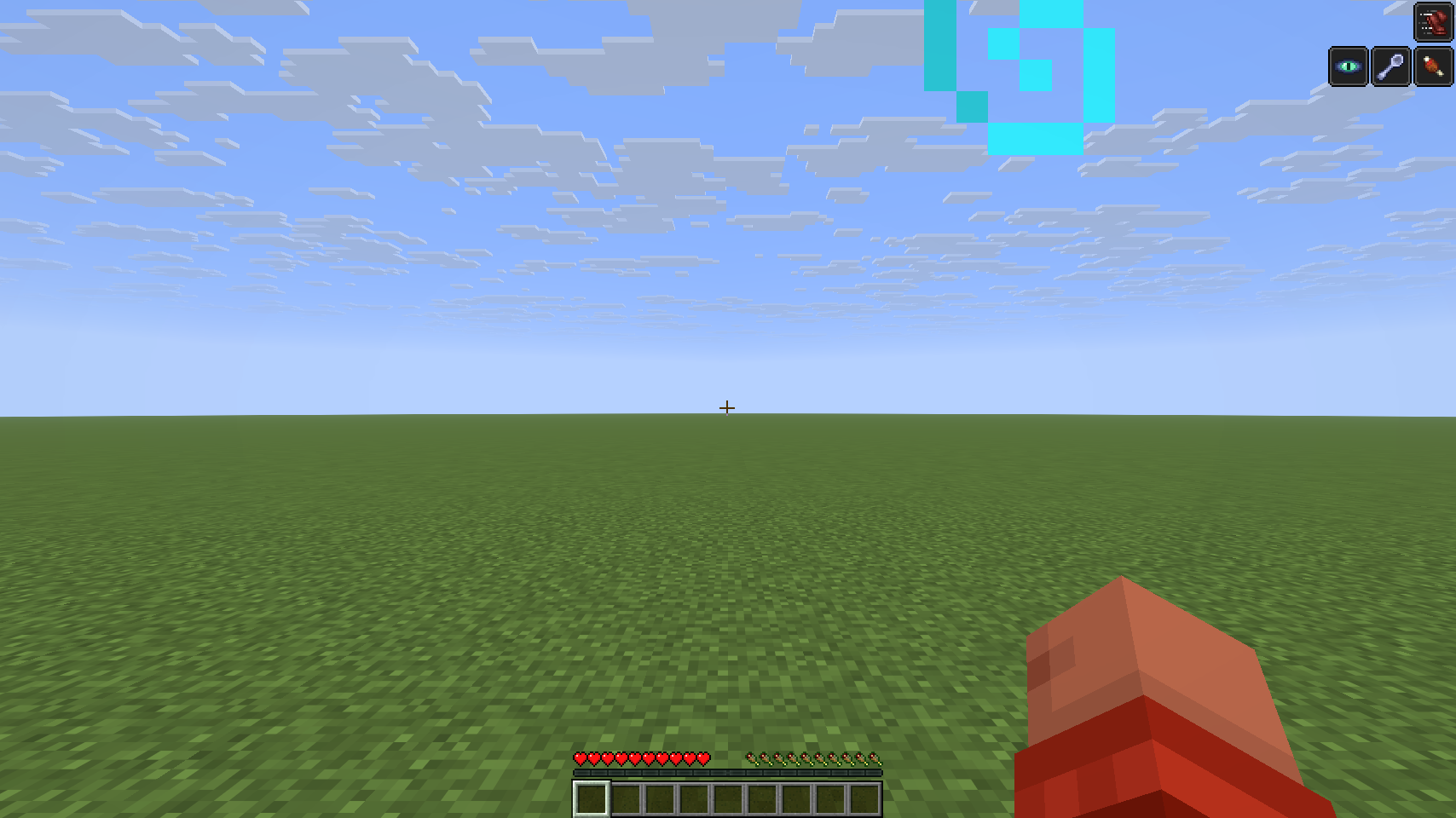
After more than three in-game days without resting, Minecraft starts rolling phantom spawns for you at night. Phantom Warning shows a small icon exactly where vanilla shows harmful effects. No chat messages, no sounds, no banner in the middle of the screen.
- Appears when your time since the last rest is above 72,000 ticks (3 in-game days, the vanilla limit).
- Disappears at once when you lie down in a bed (a moment is enough) or die.
- Overworld only by default - vanilla spawns phantoms nowhere else.
- Inventory: listed in the effect list with your days awake, because vanilla hides the HUD icons there.
- Game rule aware: hidden when
spawn_phantomsis known to be off (singleplayer, LAN host, operator). Never hidden on a guess. - Client-side only: nothing to install on the server, no custom packets, works on vanilla servers.
It is a warning, not a prediction: the server still rolls the regional difficulty, the insomnia chance and a free spawn spot.
Icons
- Insomnia (default): a glowing phantom eye.
- Alert (optional,
advancedChecks=true): red eye when everything the client can see is met - night or thunder, open sky, at or above sea level, not spectator, not peaceful. - Phantom style (
iconStyle=phantom): a small phantom silhouette, also with calm and alert variant.
Settings
Optional, in config/phantomwarning.properties (created on first start):
enabled(true) - show the warningiconStyle(eye) - eye or phantomthresholdTicks(72000) - icon above this many ticks since the last restoverworldOnly(true) - only warn in the OverworldadvancedChecks(false) - alert icon when the visible spawn conditions are metuseGameRule(true) - respectspawn_phantomswhere it is knownshowInInventory(true) - entry in the inventory effect listresyncSeconds(60) - refresh interval of the statistic (15-3600)
How accurate is it?
The mod reads the real statistic from the server (the vanilla packet of the Statistics screen) and only shows the icon after the server confirmed a value above the threshold. Between refreshes it counts along with the rules of Minecraft 26.3 and learns the server's counting speed (NeoForge 26.3 servers were measured counting twice as fast as vanilla in the Overworld).
Limits: nothing is shown before the first server answer; the game rule is unknown on servers where you are not an operator; server plugins or mods that change phantom spawning can make the warning early or late.
Requirements
- Fabric: Fabric API.
- NeoForge: nothing else.
- Client only. A server installation is not needed.
Links
Phantom-Warn Team