d1ba341411b2f1e8aaed2063c88a124d933f3bc7.jpg
Description
Splinecart
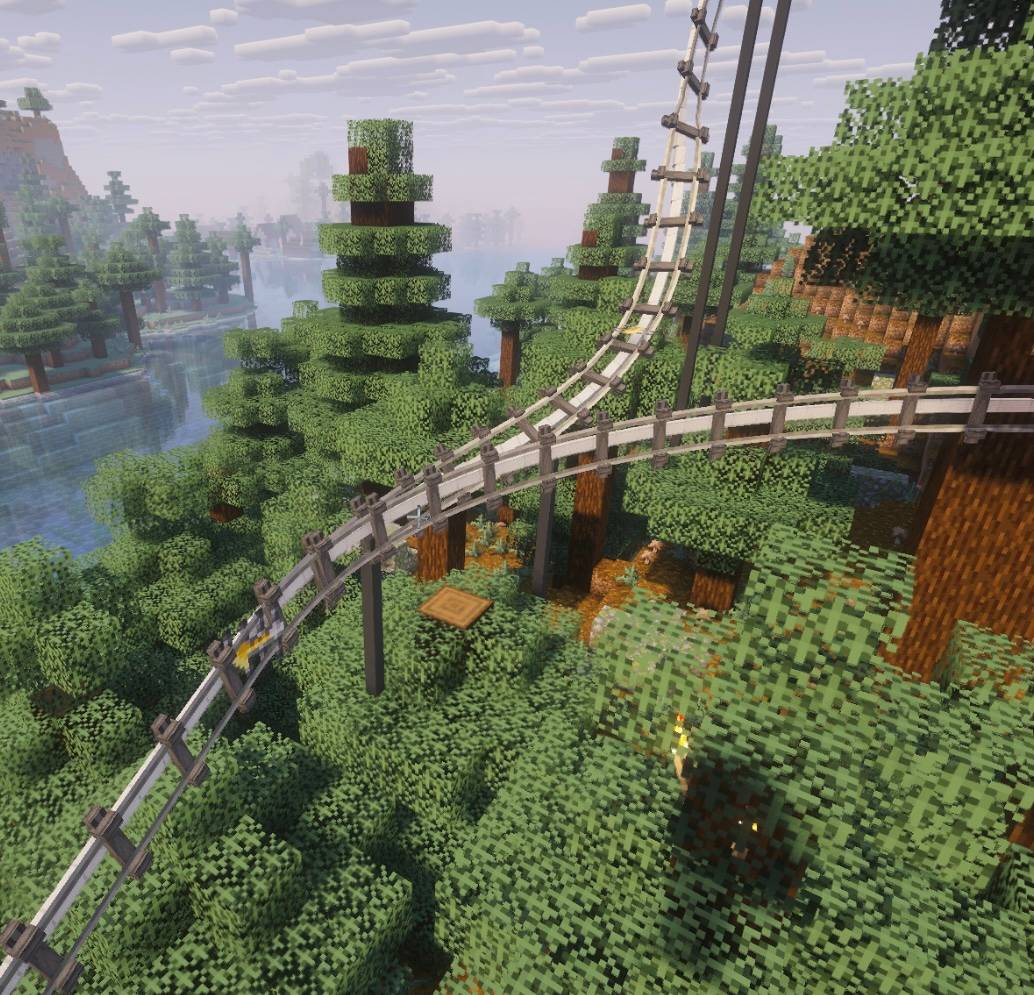
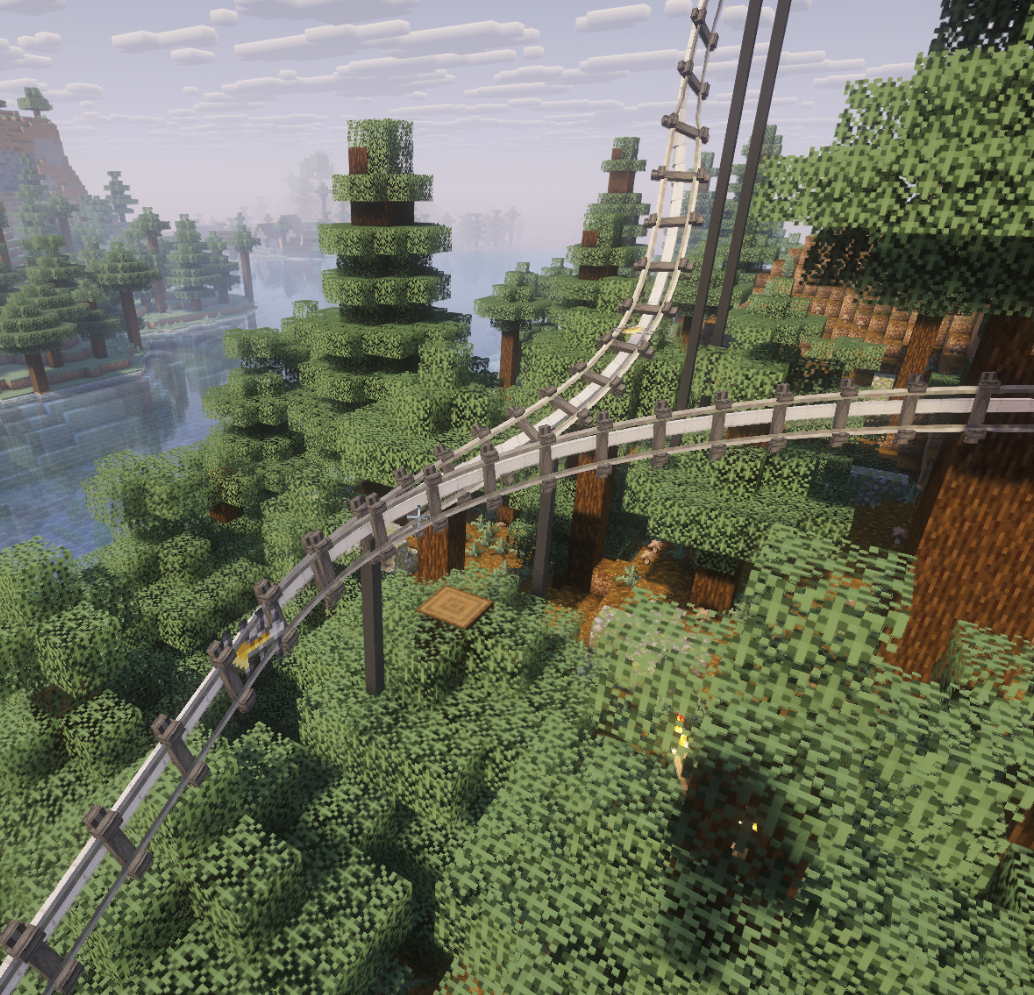
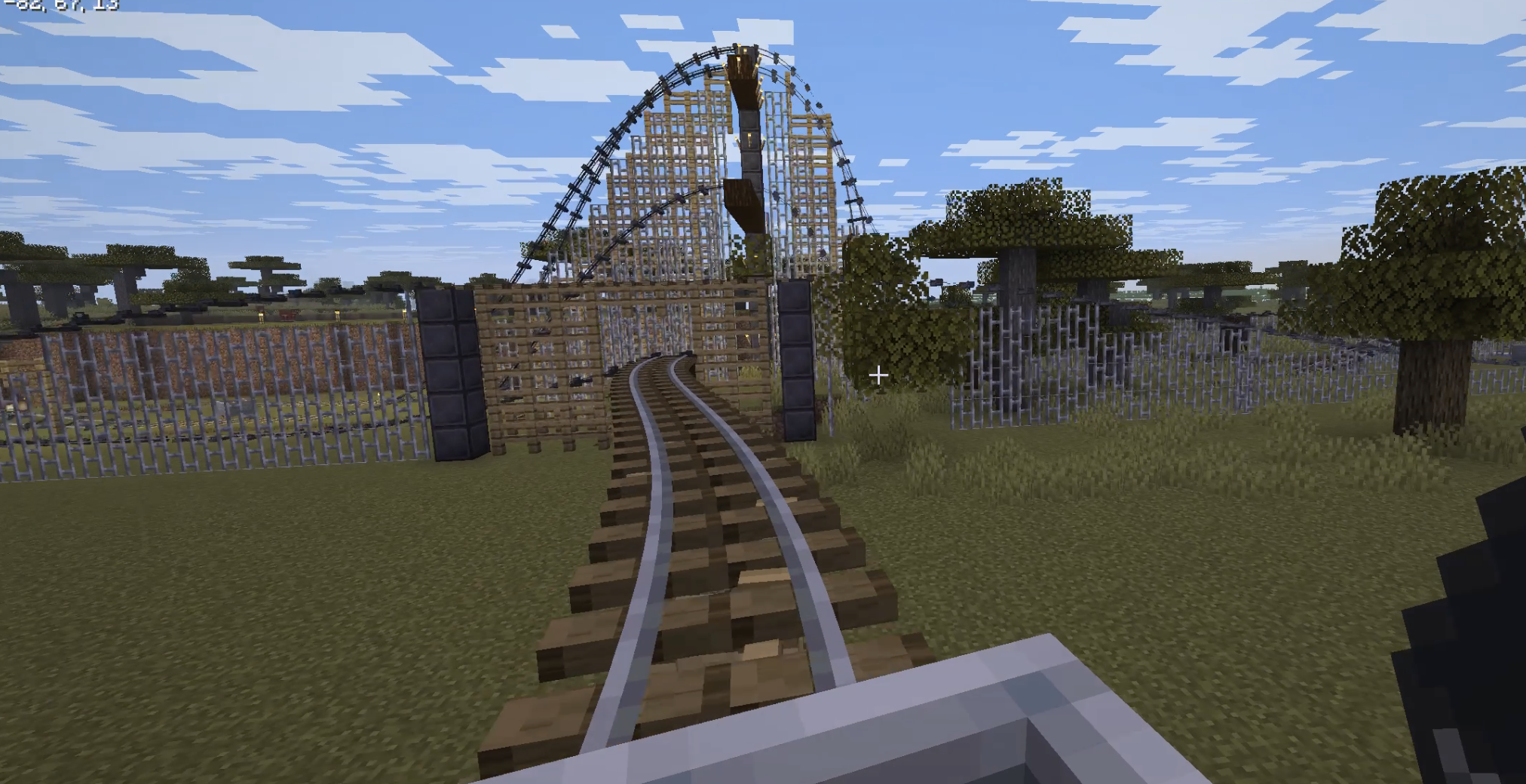
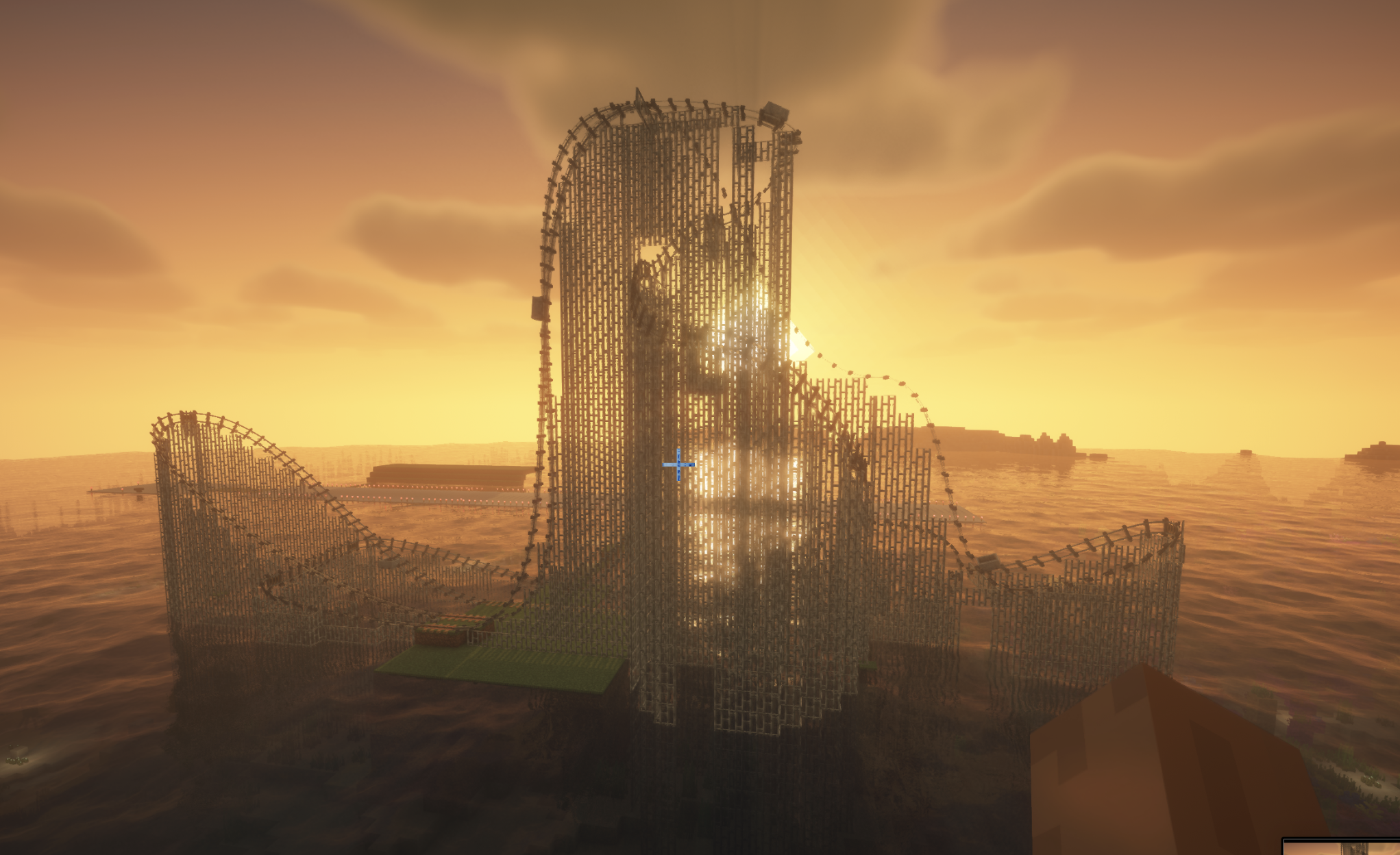
Splinecart adds smooth, realistically curved railway tracks (composite curves / splines) to Minecraft. Minecarts travel on them without jerking, with full banking and speed physics.
Main elements and mechanics
1. Track Ties
- Wooden (Wood Track Ties), Steel (Steel Track Ties), and Classic:
- Can be placed on blocks and in mid-air.
- Automatic alignment to look direction: floor (down), wall (forward), ceiling (up).
- Empty-hand click rotates the tie.
- Regular ties act as detector rails (emit Redstone signal 15 while a minecart passes).
- Steel ties generate a third powered rail plus support pillars; wooden ties create wooden beams and posts.
2. Connecting tracks and variants
- The Track item joins two ties into a smooth path.
- Regular Track: standard smooth riding and corner smoothing.
- Chain Drive Track: pulls the minecart at constant speed uphill (ideal for roller coasters).
- Magnetic Track: when powered by Redstone it accelerates sharply; when unpowered it brakes the minecart to a stop even on steep slopes.
- Seamless transition with vanilla tracks: a minecart smoothly enters from splines onto regular rails and vice versa without losing momentum or camera rotation.
3. Turnouts / Switches
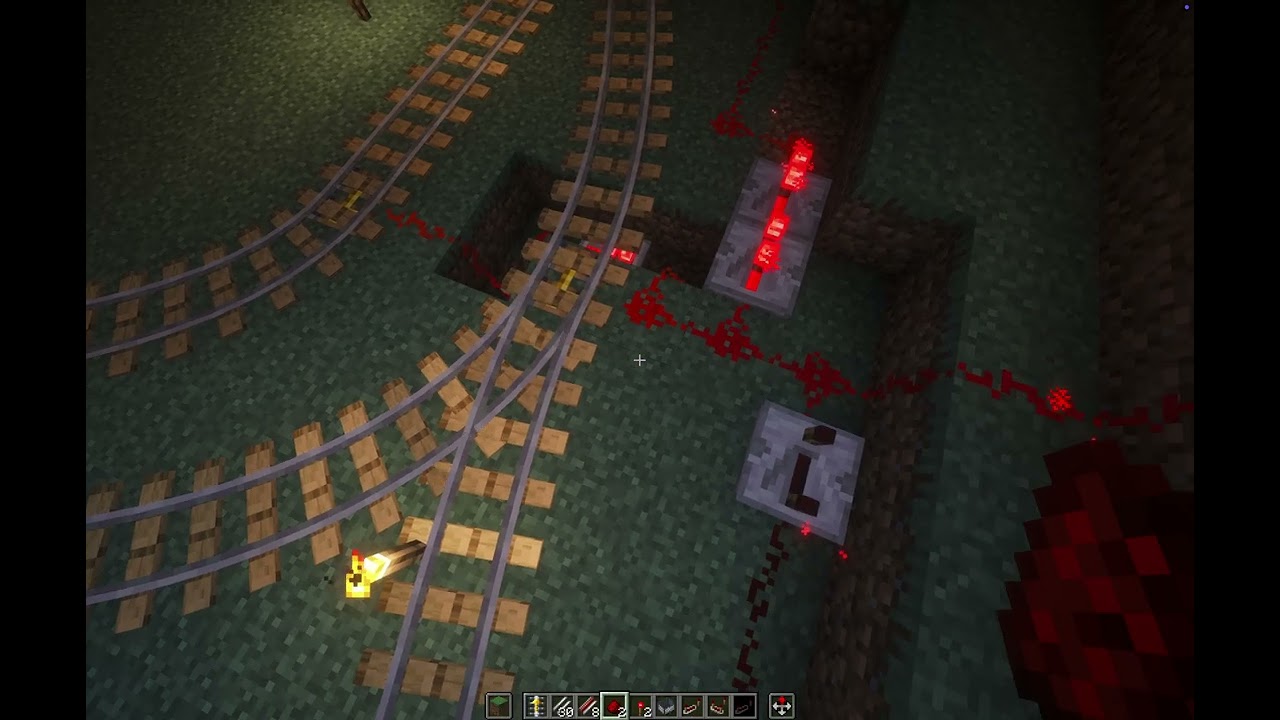
- Two tracks can leave or enter a single tie at the same time.
- The tie automatically becomes a Redstone-controlled switch:
- State 0 (no signal): minecart follows the main track (1st exit).
- State > 0 (Redstone powered): minecart immediately turns onto the alternate track (2nd exit).
- Detector-rail function is disabled on a switch — lever/dust state changes take effect instantly, even with a whole train of minecarts following one another.
Commands (/splinecart)
| Command | Effect |
|---|---|
/splinecart banking <on | off | toggle> |
Enables/disables track and minecart banking on curves. |
/splinecart supports <none | wood | metal | steel | auto> |
Sets the style of supports and pillars built under new tracks. |
/splinecart build line <x1 y1 z1> <x2 y2 z2> [type] [supports] [banking] |
Automatically places and connects a straight track segment between coordinates. |
/splinecart build path <pos1> <pos2> ... [type] [supports] [banking] |
Builds a continuous multi-point route through the given coordinates. |
/splinecart connect <x1 y1 z1> <x2 y2 z2> [type] [supports] [banking] |
Connects two existing ties with the specified track type. |
(Available types in commands: default, chain_drive, magnetic)
All four player-obtainable items have shaped crafting recipes in Survival. The Track Follower is a hidden entity spawned by tracks and is not crafted.
Track Ties Description: Interact to rotate when placed.
Unlocks when you pick up a Stick or any Wooden Slab.
Crafting (makes 8): [Wooden Slab] [Wooden Slab] [Wooden Slab] [Stick] [Wooden Slab] [Wooden Slab] [Wooden Slab]
Any wooden slab works in every slot marked Wooden Slab.
Track Description: Links two Track Ties blocks together.
Unlocks when you pick up a Rail or Iron Block.
Crafting (makes 4): [Iron Block]
The peterwolf's Splinecart Team