PeterWolf's Planes
- By
dds a fully‑steerable biplane to Minecraft, bringing a lightweight, vintage‑style aviation experience to the game.
Description
PeterWolf’s Planes
Overview
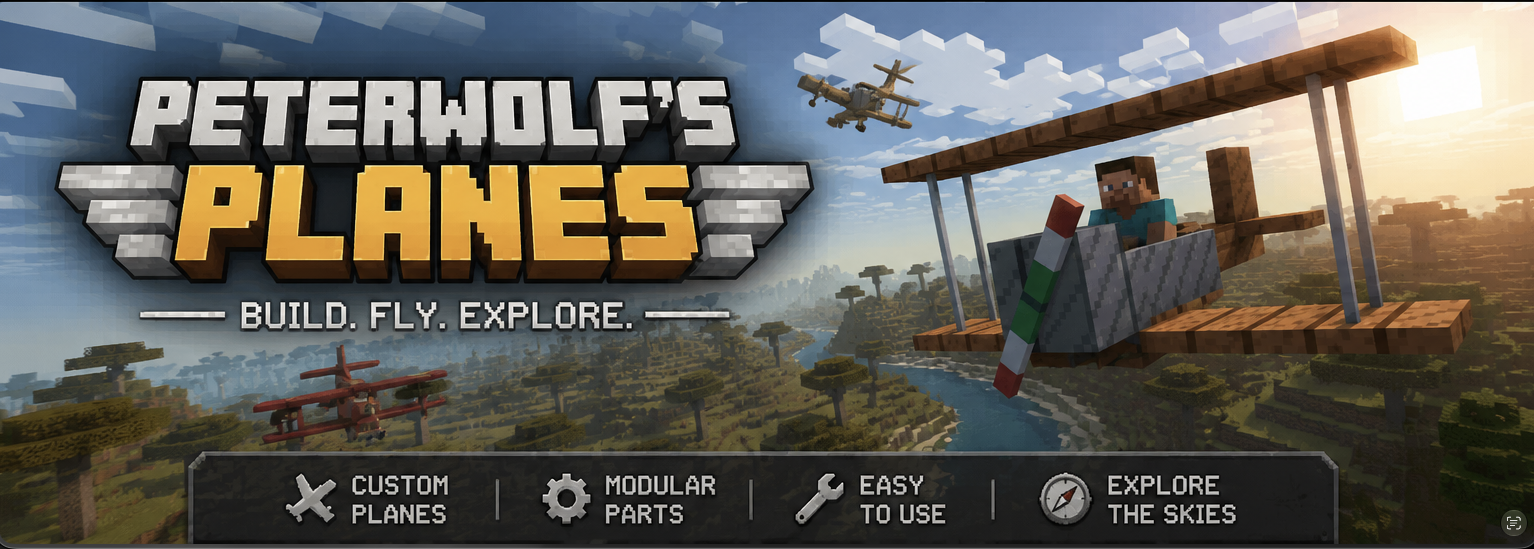
Peter Wolf’s Planes adds a fully‑steerable biplane to Minecraft, bringing a lightweight, vintage‑style aviation experience to the game. The mod introduces realistic flight physics, speed‑dependent control surfaces, a functional HUD, and a polished visual presentation (custom icon and ModMenu banner).
Features
- Steerable Biplane Entity – Fly a biplane that responds to mouse look (pitch & roll) and keyboard A/D for yaw/rudder.
- Speed‑Dependent Controls – Control surface effectiveness scales with forward speed; at a standstill the plane is unresponsive, and responsiveness ramps up linearly as you accelerate.
- Aerodynamic Lift Tuning – Lift is calibrated to overcome gravity at roughly 35 km/h (≈ 0.486 blocks/tick), providing a smooth take‑off and realistic stall behavior.
- Improved Gliding Physics – Reduced drag at low throttle and enhanced lift allow graceful glides and energy exchange (climbing slows the plane, diving speeds it up).
- Larger Landing‑Gear Wheels – Wheels are now 4 × 10 × 10 blocks, with custom textures for a sturdier ground stance and better visual appeal.
- Cockpit HUD – A glass‑morphic overlay shows current speed (m/s & km/h), altitude, vertical speed (color‑coded), and throttle/brake status.
⚔️ Dogfight Combat Mode (v1.1.0)
While piloting, press V to arm combat mode (shown on the HUD as Combat: ARMED).
| Control | Action |
|---|---|
| V | Toggle combat mode (ARMED / SAFE) |
| Left Mouse Button | Fire twin machine guns (rapid dual tracers along the nose) |
| B | Drop a lit TNT bomb (consumes 1× TNT; free in Creative) |
Combat details
- Machine guns fire dual streams from the wing roots with plane-relative muzzle velocity — no ammo required.
- Bombs inherit most of the plane's velocity, fall under gravity with a short fuse, and explode on the ground (or mid-air when the fuse runs out).
- Occupied aircraft can be damaged by projectiles and explosions. The HUD shows airframe integrity; at 0 HP the plane is destroyed and passengers are ejected.
- Your own munitions will not damage the plane you are piloting.
- Keybinds are remappable under Controls → Peter Wolf's Planes.
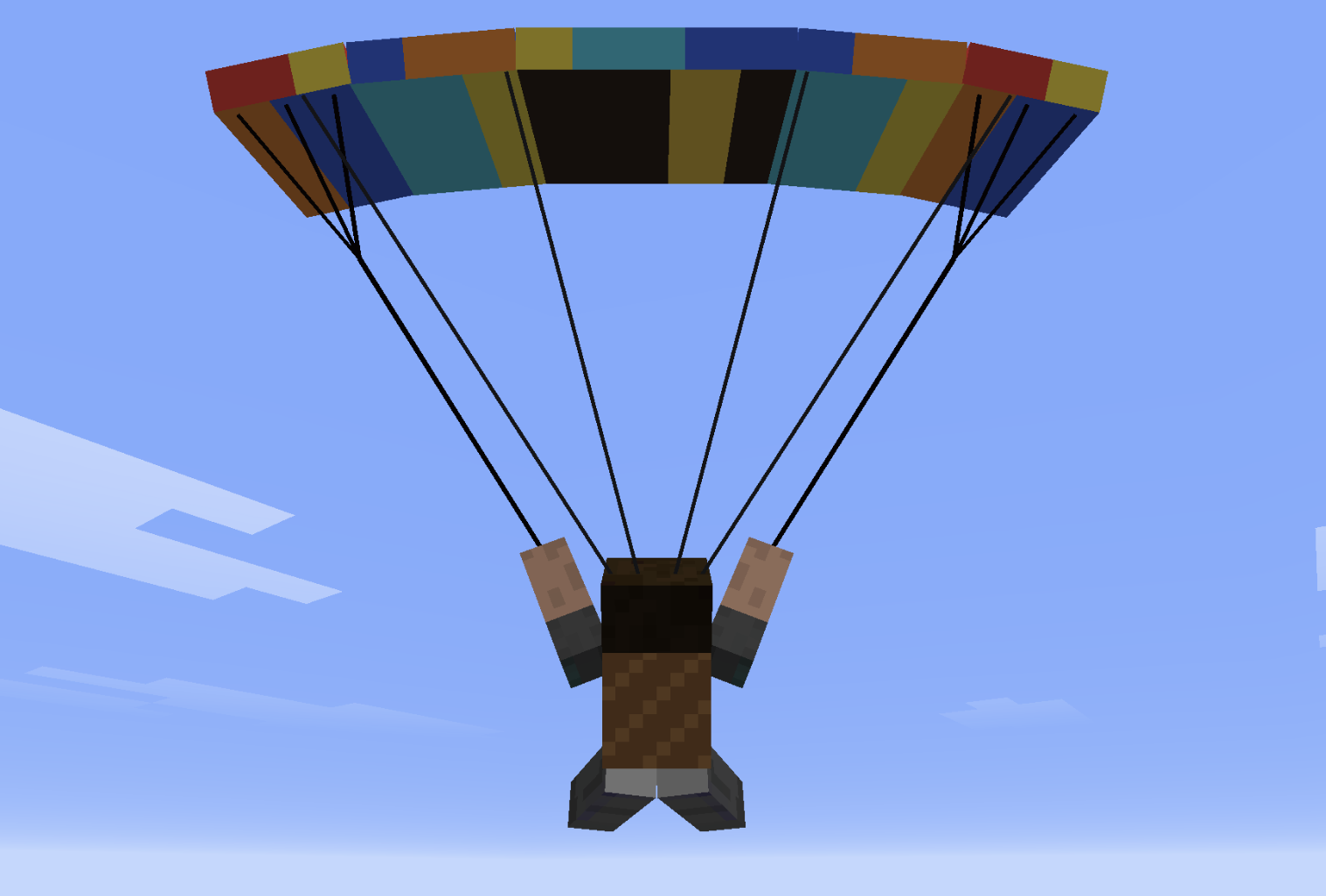
🪂 Paraglider & other features
- Paraglider Backpack (chest slot): deploy in free-fall for controlled descent with bank turns, flares, double-W dive, and spiral dives.
- Squadron Horn + Villager Pilot: recruit AI wingmen into a V-formation.
- Tail push: approach the tail of an empty plane and hold Shift + Right-Click to wheelbarrow-push it on the ground.
- Worldgen runway structures with loot.
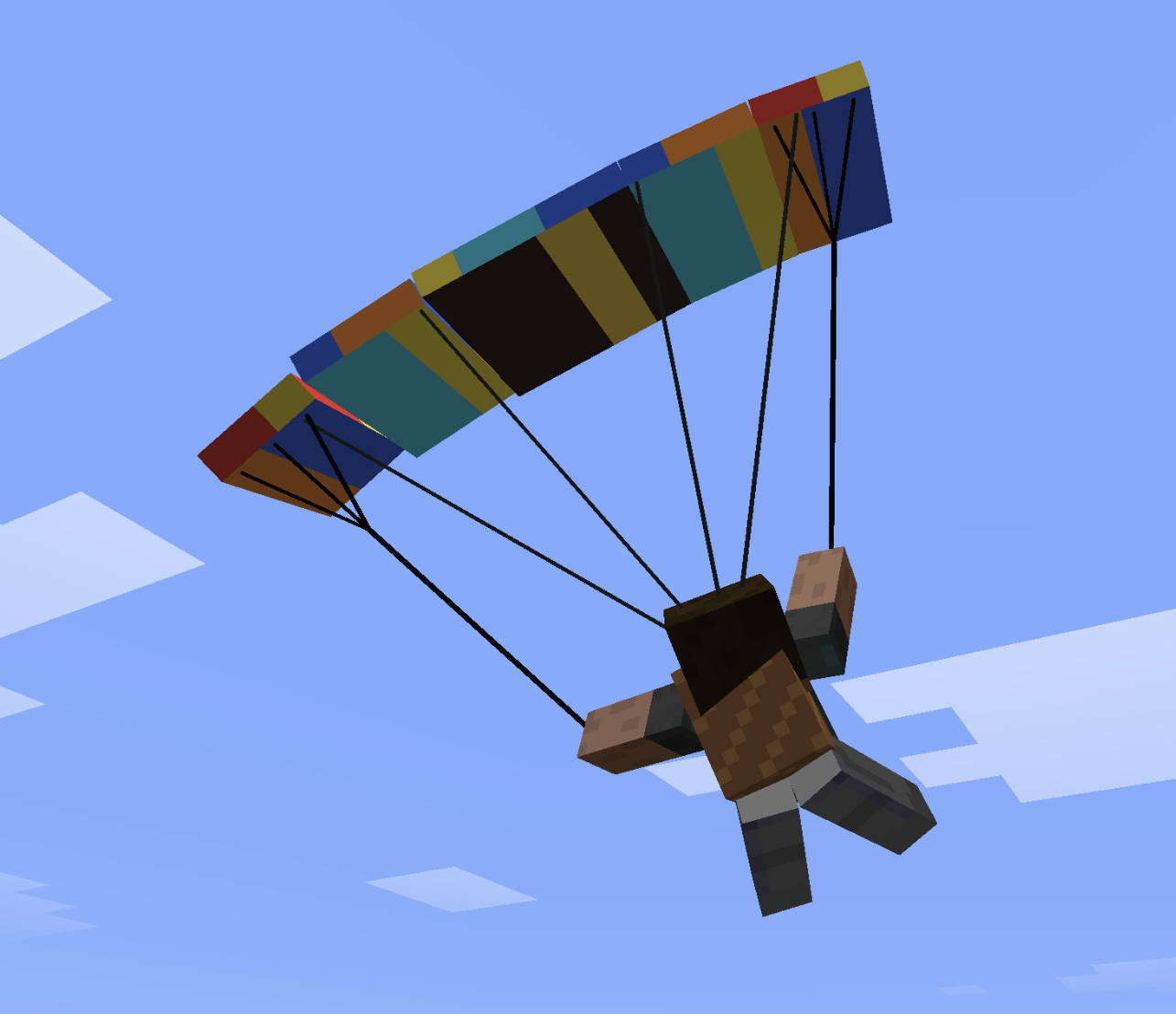
Paraglider Controls
The paraglider uses simple, intuitive flight controls.
- Steer left or right to pull the corresponding brake line and turn.
- Double-tap the left or right steering key to enter a fast descending spiral.
- Double-tap S to search for rising air currents above slopes.
- Push forward to gain speed.
- Pull back to slow down and flare before landing.
🚁 Helicopter — Quick Flight Guide
🎮 Controls
- W (Hold): Lift off / Climb
- S (Hold): Descend / Land
- Release W / S: Auto-Altitude Hold (maintains exact altitude)
- Mouse Forward / Back: Pitch nose down (fly forward) / Pitch up (brake / fly back)
- Mouse Left / Right: Bank left / right (strafe sideways)
- A / D: Rotate tail / heading (yaw)
- Aim at Horizon: Auto-stabilizes into a stationary hover
🛑 Ground, Takeoff & Landing
- On the Ground:
- Controls are locked — moving the mouse won't tilt the helicopter or slide.
- A / D still rotate the helicopter on the spot to align before takeoff.
- Takeoff:
- Hold W to lift off vertically.
- The moment skids leave the ground, your cursor automatically centers to the horizon for a smooth, stable start.
- Landing:
- Hold S to descend. Upon touching the ground, the helicopter auto-levels and controls lock into parked mode.
⌨️ Commands & Crafting
- Toggle Altitude Mode:
/helialt(switches between Simple Auto-Hold and Realistic collective) - Crafting (3×3 Table):
- Top:
Iron Ingot|Iron Bars|Iron Ingot - Mid:
Iron Ingot|Minecart|Iron Ingot - Bot:
Iron Bars|Redstone|Iron Bars
- Top:
🛫 Aircraft
| Aircraft | Notes |
|---|---|
| Biplane | Classic starter plane |
| Large Biplane | Bigger airframe |
| Large Twin-Engine Biplane | Twin-engine hauler (furnace “engines”) |
| Red Baron's Triplane | Nimble WWI-style triplane |
| Water Plane | Seaplane with floats (needs a boat in the recipe) |
| Monoplane | Fast single-wing fighter (~2× top speed) |
All craft use key-controlled throttle and rudder with mouse look for pitch/bank, plus a glassmorphic cockpit HUD (speed, altitude, V/S, throttle). Press H in the cockpit to cycle full / mini / top-right HUD.
🛠️ Crafting recipes (survival)
Craft in a Crafting Table. Shapes are 3×3. All recipes now support any planks (#minecraft:planks), any wool (#minecraft:wool), and any boat (#minecraft:boats), and automatically unlock in your Recipe Book!
Biplane (plane)
W P W
I I I
S- W any wool · P any planks · I iron ingot · S stick
Large Biplane
W P W
I I I
P S P- W white wool · P oak planks · I iron ingot · S stick
Large Twin-Engine Biplane
I F I
W P W
I S I- I iron ingot · F furnace · W white wool · P oak planks · S stick
Red Baron's Triplane
R G R
I I I
S- R red wool · G gold ingot · I iron ingot · S stick
Water Plane
  B
W P W
I I I- B oak boat · W white wool · P oak planks · I iron ingot
Monoplane (fast fighter)
I D I
W P W
S- I iron ingot · D diamond · W white wool · P oak planks · S stick
Paraglider Backpack (chest armor)
L P L
S W S
L L- L leather · P phantom membrane · S string · W white wool
Helicopter (helicopter)
I B I
I P I
S S- I iron ingot · B iron bars · P any planks · S stick
Squadron Horn
  G
I N I
I- G gold ingot · I iron ingot · N note block
🕹️ Flight Sensitivity & Commands
Customize flight control response to your preference:
/planes sensitivityor/planesensitivity— view current flight sensitivity./planes sensitivity <value>— set overall flight sensitivity (default is 0.80 for smooth, non-twitchy flight; try0.5for ultra-smooth or1.2for agile dogfighting)./planes sensitivity pitch <value>— tune elevator/pitch responsiveness./planes sensitivity roll <value>— tune bank/aileron roll responsiveness./planes sensitivity yaw <value>— tune rudder/yaw turn responsiveness./planes sensitivity reset— restore defaults.
Villager Pilot Spawn Egg is creative / loot / starter-kit only (not craftable).
⚔️ Dogfight Combat Mode
While piloting, press V to arm combat mode (HUD: Combat: ARMED).
| Control | Action |
|---|---|
| V | Toggle combat mode (ARMED / SAFE) |
| Left Mouse Button | Fire twin machine guns |
| B | Drop a lit TNT bomb (1× TNT; free in Creative) |
- Machine guns: dual tracers along the nose, free ammo.
- Bombs inherit plane velocity; short fuse.
- Occupied airframes take projectile/explosion damage (HUD airframe HP).
- Hard landings damage the airframe from sink rate (flare gently; a smash can wreck the plane and hurt passengers).
- Your own munitions do not damage your plane.
- Keybinds: Controls → Peter Wolf's Planes.
🪂 Paraglider
- Equip Paraglider Backpack in the chest slot.
- Deploys in free-fall (after enough fall distance).
- A/D bank · W dive · S flare · double-W sprint dive · double-A/D spiral · double-S lock minimum sink.
- Ridge lift on large slopes (≥10×10×10 height/length/width).
- H — LIFT HUD while flying the paraglider (climb / sink + ridge strength).
/liftparticles— optional rising-cloud visualization of updrafts.
🪖 Other features
- Squadron Horn + Villager Pilot: V-formation wingmen.
- Tail push: empty plane, approach tail, Shift + Right-Click.
- Worldgen runway structures with loot.
- Starter kit (ops):
/planes kitor/planekit— all aircraft + paraglider. - Optional first-join datapack:
peterwolfs-planes-starter-datapack.zip.
PeterWolf's Planes Team