Pawn of the Sky
- By
Play Minecraft like a strategy game: a top-down RTS camera with click to move, see-through roofs and cave view.
Pawns of the Sky
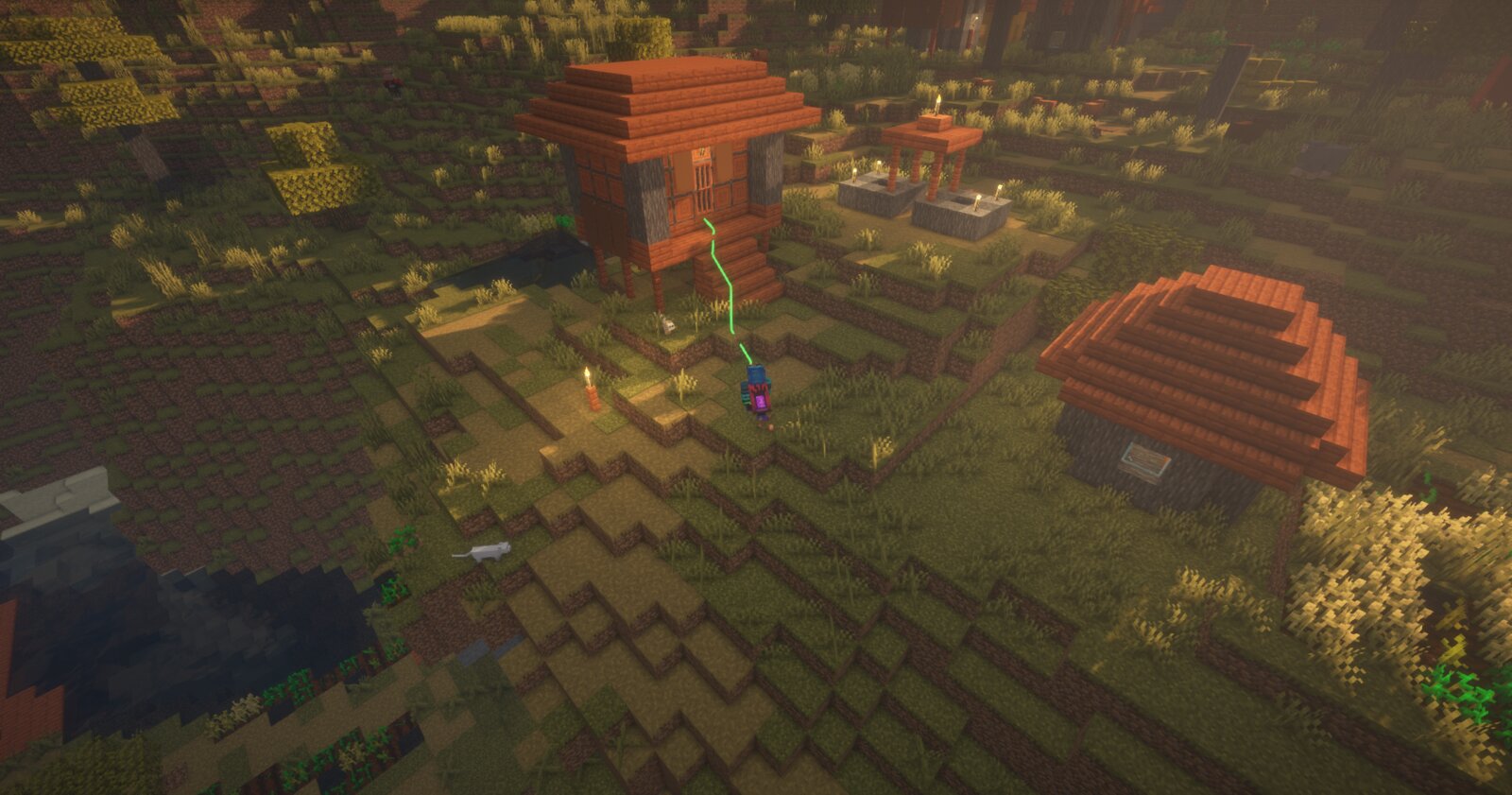
Play Minecraft like a strategy game. Press F6 and your camera rises into the sky. Right click the ground to walk there, right click a mob to fight it, and watch roofs, trees and cave ceilings fade away so you always see your character.
It runs only on your computer. Servers need nothing installed, and to everyone else you're an ordinary player.
See it in action
 Click the image to watch the feature video on YouTube.
Features
RTS camera Toggle with F6 and fly up smoothly. Zoom with the mouse wheel from 10 to 100 blocks, turn and tilt with the middle button, pan with the right button, and snap back with Space or Home. The camera stays steady: no bobbing while you walk.
Click to move Right click anywhere and your character walks there on a safe route. It climbs steps, takes stairs, opens doors and stays away from lava, fire and long drops. A green line shows the way.
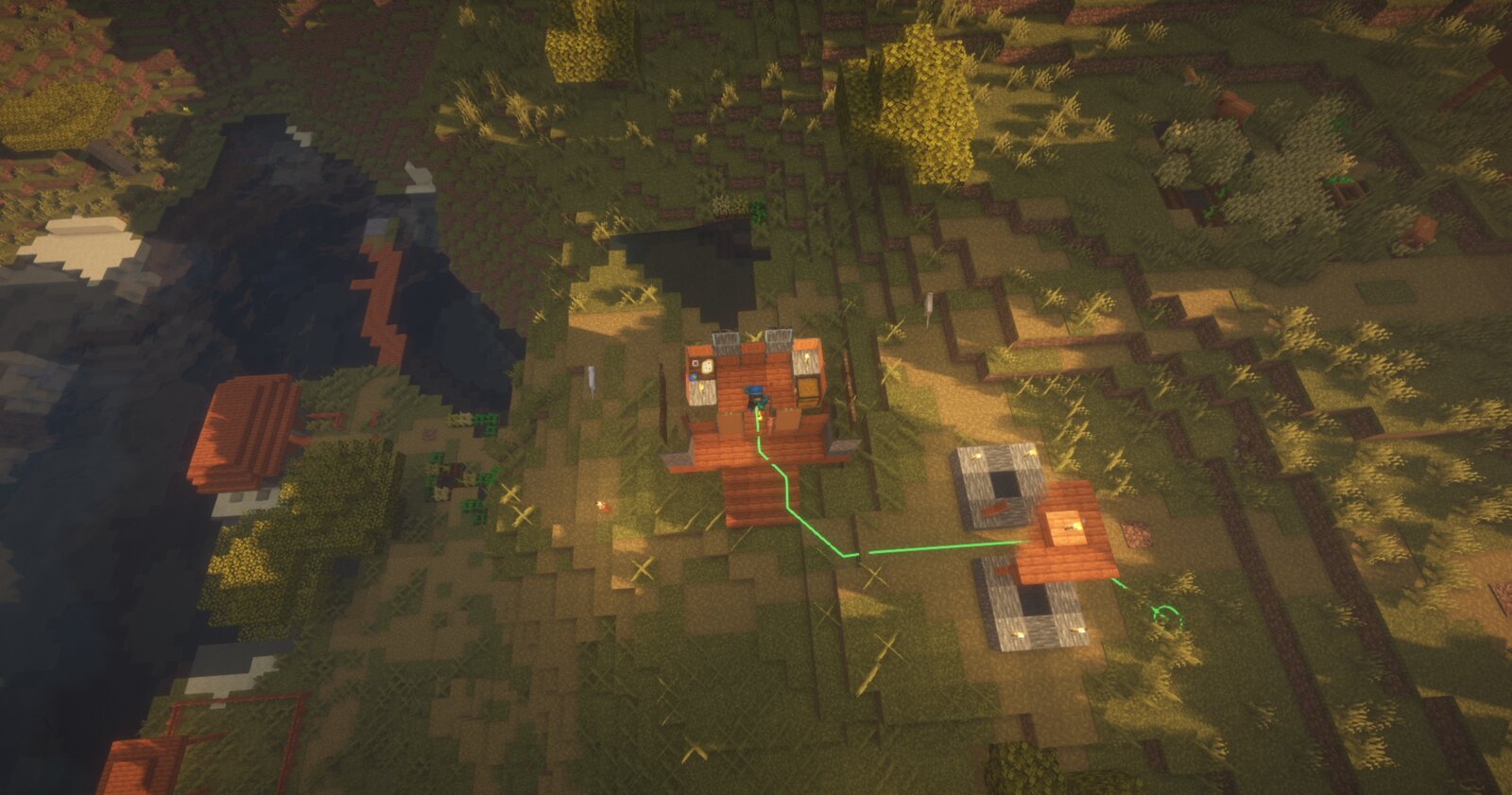
Combat Right click a hostile mob and your character fights it with whatever you hold. Swords and axes attack at full strength, and bows and crossbows aim and lead moving targets. Animals, villagers and players are safe unless you hold Left Alt, so a right click on them trades, feeds or mounts instead.
Building A quick left click uses what's under the cursor: place blocks, open doors and chests, trade. Hold left click to mine. A ghost box shows where your block goes.
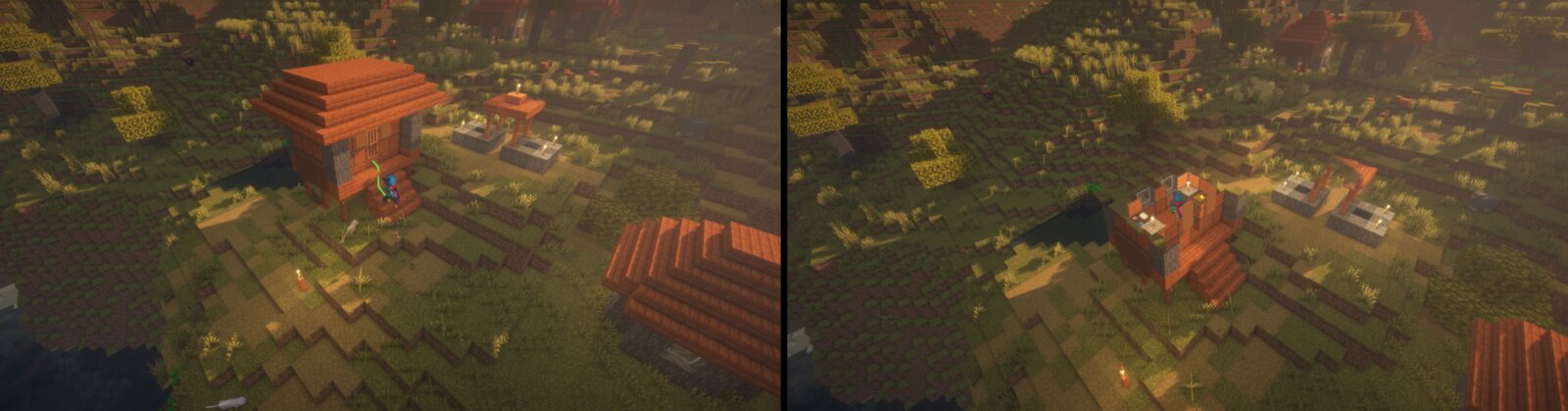
See-through Roofs, tree canopies and bridges that hide you open up in a circle around your character.
Cave view Underground, the rock above you is cut away and you see your cave like a floor plan. Deeper levels and caves further away fade into darkness, so you only see where you are.
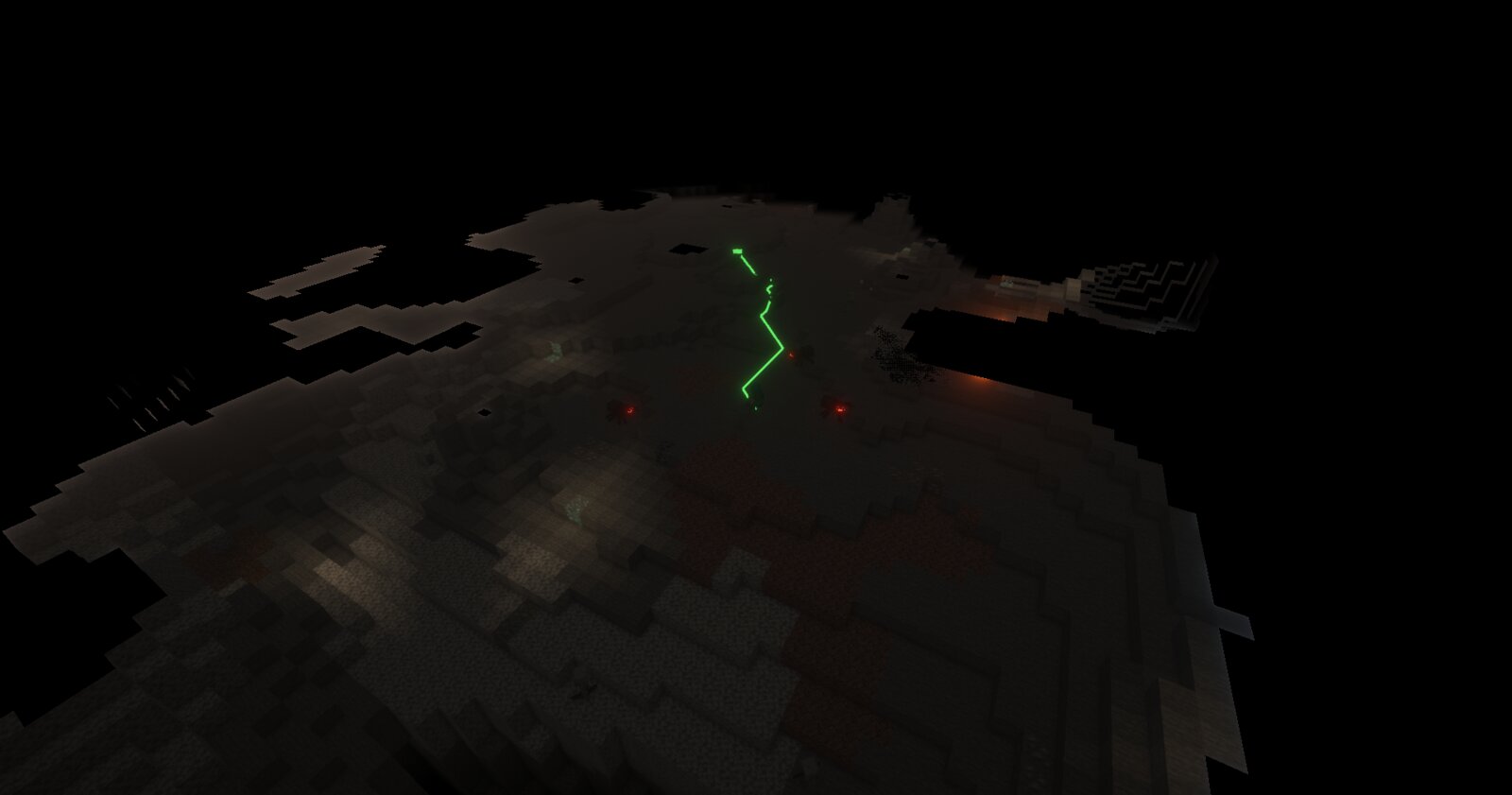
Fog of war Optional. A lit circle around you under drifting clouds, or a memory of everywhere you've been, saved per world.
Riding Hold left click and drag to steer anything that turns with your view: horses, pigs, and planes and helicopters from vehicle mods. Right click fires vehicle weapons as usual.
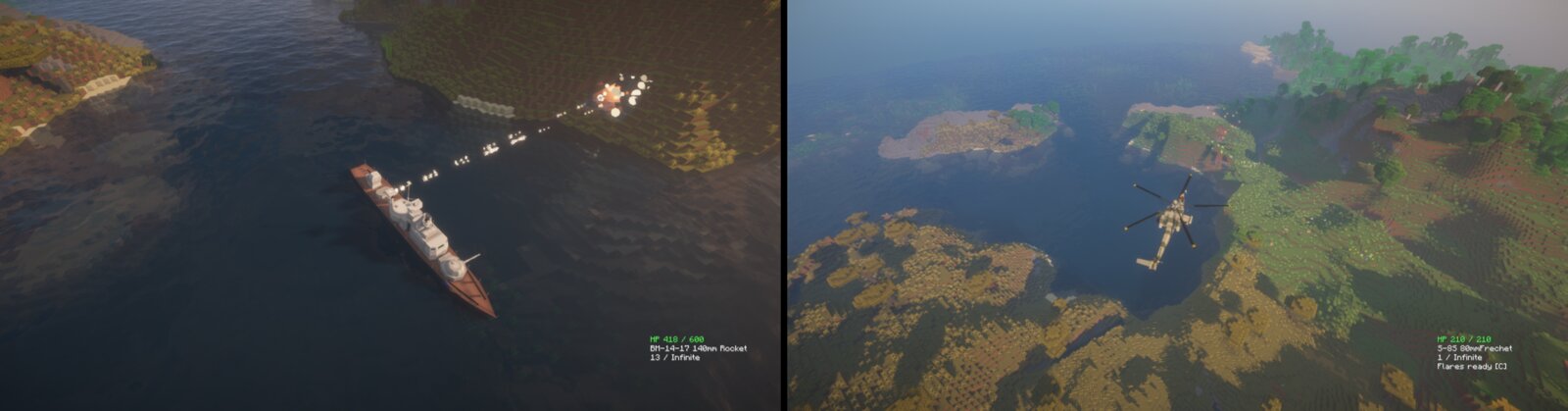
Plays fair Only normal inputs, normal reach and normal attack timing. No special packets, nothing a vanilla player couldn't do. A server list lets you keep the mod off where you want.
Settings for everything Press F7 for an in-game settings screen with every option.
Works with
- Sodium: everything works.
- Iris shader packs: see-through, cave view and fog of war work with shader packs on. Tested with BSL and Chocapic13.
- Vehicle mods that steer with your view, such as MCHeli.
No other mod is needed. On Fabric you need Fabric API.
Controls
| Action | Input |
|---|---|
| Toggle RTS view | F6 |
| Walk, attack, interact | Right click |
| Use or place a block | Left click |
| Mine | Hold left click |
| Zoom | Mouse wheel |
| Turn and tilt | Hold middle button and drag |
| Pan | Hold right button and drag |
| Steer while riding | Hold left click and drag |
| Back to your character | Space or Home |
| Attack animals, villagers or players | Hold Left Alt while clicking |
| Stop | Backspace |
| Settings | F7 |
All keys can be changed in Controls, under "Pawns of the Sky".
Questions
Do I need it on the server? No. It's client only and works on any server.
Will I get banned? The mod only presses the keys and clicks a player would, at normal speed. Some servers don't allow mods that walk or fight for you, so check the server's rules. You can list servers where the mod stays off.
Links
- Website and full guide: https://www.jhprojects.dev/pawn-of-the-sky
Pawn of the Sky Team